Dell UltraSharp U2724D Review: A Versatile 27-Inch Monitor
Discover the Dell UltraSharp U2724D, a 27-inch monitor designed for professionals seeking performance and image quality in their home office.
 Monitors
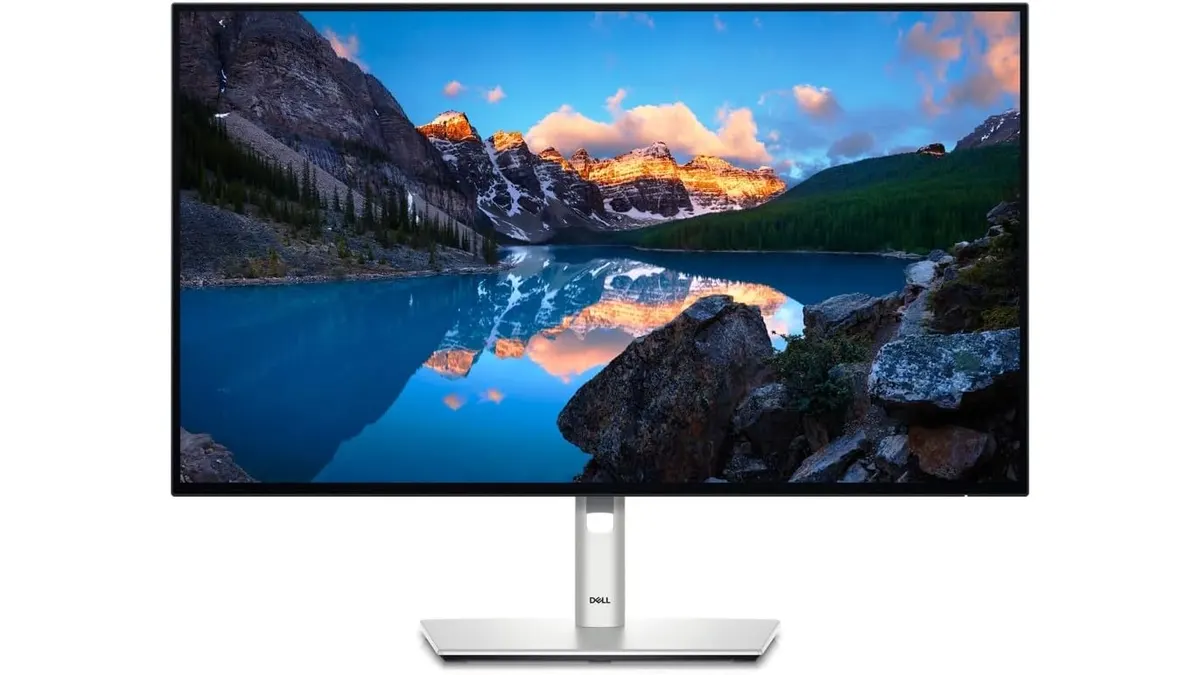
The Dell UltraSharp U2724D is a 27-inch monitor ideal for remote workers, freelancers, and creators who prioritize image quality and flexible adjustments in their home office setup. With a 120Hz refresh rate and advanced features, this monitor is designed for those who want a distraction-free workspace and the ability to adapt their display to various tasks. This review will delve into the various functionalities, specifications, trade-offs, and ideal users of this monitor.
What it does well
-
High Refresh Rate: The 120Hz refresh rate minimizes flicker and provides a smoother experience compared to standard 60Hz monitors. This attribute is particularly beneficial for users who alternate between productivity tasks and leisure activities, such as casual gaming or streaming. The enhanced refresh rate helps reduce motion blur during fast-paced actions, making it suitable for both work and entertainment.
-
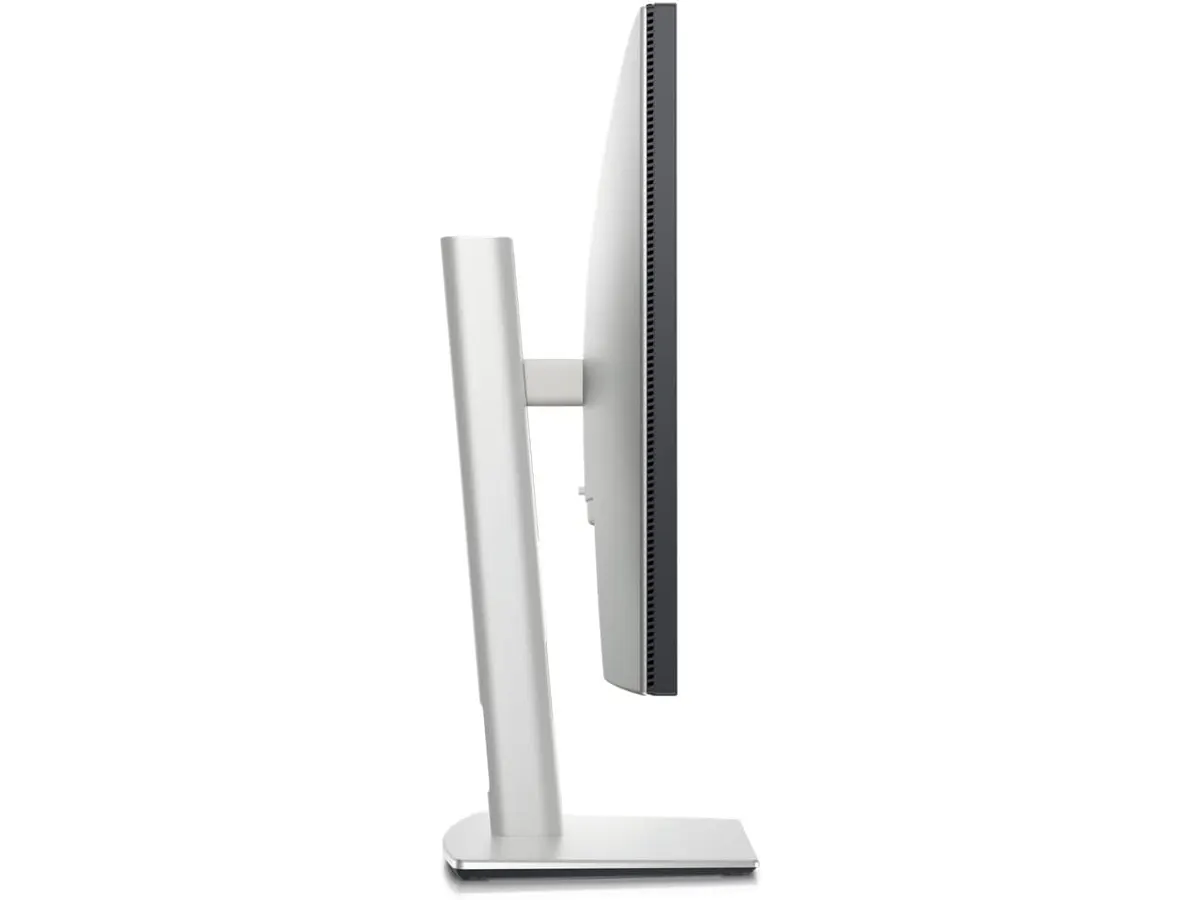
Adjustable Ergonomics: This monitor offers tilt, swivel, pivot, and height adjustments, allowing users to customize their viewing angles for maximum comfort. This level of adjustability is crucial for extended work sessions, as it enables users to maintain a healthy posture, thus reducing the risk of neck and back strain. Remote workers and creators can easily switch their setup to accommodate various activities, such as video calls or detailed graphic design work.
-
Ambient Light Sensor: The integrated ambient light sensor automatically adjusts the brightness and color temperature based on the surrounding environment. This feature enhances visibility in different lighting conditions and reduces eye strain over prolonged use. For users who frequently work in changing environments—such as when moving from a well-lit room to a dim space—this sensor offers a significant advantage, maintaining optimal viewing conditions without manual adjustments.
-
InfinityEdge Display: The borderless InfinityEdge design minimizes distractions and maximizes screen real estate. This sleek design allows users to focus entirely on their work, offering an immersive experience that is especially beneficial for multitasking. Users can comfortably arrange multiple windows side by side, enhancing productivity and workflow efficiency.
Key specifications
| Specification | Details |
|---|---|
| Screen Size | 27 inches (68.47 cm) |
| Refresh Rate | 120 Hz |
| Light Sensor | Integrated ambient light sensor |
| Adjustments | Tilt, swivel, pivot, height |
| Border Design | InfinityEdge |
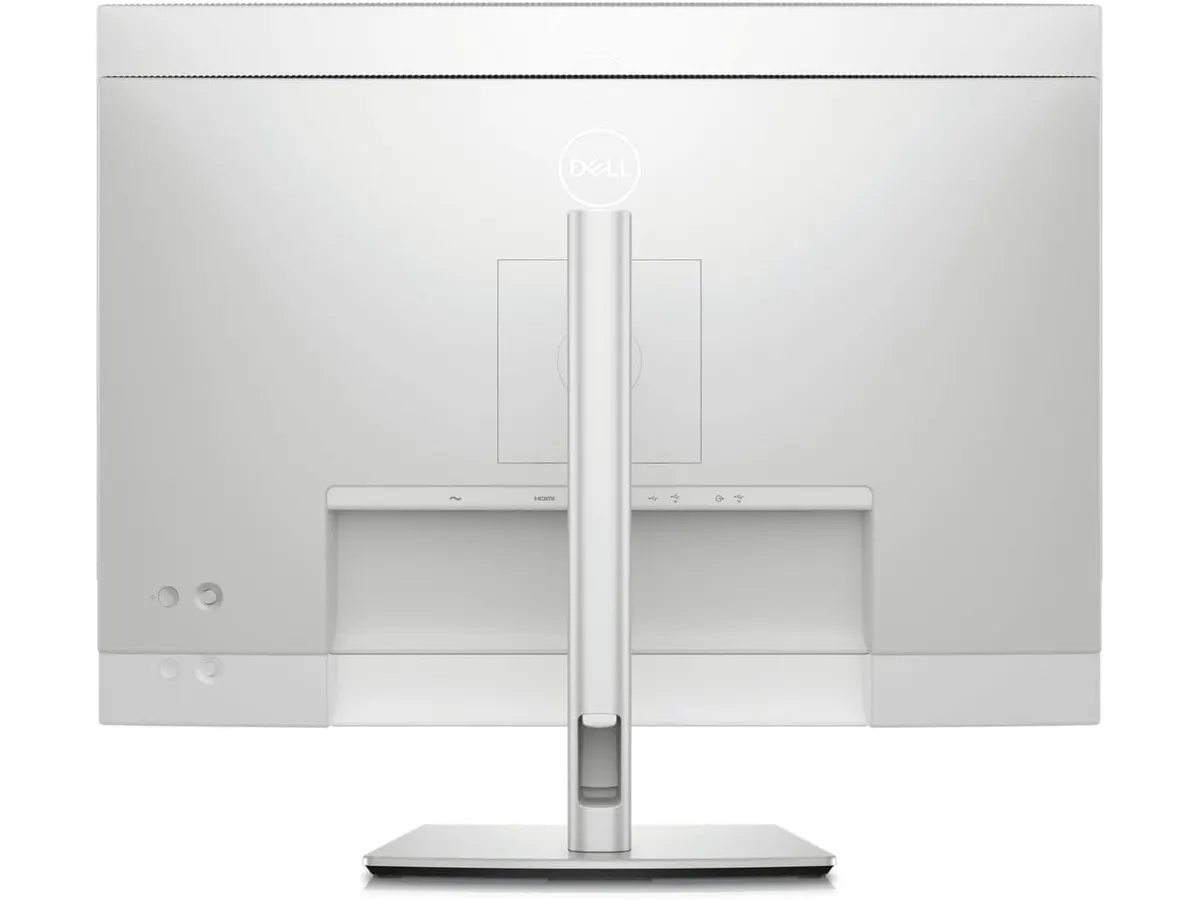
| Color Profiles | ICC profile management via software |
Where it falls short
-
Limited Color Accuracy for Professional Use: While the monitor offers ICC profile management, the color reproduction may not satisfy high-end graphic designers or video editors who rely on precise color accuracy for their work. Users in these fields may find that the Dell UltraSharp U2724D, although visually appealing, does not meet their rigorous demands for color fidelity. This limitation could hinder their ability to deliver high-quality visual content, especially when color matching is critical.
-
Not a Budget Option: This monitor is positioned at a higher price tier, making it less accessible for casual users or those needing a basic display for occasional use. Buyers who are looking for a reliable yet economical solution may find better options that cater to simpler needs without the advanced features of the U2724D. The investment in this monitor may not be justified for someone whose daily tasks revolve around basic document editing or web browsing.
Who is it for?
-
Fits: The Dell UltraSharp U2724D is perfect for remote professionals, freelancers, and creators who need a reliable, high-performance monitor for multitasking and extended work sessions. It’s particularly suited for graphic designers, video editors, and digital marketers who appreciate the blend of functionality and ergonomic design. The monitor’s high refresh rate and flexible adjustments offer significant advantages in enhancing productivity and comfort during long hours of use.
-
Does Not Fit: It may not suit casual users or budget-conscious individuals looking for a simple display for basic tasks, such as browsing or document editing. Additionally, users who demand top-tier color accuracy for professional-grade graphic design may find this monitor lacking compared to higher-end alternatives, which could be a worthwhile consideration.
Alternatives to consider
-
Budget Tier: For those who need a more affordable option, consider a basic 27-inch monitor with a 60Hz refresh rate. These monitors are typically adequate for standard office tasks and casual use, such as browsing, email, and word processing. Such displays can serve well for users who don’t require advanced features or high refresh rates, making them a sensible choice for basic home office setups.
-
Premium Tier: If color accuracy is critical, look for a higher-end display featuring advanced calibration tools and an at least 144Hz refresh rate. These monitors are ideal for professional creative work, ensuring that designers and video editors have the precise color reproduction they need for their projects. Investing in a premium option can significantly enhance the quality of work, particularly for those in fields that demand impeccable color fidelity.
Verdict
The Dell UltraSharp U2724D stands out as a versatile monitor that balances performance and adjustability, making it a strong choice for professionals in need of a quality visual experience. While it has some limitations in color accuracy and price point, it excels in areas that matter for productivity and comfort. Users who prioritize an ergonomic workspace, flexible viewing angles, and a smooth visual experience will find this monitor beneficial. However, those looking for budget-friendly solutions or absolute precision in color accuracy may need to explore other options. For a broader selection, check out our collection of Monitors.
Frequently asked questions
Is the Dell UltraSharp U2724D good for gaming?
While the 120Hz refresh rate is an advantage for gaming, the monitor is best suited for productivity tasks rather than competitive gaming due to potential limitations in response time and color accuracy. Gamers looking for a display capable of supporting fast-paced action and high frame rates may want to consider specialized gaming monitors that emphasize speed and performance.
Can I mount the Dell UltraSharp U2724D?
Yes, the monitor supports VESA mounting, allowing you to attach it to a wall or adjustable arm for a more flexible workspace. This feature can help save desk space and enable users to position the monitor at their preferred height and angle, enhancing comfort and usability.
Does it have built-in speakers?
No, the Dell UltraSharp U2724D does not come with built-in speakers, so external audio solutions will be necessary. Users should consider complementary audio devices such as external speakers or headphones for an enhanced auditory experience, particularly for video conferencing or content consumption.
Editorial team
SetUpLatam
We review home office gear by cross-checking official specs, real-world use and value for money. No sponsorships: if a link earns a commission, we always say so.
Spotted an error? Email usYou may also like
 Monitors
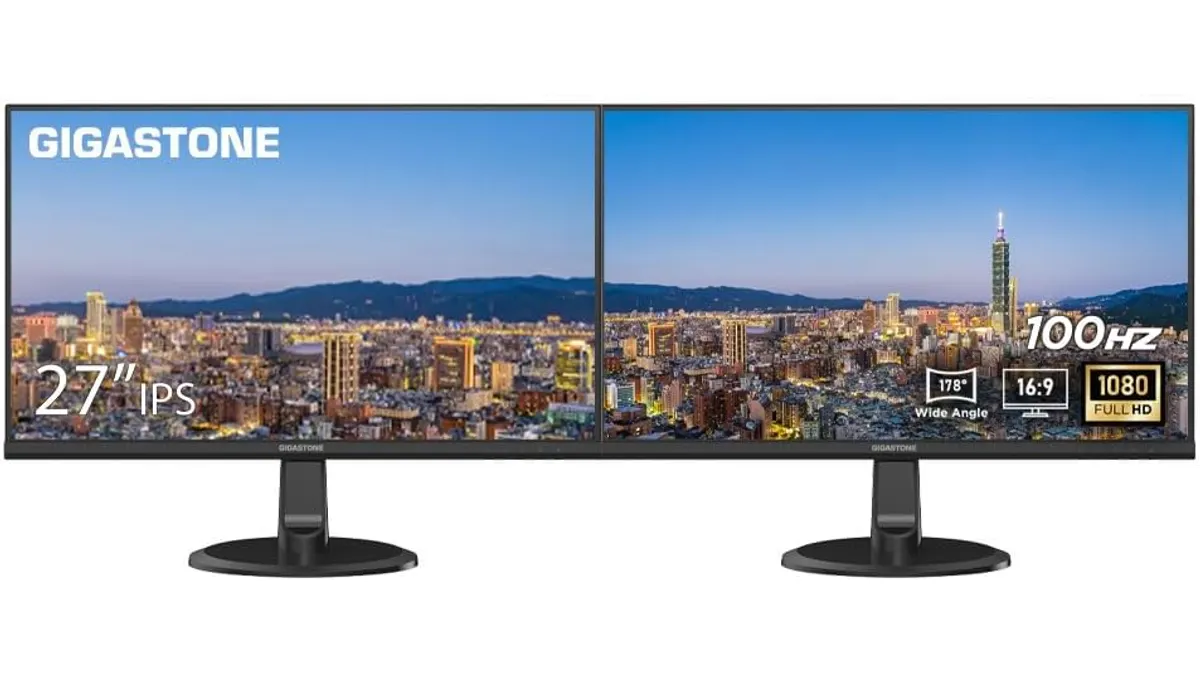
Gigastone 27" IPS 2-Pack Review: Dual Monitors for Productivity
Discover the Gigastone 27" IPS 2-Pack monitors. Ideal for dual-screen setups, offering Full HD and a sleek design. Perfect for remote workers and gamers.
 Monitors
LG UltraGear 27G61ZB-B Review: High-Performance Gaming Monitor
Discover the LG UltraGear 27G61ZB-B, a high-performance gaming monitor with a stunning QHD display and a 200Hz refresh rate.