Logitech MX Brio Review: Premium Webcam for Professionals
Discover the Logitech MX Brio, a top-tier webcam designed for streaming and video calls, ideal for remote workers and creators.
 Audio & Webcams
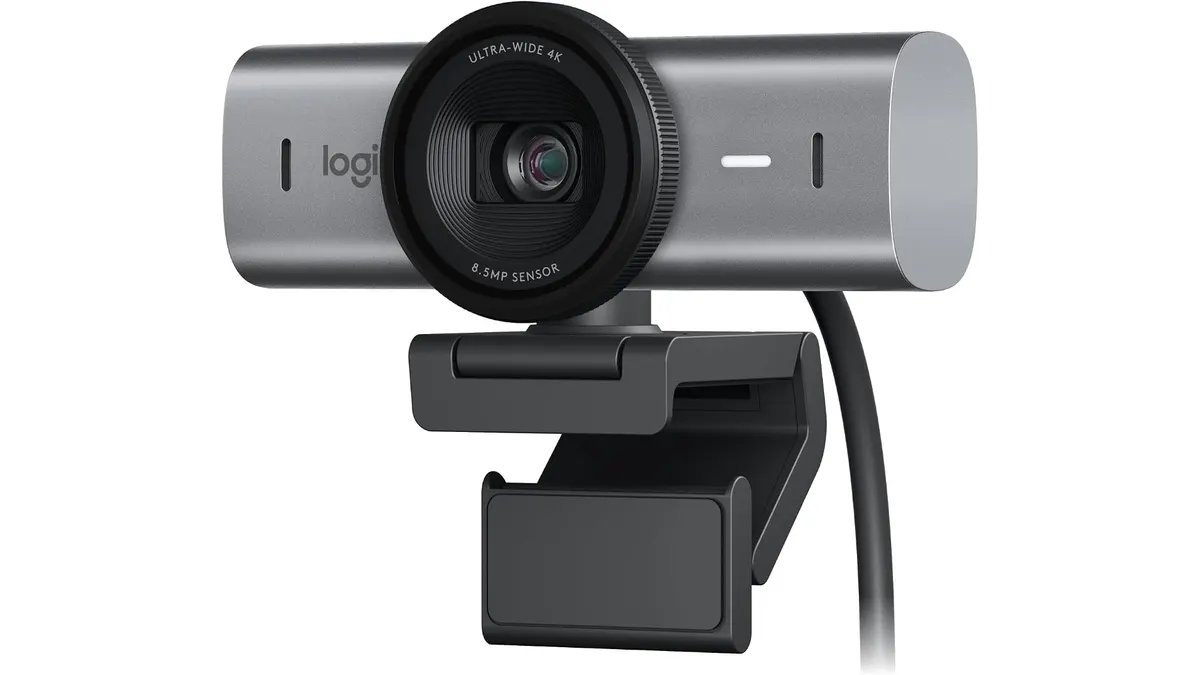
The Logitech MX Brio is a premium webcam tailored for remote workers, freelancers, and content creators seeking high-quality video for streaming and video calls. With its advanced features and 4K recording capability, it aims to elevate your video conferencing and online presentations. This webcam is particularly well-suited for environments where video clarity and audio performance can make a significant difference, such as interviews, webinars, and collaborative projects.
What it does well
- 4K Recording: The Logitech MX Brio captures video at 4K resolution up to 30 fps, ensuring crystal-clear visuals for those important meetings and streams. The sharpness and detail can help convey professionalism during presentations or virtual interviews, making it easier for your audience to engage with your content.
- Enhanced Low-Light Performance: Its larger pixels (70% bigger) help maintain image clarity even in less-than-ideal lighting conditions, which is especially useful for home offices that may not have optimal lighting setups. This feature ensures that you still look presentable during late-night calls or in dimly lit rooms.
- Dual Beamforming Microphones: Equipped with AI-powered dual microphones, the webcam reduces background noise, providing clear audio that enhances communication during video calls. This means you can focus on the conversation without worrying about distractions from your environment, making it ideal for bustling home offices or shared spaces.
- Versatile Controls and Features: Users can adjust ISO, shutter speed, tint, and vibrance, or let the auto settings handle it. This flexibility allows you to customize your video to fit the mood or theme of your content. The unique Show Mode allows users to tilt the camera to share desk space easily, which is a handy feature for demonstrating products or sharing documents without needing a separate camera.
Key specifications
| Specification | Details |
|---|---|
| Resolution | 4K at 30 fps / 1080p at 60 fps |
| Sensor | 70% larger pixels |
| Microphones | Dual beamforming with noise reduction |
| Controls | ISO, shutter speed, tint, vibrance |
| Show Mode | Yes, tilts camera for desk view |
| Image Features | Autoexposure, white balance, autofocus |
Where it falls short
- Price Point: The Logitech MX Brio is on the higher end of the webcam market, which may not be justifiable for casual users or those on a tight budget. For individuals who primarily use their webcams for casual video calls, the investment might outweigh the benefits of the advanced features offered.
- Limited Frame Rate at 4K: While it supports 4K recording, the frame rate is capped at 30 fps, which might not satisfy gamers or streamers who require higher refresh rates for smooth motion. This limitation can restrict its appeal for those looking to create fast-paced content or live-stream gaming sessions.
- Size and Portability: At a time when many users prefer compact gear, the MX Brio is somewhat bulkier than simpler webcams, making it less ideal for those needing a travel-friendly solution. If you’re a frequent traveler or often work out of various locations, you may find its size cumbersome compared to ultra-compact models designed for portability.
Who is it for?
- Fits: This webcam is perfect for professionals and content creators who prioritize high-quality video and audio for streaming, webinars, or video conferencing. If you’re someone who spends substantial time on video calls or creating content for platforms that value quality, the MX Brio will meet your rigorous demands.
- Not for: It may not be suitable for casual users or those who only need basic webcam functionalities, as the advanced features and price may exceed their requirements. If your webcam usage is sporadic and mainly for family catch-ups or simple online meetings, you might find a more basic option that serves your needs just as well.
Alternatives to consider
- Budget Option: Look for entry-level webcams that are priced lower, which typically offer 720p or 1080p resolution. These are suitable for casual use, such as video calls with family or friends. They won’t provide the same level of quality or features, but for infrequent users, they can be a practical choice.
- High-End Option: For professionals seeking superior video quality and features, consider mid-range webcams that provide 1080p at 60 fps and additional functionalities. These models often strike a balance between performance and price, catering to users who need better quality without entering the premium tier of products.
Verdict
The Logitech MX Brio stands out as a premium option for those who demand top-quality video and audio performance in their home office setups. The advanced features, such as high-resolution recording and excellent low-light performance, cater well to professionals who need to project a polished image during virtual meetings. While its price may be a consideration for some, its capabilities justify the investment for serious users. If you’re ready to invest in your virtual presence and want a webcam that can grow with your needs, the MX Brio is highly recommended.
Frequently asked questions
What is the video quality of the Logitech MX Brio?
The Logitech MX Brio offers 4K video quality at 30 fps or 1080p at 60 fps, providing excellent clarity for streaming and video calls.
Does the MX Brio work with streaming software?
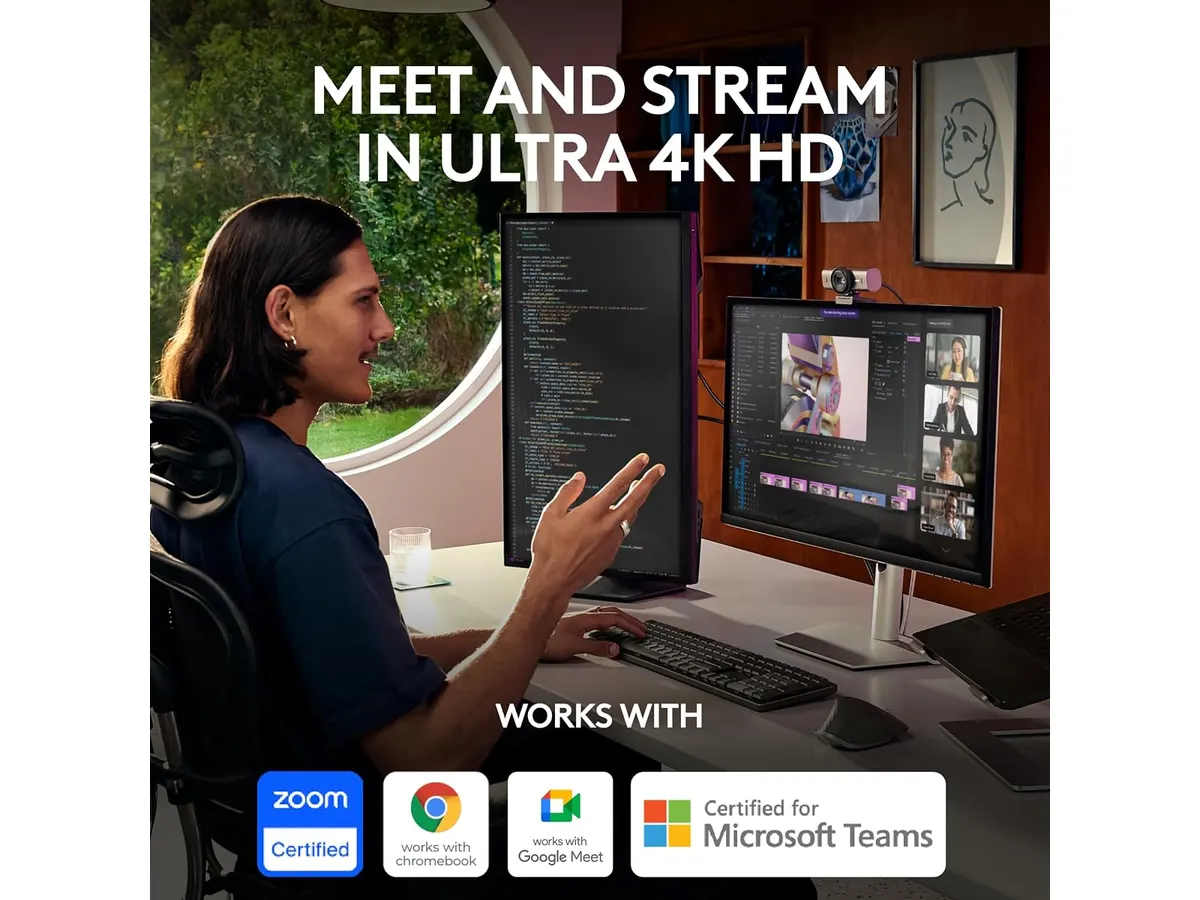
Yes, the Logitech MX Brio is compatible with most popular streaming and video conferencing software, making it easy to integrate into your existing setup.
Can I adjust settings on the Logitech MX Brio?
Yes, the webcam allows users to manually adjust ISO, shutter speed, tint, and vibrance, or you can use the auto settings for convenience.
Editorial team
SetUpLatam
We review home office gear by cross-checking official specs, real-world use and value for money. No sponsorships: if a link earns a commission, we always say so.
Spotted an error? Email usYou may also like
 Audio & Webcams
Bluedee Computer Speakers Review: Compact Soundbar for Desktops
Explore Bluedee Computer Speakers for an efficient audio solution. Perfect for remote work and gaming. Read our full review!
 Peripherals
Logitech MX Master 3S Review: Ergonomic Wireless Mouse for Professionals
Discover the Logitech MX Master 3S, an ergonomic wireless mouse designed for comfort and precision. Ideal for remote workers and creatives.