BenQ ScreenBar Halo 2 Review: Premium Desk Light
Is the BenQ ScreenBar Halo 2 the best desk lamp for work? We test this monitor light bar to see if its wireless control and backlight justify the price.
Buying guide: best lighting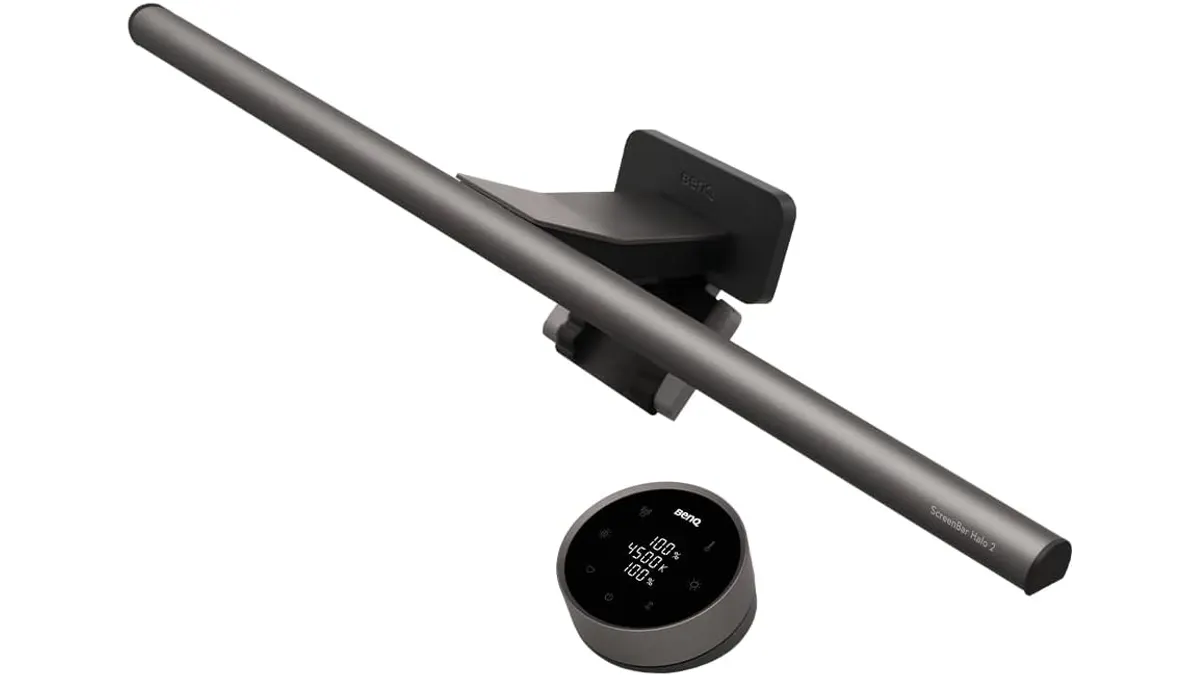 Lighting
Your desk lamp is often an afterthought until you spend eight hours squinting at a screen in a dim room. The BenQ ScreenBar Halo 2 changes the equation by reclaiming your desk surface area while providing precise, bias-reducing illumination. For remote professionals and creative power users, this is arguably the best desk lamp for work you can find today. If you are ready to upgrade your Lighting setup, this bar sets a high bar for performance.
What it does well
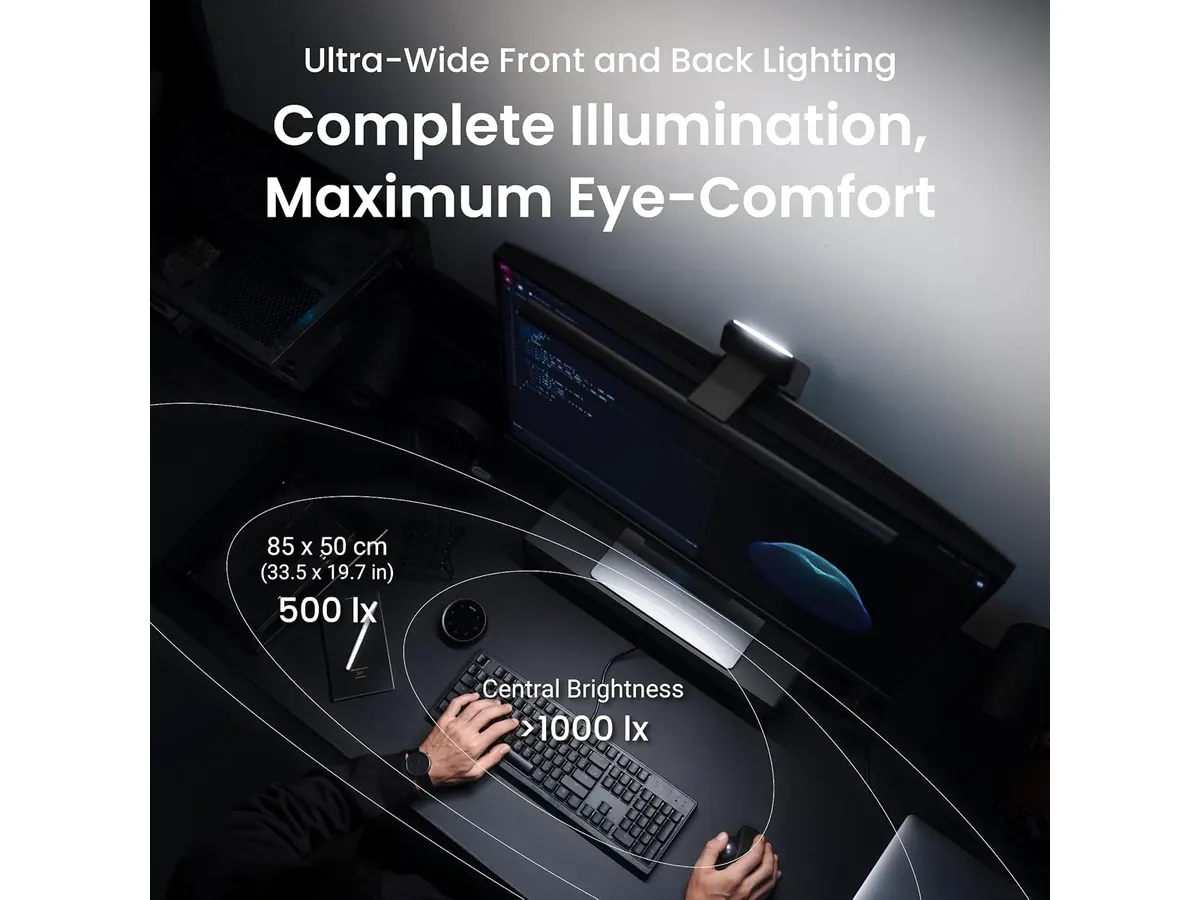
The primary win here is the ASYM-Light technology. By projecting light at an 18-degree angle, it illuminates your physical workspace without a single photon hitting your monitor glass. This eliminates the distracting reflections that plague cheaper units.
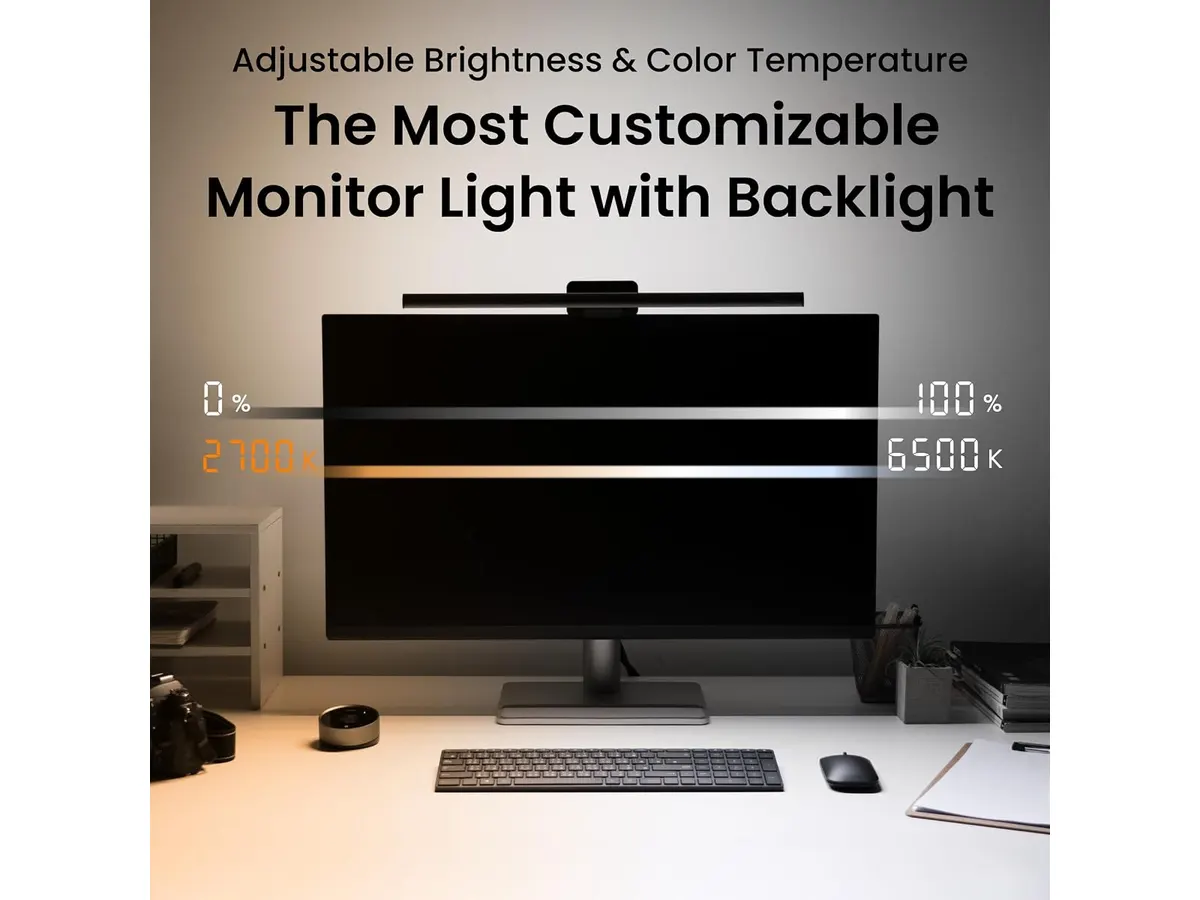
Then there is the backlighting. By casting a soft glow behind your monitor, it reduces the high-contrast strain between your bright screen and the dark wall behind it. The wireless controller is a delight to use, featuring a screen that displays your settings in real-time. It feels solid, tactile, and avoids the cable clutter associated with wired touch controllers. Finally, the mounting mechanism is versatile enough to handle curved monitors up to 1800R, which is a rare feat for most light bars.
Key specifications
| Feature | Specification |
|---|---|
| Lighting Tech | ASYM-Light (18° angle) |
| Color Temp | 2700K - 6500K |
| Compatibility (Thickness) | 0.43 cm - 6 cm |
| Compatibility (Curved) | 1000R - 1800R |
| LED Lifespan | 50,000+ hours |
| Controller | Wireless dial with screen |
| Ambient Light | Adjustable rear backlight |
Where it falls short
The most glaring limitation is the dependency on the wireless controller. If the batteries die, you lose your ability to adjust the light intensity or color temperature entirely. While the build quality is high, the price tag puts it in a tier where you might expect more smart-home integration, such as app connectivity or voice control, which is currently missing.
Additionally, the mounting bracket, while stable, can sometimes interfere with top-mounted webcams. If you use a high-end mirrorless camera or a bulky webcam mounted directly to the top bezel of your monitor, you will likely need to move your camera to an external stand or arm.
Who is it for?
This lamp fits the professional who values aesthetics and eye comfort above all else. If you spend your day writing code, editing video, or managing spreadsheets, the ability to fine-tune your color temperature to match the time of day is invaluable.
However, this is not for the budget-conscious student or the casual user. If your workspace is temporary or you prefer a simple task lamp, you are better off looking at the Pzloz LED Desk Lamp Review: Versatile Lighting for Any Space for a more cost-effective solution.
Alternatives to consider
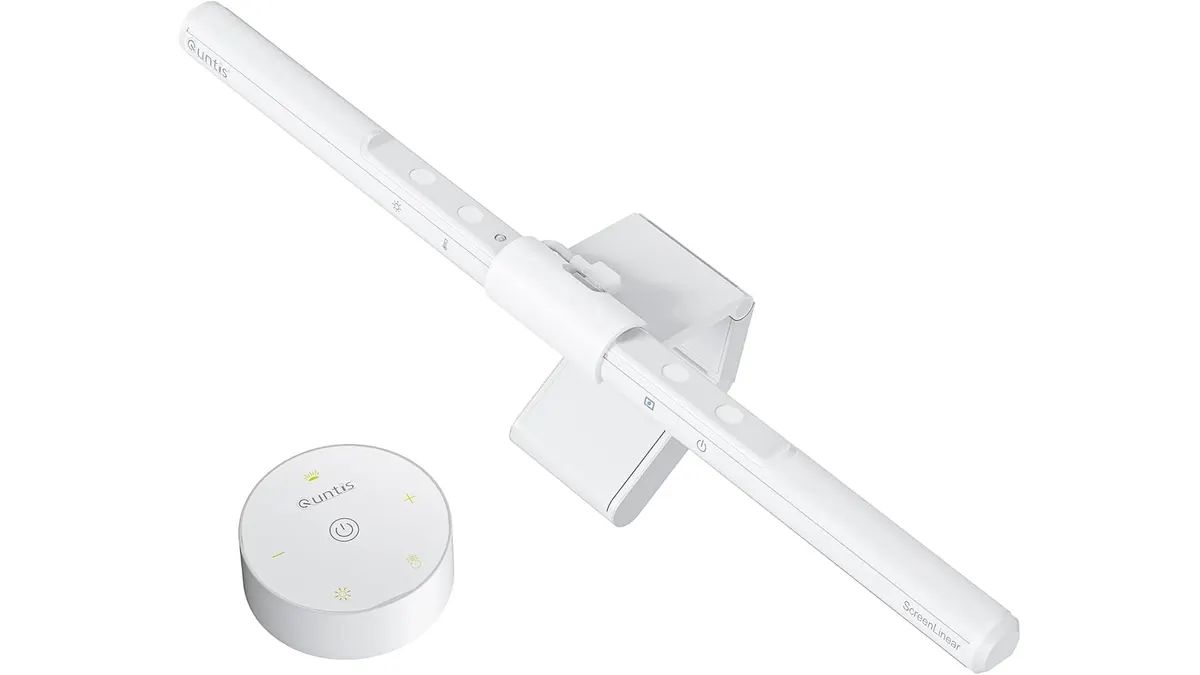
If you want the benefits of a monitor light bar without the premium cost, consider entry-level models. These offer basic dimming and temperature control but lack the sophisticated wireless dials and high-end backlighting found on the BenQ. They are functional, reliable, and get the job done for a fraction of the cost. Check out the Quntis Computer Monitor Lamp Review: Ideal Lighting for Work for a solid mid-range alternative that handles the basics perfectly.
Verdict
The BenQ ScreenBar Halo 2 is a masterclass in desk ergonomics. While it demands a premium investment, the combination of flicker-free light and an intuitive wireless controller makes it a top-tier choice for any serious workspace. It is a reliable piece of kit that will last for years, assuming you keep the controller charged. For those looking for a clean, professional aesthetic, this is the gold standard.
Frequently asked questions
Does the monitor light bar cause glare on curved monitors?
No, it is specifically designed to work with curved displays ranging from 1000R to 1800R without causing screen glare.
Can I use the light bar without the wireless controller?
Unfortunately, no. The wireless dial is the primary interface for adjusting brightness and color temperature, so it must be kept charged and paired.
Is the backlight necessary for work?
It is not strictly necessary, but it is highly recommended to reduce eye fatigue by minimizing the contrast between your monitor and the wall behind it.

Editor
Charly River · SetUpLatam
Charly River curates, reviews and edits SetUpLatam’s home office guides. He checks every product sheet against the manufacturer’s official specifications and cuts what does not help, so you buy right the first time.
You may also like
 Lighting
Quntis Monitor Light Bar Pro White Review
Looking for the best desk lamp for work? Our Quntis Monitor Light Bar Pro White review explores how this sleek accessory clears clutter and saves your eyes.
 Lighting
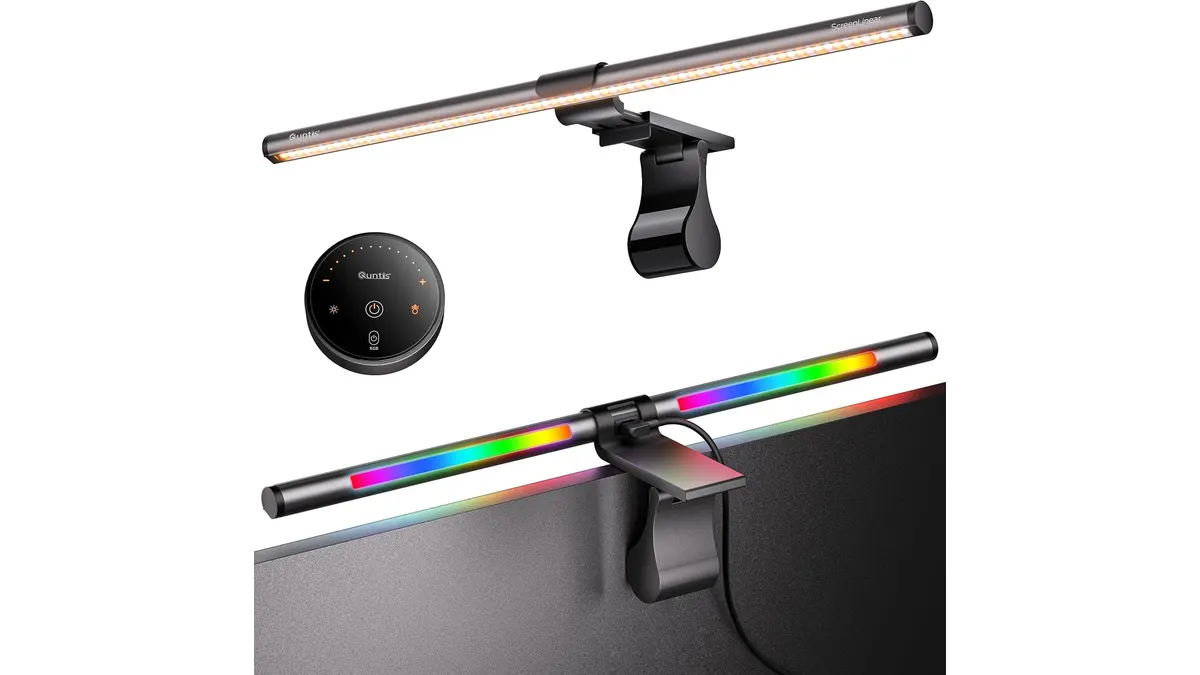
Quntis ScreenLinear RGB Review: A Desk Upgrade
The Quntis ScreenLinear RGB is a strong contender for the best desk lamp for work. Read our honest review of its performance, design, and lighting features.
 Lighting
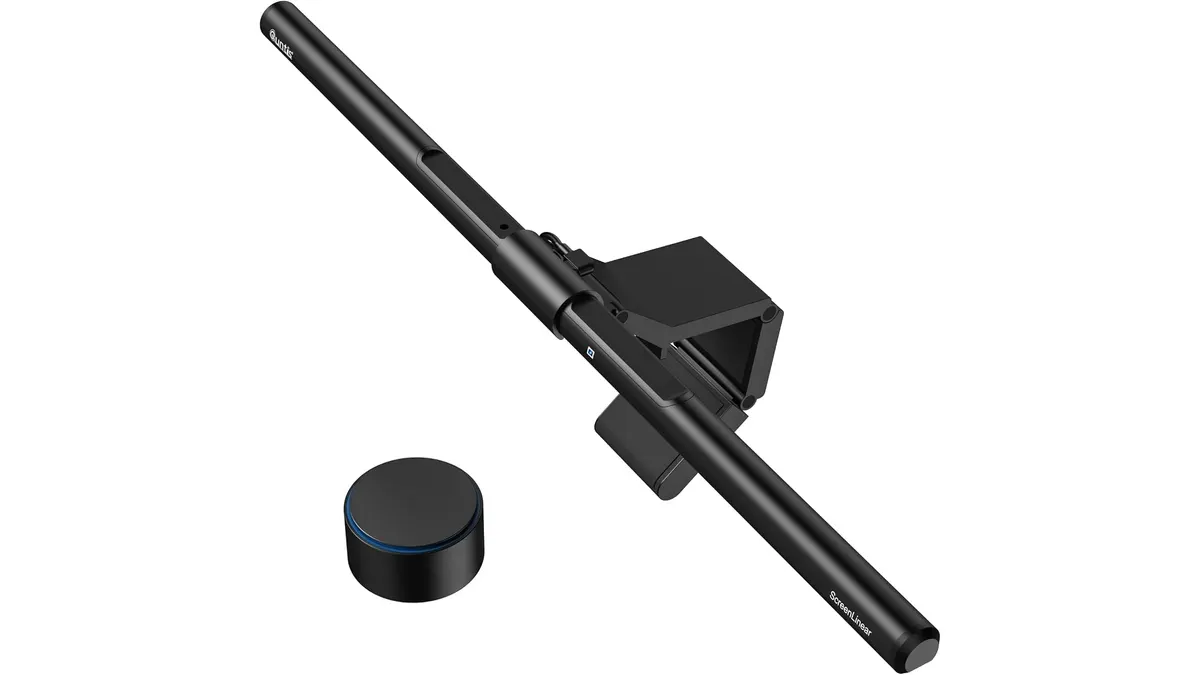
Quntis Monitor Light Bar Focus 20.1 Review
The Quntis Monitor Light Bar Focus 20.1 is a strong candidate for the best desk lamp for work. Read our full analysis on its features, design, and usability.