ASUS ROG Strix Scope II 96 Wireless Review
Looking for the best home office peripherals? Our ASUS ROG Strix Scope II 96 Wireless review covers battery life, linear switches, and desktop feel.
Buying guide: best peripherals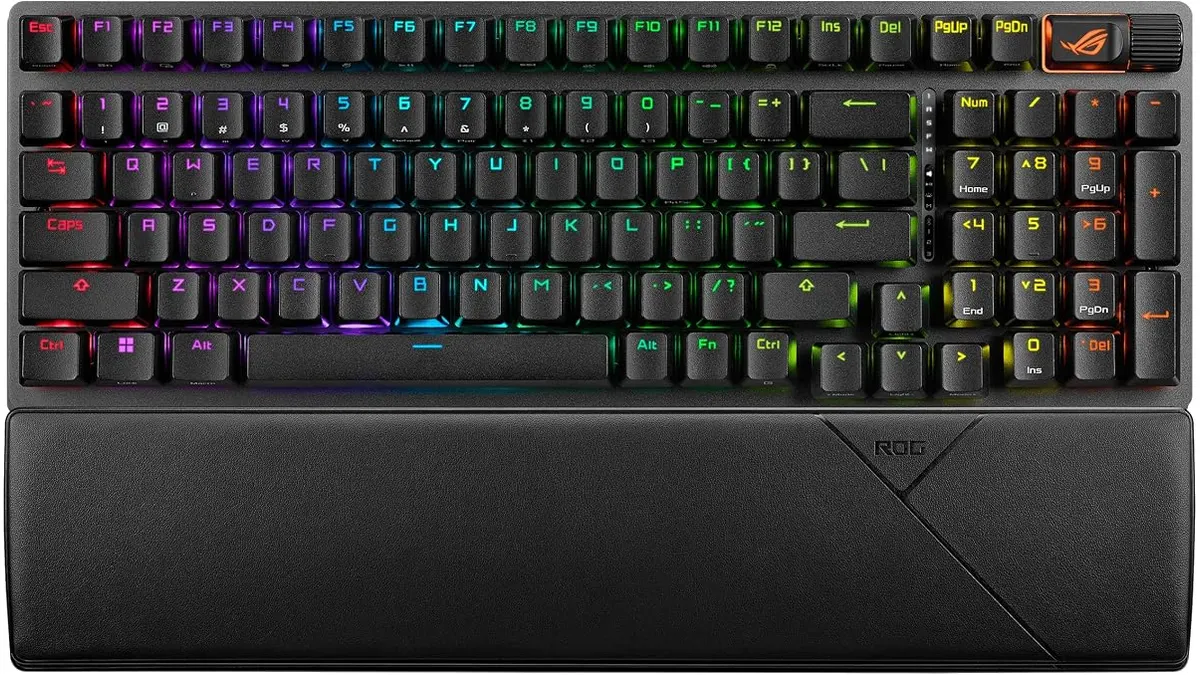 Peripherals
Finding the ideal balance between full functionality and desk space isn’t simple. The ASUS ROG Strix Scope II 96 Wireless aims to solve that problem by squeezing a full numeric keypad into a compact 96% frame. Designed for users building out their setup with the best home office peripherals, this keyboard brings speed, customized typing, and cross-platform flexibility to demanding remote work environments.
Why it ranks among the best home office peripherals
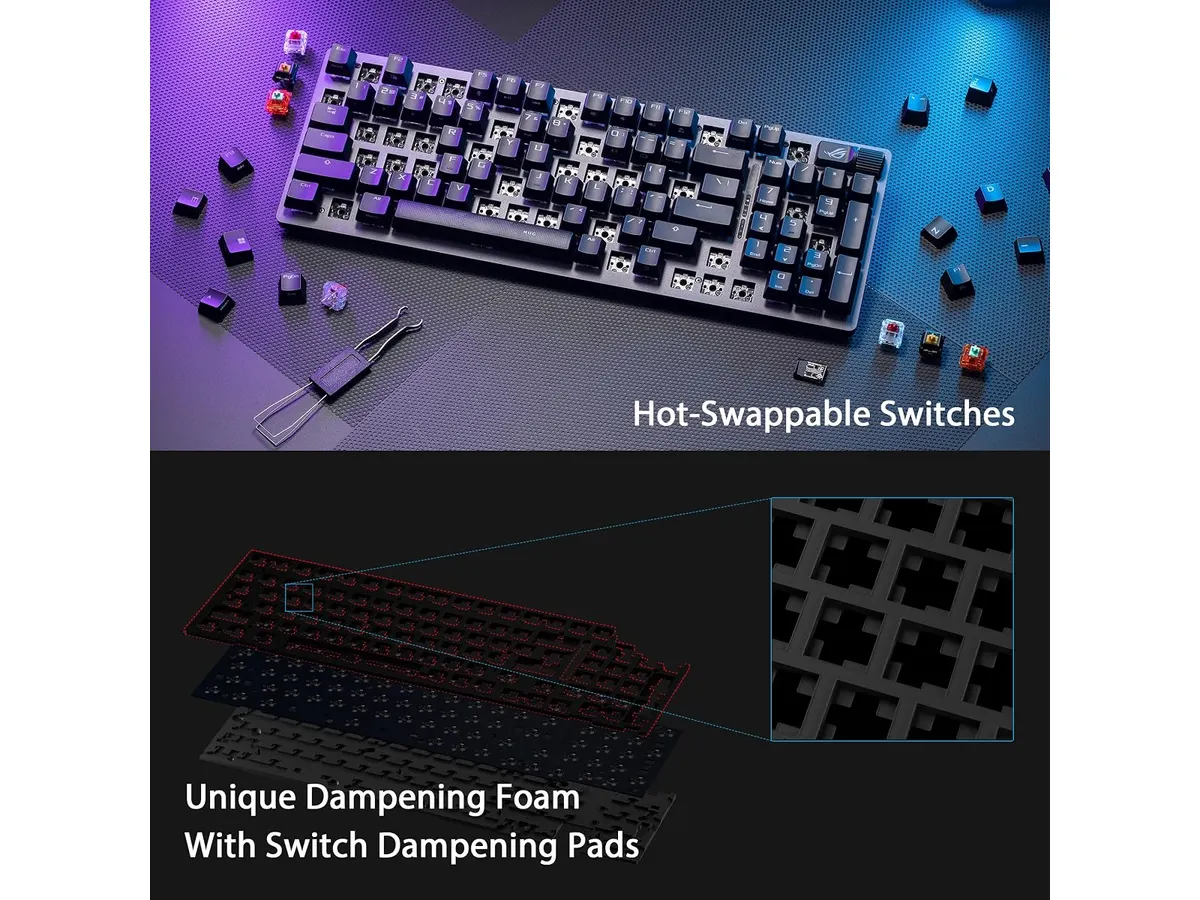
The typing feel stands out immediately. ASUS equips this board with pre-lubricated ROG NX Snow linear switches that slide smoothly with every keystroke. Internal sound-dampening foam absorbs hollow pinging sounds, producing a deep, quiet acoustic signature that will not disturb roommates or coworkers during extended video calls.
Desk space efficiency is another major strength. By using a 96% layout, you retain access to the dedicated number pad needed for spreadsheets and data entry while keeping the board slim enough to allow mouse movement. Pairing this setup with an ergonomic mouse for work creates a balanced, comfortable workflow for long hours.
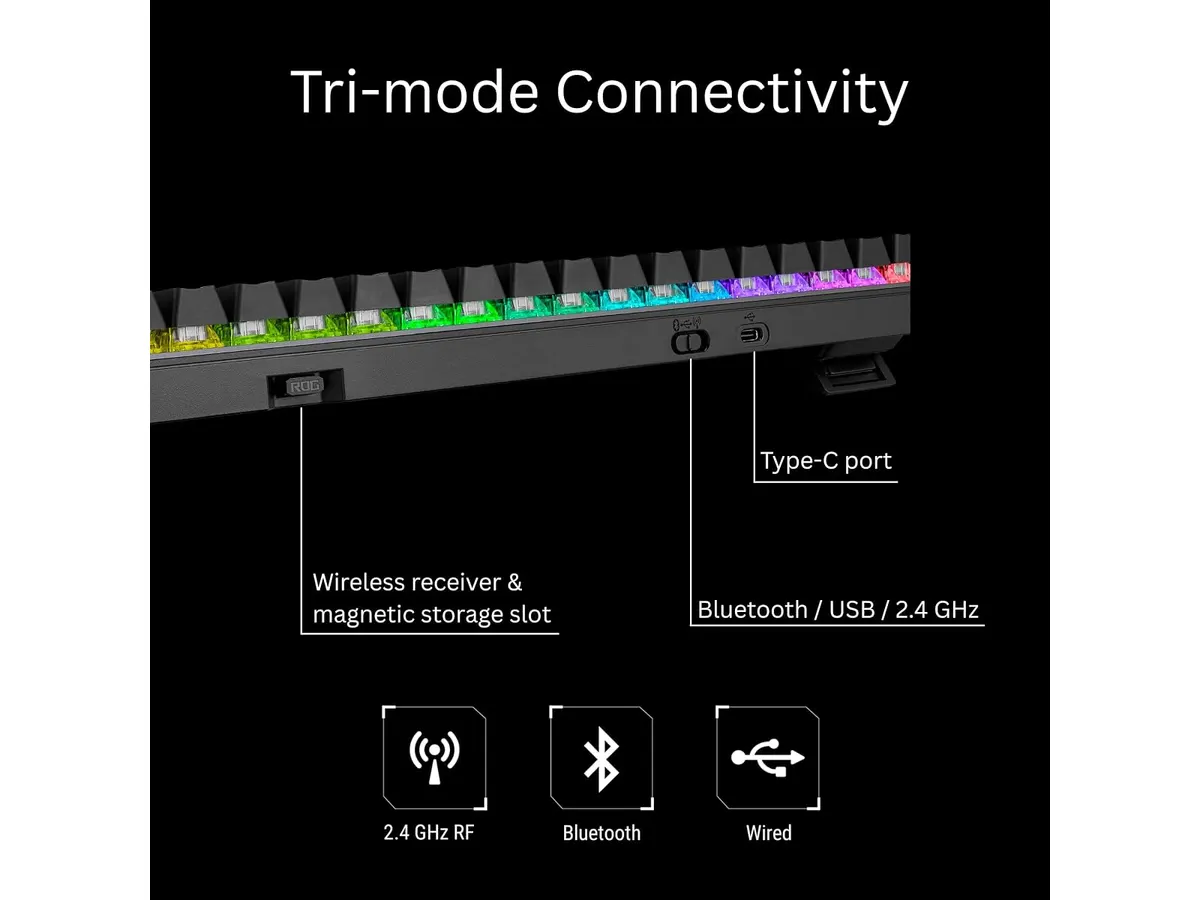
Connectivity flexibility is exceptional. You can toggle between Bluetooth, low-latency 2.4GHz wireless powered by ROG SpeedNova technology, and a direct wired USB connection. In 2.4GHz mode, battery life stretches up to an impressive 1,500 hours, meaning weeks or months of daily use without reaching for a cable.
Customization and hardware control complete the highlight reel. The switches are fully hot-swappable, letting you pop out default switches without soldering if you ever want a different tactile sensation. On the top corner, a multi-function wheel gives immediate tactile control over media playback and RGB lighting adjustments.
Key specifications
| Feature | Specification |
|---|---|
| Form Factor | 96% compact |
| Connectivity | Tri-mode (Bluetooth, 2.4GHz, USB) |
| Switch Type | Pre-lubricated ROG NX Snow linear |
| Hot-Swappable | Yes |
| Battery Life | Up to 1,500 hours (2.4GHz mode) |
| Compatibility | PC and Mac |
Where it falls short
While the 96% layout saves physical space, the key spacing takes time to master. Because the arrow keys and numeric keypad are tightly clustered, misclicks are common during your first few days of typing.
The aggressive styling might not fit every clean, minimalist desk aesthetic. If you want a subtle device that blends into a conservative corporate environment, the gaming accents and bold top-corner controls might feel overly busy.
While PC integration is flawless, macOS support covers core typing functions but lacks deep software key-remapping options natively available on Windows systems. If you switch platforms frequently, you might feel that friction.
Who is it for?
This keyboard fits data-heavy workers, financial analysts, and creators who need a physical number pad but refuse to give up desktop space. If you switch between a work laptop and a personal desktop, the tri-mode wireless connectivity makes daily platform switching fast and painless.
Skip this board if you prefer ultra-minimalist, low-profile designs or quiet office-style chiclet keys. Users who rarely touch a number pad will get better desk clearance with a 75% or tenkeyless board instead.
Alternatives to consider
If you want a budget-friendly option, consider entry-level wireless mechanical keyboards in the lower price bracket. Models like the one discussed in our RedThunder K95 wireless mechanical keyboard review offer full-sized membrane layouts at a lower entry point, making them accessible for basic typing setups.
On the other hand, productivity-focused wireless keyboards in the premium tier offer ultra-quiet scissor switches and slim profiles built specifically for quiet office work. These alternatives sacrifice hot-swappable mechanical switches in exchange for thinness and quiet operation.
Verdict
The ASUS ROG Strix Scope II 96 Wireless delivers a compelling package for remote workers who want high-performance mechanical switches without giving up the number pad. Its stellar battery life, pre-lubricated linear switches, and sound-dampening foam make it a joy to type on all day. While the crammed key layout has a brief learning curve, the versatility across PC and Mac makes it an outstanding addition to any setup. It easily earns a top recommendation for anyone shopping for a high-end keyboard for remote work.
Frequently asked questions
Can you swap the switches without soldering?
Yes. The PCB features hot-swappable sockets, allowing you to pull out existing switches and insert new ones easily.
How long does the battery last in 2.4GHz mode?
The battery lasts up to 1,500 hours on a single charge when connected using the 2.4GHz wireless mode with lighting turned off.
Is this keyboard compatible with macOS?
Yes, it connects seamlessly to both PC and Mac operating systems using Bluetooth, 2.4GHz wireless, or a wired USB cable.

Editor
Charly River · SetUpLatam
Charly River curates, reviews and edits SetUpLatam’s home office guides. He checks every product sheet against the manufacturer’s official specifications and cuts what does not help, so you buy right the first time.
You may also like
 Peripherals
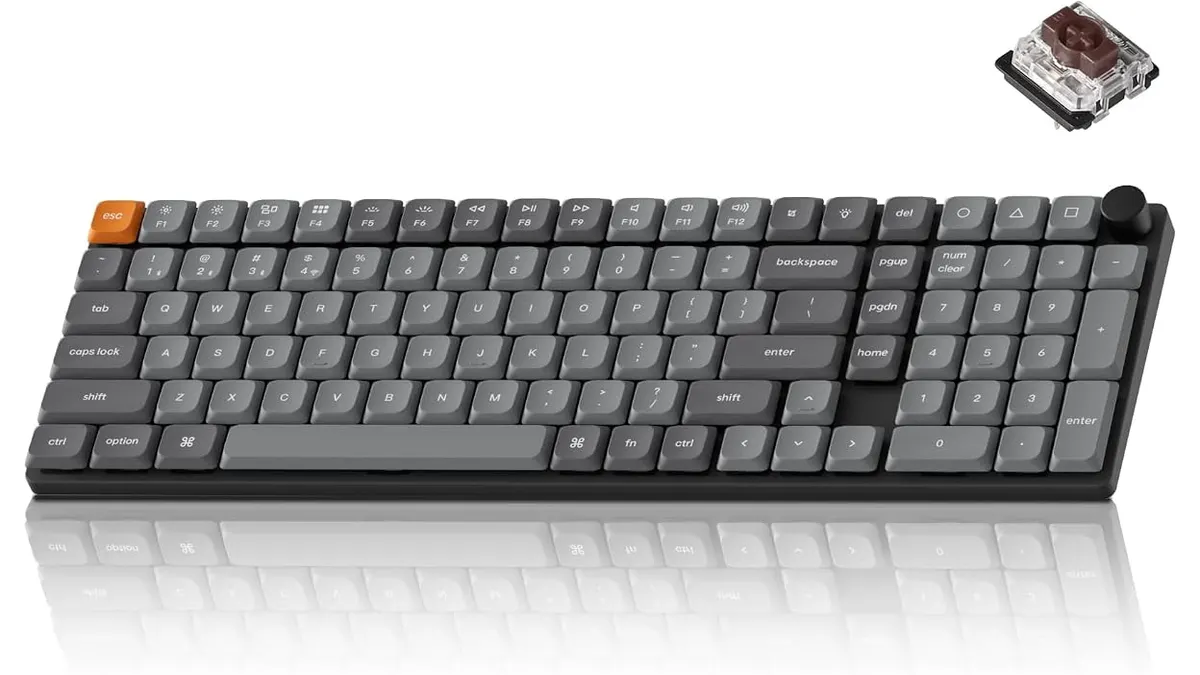
Keychron K17 Max Review: Slim 96% Layout
Deep dive Keychron K17 Max review: a low-profile 96% wireless keyboard built to fit the best home office peripherals setup for daily work.
 Peripherals
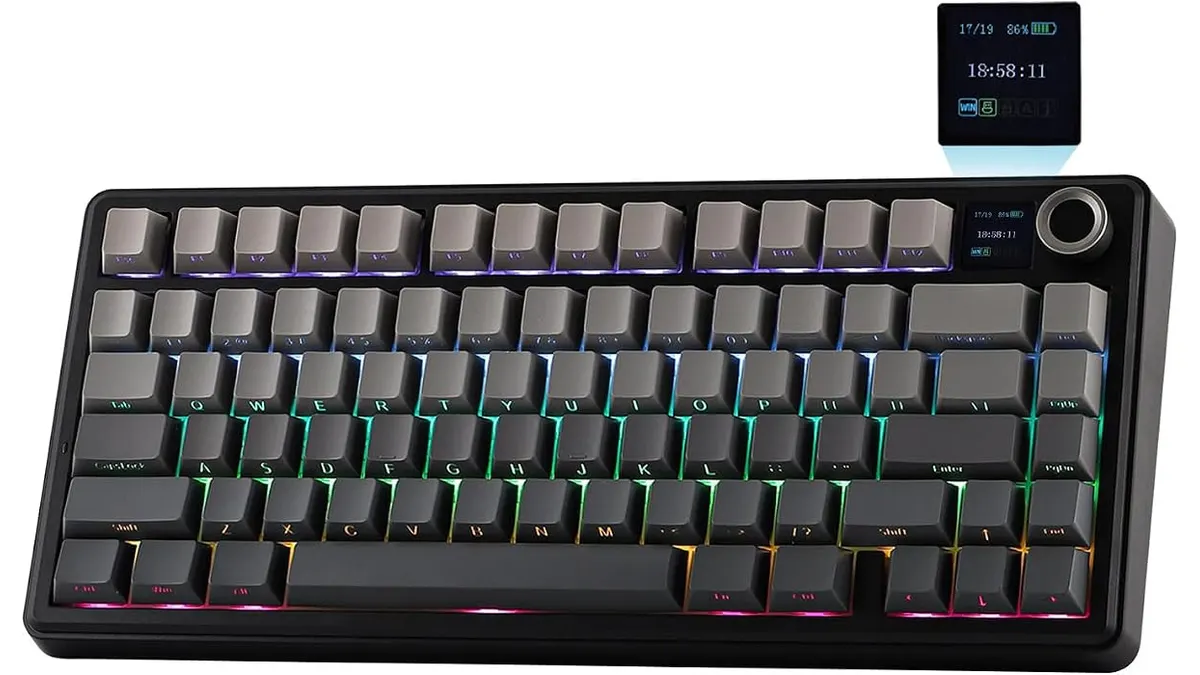
EPOMAKER Aula F75 MAX Review: Smart Setup
Looking for the best home office peripherals? Read our EPOMAKER Aula F75 MAX review to see if this tri-mode gasket-mount keyboard fits your setup.
 Peripherals
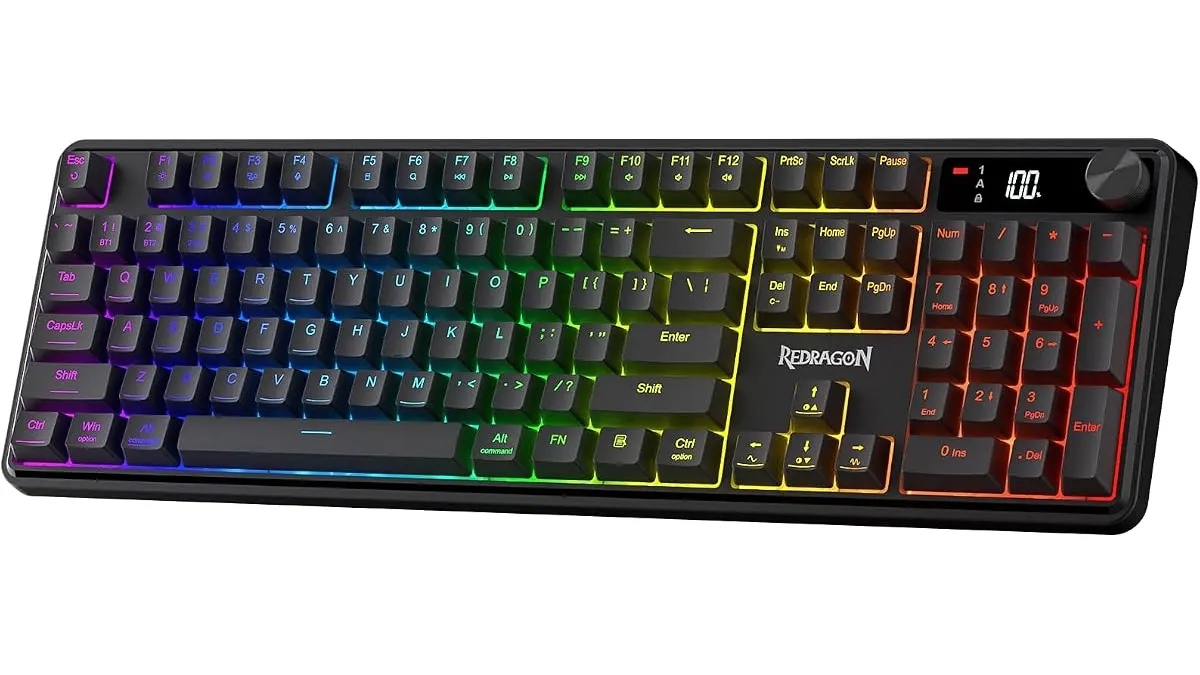
Redragon K526 PRO Review: Quiet Desk Upgrade
Looking for the best home office peripherals? Our Redragon K526 PRO review covers this quiet tri-mode keyboard with LED display and dedicated controls.