Buying guide
Best peripherals for home office
The best home office peripherals: criteria, our picks and who they suit. Keyboards and mice by ergonomics, connectivity and battery life.
See all Peripherals reviewsHow we choose
We rank gear by the SetUpLatam editorial score, which starts from the manufacturer’s official specifications and the intended real-world use. Positions are not for sale: buying links are affiliate links and are always disclosed.
What to look for
- Ergonomics: angle and size that avoid wrist and shoulder strain.
- Connectivity: multi-device wireless or wired, depending on your setup.
- Battery life and charge time if wireless.
- OS compatibility and shortcuts you actually use.
Our peripherals picks
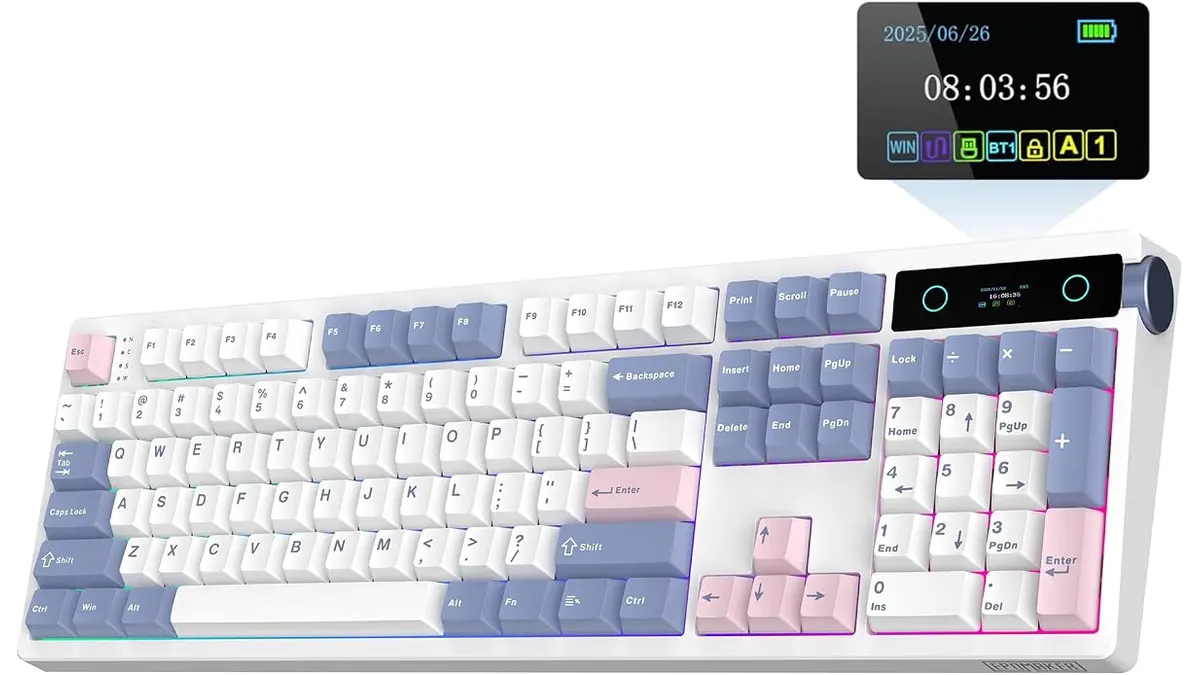 #14.2EPOMAKER TH108 PRO Review: A Versatile Mechanical Keyboard
Explore our EPOMAKER TH108 PRO review to see why it's among the best home office peripherals for remote work, featuring customizable RGB lighting and hot-swappable switches.
EPOMAKER
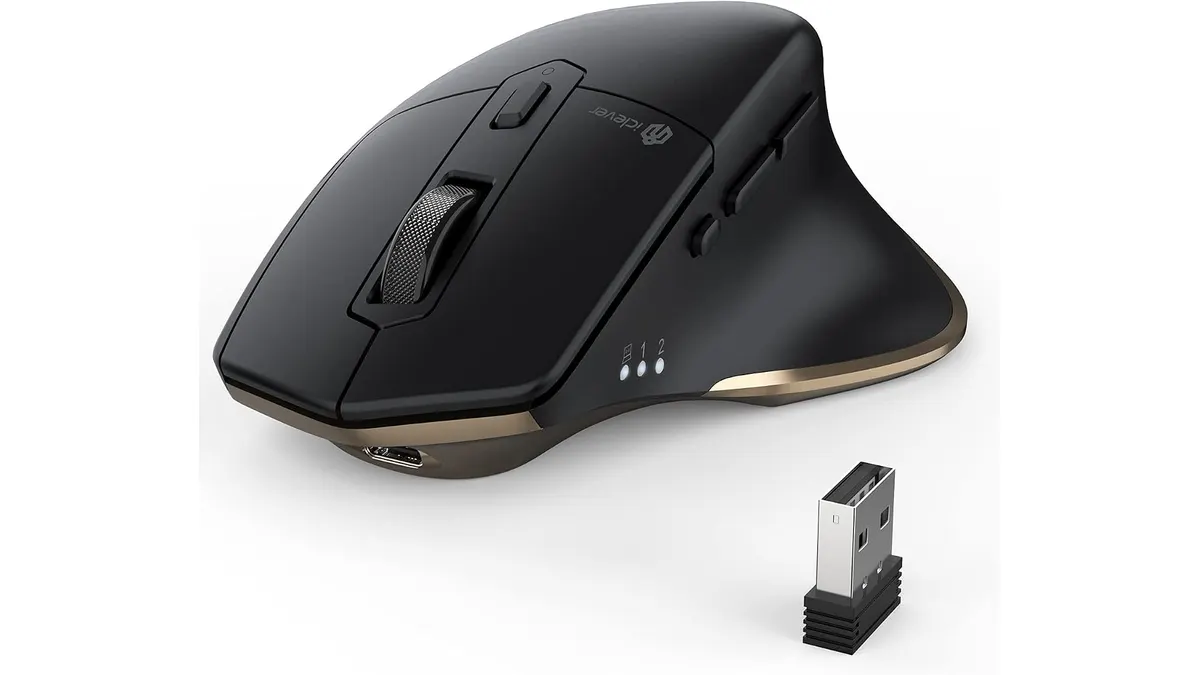 #24.2iClever Wireless Mouse Review: A Versatile Choice for Remote Work
Discover the iClever Wireless Mouse—perfect for multitaskers and quiet workspaces. Read our in-depth review for details.
iClever
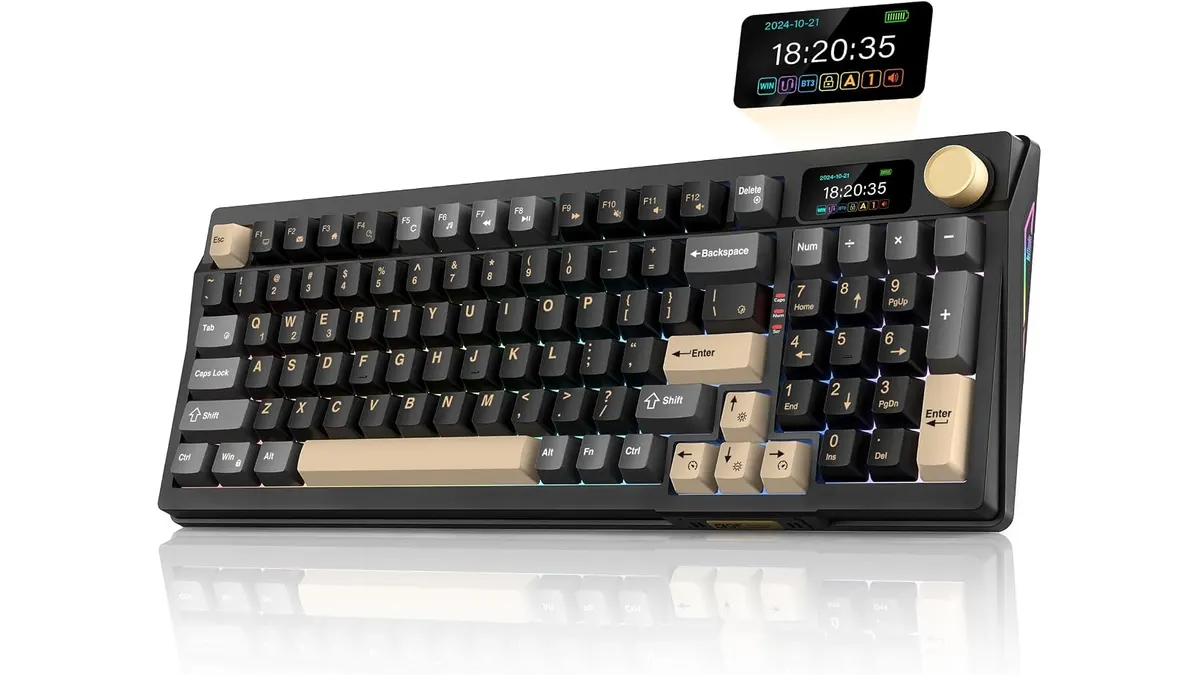 #34.2RedThunder K95 Wireless Mechanical Keyboard Review
Discover the features and limitations of the RedThunder K95 Wireless Mechanical Keyboard for remote work and gaming.
RedThunder
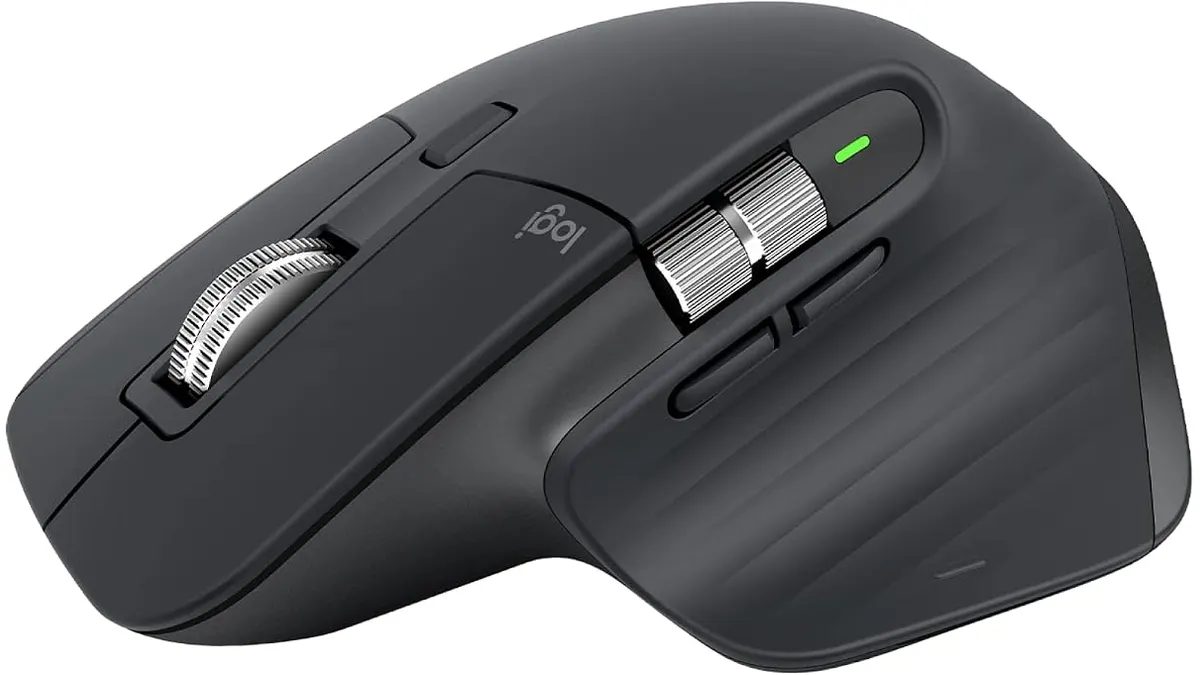 #44.2Logitech MX Master 3S Review: Ergonomic Wireless Mouse for Professionals
Discover the Logitech MX Master 3S, an ergonomic wireless mouse designed for comfort and precision. Ideal for remote workers and creatives.
Logitech
Quick comparison
| Product | Key specs | Buy | ||
|---|---|---|---|---|
| EPOMAKER TH108 PRO Review: A Versatile Mechanical Keyboard | EPOMAKER | 4.2 | Completo (104 teclas) · Hot-Swappable 5-pines · 10000mAh | Check price |
| iClever Wireless Mouse Review: A Versatile Choice for Remote Work | iClever | 4.2 | Dual: Bluetooth 5.1 y 2.4 GHz USB · Hasta 3 equipos con cambio en un clic · Recargable por USB-C | Check price |
| RedThunder K95 Wireless Mechanical Keyboard Review | RedThunder | 4.2 | 90% compacto con flechas, numeros y teclas de funcion · Triple modo: Bluetooth 5.0, 2.4 GHz y USB-C · TFT de 1,14 pulgadas con mando CNC | Check price |
| Logitech MX Master 3S Review: Ergonomic Wireless Mouse for Professionals | Logitech | 4.2 | Inalambrica (receptor Logi Bolt incluido) · Hasta 18 meses · Laser de alta precision | Check price |
Frequently asked questions
Membrane or mechanical keyboard?
Mechanical offers better feedback and durability; membrane is quieter and cheaper. If you type a lot, try the feel before deciding.
Vertical or horizontal mouse?
A vertical mouse reduces wrist rotation and can ease discomfort; the traditional horizontal shape is more precise for some. It depends on your wrist.
Wireless or wired?
A multi-device wireless model frees your desk and lets you switch machines; a cable avoids charging and adds minimal latency.
Looking for something specific? Browse all reviews in the category or the full index.