Logitech MX Keys S Review: Quiet Productivity
Looking for the best home office peripherals? Our Logitech MX Keys S review covers typing comfort, battery life, and multi-device setup for remote work.
Buying guide: best peripherals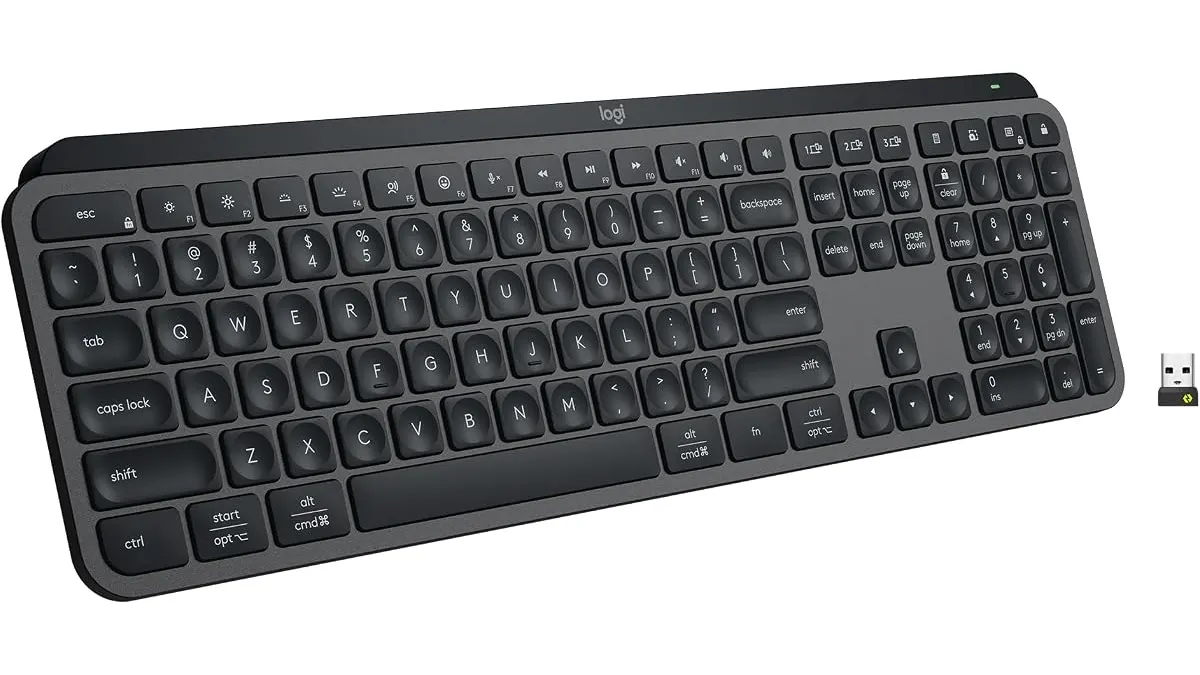 Peripherals
If you spend hours writing code, spreadsheets, or client emails, your basic desk setup needs a real upgrade. The Logitech MX Keys S sits among the top Peripherals for remote workers who switch between laptops and desktops throughout the day. It offers a low-profile typing feel with quiet keycaps and intelligent illumination built into a sleek graphite body.
What it does well
The typing feel stands out immediately. The low-profile build features spherically-dished concave keys that match the natural shape of your fingertips. Every keystroke lands cleanly in the center of the keycap, reducing mistyped characters when fast-drafting emails or code. Operational noise remains low, so typing during calls will not disturb your meeting participants.
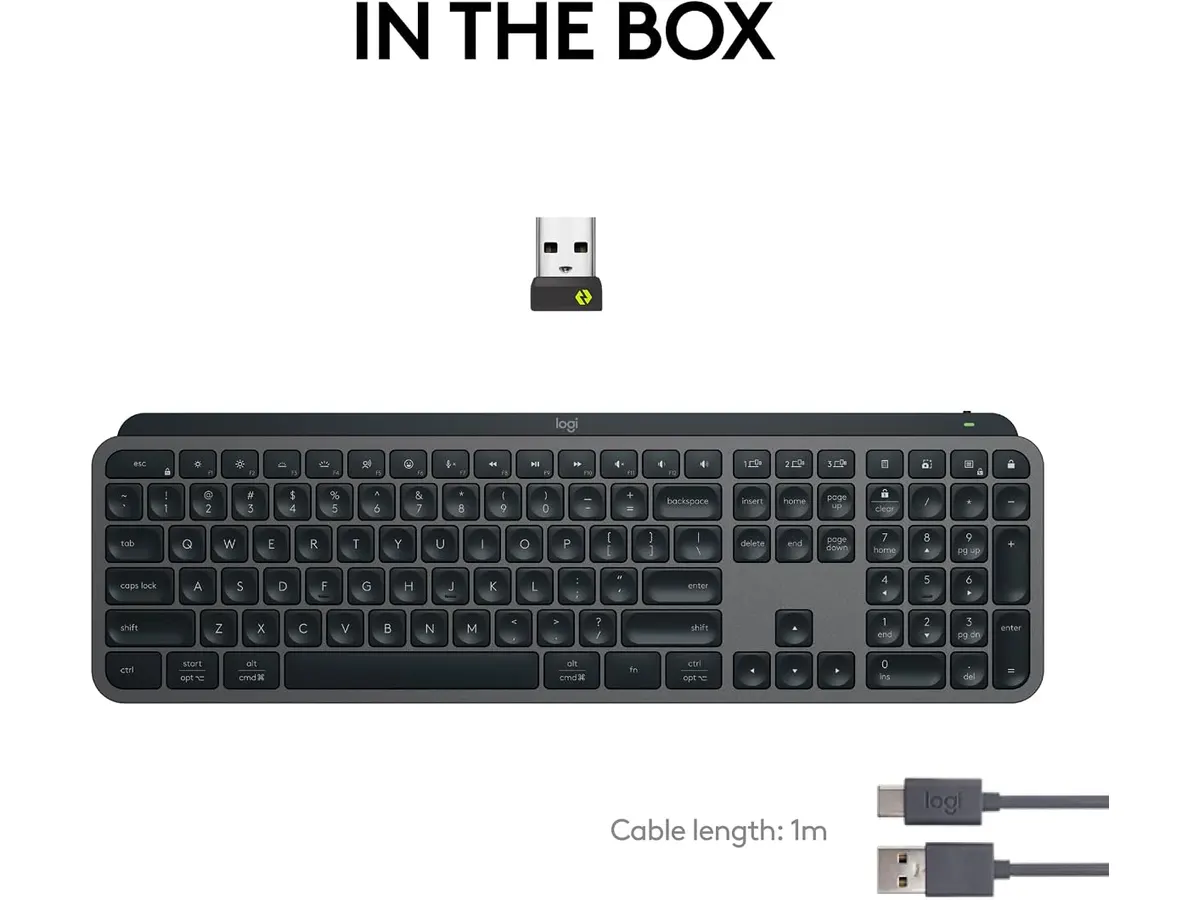
Connecting across different operating systems is simple. You can pair up to three devices using Bluetooth Low Energy or the included Logi Bolt USB receiver. Switching between a personal Mac, a corporate Windows laptop, or a Linux workstation takes a single button press. The key layout accommodates both Windows and macOS function keys natively.
Customization and smart illumination add genuine utility to daily tasks. Through the Logi Options+ software, you can program Smart Actions to execute multiple shortcuts with one keystroke. The backlighting responds automatically as your hands approach the board, adjusting brightness based on your room lighting to preserve battery life.
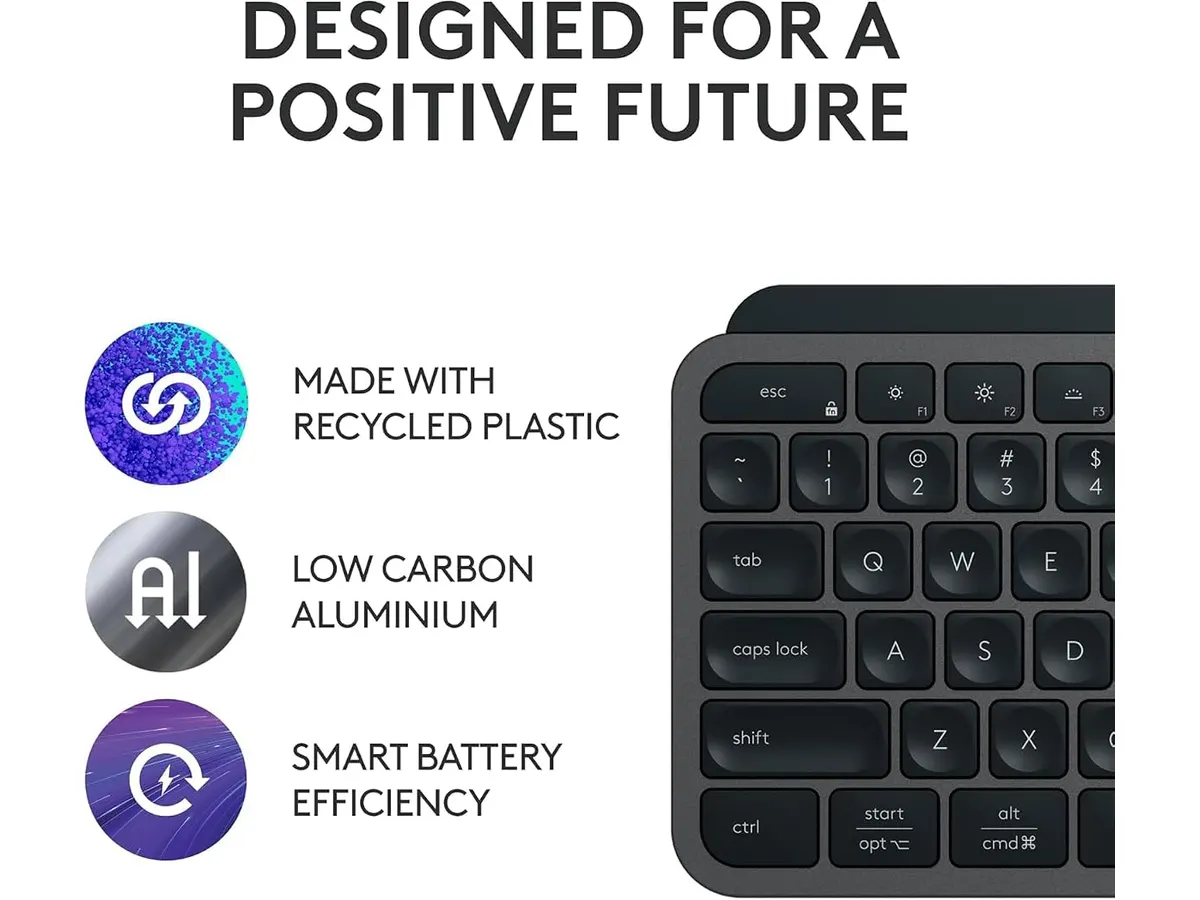
Battery performance depends heavily on your backlighting preferences. With proximity backlighting turned on, the USB-C rechargeable battery lasts up to 10 days on a charge. Turn the backlighting off, and that endurance jumps to 5 months.
Key specifications
| Feature | Specification |
|---|---|
| Design | Low-profile with spherically-dished concave keys |
| Connectivity | Bluetooth Low Energy & Logi Bolt USB receiver |
| Multi-Device Pairing | Up to 3 devices |
| Compatibility | Windows, macOS, Linux, Chrome OS |
| Battery Life | Up to 10 days (backlit) or 5 months (backlight off) |
| Charging Port | USB-C |
| Color | Graphite |
| Software Support | Logi Options+ (Smart Actions support) |
Where it falls short
The low-profile membrane key switches provide short travel. If you prefer deep key travel or tactile mechanical switches, this keyboard will feel flat under your fingers. It lacks height adjustment feet, relying on a fixed slight tilt that might not suit every desk layout.
Battery life takes a sharp hit if you leave backlighting on high all day. Recharging every ten days is not terrible, but it pales in comparison to the five-month runtime achieved with backlighting off. Furthermore, configuring custom macros requires keeping the Logi Options+ software running, which IT departments on strict corporate laptops might restrict.
Who is it for?
This keyboard fits remote workers, writers, and software developers who prioritize silent typing and multi-device control. If your workflow involves toggling between a work laptop and a desktop workstation, the smooth switching and low-profile concavity keep your wrists comfortable without extra clicky noise. Pairing it with an ergonomic mouse for work creates a clean, efficient desk footprint.
It is not for gamers who need high-polling rate mechanical keys, nor for enthusiasts who love custom keycap swapping. If you prefer high-travel tactile feedback, consider a budget mechanical option like the RedThunder K95 instead of a low-profile scissor board.
Alternatives to consider
If you want full tactile response and mechanical key switches, budget full-height mechanical keyboards offer higher key travel for a lower investment. They skip software-based macro suites and multi-device instant swapping, but they provide the deep response that mechanical fans desire.
For those shopping in lower price tiers who only need basic Bluetooth connectivity, minimalist travel keyboards present a lightweight, budget-friendly choice. They drop smart proximity illumination and multi-device memory buttons to keep costs low, making them decent backup options for light typing on the go.
Verdict
The Logitech MX Keys S delivers precision, whisper-quiet typing, and versatile multi-host connectivity. Smart Actions and proximity lighting raise the convenience bar for high-volume typists. If you need a reliable keyboard for remote work across several machines, this graphite low-profile board is an outstanding anchor for your setup.
Frequently asked questions
Is the Logitech MX Keys S one of the best home office peripherals?
Yes. Its combination of multi-device connectivity, comfortable low-profile concave keys, and whisper-quiet operation makes it an exceptional choice for daily remote work.
How long does the battery last on a single charge?
The built-in USB-C rechargeable battery lasts up to 10 days when using smart backlighting, or up to 5 months with backlighting disabled.
Can I switch between a Mac and a Windows PC easily?
Yes. The keyboard pairs with up to 3 devices simultaneously via Bluetooth Low Energy or Logi Bolt, letting you toggle between OS environments with dedicated easy-switch keys.

Editor
Charly River · SetUpLatam
Charly River curates, reviews and edits SetUpLatam’s home office guides. He checks every product sheet against the manufacturer’s official specifications and cuts what does not help, so you buy right the first time.
You may also like
 Peripherals
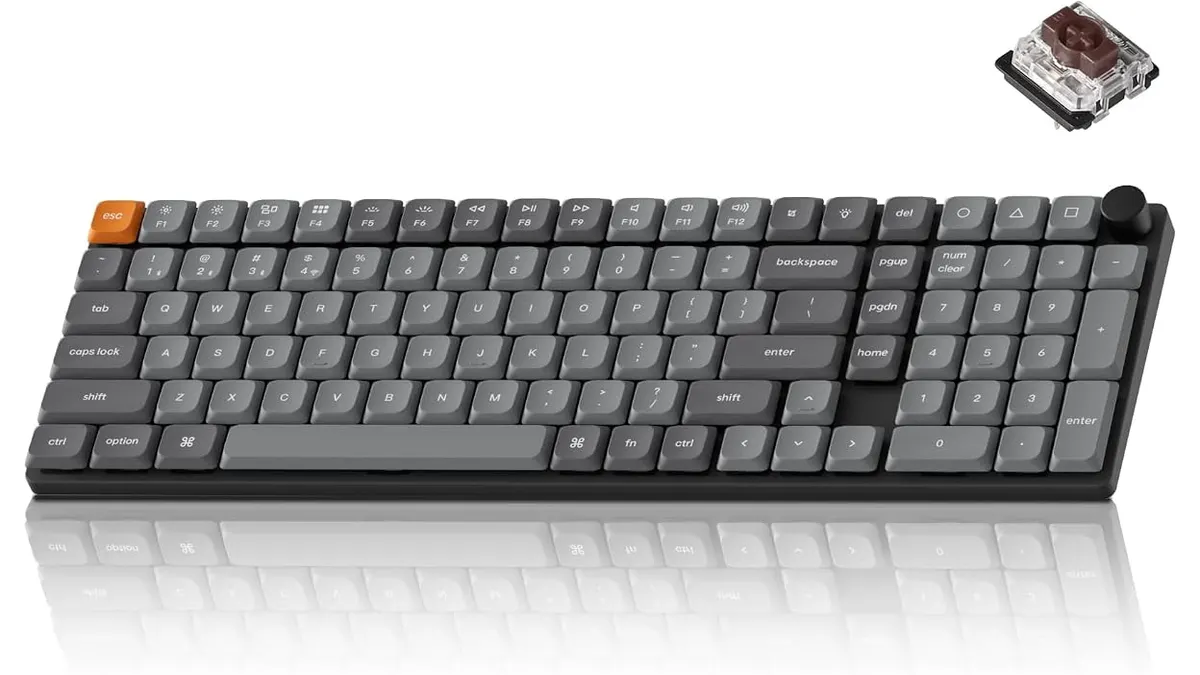
Keychron K17 Max Review: Slim 96% Layout
Deep dive Keychron K17 Max review: a low-profile 96% wireless keyboard built to fit the best home office peripherals setup for daily work.
 Peripherals
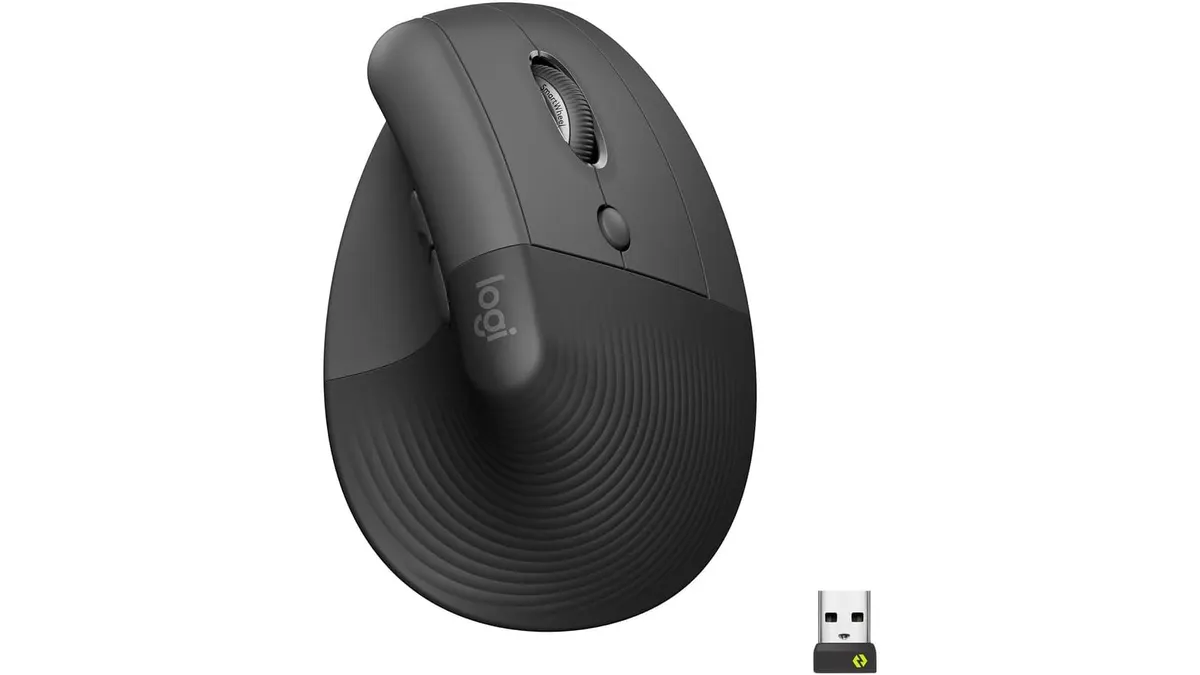
Logitech Lift Vertical Ergonomic Mouse Review
Our Logitech Lift Vertical Ergonomic Mouse review explores if this is one of the best home office peripherals for users with small to medium-sized hands.
 Peripherals
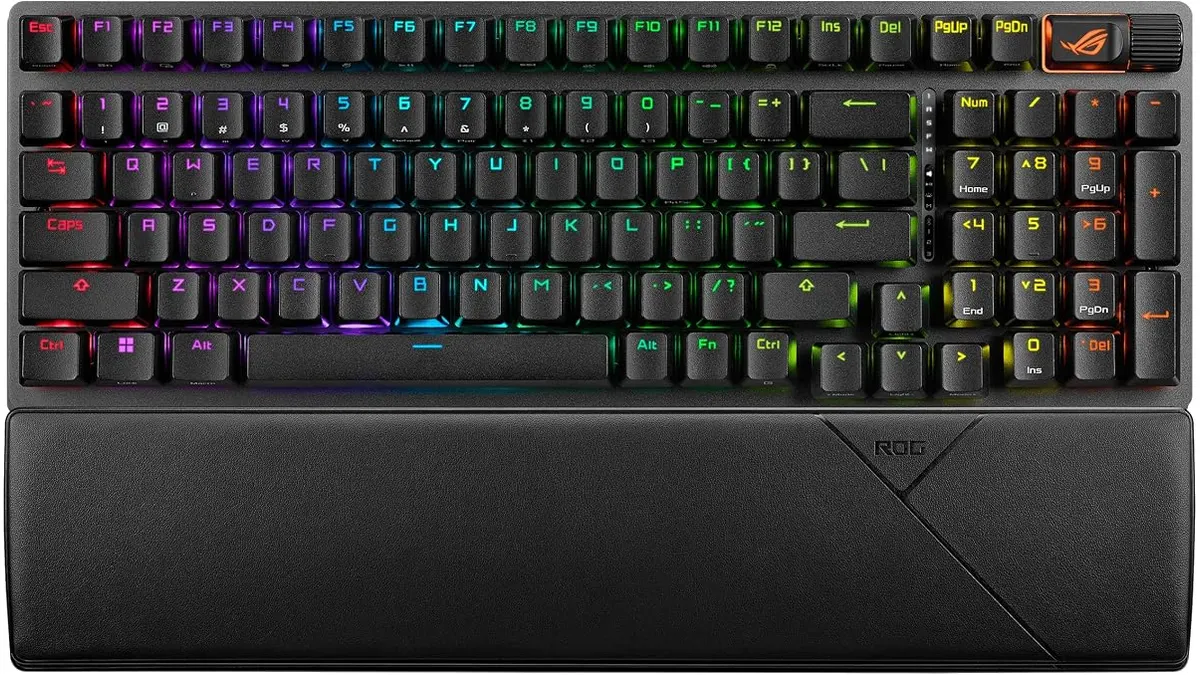
ASUS ROG Strix Scope II 96 Wireless Review
Looking for the best home office peripherals? Our ASUS ROG Strix Scope II 96 Wireless review covers battery life, linear switches, and desktop feel.