Keychron K17 Max Review: Low-Profile Control
Our Keychron K17 Max review details how this low-profile 96% keyboard stands out among the best home office peripherals for speed and custom code.
Buying guide: best peripherals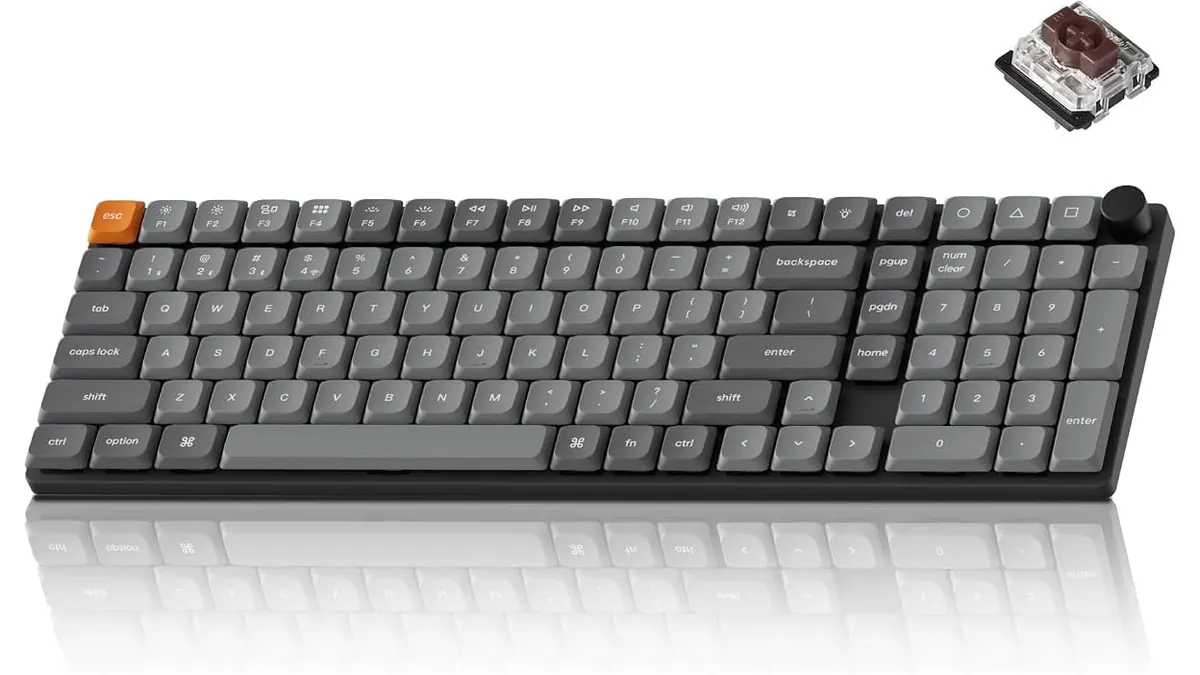 Peripherals
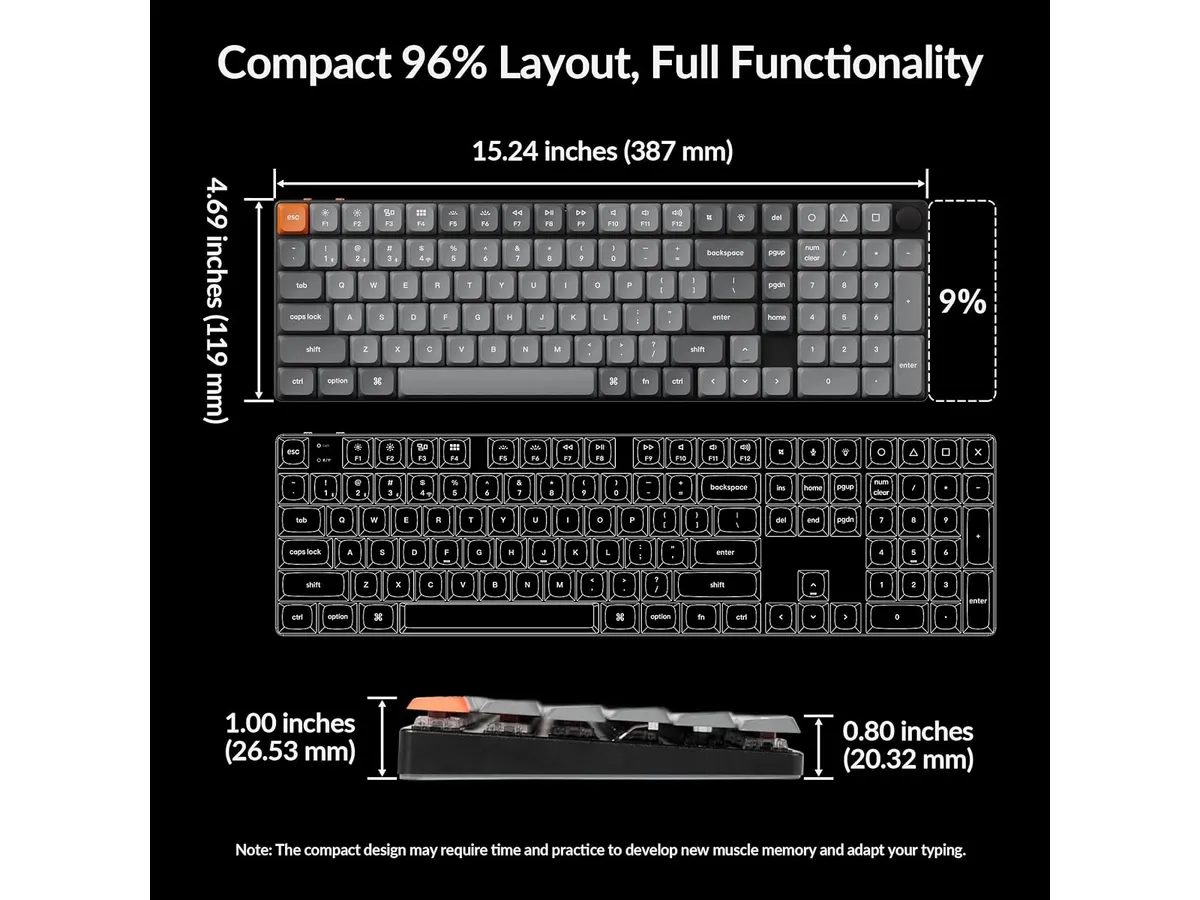
The Keychron K17 Max solves a persistent problem for professionals who need a full number pad without losing desk space. Packing a 96% layout into a slim aluminum chassis, this low-profile board delivers speed and flexibility. If you want a refined keyboard for remote work, it bridges the gap between compact ergonomics and full-sized productivity.
What it does well
The centerpiece of the K17 Max is its low-profile architecture. Keychron built this board around low-profile Gateron switches that sit 31% thinner than traditional mechanical switches. Combined with double-shot PBT keycaps that resist oil and shine over long work sessions, the typing feel remains crisp while keeping your wrists at a far lower, more natural angle. You get precise tactile feedback without needing a bulky palm rest.
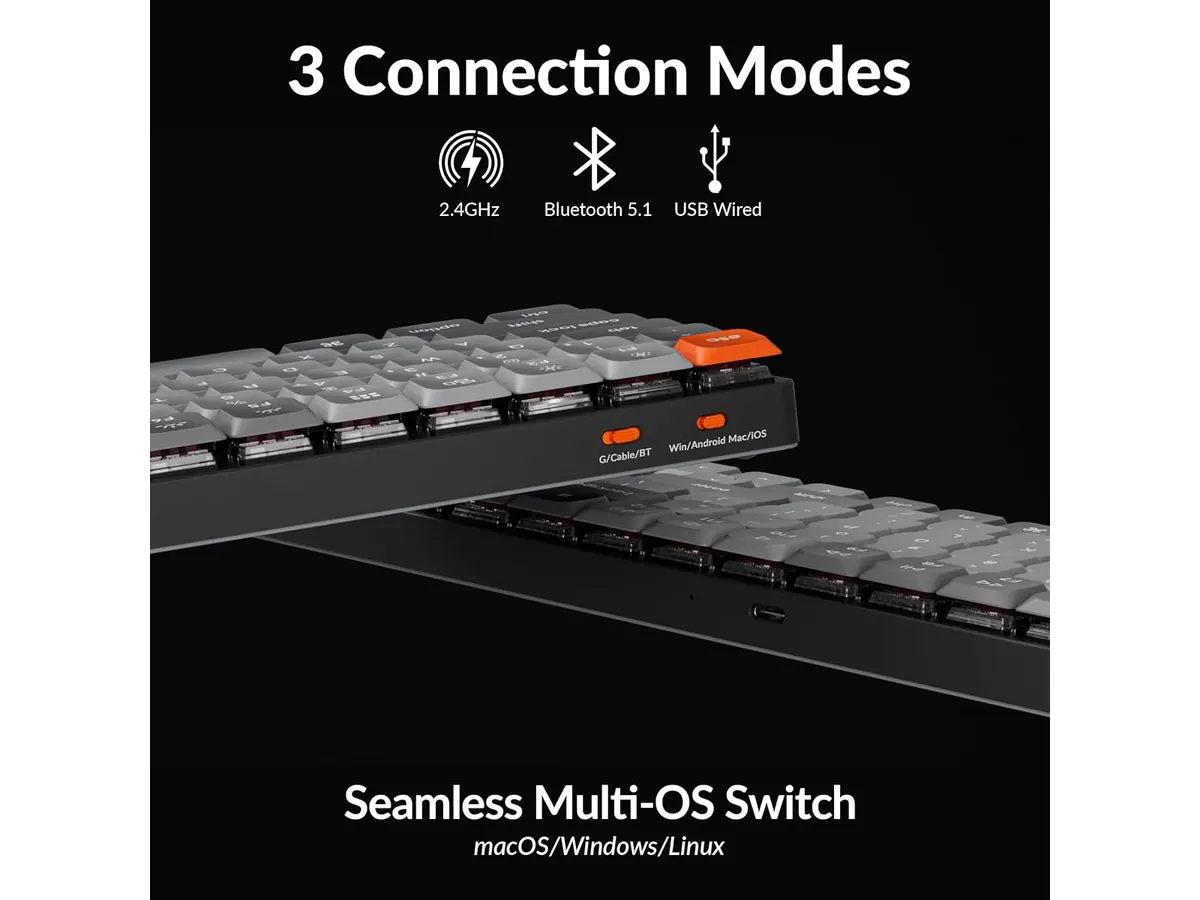
Connectivity options suit almost any workstation layout. The board supports three distinct modes: Bluetooth 5.1 for pairing across multiple laptops, a direct wired USB connection, and a 2.4 GHz wireless receiver. In 2.4 GHz mode, the keyboard achieves a fast 1000 Hz polling rate. That means instantaneous keystroke registration for fast typing sessions or casual gaming after work.
Software customization often frustrates remote workers who cannot install third-party applications on locked-down corporate laptops. Keychron avoids that headache by leveraging open-source QMK firmware. Using the web-based Keychron Launcher app, you remap keys, adjust layers, and save complex macros directly to the keyboard’s onboard memory from any web browser. Pairing this keyboard with a precision tool like the Logitech MX Master 3S creates a flexible productivity setup.
Key specifications
| Feature | Specification |
|---|---|
| Layout | 96% |
| Connectivity | 2.4 GHz, Bluetooth 5.1, Wired |
| Polling Rate | 1000 Hz (2.4 GHz mode) |
| Switches | Low-profile Gateron mechanical switches |
| Keycap Material | Double-shot PBT |
| Frame Material | Aluminum frame |
| Firmware | Open-source QMK (via Keychron Launcher web app) |
Where it falls short
While the 96% layout keeps the number pad, it squeezes the arrow keys and navigation cluster right up against the rest of the keys. If you frequently jump between the arrow keys and the main typing zone, expect a brief adjustment period while your fingers learn the condensed spacing.
The ultra-thin design also limits key travel distance. Switches that are 31% thinner mean less key dip than traditional mechanical boards. If you prefer the deep thunk of classic desktop switches, this low-profile feel might seem shallow at first.
Lastly, pushing the polling rate to 1000 Hz over 2.4 GHz wireless consumes noticeable battery life. Users who leave the board in high-performance wireless mode will need to plug it in for charging much more frequently than when using basic Bluetooth 5.1 connection mode.
Who is it for?
The Keychron K17 Max fits data analysts, accountants, coders, and remote workers who rely heavily on a number pad but refuse to crowd their mouse area. Its low profile suits typists looking for comfortable ergonomics without add-on wrist rests, while open-source QMK customization serves power users who want browser-based macro control across Linux, macOS, and Windows.
It is not ideal for mechanical keyboard traditionalists who demand standard full-height switches, deep key travel, or classic spaced-out navigation clusters. Those who prioritize total silence in open office spaces may also find low-profile mechanical switches slightly clickier than standard membrane keys.
Alternatives to consider
If you want a full-sized layout with standard key height and budget pricing, consider an entry-level board like the RedThunder K95. It provides basic wireless functionality for casual setups without the premium aluminum build or open-source QMK firmware customization.
Alternatively, if your primary goal is absolute silence and low maintenance, look toward mid-tier membrane keyboards. These options trade away mechanical feedback and web-based key remapping in exchange for whisper-quiet keystrokes and extended battery life, making them simple plug-and-play choices for shared quiet offices.
Verdict
Keychron delivered a practical typing tool with the K17 Max. By combining 1000 Hz wireless performance, low-profile Gateron switches, and open-source QMK customization inside an aluminum frame, it maximizes desk space without forcing you to give up the number pad. It stands out for anyone curating the best keyboard and mouse for home office environments. Check out our broader directory of Peripherals to discover more gear for your setup.
Frequently asked questions
How do low-profile Gateron switches differ from standard switches?
Low-profile Gateron switches are 31% thinner than standard mechanical switches. This design reduces overall keyboard height, which lessens wrist strain without requiring a separate wrist rest, all while maintaining crisp mechanical feedback.
Can I customize the key assignments on Linux or macOS?
Yes. The K17 Max runs open-source QMK firmware and uses the browser-based Keychron Launcher app. Because the tool runs directly inside compatible web browsers, you can remap keys and macro layers on macOS, Windows, or Linux without installing background software.
Is the Keychron K17 Max one of the best home office peripherals for typing standard spreadsheets?
Yes. The 96% layout retains a full dedicated number pad while saving roughly 20 percent of the width found on standard full-sized keyboards. Data entry professionals retain full numerical speed while keeping their mouse closer to the desk center.

Editor
Charly River · SetUpLatam
Charly River curates, reviews and edits SetUpLatam’s home office guides. He checks every product sheet against the manufacturer’s official specifications and cuts what does not help, so you buy right the first time.
You may also like
 Peripherals
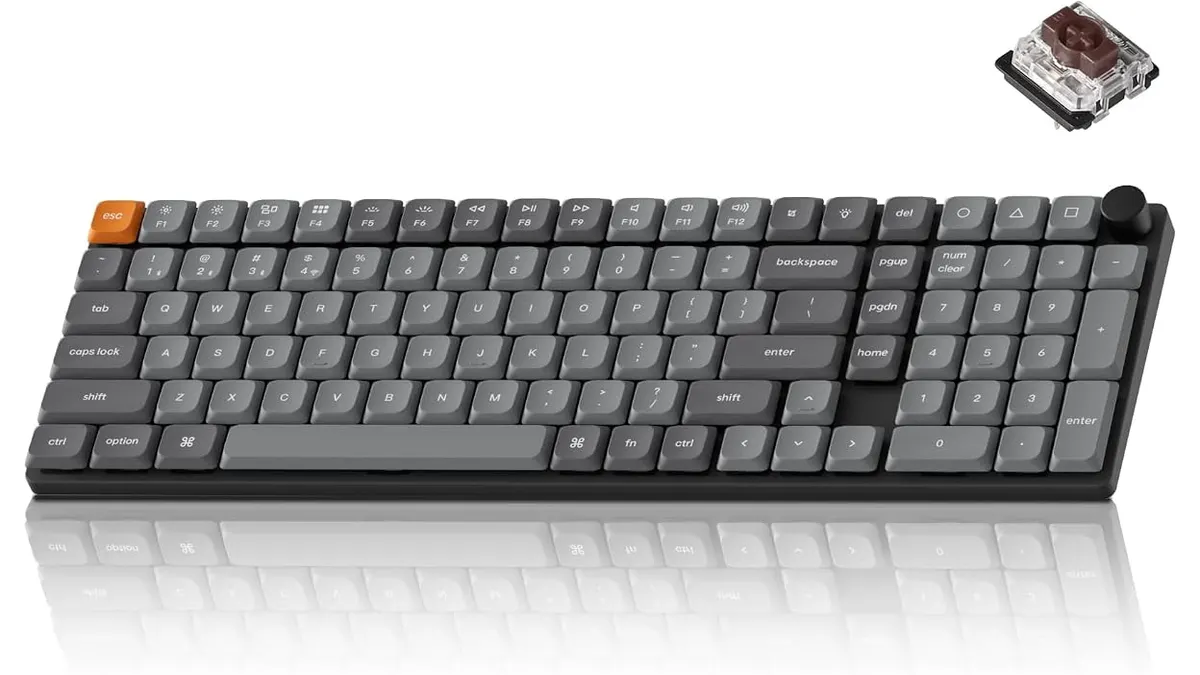
Keychron K17 Max Review: Slim 96% Layout
Deep dive Keychron K17 Max review: a low-profile 96% wireless keyboard built to fit the best home office peripherals setup for daily work.
 Peripherals
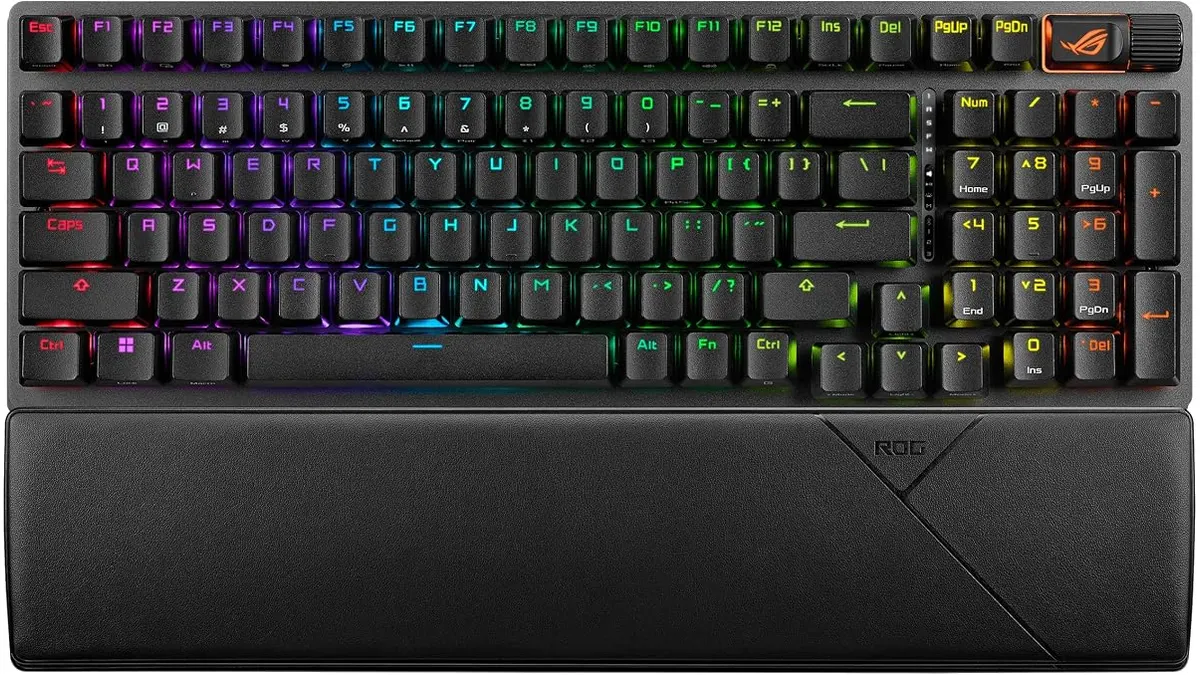
ASUS ROG Strix Scope II 96 Wireless Review
Looking for the best home office peripherals? Our ASUS ROG Strix Scope II 96 Wireless review covers battery life, linear switches, and desktop feel.
 Peripherals
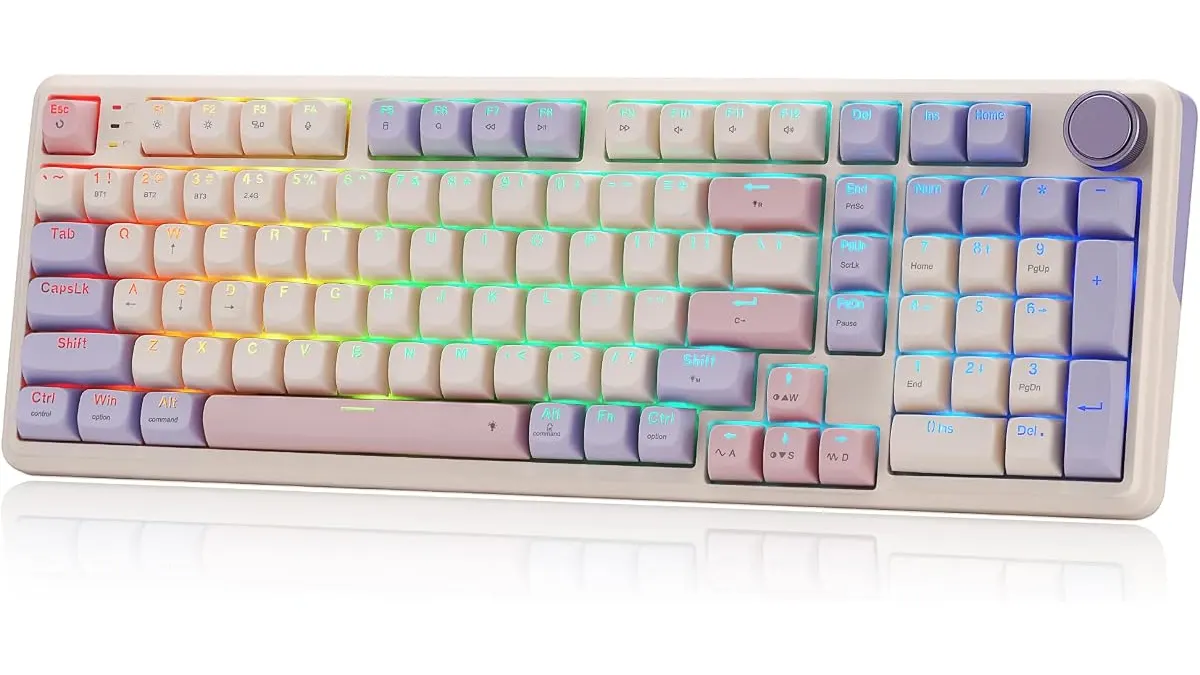
Redragon K768 PRO Review: Built for Work and Play
Read our Redragon K768 PRO review to see why it fits the best home office peripherals lineup with its gasket mount design and massive 8000 mAh battery.