Redragon K768 PRO Review: Built for Work and Play
Read our Redragon K768 PRO review to see why it fits the best home office peripherals lineup with its gasket mount design and massive 8000 mAh battery.
Buying guide: best peripherals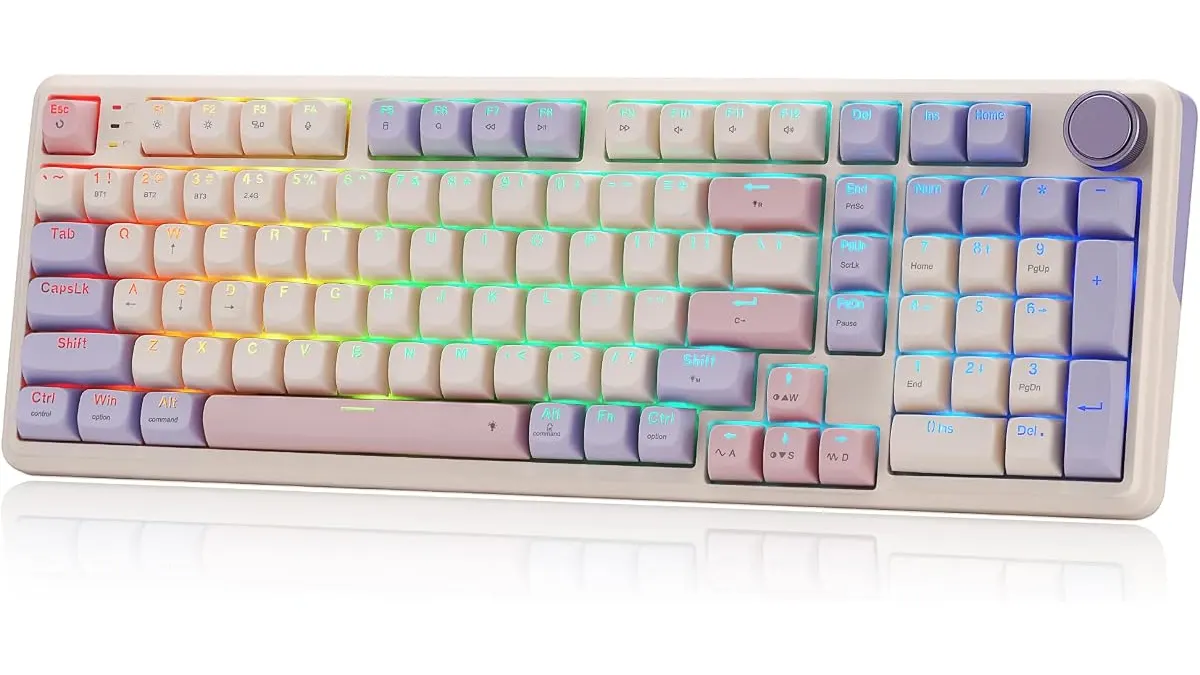 Peripherals
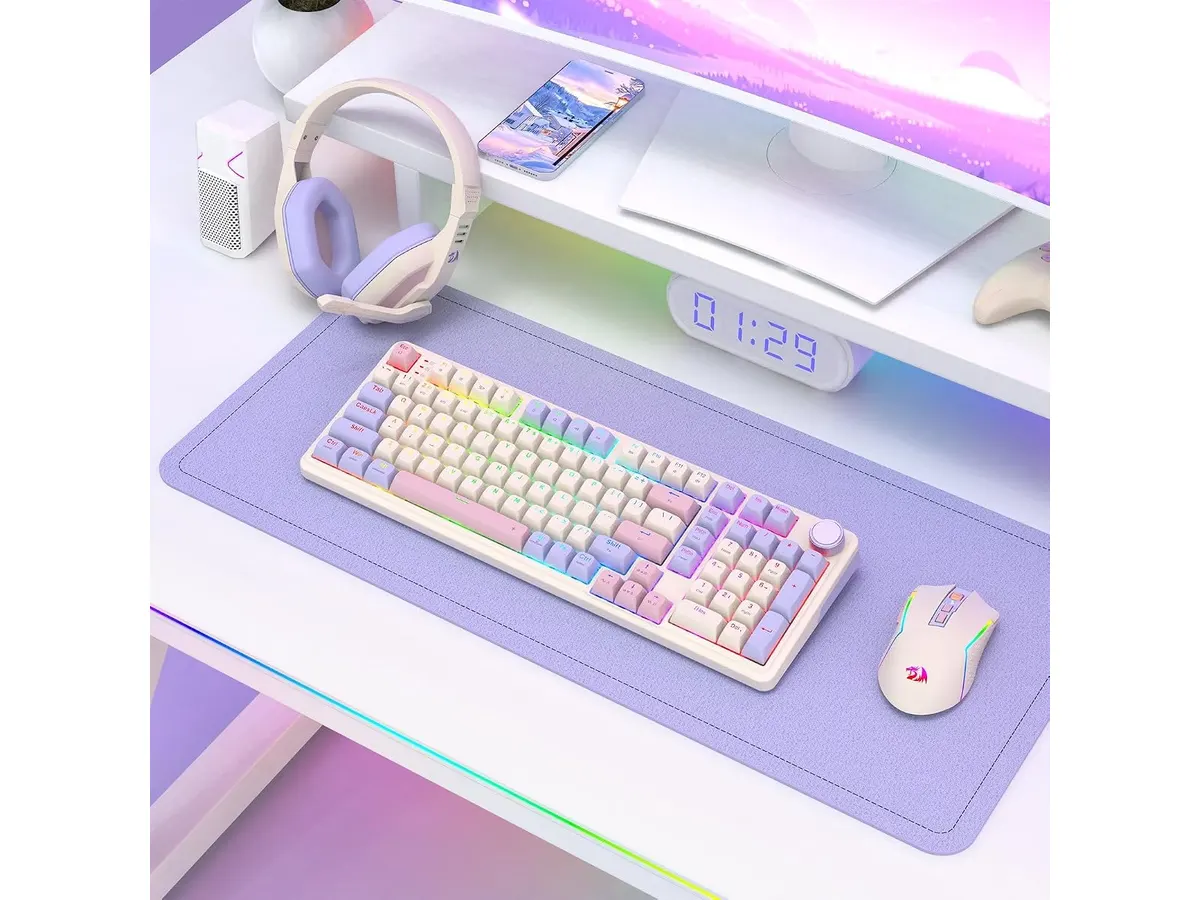
Finding the right keyboard for remote work can be tricky when you want tactile feedback without cluttering your desk. The Redragon K768 PRO fills that gap as a full-featured 100-key mechanical board built for productivity and gaming. If you are curating the best home office peripherals for your daily workflow, this versatile option delivers strong wireless performance and serious battery endurance.
Why it stands out among the best home office peripherals
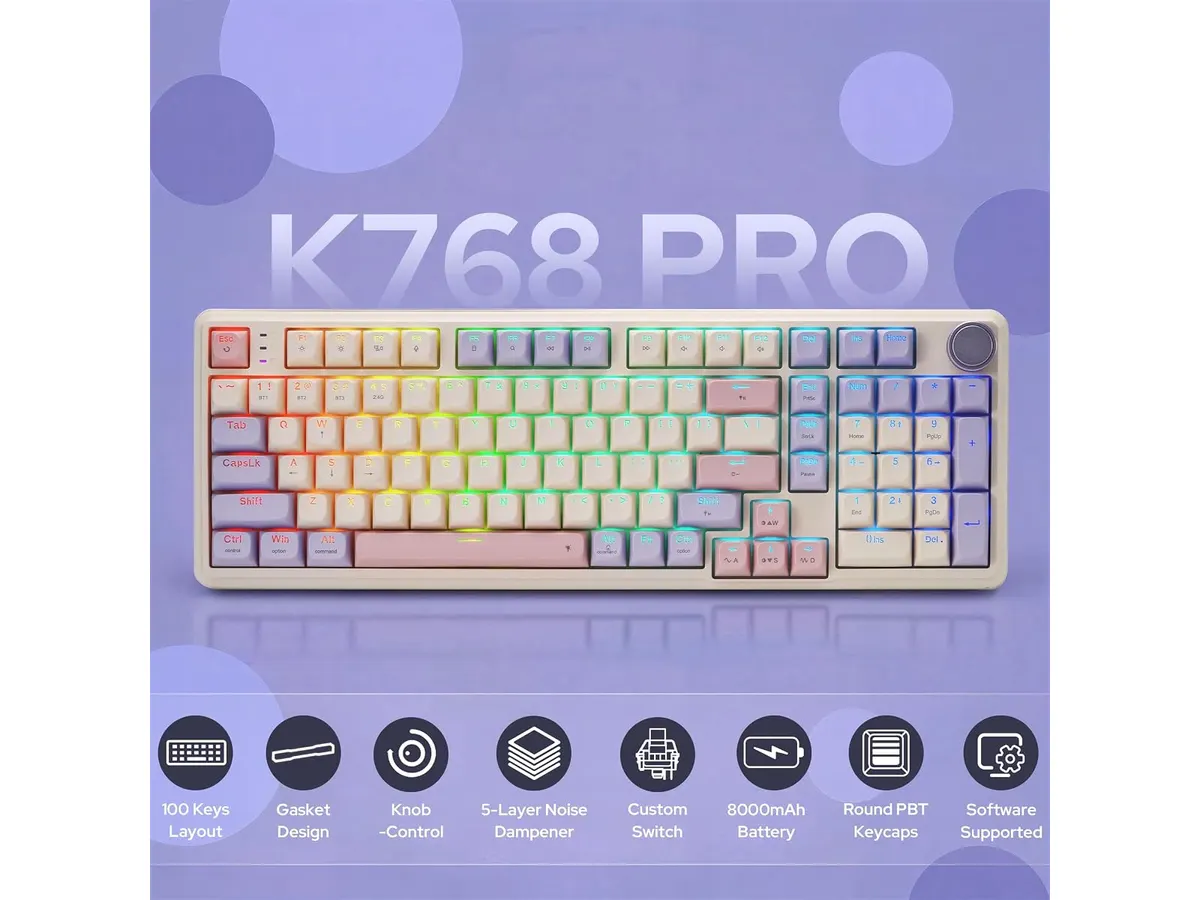
The stand-out feature of this keyboard is its massive 8000 mAh battery. Most wireless mechanical keyboards settle for half that capacity, forcing you to recharge every few days when running backlights. With this unit, you can work wirelessly for weeks on end without reaching for a cable. When you do need to plug in, the USB-C port handles charging while maintaining a direct connection.
Redragon chose a gasket mount design for the internal structure, which cushions your typing. Combined with pre-lubed linear switches, each keystroke lands with a soft, quiet bottom-out rather than a harsh metallic clack. That dampened sound profile makes it ideal for open workspaces and shared home offices where loud typing distracts others.
Keycap durability often gets overlooked on mid-tier boards, but Redragon used thick PBT material here. PBT resists oil buildup and surface shine over months of heavy typing, keeping the legend markings crisp. The keycaps sit on top of a hot-swappable PCB that accommodates both 3-pin and 5-pin mechanical switches. If you ever want to swap out the stock linear switches for tactile or clicky alternatives down the road, you can pull them without touching a soldering iron.
Connectivity flexibility is another strong point. The tri-mode system lets you flip between standard USB-C wired mode, a low-latency 2.4 GHz wireless dongle for gaming, and Bluetooth for pairing multiple laptops or tablets. On top of the chassis, a dedicated rotary knob gives you quick control over audio volume and backlighting brightness, saving you from remembering obscure function key shortcuts.
Key specifications
| Feature | Specification |
|---|---|
| Key Count | 100 keys |
| Mount Type | Gasket mount |
| Switch Type | Linear switches |
| Switch Compatibility | 3-pin and 5-pin hot-swap PCB |
| Connectivity | Tri-mode (USB-C, 2.4 GHz wireless, Bluetooth) |
| Battery Capacity | 8000 mAh |
| Keycap Material | PBT |
| Media Controls | Integrated volume and lighting rotary knob |
| Lighting | Customizable RGB (software supported) |
Where it falls short
While the 100-key layout preserves the number pad in a condensed footprint, the cluster keys sit flush against the main typing zone. If you are accustomed to standard full-size boards with wide spacing around the arrow keys, you will experience a short adjustment period. Misclicks are common during your first few days on the board.
The board is noticeably heavy. That massive 8000 mAh battery and thick internal damping layers add real weight to the frame. It sits rock-solid on a desk mat, but it is not something you want to toss into a backpack for daily commuting.
Finally, customizing the RGB lighting animations and remapping keys requires dedicated software. That software runs exclusively on Windows PCs. While the physical keyboard works fine across macOS and Android via standard Bluetooth, Mac users lose out on deep lighting adjustments and macro programming.
Who is it for?
This board suits remote workers, spreadsheet editors, and gamers who need a dedicated number pad but want to save horizontal desk space. If you hate frequent charging cycles and want a cushioned, quiet typing feel right out of the box, the spec sheet matches your needs. Pairing this board with an ergonomic mouse for work creates a clean, wireless layout that handles long spreadsheet sessions without wrist fatigue.
It is not the right fit for frequent travelers or minimalists. If you need a lightweight board to work from coffee shops, a compact 60% or 75% low-profile design will serve you better. Writers who insist on loud, clicky feedback out of the box may also prefer to look elsewhere unless they plan to swap the switches immediately.
Alternatives to consider
If you want a basic desk setup without spending extra on mechanical switches or hot-swap customizability, entry-level wireless desktop sets sit at a much lower price tier. Those membrane keyboards offer simple plug-and-play functionality, though you sacrifice typing feel, keycap durability, and repairability.
On the other hand, if you want something ultra-portable for hybrid work, compact 75% mechanical keyboards cut out the number pad entirely to save weight. Or check out our RedThunder K95 review for another budget-friendly setup option that approaches full-size productivity from a different angle. Choosing between them comes down to whether you prioritize number pad efficiency or backpack space.
Verdict
The Redragon K768 PRO delivers exceptional value for anyone upgrading their workspace. Its massive 8000 mAh battery and gasket-mounted linear switches make typing comfortable through extended work sessions. While the compact 100-key layout takes a few days to master, its hot-swap versatility and tri-mode connectivity easily balance out the trade-offs. You can browse more options in our Peripherals catalog to build the best keyboard and mouse for home office productivity.
Frequently asked questions
Can I swap the switches on the Redragon K768 PRO without soldering?
Yes. The PCB features hot-swappable sockets compatible with both 3-pin and 5-pin mechanical switches. You can pull the stock linear switches out with the included keycap and switch puller and snap in your preferred aftermarket switches in minutes.
How long does the 8000 mAh battery last on a single charge?
Battery life depends heavily on RGB brightness. With the backlighting turned off or kept at low intensity, the 8000 mAh pack lasts several weeks of daily work use via 2.4 GHz or Bluetooth. Maxing out the RGB brightness reduces runtime, but it still outperforms standard 3000 mAh wireless keyboards.
Does the rotary knob control both volume and RGB lighting?
Yes. The integrated physical knob allows you to adjust your computer’s audio volume or switch through backlighting brightness levels and modes directly from the keyboard without needing complex function key shortcuts.

Editor
Charly River · SetUpLatam
Charly River curates, reviews and edits SetUpLatam’s home office guides. He checks every product sheet against the manufacturer’s official specifications and cuts what does not help, so you buy right the first time.
You may also like
 Peripherals
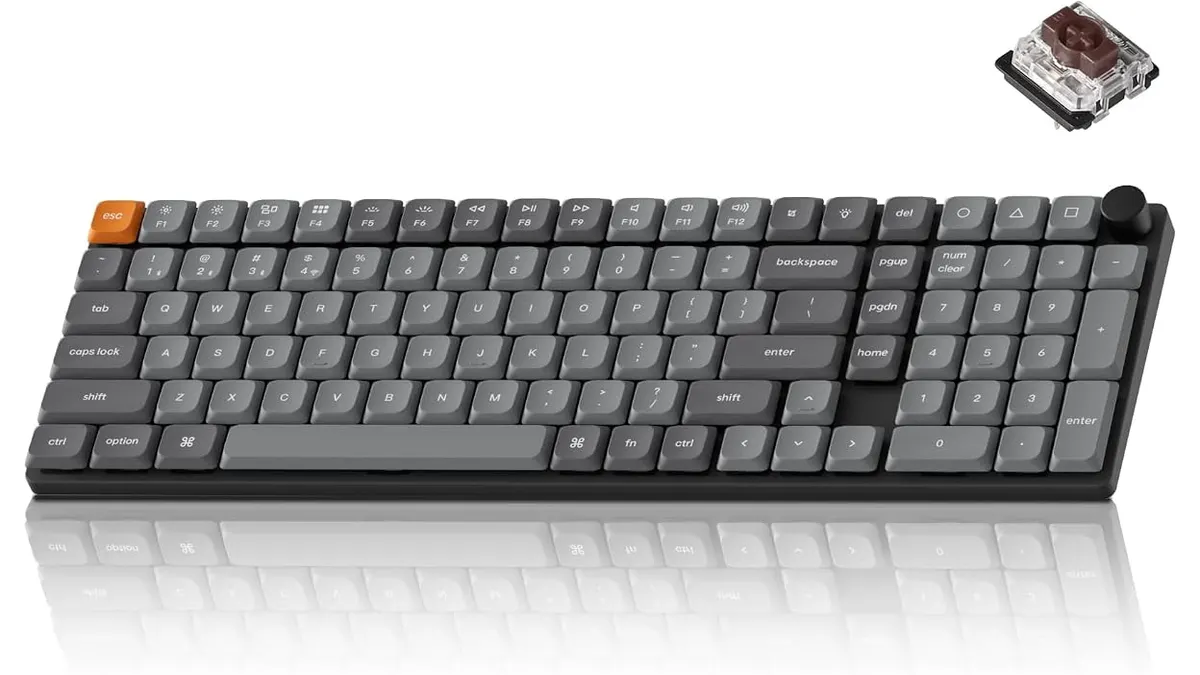
Keychron K17 Max Review: Slim 96% Layout
Deep dive Keychron K17 Max review: a low-profile 96% wireless keyboard built to fit the best home office peripherals setup for daily work.
 Peripherals
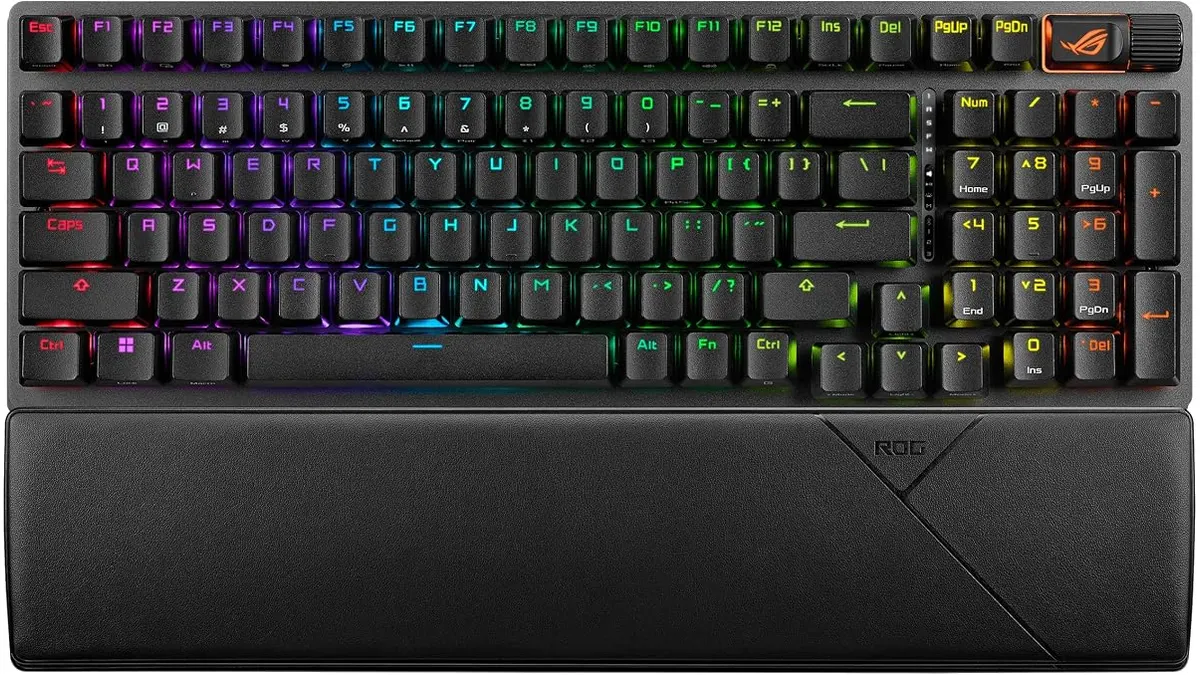
ASUS ROG Strix Scope II 96 Wireless Review
Looking for the best home office peripherals? Our ASUS ROG Strix Scope II 96 Wireless review covers battery life, linear switches, and desktop feel.
 Peripherals
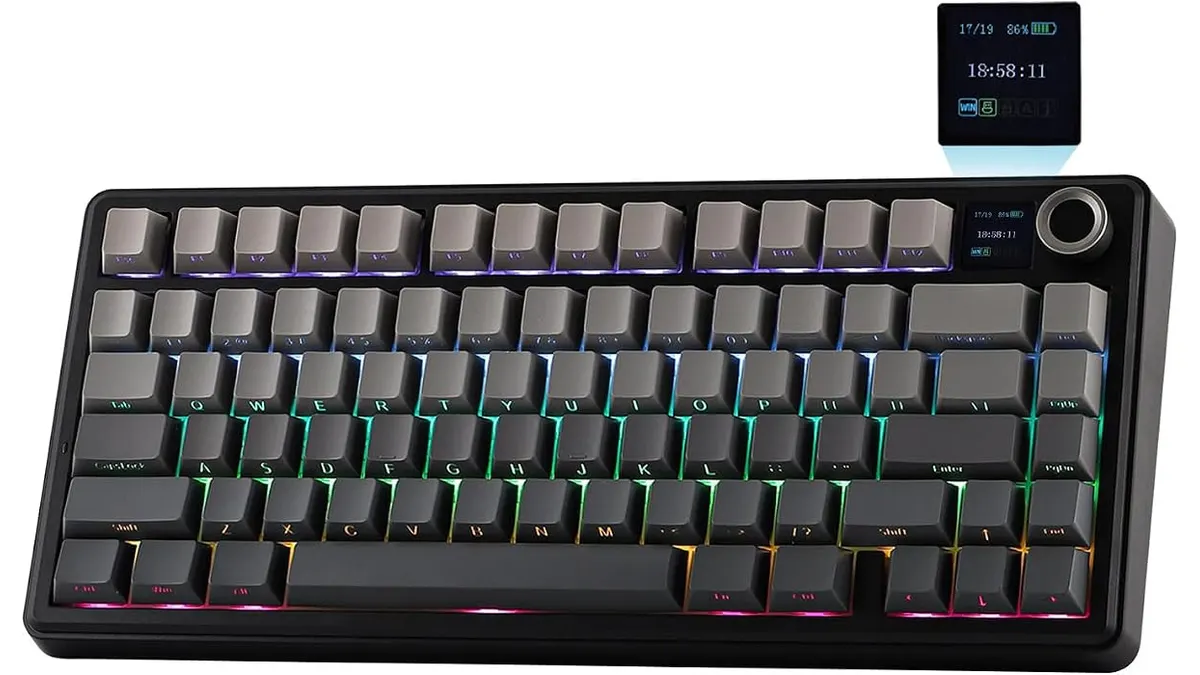
EPOMAKER Aula F75 MAX Review: Smart Setup
Looking for the best home office peripherals? Read our EPOMAKER Aula F75 MAX review to see if this tri-mode gasket-mount keyboard fits your setup.