OBSBOT Tiny 3 Lite Review: Smart AI Streaming
Looking for the best webcam for home office setups? Our OBSBOT Tiny 3 Lite review breaks down the AI tracking and 4K quality for remote workers.
Buying guide: best audio & webcams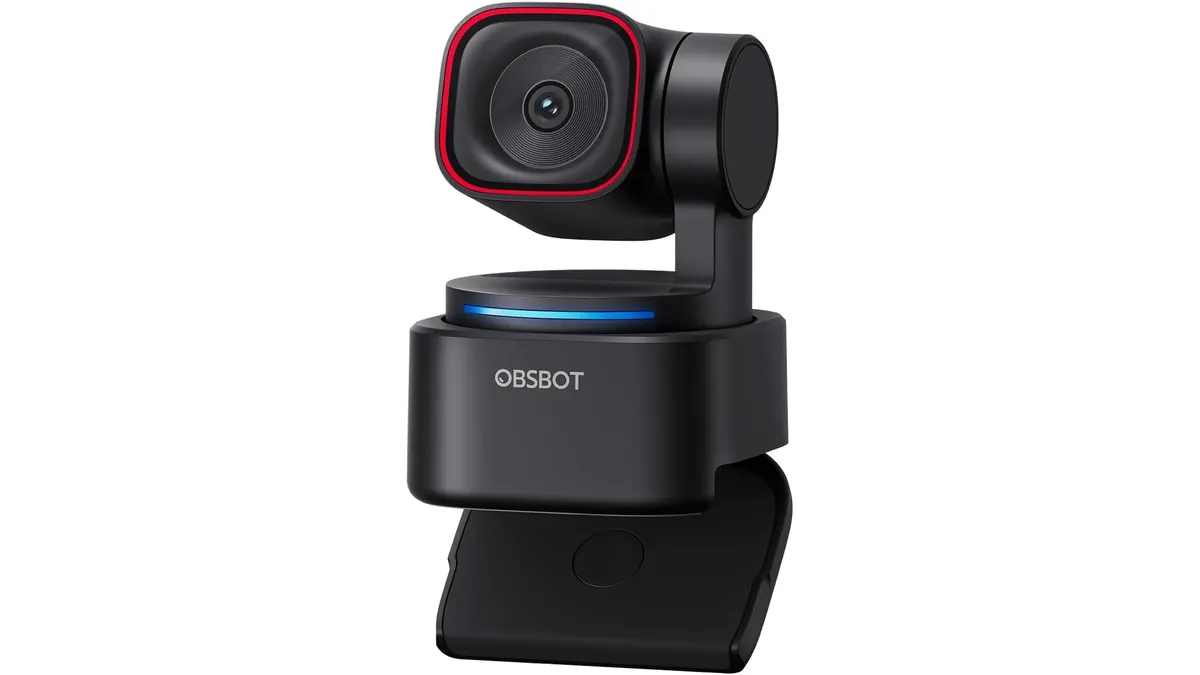 Audio & Webcams
The OBSBOT Tiny 3 Lite lands on your desk as a serious contender for the best webcam for home office setups. If you spend your days on back-to-back video calls and need a camera that actually keeps you in frame without constant manual adjustment, this is a refined tool worth your attention. We feature it here as part of our Audio & Webcams collection.
What it does well
The standout feature is the AI tracking 2.0. It manages to lock onto your movement with surprising speed, keeping you centered whether you are pacing during a presentation or gesturing while speaking. The 1/2’’ CMOS sensor is a significant step up from standard office gear, and it handles varying light levels through the 100-6400 ISO range effectively.
- Image quality: The 4K@30FPS output is crisp, but the 1080P@120FPS mode is arguably more useful for creators needing fluid motion.
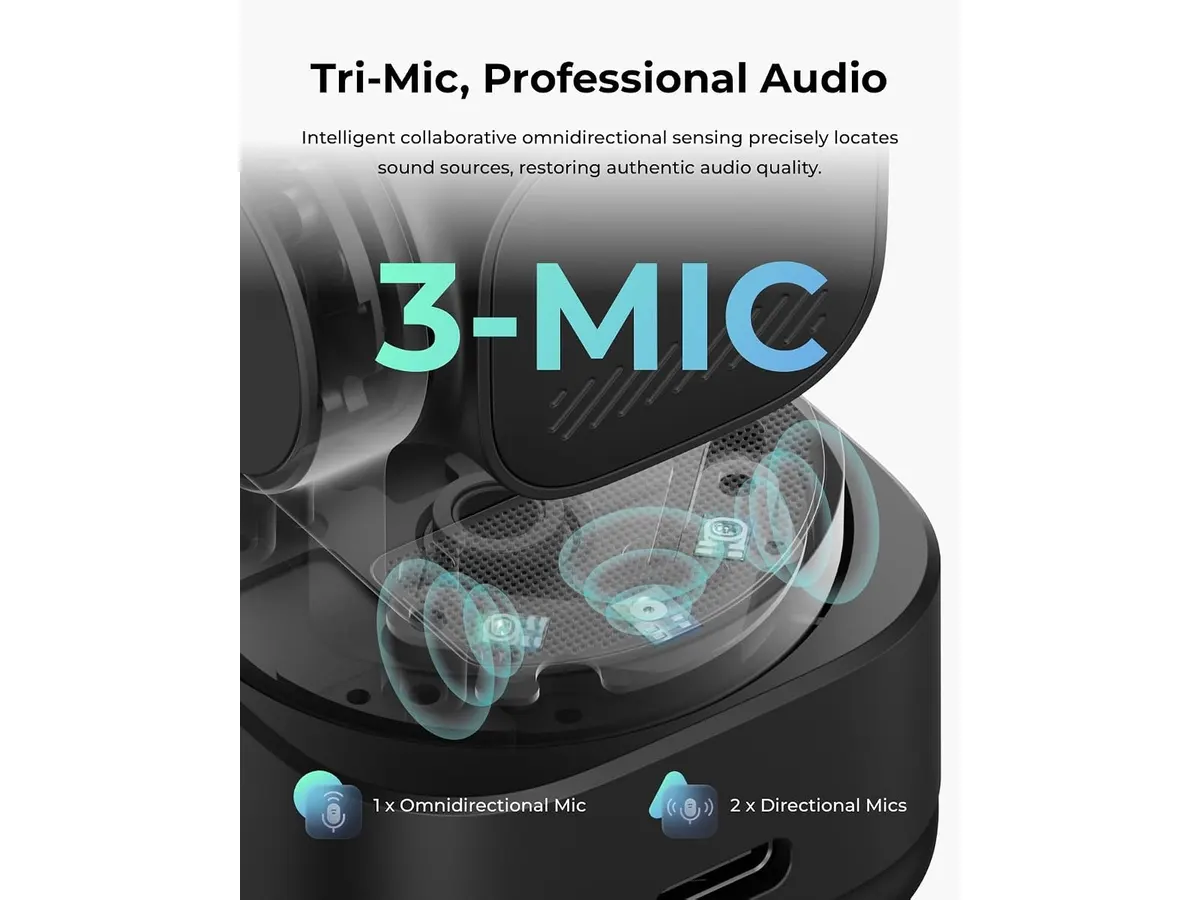
- Spatial Audio: The triple microphone array captures sound with more depth than a standard single-mic setup, making it a viable alternative to an entry-level USB microphone for video calls.
- Usability: The gesture controls are genuinely handy when you are standing away from your computer. You can trigger tracking or zoom without touching a mouse.
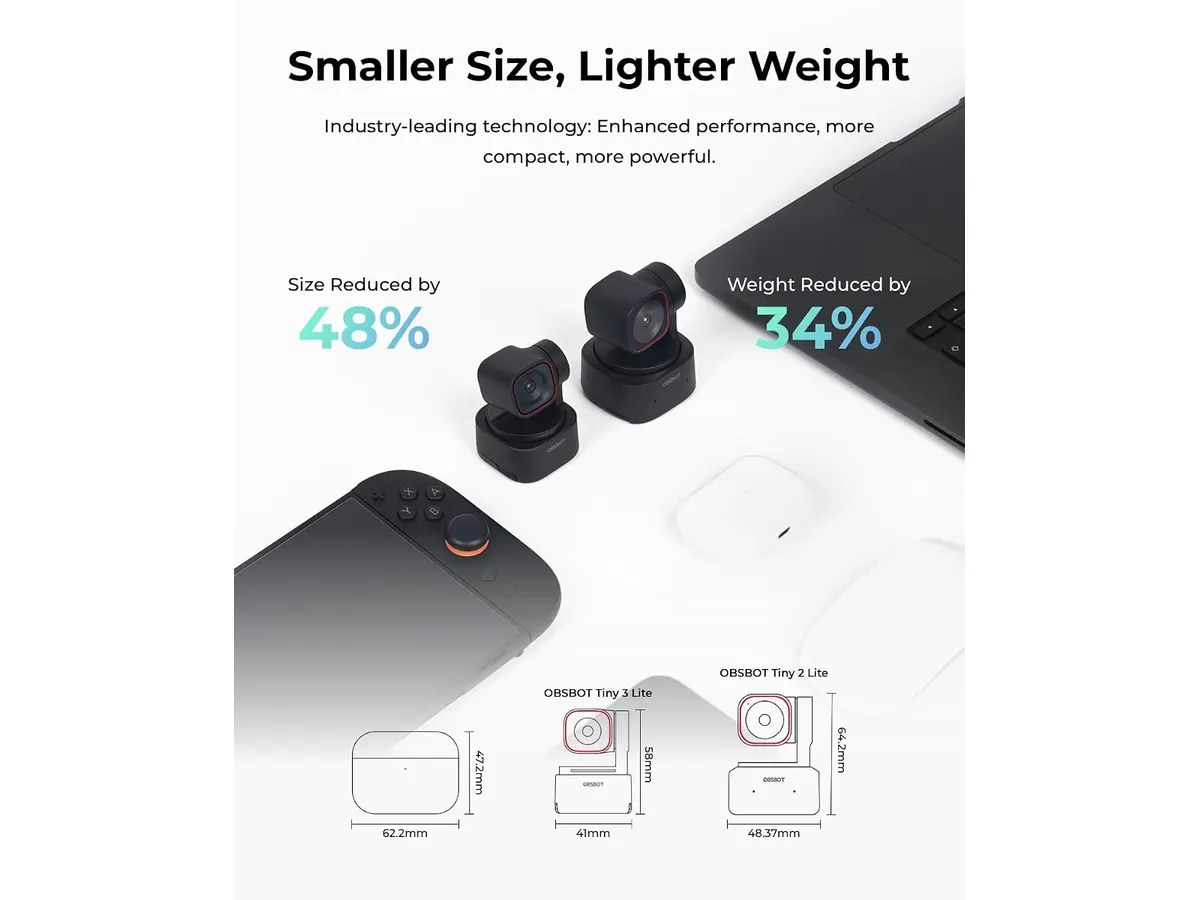
- Form factor: It is noticeably smaller than previous iterations, allowing it to sit atop thin monitor bezels without feeling heavy or intrusive.
Key specifications
| Feature | Specification |
|---|---|
| Max Resolution | 4K@30FPS or 1080P@120FPS |
| Sensor | 1/2’’ CMOS |
| ISO Range | 100-6400 |
| Audio | Triple microphone array (spatial) |
| Focus | PDAF (Phase Detection Auto Focus) |
| Controls | Gesture and Voice commands |
Where it falls short
While the AI tracking is impressive, it can occasionally get confused if there are multiple people or complex background movement behind you. You have to be mindful of your surroundings to get the best results. Additionally, the software suite—while powerful—is quite resource-intensive. If you are running an older machine with limited RAM, you might notice some system lag when using all the background blur and beauty filters simultaneously. Finally, the reliance on a proprietary software layer for the best experience means it is not exactly “plug and play” for every single advanced feature.
Who is it for?
This camera is perfect for remote workers who present often or creators who need a “set it and forget it” tracking solution. It eliminates the need for a dedicated camera operator.
However, it is not for the minimalist who wants a basic, no-frills lens. If you never stand up during a meeting and do not use advanced framing features, you are paying for technology that will sit idle on your monitor.
Alternatives to consider
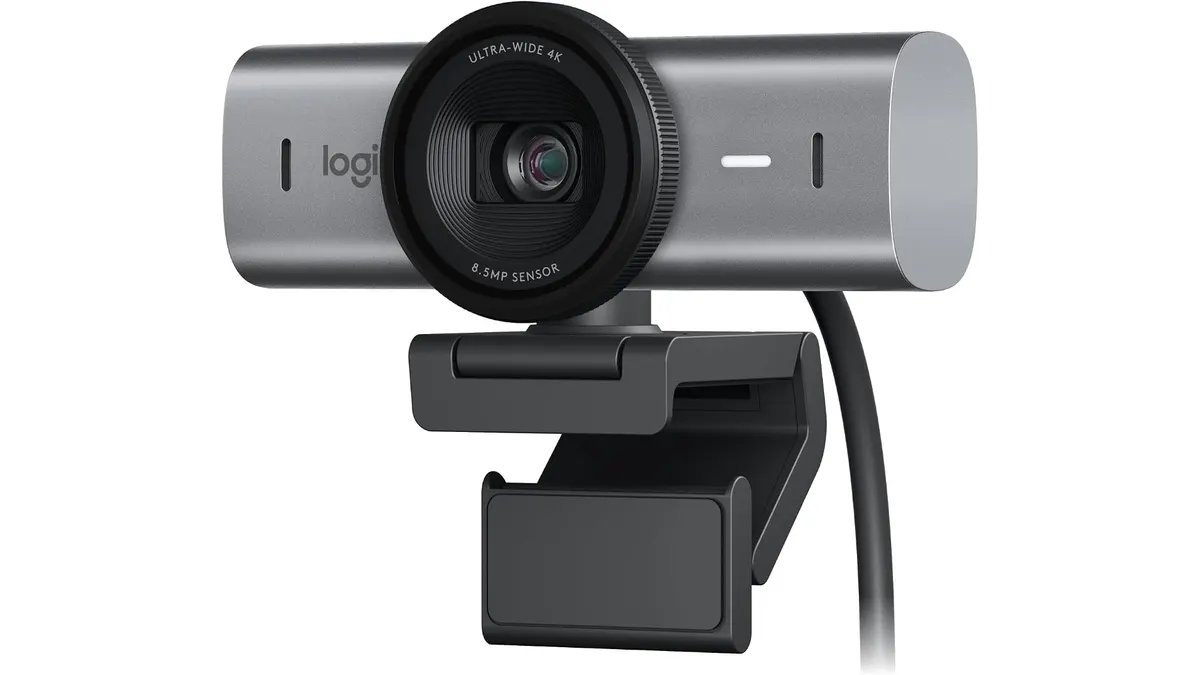
If you prefer a more traditional, high-fidelity experience without AI bells and whistles, consider a premium sensor-focused option like the one we covered in our Logitech MX Brio Review: Premium Webcam for Professionals. It offers a more standard, “pro-grade” image profile suited for static desk work.
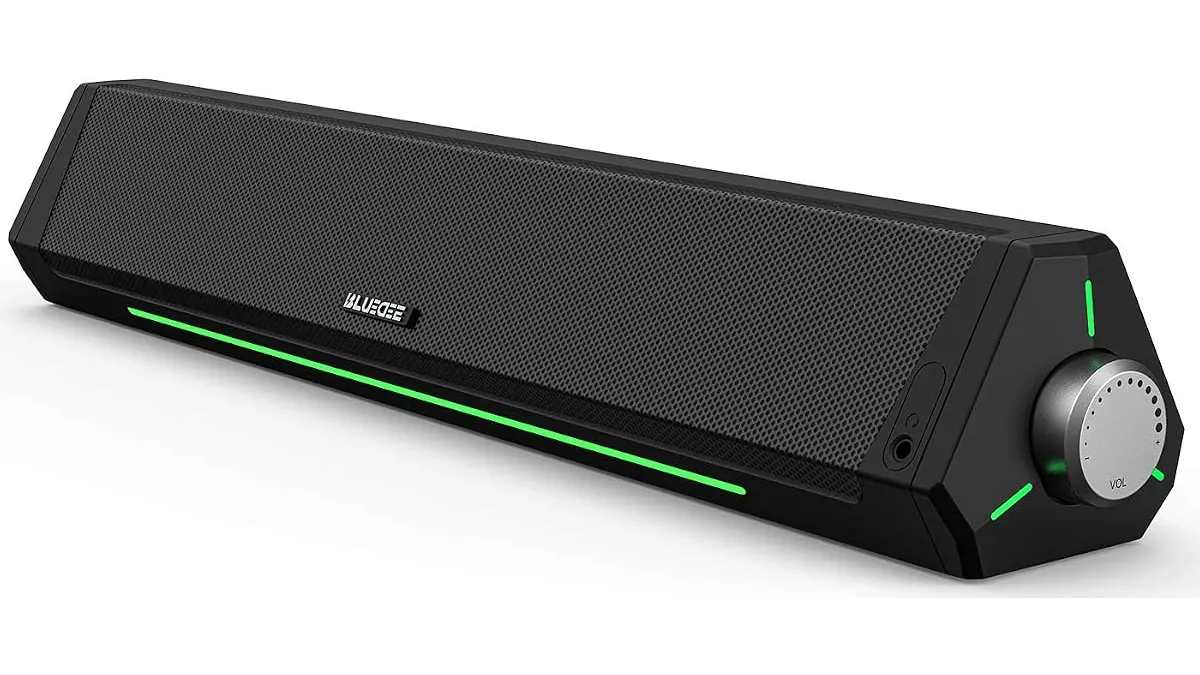
For those on a tighter budget who just need clear audio and video, a simpler setup consisting of a standard 1080p camera paired with a dedicated soundbar, such as the Bluedee Computer Speakers Review: Compact Soundbar for Desktops, might provide better value for your total desktop environment.
Verdict
The OBSBOT Tiny 3 Lite succeeds by making advanced AI tracking accessible in a compact footprint. It is a reliable choice for anyone building a high-end remote workspace who values automated framing. If you want to refine your setup further, check out our guide on Audio & Webcams for more configuration tips.
Frequently asked questions
Does the AI tracking work in low light?
The 1/2’’ sensor and 6400 ISO range allow it to perform well in dim rooms, though you will always get a cleaner image with a dedicated desk lamp.
Can I use the gesture controls with any software?
Yes, the gestures are processed locally by the camera and software, so they work across most major meeting and streaming platforms.
Do I need a separate microphone?
The triple-mic array is sufficient for standard meetings, but if you are recording a podcast or high-quality video content, a dedicated microphone will still provide superior audio isolation.
Editor
Charly River · SetUpLatam
Charly River curates, reviews and edits SetUpLatam’s home office guides. He checks every product sheet against the manufacturer’s official specifications and cuts what does not help, so you buy right the first time.
You may also like
 Audio & Webcams
Bluedee Computer Speakers Review: Compact Soundbar for Desktops
Explore Bluedee Computer Speakers for an efficient audio solution. Perfect for remote work and gaming. Read our full review!
 Audio & Webcams
Logitech MX Brio Review: Premium Webcam for Professionals
Discover the Logitech MX Brio, a top-tier webcam designed for streaming and video calls, ideal for remote workers and creators.
 Ergonomic Chairs
SIHOO M57 Review: Solid Ergonomic Mesh Chair
Looking for the best ergonomic office chair? Our SIHOO M57 review tests its lumbar support, mesh recline, and build quality for daily work.