OBSBOT Tiny 2 Lite Review: Smart AI Tracking
Looking for the best webcam for home office use? Our OBSBOT Tiny 2 Lite review breaks down why this AI-powered 4K camera is a smart choice for remote pros.
Buying guide: best audio & webcams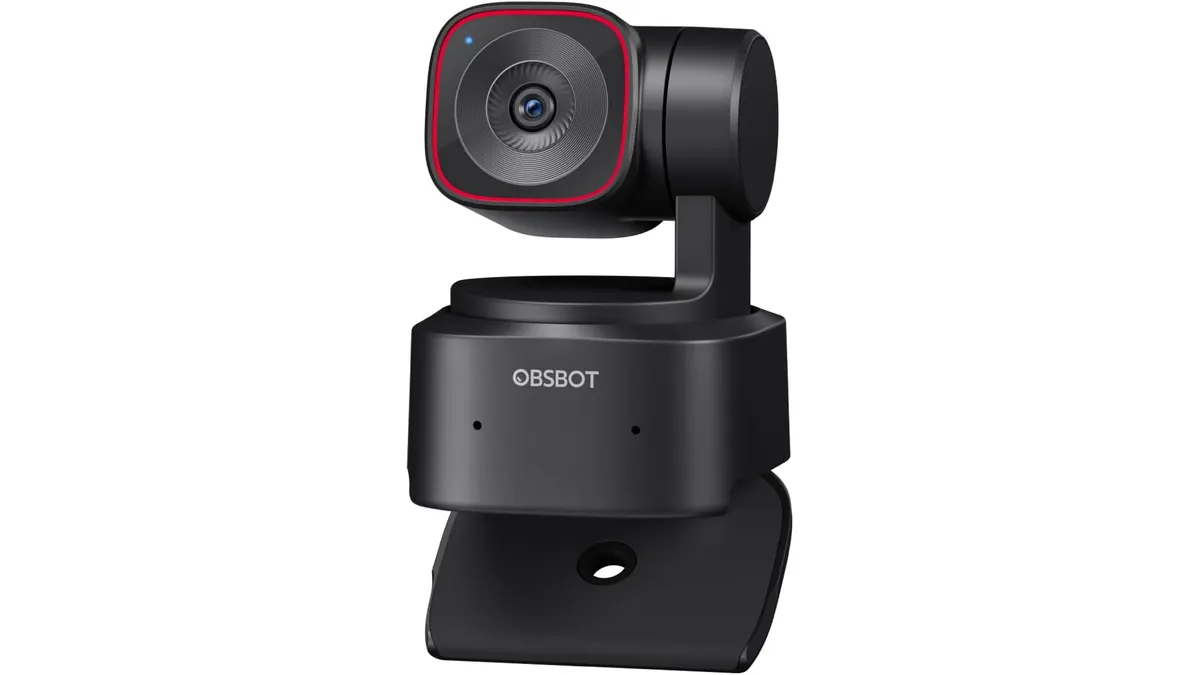 Audio & Webcams
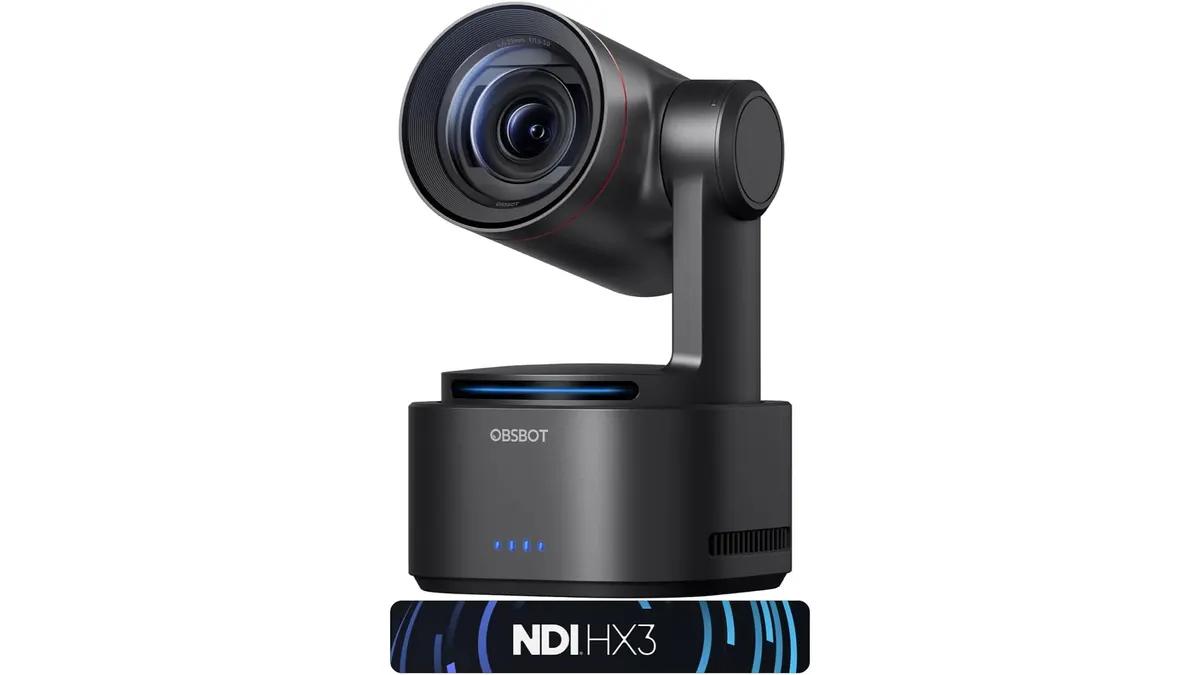
The OBSBOT Tiny 2 Lite enters a crowded market by prioritizing movement over static image quality. If you move around your desk during presentations or need a camera that tracks you automatically, this is a top contender for the best webcam for home office setups. It is designed for remote professionals who want a polished, professional look without needing a camera operator. For more gear in this category, check our Audio & Webcams section.
What it does well
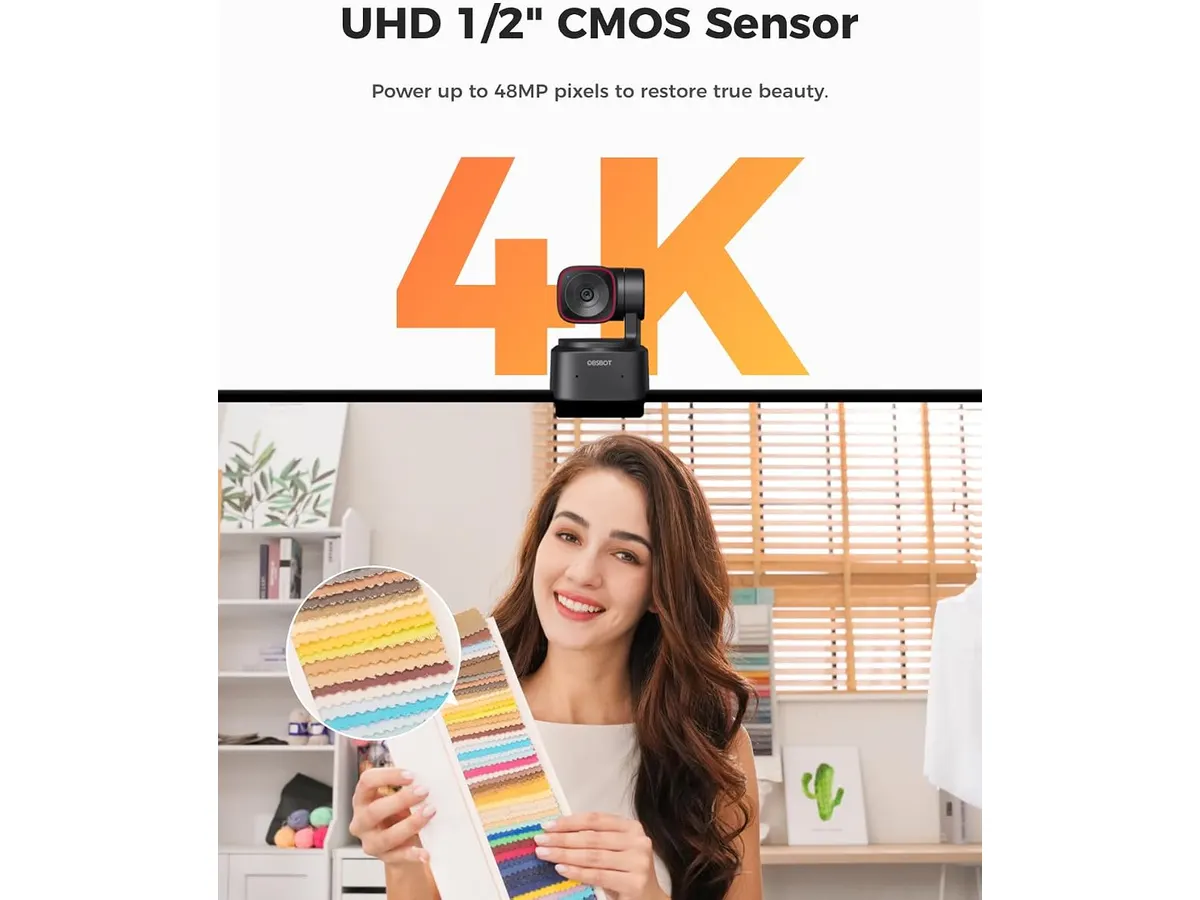
The standout feature here is the AI-driven tracking. Utilizing a 1/2-inch CMOS sensor, the camera delivers a crisp 4K image that stays focused on you even if you pace while talking. It handles both upper-body and hand-tracking modes effectively, which is a major convenience for teachers or presenters who use whiteboards or gestures to explain concepts.
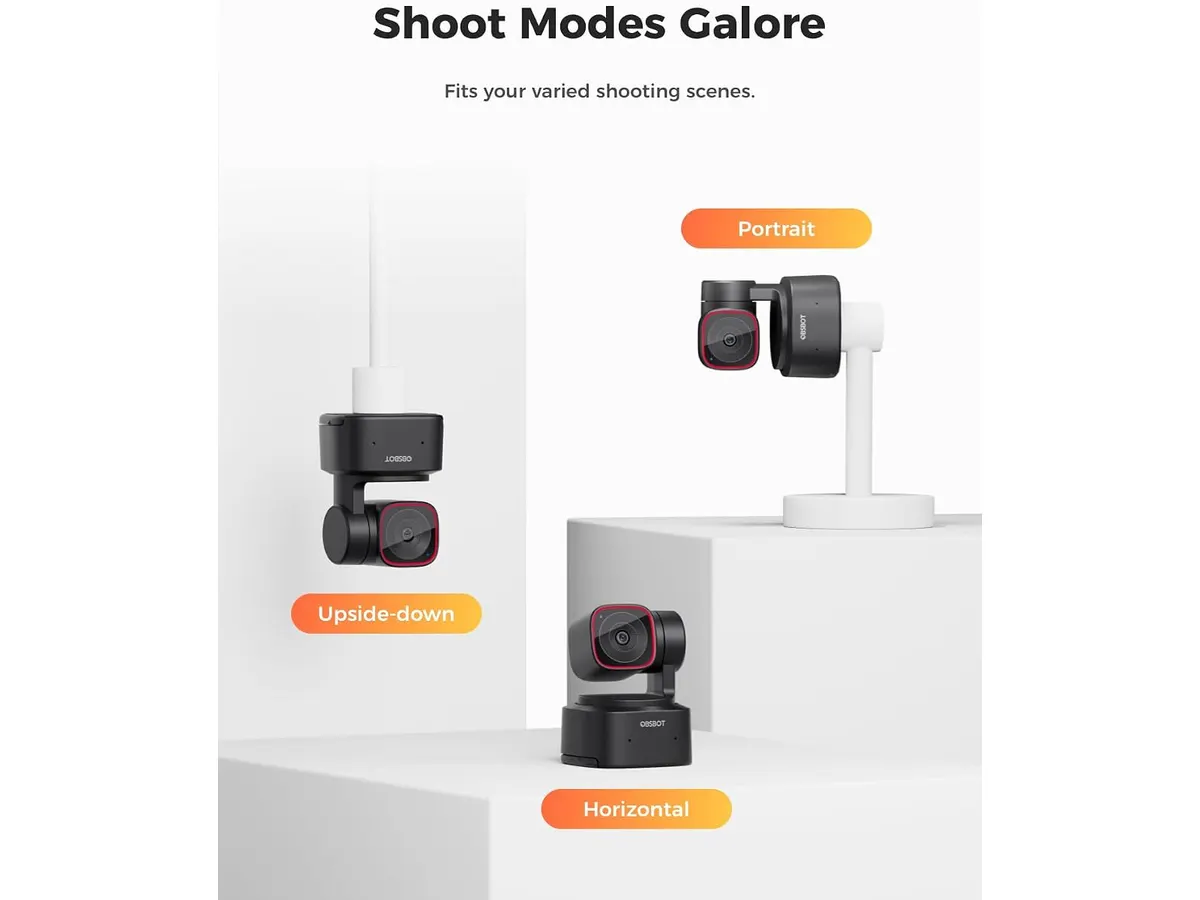
Integration is another strength. Because it supports SDK, OSC, and Stream Deck, power users can map complex camera movements to physical buttons. If you frequently switch between horizontal, vertical, or upside-down orientations, the automatic adjustment saves you from digging through software settings every time you change your mount.
Key specifications
| Feature | Specification |
|---|---|
| Resolution | 4K |
| Sensor Size | 1/2 inch CMOS |
| AI Tracking | Upper body and hands |
| Gesture Control | 2.0 Dynamic |
| Compatibility | SDK, OSC, Stream Deck, Hotkeys |
| Mounting Modes | Horizontal, Vertical, Inverted |
Where it falls short
The reliance on motorized movement and AI processing means the camera body is larger than a standard fixed lens. It takes up more visual space on your monitor and requires a stable, flat surface or a sturdy arm mount to perform its best. If you have a flimsy monitor bezel, the weight of the unit might cause some sway when it pans.
Additionally, while the software is powerful, the learning curve for the advanced gesture controls can be steep. You will likely spend an hour or two in the settings dialing in your preferred sensitivity so the camera does not follow your cat or a poster in the background instead of you.
Who is it for?
This camera is perfect for creators and educators who stand up, move around, or demonstrate products on camera. If your meetings involve constant interaction with a physical workspace, the PTZ functionality makes you look like you have a production team following your every move.
It is not for the minimalist who wants a “set it and forget it” device. If you stay anchored in one spot at your desk and prioritize raw aesthetic color science over active tracking, you will find the motorized components unnecessary and potentially distracting.
Alternatives to consider
For those who prefer a high-end, stationary experience, consider a premium fixed-lens webcam. These models often prioritize superior color reproduction and lens glass over motion-tracking motors, making them the standard choice for executives who want a cinematic, static look during video calls. Read our Logitech MX Brio Review: Premium Webcam for Professionals to see if that fits your needs better.
If you need even more advanced smart features or faster processing speeds for live streaming, you might look at a higher-tier AI-integrated model. These options come at a higher price point but offer more robust SDK support for custom OBS setups. Compare these against our OBSBOT Tiny 3 Lite Review: Smart AI Streaming to determine if the hardware upgrade is worth your investment. Also, remember to complement your video with clear audio, perhaps by exploring a Bluedee Computer Speakers Review: Compact Soundbar for Desktops for a better overall meeting experience.
Verdict
The OBSBOT Tiny 2 Lite is a specialized tool that succeeds by putting movement control in the user’s hands. It is an excellent choice for anyone who needs to engage an audience while moving freely around their office. Provided you have a stable mounting solution, its 4K performance and AI tracking make it a serious upgrade for your daily workflow.
Frequently asked questions
Does this webcam work on a tripod?
Yes, it features a standard mounting thread, making it fully compatible with most tripods and desk-mounted light stands.
Can I use the gesture controls for other apps?
Through the use of Hotkeys and Stream Deck integration, you can map various camera commands to your existing desktop software workflow.
Is the AI tracking fast enough for fast movement?
It is highly responsive for standard presentations, though it is not designed to track fast-paced athletic activities or rapid, erratic movements.

Editor
Charly River · SetUpLatam
Charly River curates, reviews and edits SetUpLatam’s home office guides. He checks every product sheet against the manufacturer’s official specifications and cuts what does not help, so you buy right the first time.
You may also like
 Audio & Webcams
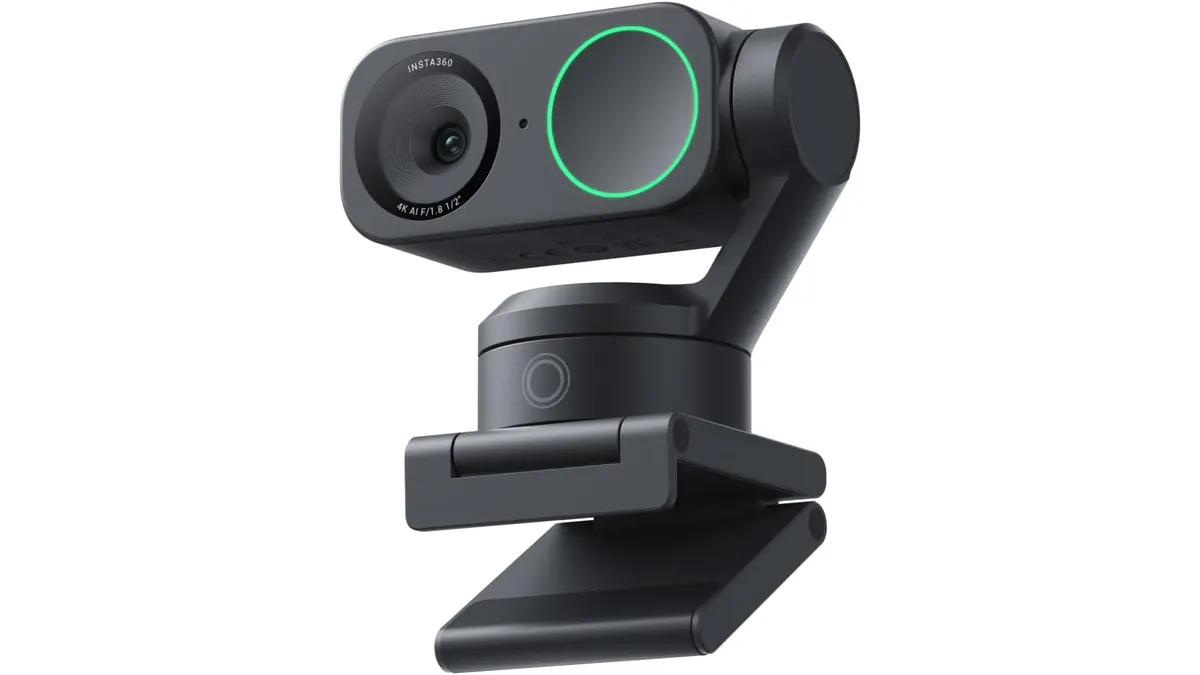
Insta360 Link 2 Review: The Best 4K PTZ Webcam
Read our Insta360 Link 2 review to learn why this 4K PTZ model is the best webcam for home office setups requiring AI tracking and noise cancellation.
 Audio & Webcams
OBSBOT Tail 2 Review: AI-Powered Cinematic Streaming
The OBSBOT Tail 2 is a powerhouse for creators. Discover why this PTZR camera is a contender for the best webcam for home office use in our deep dive.
 Audio & Webcams
MAONO A04 USB Microphone Review: Clear Studio Audio
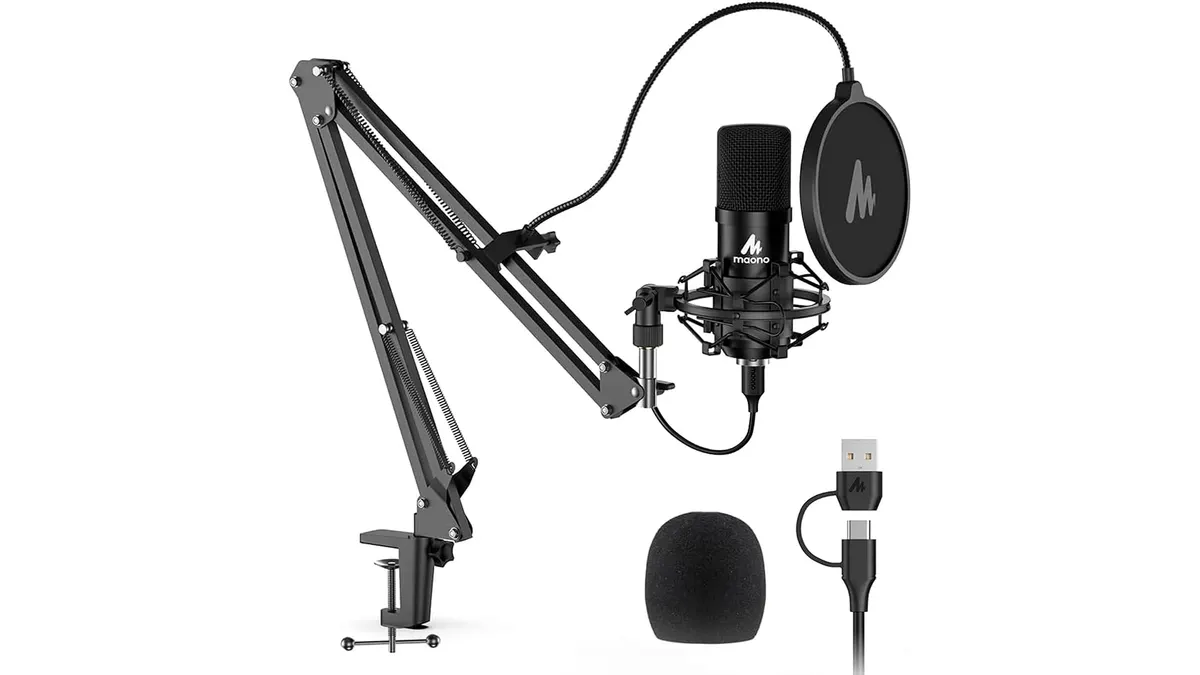
Pairing the best webcam for home office setups with the MAONO A04 USB Microphone gives you crisp 192kHz/24Bit audio for calls and podcasts.