Insta360 Link 2 Review: The Best 4K PTZ Webcam
Read our Insta360 Link 2 review to learn why this 4K PTZ model is the best webcam for home office setups requiring AI tracking and noise cancellation.
Buying guide: best audio & webcams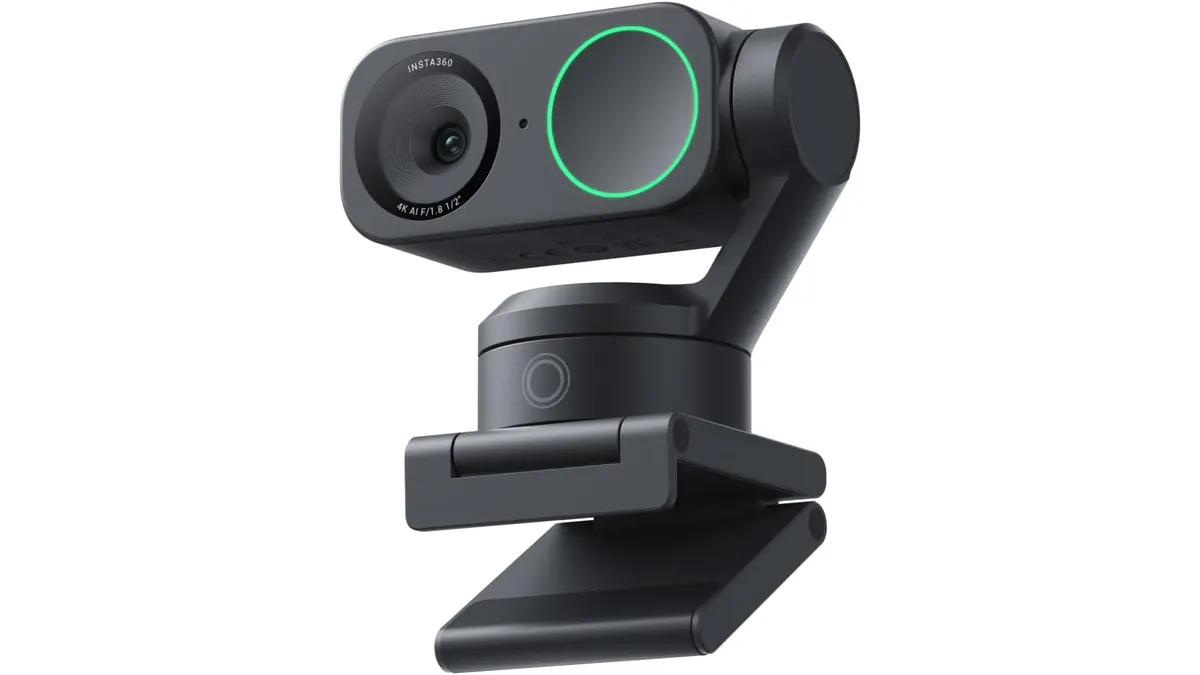 Audio & Webcams
The Insta360 Link 2 enters a crowded market of desktop cameras with hardware that actually justifies its presence. Built for remote workers, educators, and content creators who need more than a static wide shot, this camera pairs physical pan-and-tilt motion with high-end optical components. If you are searching for the best webcam for home office presentations, this unit demands immediate attention across our Audio & Webcams coverage.
What it does well
The image quality relies on a large 1/2-inch sensor capable of outputting native 4K resolution. That extra sensor surface area captures superior light and detail compared to typical built-in laptop lenses. Facial features remain clear, room lighting looks balanced, and fine text on handheld documents stays crisp.
Focus speed is another major advantage. Thanks to Phase Detection Auto Focus (PDAF), the camera locks onto target objects immediately. You can bring a document or product up to the lens, and the hardware adjusts without visible focus hunting.
Physical movement sets this model apart from software-based digital cropping cameras. The integrated pan and tilt motor actively tracks your body across the room, keeping you centered while standing at a height-adjustable desk or moving toward a whiteboard. When paired with specialized modes like DeskView and Whiteboard mode, switching views happens with precise physical positioning.
Audio capture gets real hardware attention too. The integrated AI noise-canceling microphone strips away background air conditioning hum and keyboard clicks without requiring an external USB microphone for video calls.
Key specifications
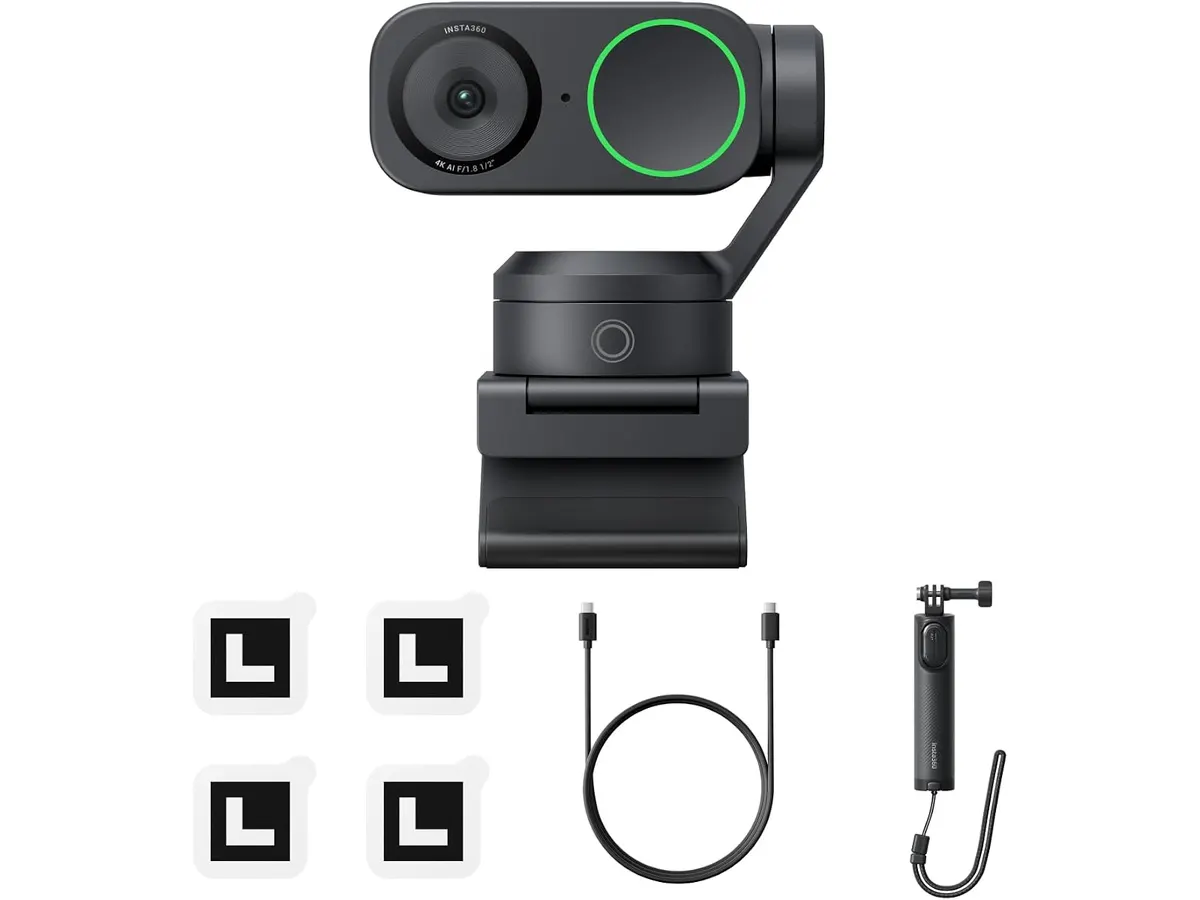
| Feature | Specification |
|---|---|
| Video Resolution | 4K |
| Image Sensor | 1/2-inch |
| Autofocus System | Phase Detection (PDAF) |
| Audio | Integrated AI noise-canceling microphone |
| Motion Control | Physical Pan and Tilt motorized tracking |
| Special Modes | DeskView, Whiteboard Mode, AI Tracking |
| OS Compatibility | Windows PC and macOS |
Where it falls short
The motorized mechanics increase the physical size of the camera. Mounted on top of a thin display, the unit feels bulkier than standard fixed webcams. It requires a solid monitor edge or mini tripod to stay anchored.
All tracking features and specialized camera modes rely heavily on running Insta360’s dedicated software on your host computer. If your company laptop locks down background software installations, you will lose access to dynamic mode switching and tracking controls.
The physical pan-and-tilt tracking is excessive if you spend your entire workday sitting still in a standard office chair. Basic calls do not demand motorized motion.
Who is it for?
This camera shines for active presenters, teachers, and professionals who move while speaking or switch frequently between face camera views and physical desk documents. It transforms a solo desk into an interactive demonstration station.
It is not the right choice for minimalists or workers who strictly participate in routine internal check-ins. If your camera stays off most of the day while you speak through a basic headset for meetings, the motorized gimbal and specialized 4K modes are unnecessary features.
Alternatives to consider
If you prefer pure optical fidelity without moving parts, high-end fixed 4K desktop cameras are worth evaluating. Models like the one analyzed in our Logitech MX Brio Review provide ultra-sharp image processing in a static chassis without motorized tracking.
On the other hand, if you want intelligent subject centering on a tighter budget, entry-level smart webcams utilize digital cropping instead of motorized gimbals. Our OBSBOT Tiny 3 Lite Review breaks down how lightweight software tracking compares against full hardware rotation.
Verdict
The Insta360 Link 2 delivers outstanding performance by marrying a 1/2-inch 4K sensor with true physical pan-and-tilt tracking. Phase-detection autofocus ensures instantaneous clarity, while the onboard noise-canceling microphone keeps your voice front and center. If your daily workflow involves presenting, teaching, or remote product demos, this unit easily stands among the best tools you can mount on your monitor.
Frequently asked questions
Is the Insta360 Link 2 the best webcam for home office work?
For professionals who move around, present on whiteboards, or need overhead desk views, its motorized tracking and 4K sensor make it one of the top choices available. Users who sit still during basic calls may prefer standard fixed cameras.
Does phase detection autofocus (PDAF) really make a difference?
Yes. Unlike traditional contrast-based autofocus that pulses in and out while searching for focus, PDAF calculates distances instantly. It snaps focus directly onto your face or handheld items without blur.
Can I use the Insta360 Link 2 on both Mac and Windows?
The webcam offers full software and hardware compatibility across both macOS and Windows systems, letting you control tracking and special modes on either platform.

Editor
Charly River · SetUpLatam
Charly River curates, reviews and edits SetUpLatam’s home office guides. He checks every product sheet against the manufacturer’s official specifications and cuts what does not help, so you buy right the first time.
You may also like
 Audio & Webcams
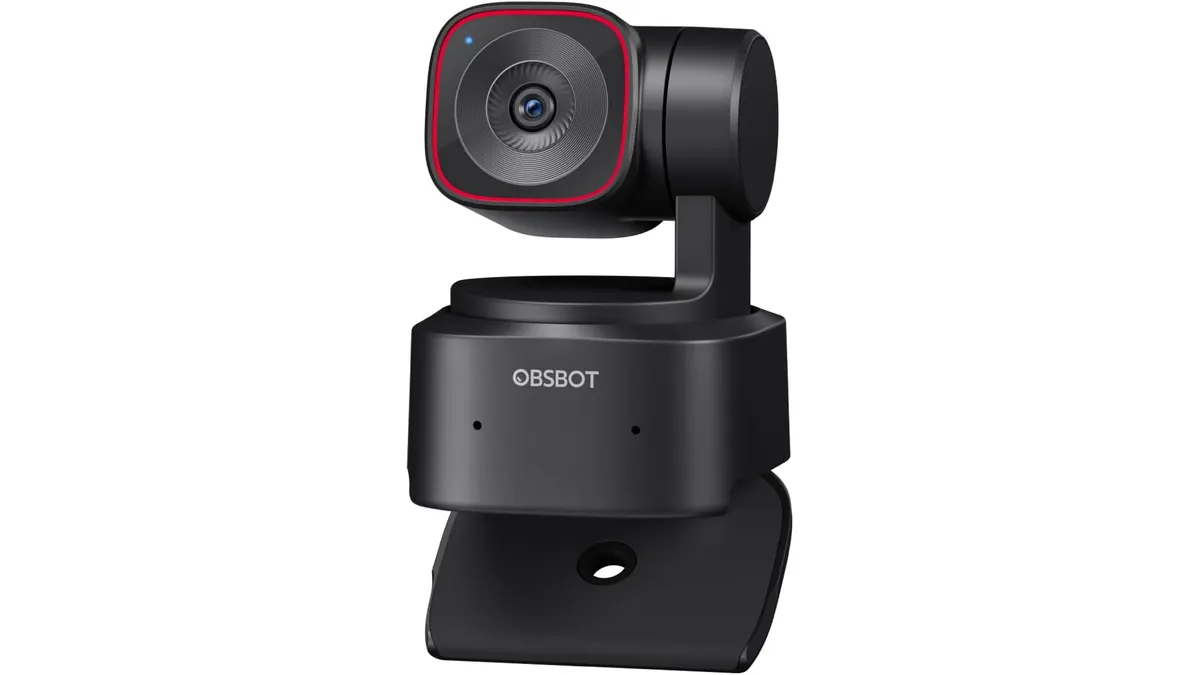
OBSBOT Tiny 2 Lite Review: Smart AI Tracking
Looking for the best webcam for home office use? Our OBSBOT Tiny 2 Lite review breaks down why this AI-powered 4K camera is a smart choice for remote pros.
 Audio & Webcams
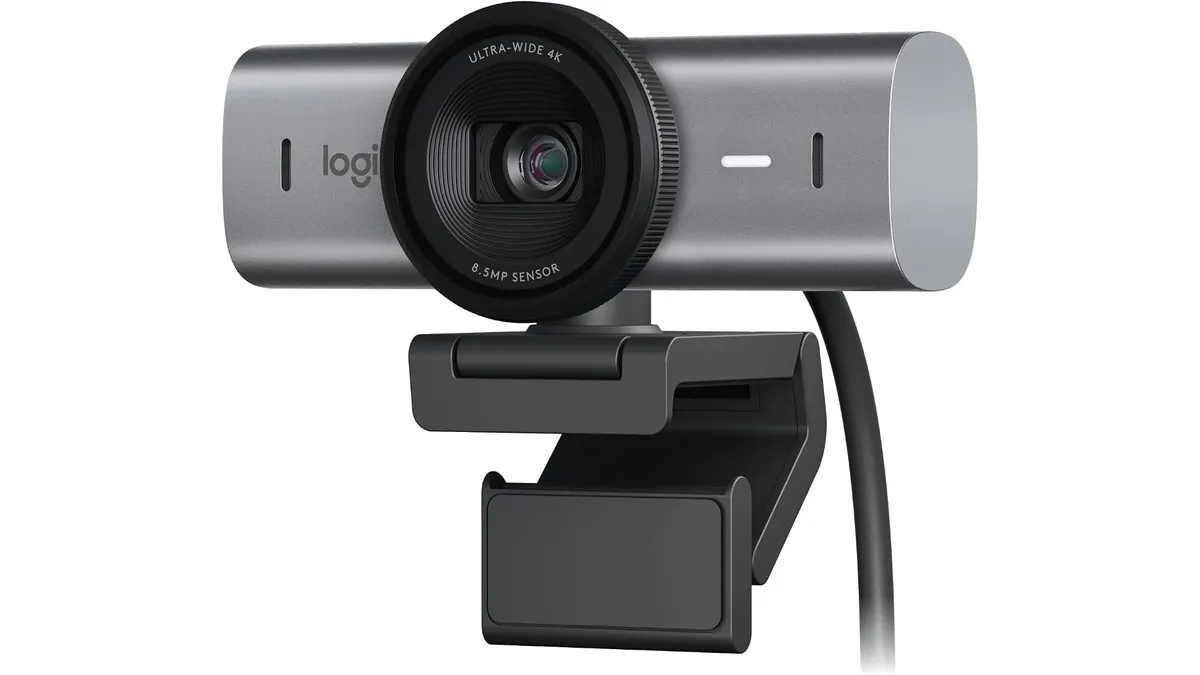
Logitech MX Brio Review: Premium Webcam for Professionals
Discover the Logitech MX Brio, a top-tier webcam designed for streaming and video calls, ideal for remote workers and creators.
 Audio & Webcams
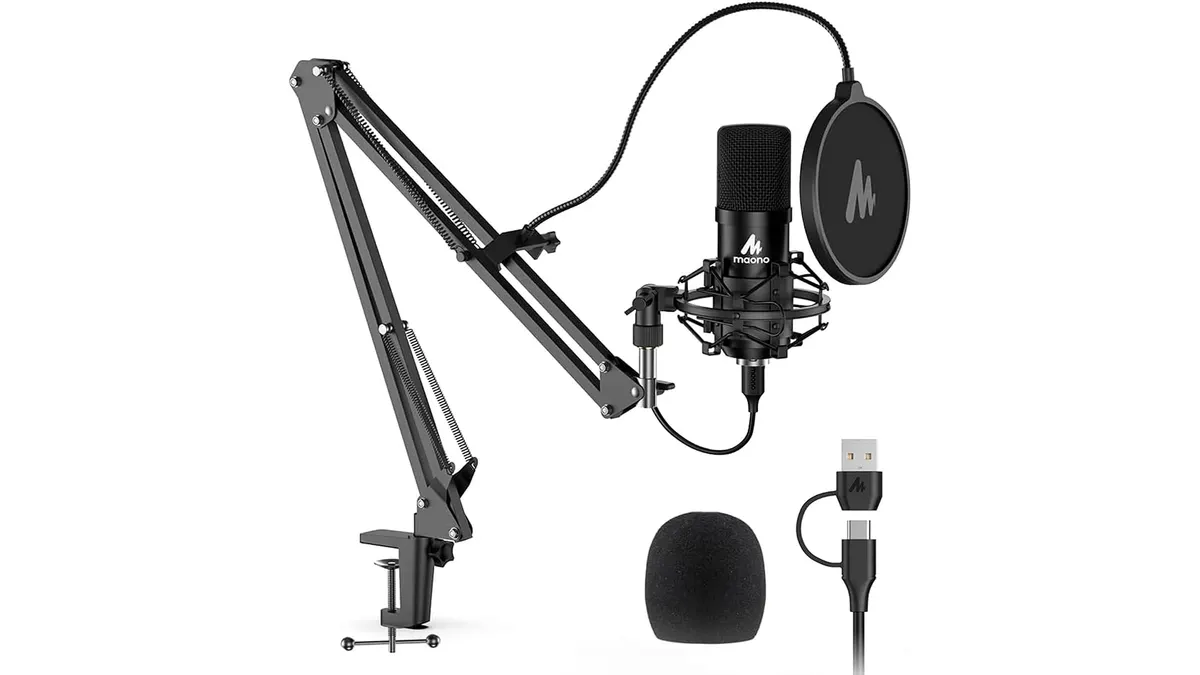
MAONO A04 USB Microphone Review: Clear Studio Audio
Pairing the best webcam for home office setups with the MAONO A04 USB Microphone gives you crisp 192kHz/24Bit audio for calls and podcasts.