Buying guide
Best audio & webcams for home office
The best webcams and audio for home office: criteria and picks. Image, noise-reducing microphone and plug-and-play support.
See all Audio & Webcams reviewsHow we choose
We rank gear by the SetUpLatam editorial score, which starts from the manufacturer’s official specifications and the intended real-world use. Positions are not for sale: buying links are affiliate links and are always disclosed.
What to look for
- Image: resolution and good low-light performance, not just marketing 4K.
- Audio: a noise-reducing mic for calls.
- Plug-and-play support without drivers.
- Mounting and field of view that match how you sit.
Our audio & webcams picks
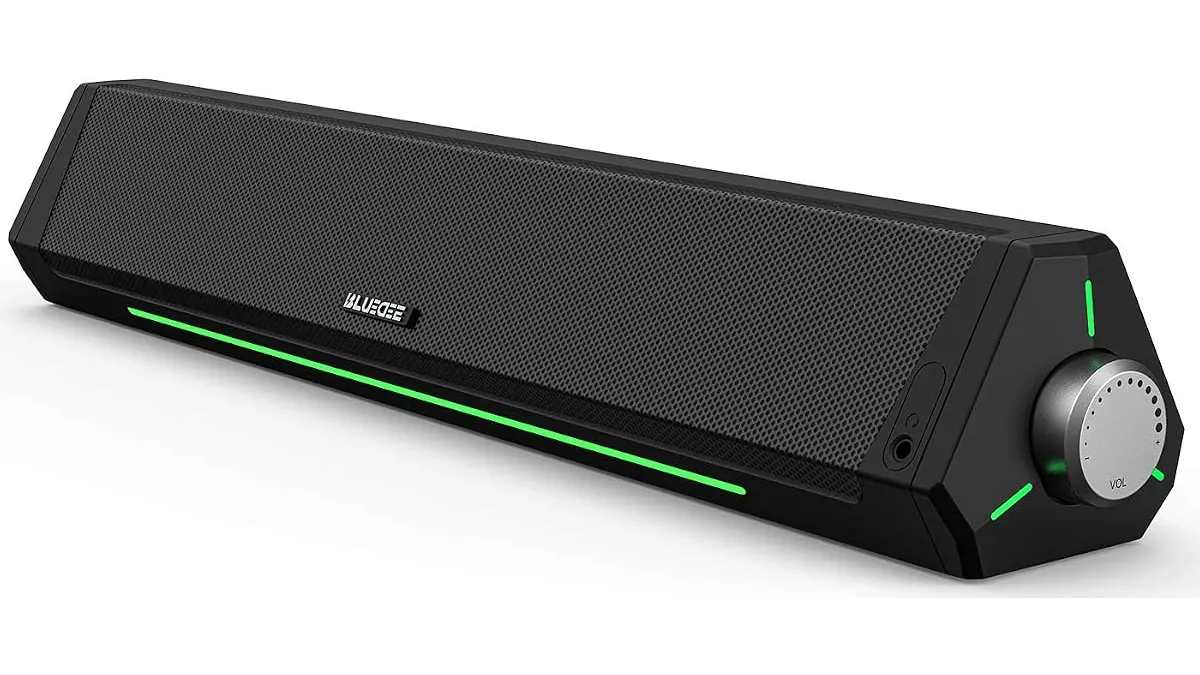 #14.2Bluedee Computer Speakers Review: Compact Soundbar for Desktops
Explore Bluedee Computer Speakers for an efficient audio solution. Perfect for remote work and gaming. Read our full review!
Bluedee
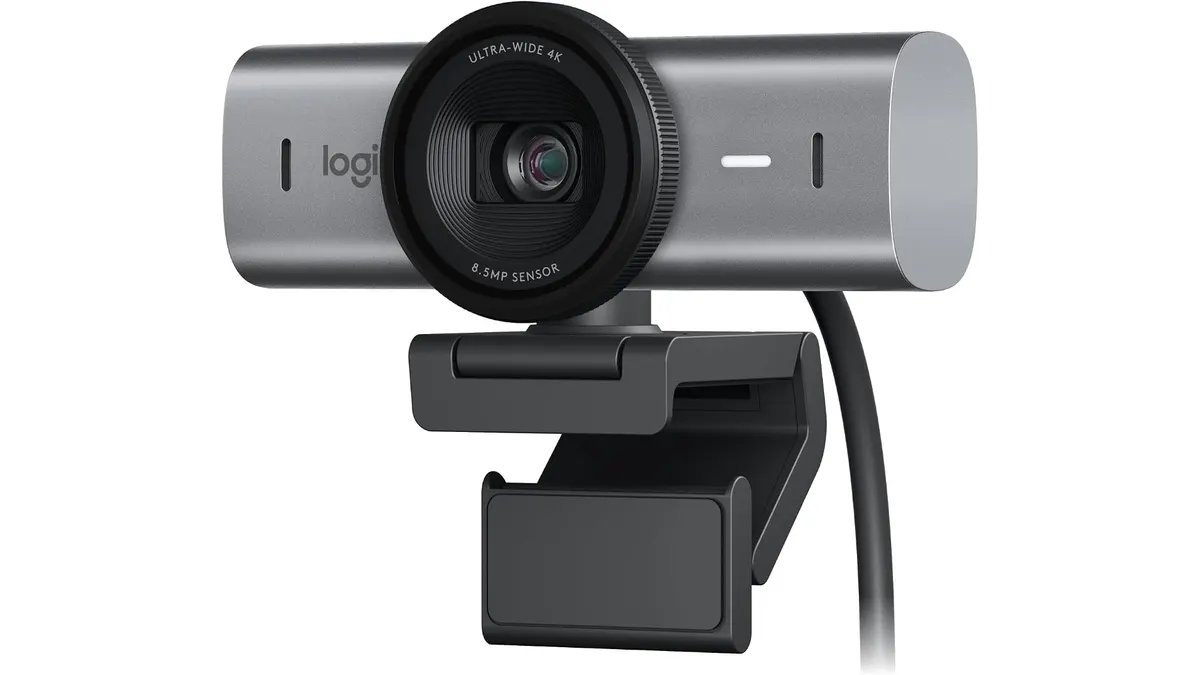 #24.2Logitech MX Brio Review: Premium Webcam for Professionals
Discover the Logitech MX Brio, a top-tier webcam designed for streaming and video calls, ideal for remote workers and creators.
Logitech
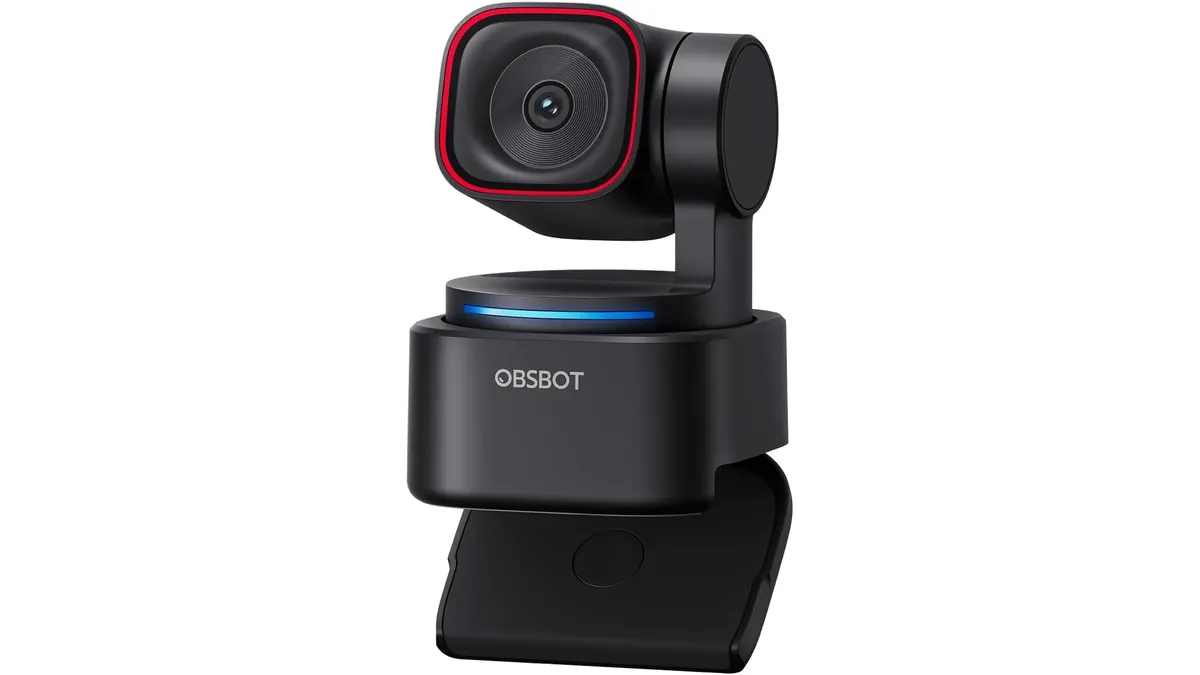 #34.1OBSBOT Tiny 3 Lite Review: Smart AI Streaming
Looking for the best webcam for home office setups? Our OBSBOT Tiny 3 Lite review breaks down the AI tracking and 4K quality for remote workers.
OBSBOT
Quick comparison
| Product | Key specs | Buy | ||
|---|---|---|---|---|
| Bluedee Computer Speakers Review: Compact Soundbar for Desktops | Bluedee | 4.2 | Barra de sonido para escritorio · Doble driver y doble diafragma, antimagnetico · Jack 3.5 mm y Bluetooth 5.0 | Check price |
| Logitech MX Brio Review: Premium Webcam for Professionals | Logitech | 4.2 | 4K a 30 fps / 1080p a 60 fps · Pixeles un 70% mas grandes · Duales beamforming con reduccion de ruido | Check price |
| OBSBOT Tiny 3 Lite Review: Smart AI Streaming | OBSBOT | 4.1 | 4K@30FPS o 1080P@120FPS · 1/2'' CMOS · 100-6400 | Check price |
Frequently asked questions
Is my laptop webcam enough?
For casual meetings, yes. For a professional image, an external webcam that handles low light well makes the difference.
USB microphone or the laptop mic?
A USB microphone with noise reduction greatly improves clarity on calls and recordings compared with the built-in mic.
What should I look for in a webcam?
Resolution, low-light performance and field of view. 1080p at 30 fps is enough for most meetings.
Looking for something specific? Browse all reviews in the category or the full index.