OBSBOT Tail 2 Review: AI-Powered Cinematic Streaming
The OBSBOT Tail 2 is a powerhouse for creators. Discover why this PTZR camera is a contender for the best webcam for home office use in our deep dive.
Buying guide: best audio & webcams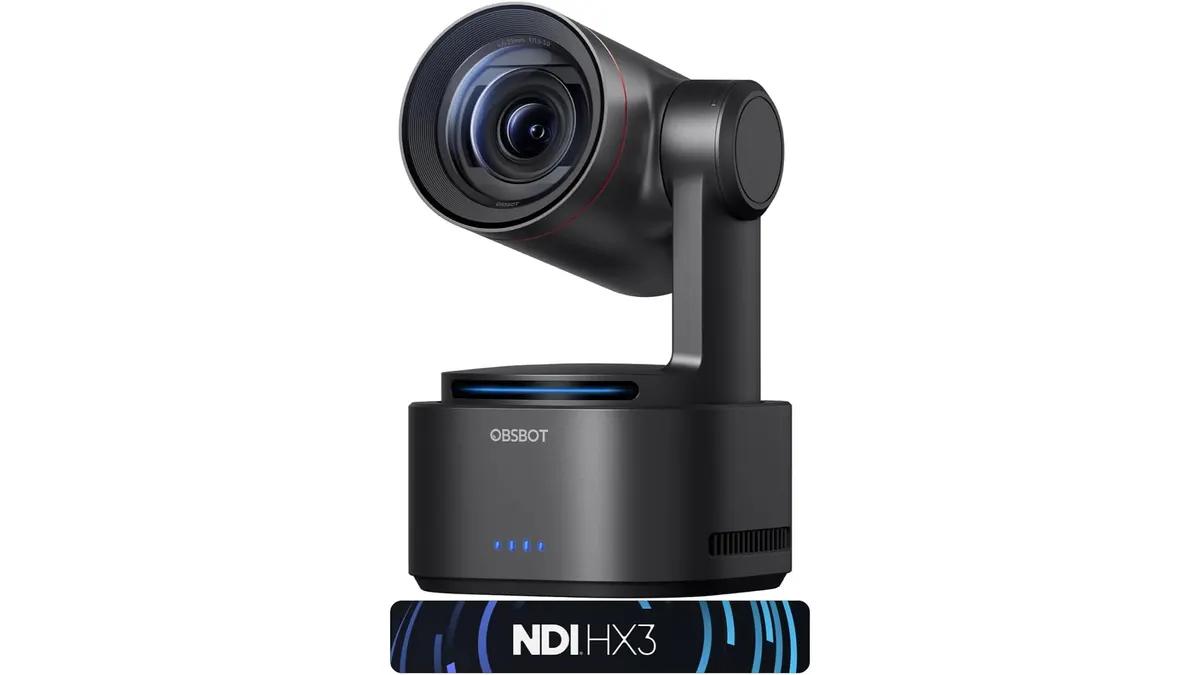 Audio & Webcams
The OBSBOT Tail 2 is not your typical plug-and-play peripheral. It is a sophisticated piece of hardware designed for creators and professionals who need cinematic quality without a dedicated camera crew. While it fits into our Audio & Webcams collection, it functions more like a robotic broadcast unit. This is the best webcam for home office setups where the user needs automated tracking and high-end image quality.
What it does well
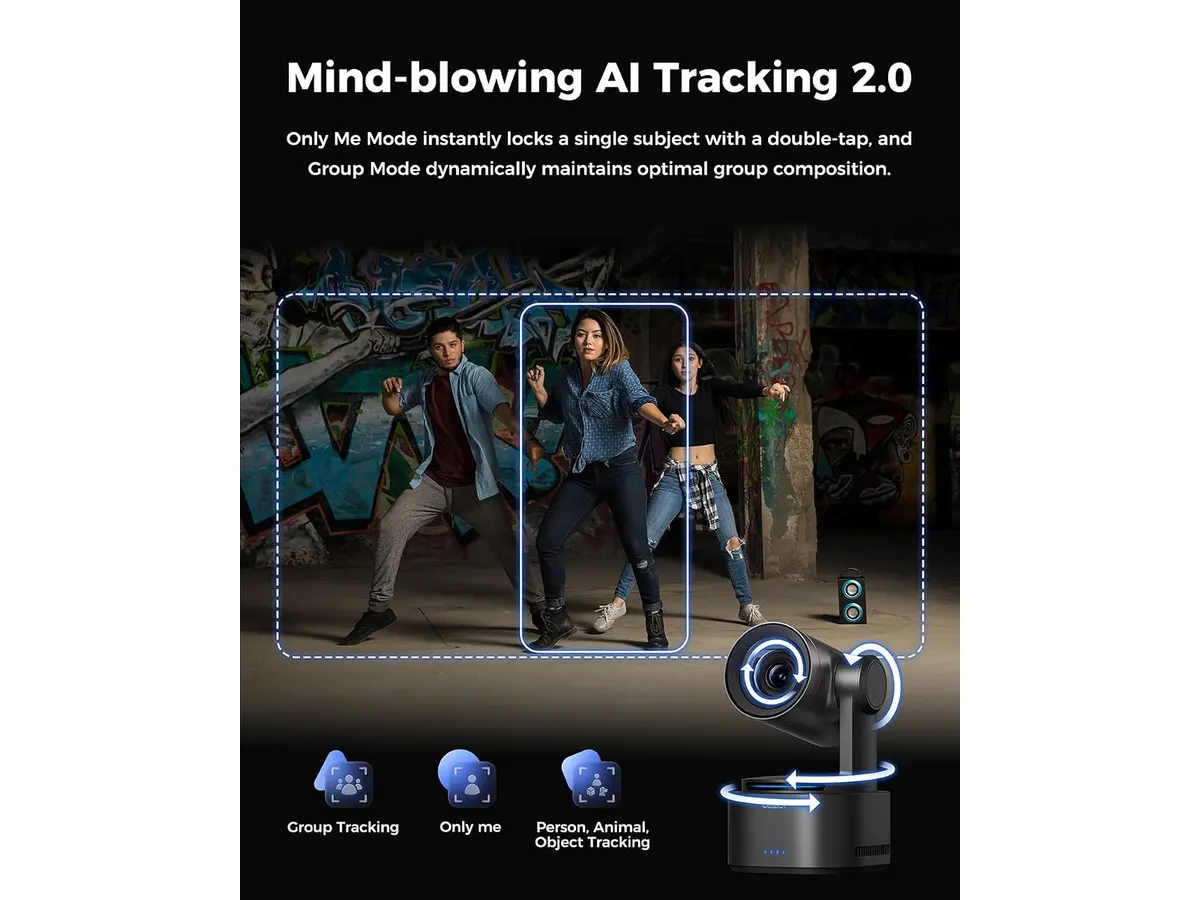
The AI 2.0 tracking system is the star of the show. It locks onto subjects—whether human, animal, or object—with impressive persistence, making it ideal for solo presenters who move around their office. The PTZR (Pan-Tilt-Zoom-Rotation) structure enables a 90-degree flip, allowing for seamless transitions between vertical and horizontal content. This is a massive time-saver for creators who cross-post to different social media platforms.
Image quality feels professional right out of the box. The 1/1.5-inch CMOS sensor and 12-layer optical system produce a crisp 4K image at 60FPS that avoids the digital noise common in cheaper units. Furthermore, the three-axis stabilization keeps the frame rock-steady, maintaining a precision of ±0.003 degrees, which is essential when using the 5x optical zoom.
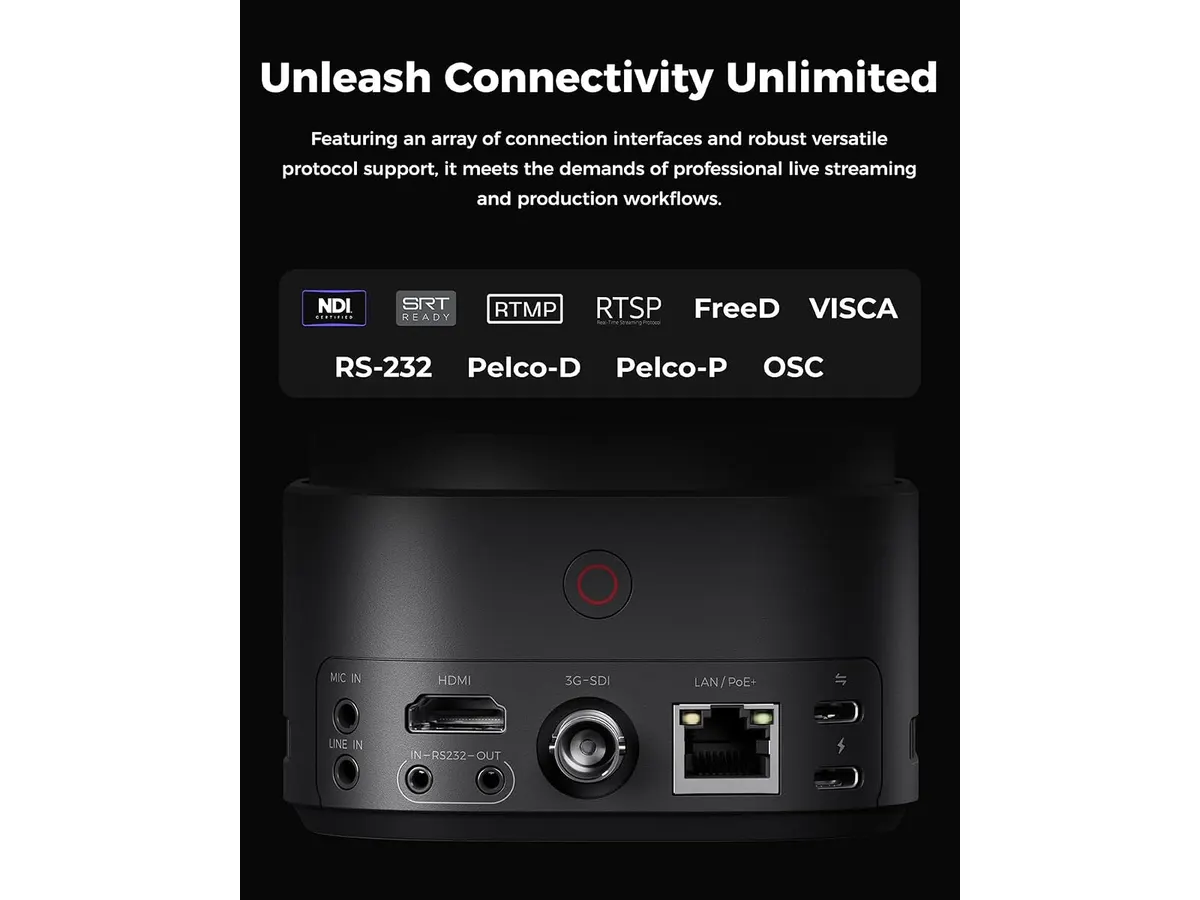
Connectivity is another strong suit. By including HDMI, SDI, USB-C, and Ethernet ports, the device integrates directly into professional broadcast workflows. Supporting NDI, SRT, and RTMP protocols means you can push your feed to almost any destination or local switcher without needing extra conversion hardware.
Key specifications
| Feature | Specification |
|---|---|
| Video Resolution | 4K at 60FPS |
| Image Sensor | 1/1.5-inch CMOS |
| Photo Resolution | 50MP |
| Zoom | 5x Optical / 12x Hybrid |
| Connectivity | HDMI, SDI, USB-C, Ethernet |
| Supported Protocols | NDI, SRT, RTMP, VISCA, Free-D |
| Stabilization | Three-axis (±0.003 degree precision) |
Where it falls short
The primary drawback is complexity. For someone who simply wants a quick video call camera, this is overkill. The software interface required to manage advanced settings like Free-D or NDI is steep for non-technical users. You will spend a significant amount of time fine-tuning the tracking sensitivity before it feels natural.
Additionally, the physical footprint is larger than a standard office webcam. It requires a dedicated mount or a sturdy tripod. If your desk is already cluttered, finding space for this unit can be a challenge. If you are looking for a more compact, desktop-focused solution, you might prefer the Logitech MX Brio Review: Premium Webcam for Professionals.
Who is it for?
This device is built for content creators, hybrid educators, and professional streamers who need a “set it and forget it” camera that follows them around a room. It excels in environments where you need to showcase products or move across a whiteboard.
It is not for the standard corporate employee who just needs something to sit on top of their monitor for daily team meetings. If you never leave your desk chair, the advanced AI tracking and PTZR mechanics are features you will never use.
Alternatives to consider
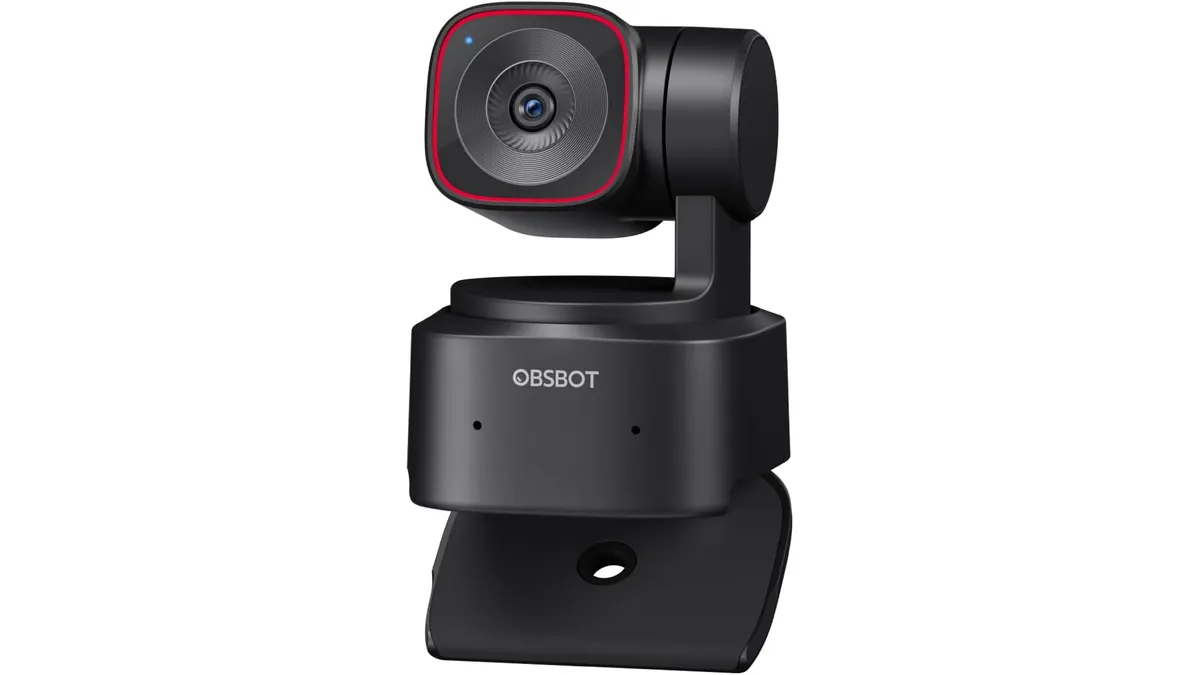
If you want smart features without the high-end broadcast connectivity, there are entry-level options that utilize AI for framing but lack the complex PTZR mechanics. These are usually smaller, cheaper, and strictly USB-powered, making them better for casual meetings or basic home office setups like the OBSBOT Tiny 3 Lite Review: Smart AI Streaming.
For those who prioritize image quality for cinema-style interviews but do not need robotic tracking, there are high-end mirrorless options that offer larger sensors. These provide better low-light performance and interchangeable lenses, though you will have to manually manage your focus and framing.
Verdict
The OBSBOT Tail 2 is a specialized tool that delivers exceptional performance for those who need automated, high-quality production. Its robust connectivity and tracking capabilities make it a clear winner for creators, even if it is too much gear for the average remote worker. If you need professional-grade output for your setup, this is a top-tier choice that justifies its complexity.
Frequently asked questions
Can I use this for standard video calls?
Yes, but it is better suited for broadcast or content creation. You can plug it in via USB-C and use it like any standard camera, though the tracking features are the main reason to choose this over a cheaper alternative.
Does the tracking work in low light?
It performs well, but like all sensors, it needs some ambient light to maintain focus and tracking accuracy. The 1/1.5-inch sensor is large enough to handle typical office lighting conditions without issue.
Do I need extra software to use the tracking?
While much of the tracking is handled by the internal AI, you will need the companion software to configure advanced parameters and update firmware to ensure the best performance.

Editor
Charly River · SetUpLatam
Charly River curates, reviews and edits SetUpLatam’s home office guides. He checks every product sheet against the manufacturer’s official specifications and cuts what does not help, so you buy right the first time.
You may also like
 Audio & Webcams
OBSBOT Tiny 2 Lite Review: Smart AI Tracking
Looking for the best webcam for home office use? Our OBSBOT Tiny 2 Lite review breaks down why this AI-powered 4K camera is a smart choice for remote pros.
 Audio & Webcams
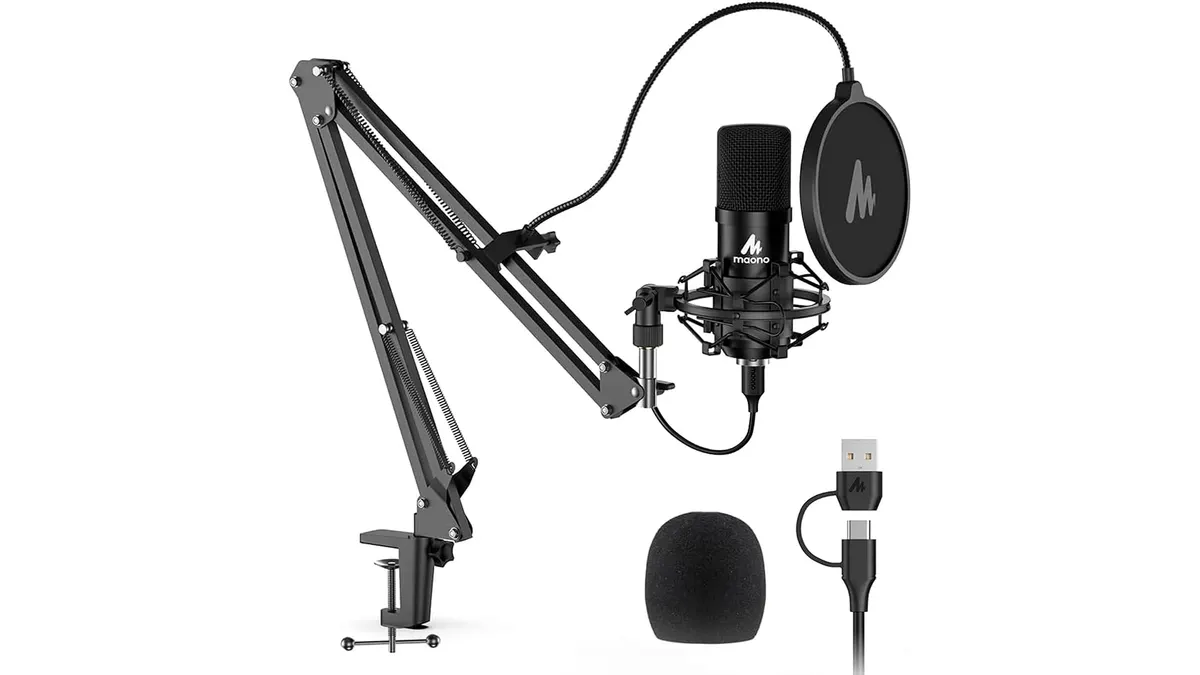
MAONO A04 USB Microphone Review: Clear Studio Audio
Pairing the best webcam for home office setups with the MAONO A04 USB Microphone gives you crisp 192kHz/24Bit audio for calls and podcasts.
 Audio & Webcams
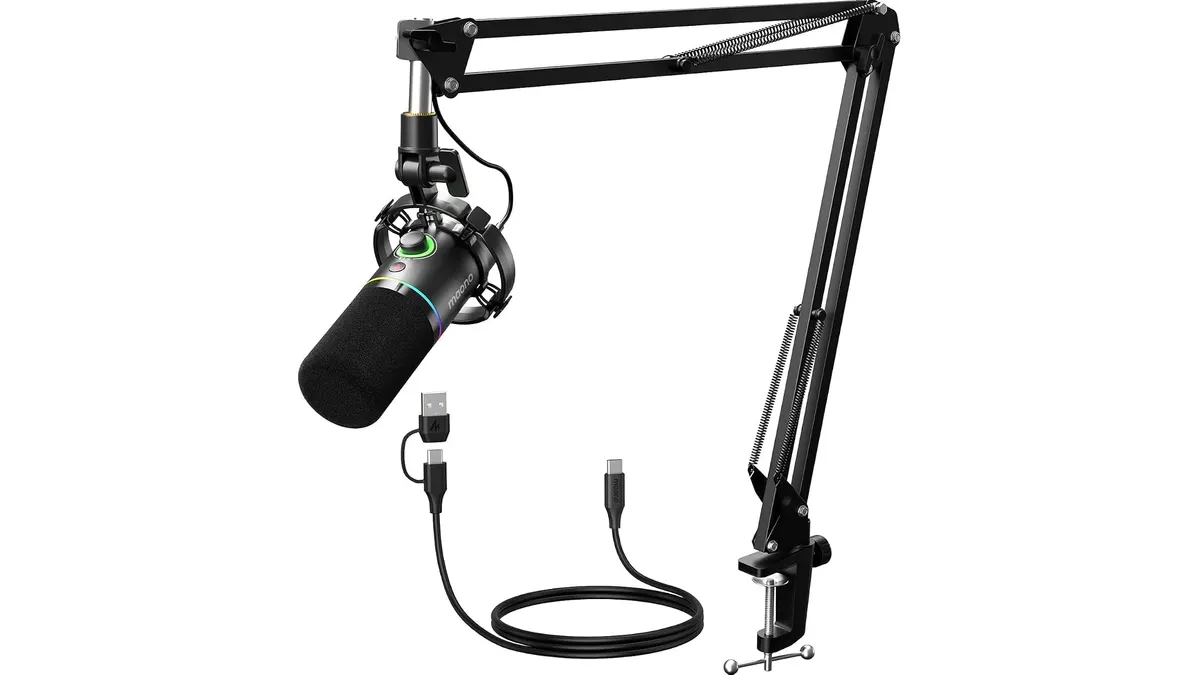
MAONO PD200XS Review: Versatile Dual Output Mic
The MAONO PD200XS is a strong contender for creators. In this MAONO PD200XS review, we test if it beats the best webcam for home office audio standards.