MAONO PD200XS Review: Versatile Dual Output Mic
The MAONO PD200XS is a strong contender for creators. In this MAONO PD200XS review, we test if it beats the best webcam for home office audio standards.
Buying guide: best audio & webcams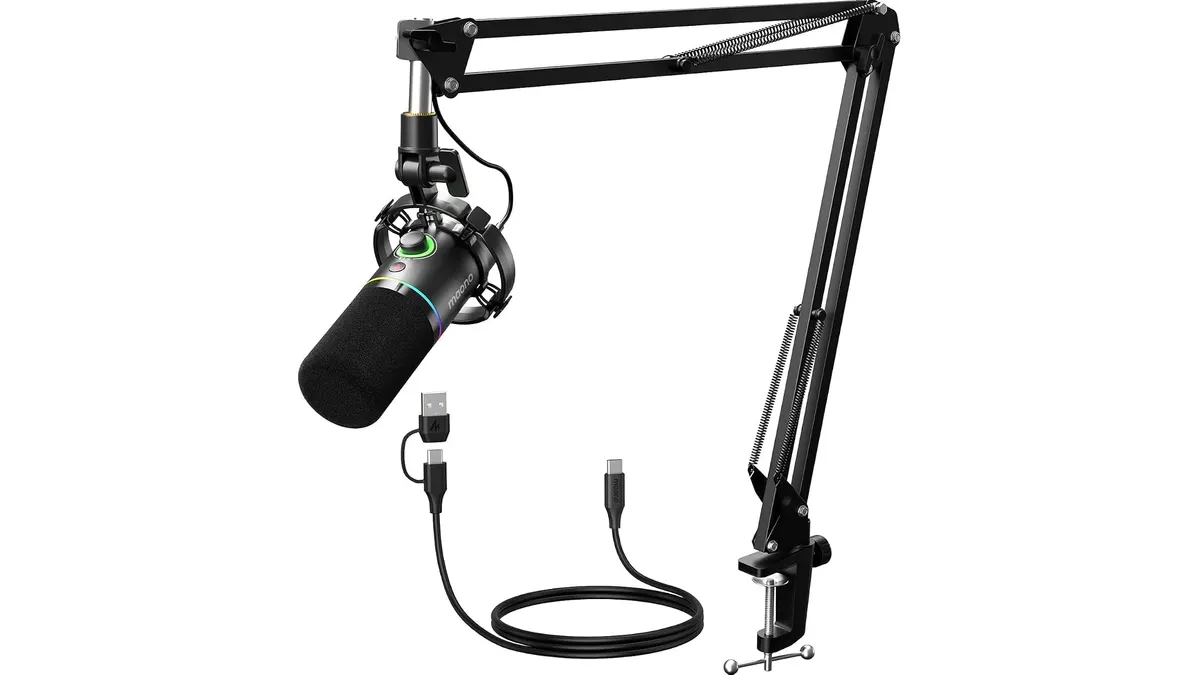 Audio & Webcams
If you are upgrading from a built-in laptop mic, the MAONO PD200XS is a significant leap forward. It bridges the gap between plug-and-play convenience and professional-grade audio. While many focus on finding the best webcam for home office setups, quality audio often gets overlooked. This microphone provides an accessible entry point for those serious about their sound, whether you are running a podcast or just want to sound clear on video calls. Check out our full guide on Audio & Webcams for more gear to improve your desk.
What it does well
- Hybrid Connectivity: The inclusion of both USB and XLR outputs is the standout feature. You can start using it immediately via USB and eventually move to an audio interface without needing to buy a new mic.
- Software Integration: The MAONO Link software allows you to tune the EQ and compression directly. This is helpful for users who want to dial in a broadcast-style sound without needing external mixing hardware.
- Tactile Controls: The 2-in-1 perilla simplifies your workflow by handling gain and volume adjustments in one spot. Having a dedicated mute button is also essential for avoiding awkward moments during remote meetings.
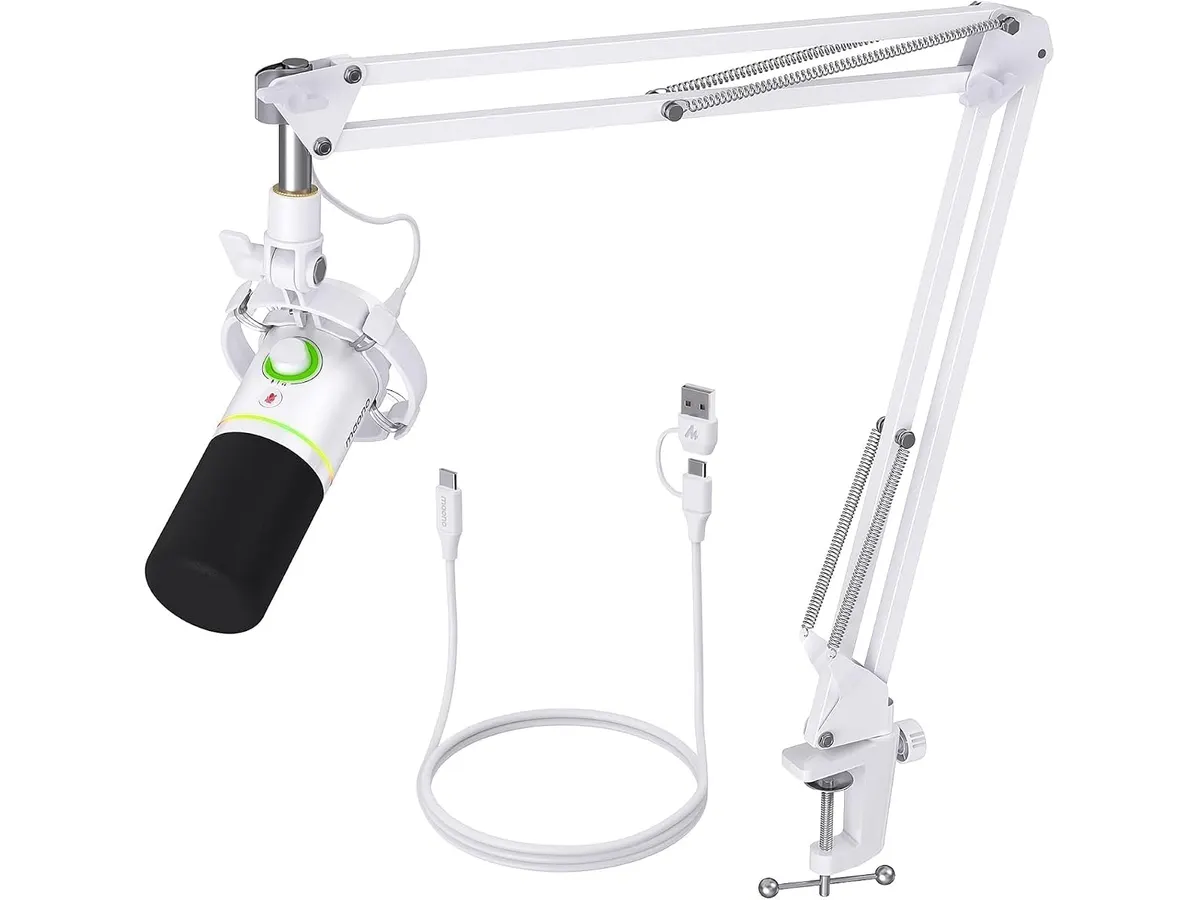
- Included Accessories: Unlike many professional mics, this comes with a sturdy arm. It saves you from having to hunt for a compatible mount, keeping your desk clean and organized.
Key specifications
| Feature | Specification |
|---|---|
| Connection Type | Dual USB and XLR |
| Polar Pattern | Cardioid |
| Frequency Response | 40Hz-16kHz |
| Lighting | RGB with 9 colors |
| Controls | 2-in-1 knob and mute button |
| Monitoring | 3.5mm headphone jack |
Where it falls short
- Frequency Range: The 40Hz-16kHz range is sufficient for speech, but it lacks the depth of high-end studio microphones. If you are recording professional vocals for music, you might notice the loss of air in the top end.
- RGB Lighting Limitations: While the RGB adds a bit of flair, the color options are purely aesthetic. Some users may find the lighting distracting or unnecessary for a professional workspace, and the customization options are somewhat limited compared to dedicated gaming peripherals.
Who is it for?
This microphone is ideal for the budget-conscious creator or the remote professional who wants to sound better on client calls without committing to a complex audio interface right away. If you value a clutter-free desk and want a single device that grows with your needs, this is a solid pick.
However, this is not for the audiophile or the professional voice actor. If you are looking for an ultra-flat, studio-grade response or need to capture high-fidelity acoustic instruments, you should look toward more expensive, dedicated XLR-only solutions that focus on acoustic transparency rather than convenience features.
Alternatives to consider
If you want something that prioritizes extreme simplicity and portability, consider an entry-level USB-only microphone that features a smaller footprint and requires zero software configuration. These are perfect for frequent travelers or those who do not have space for an arm.
Alternatively, if you are building a high-end recording studio, look for an XLR-only dynamic microphone in the premium price tier. These models focus entirely on high-quality capsule design and shielding, often paired with a separate pre-amp or interface to provide the cleanest signal possible. For a broader view on how your audio gear fits with your desk, compare this with the Bluedee Computer Speakers Review: Compact Soundbar for Desktops to see how your monitoring setup affects your workflow.
Verdict
The MAONO PD200XS is a reliable workhorse for anyone tired of sounding like they are calling from inside a tin can. It offers the best value for those who want to start with USB but keep the door open for professional audio interfaces later. If you pair this with a high-end visual setup like the Logitech MX Brio Review: Premium Webcam for Professionals, you will have a broadcast-ready station for any remote work requirement. It is a smart, forward-thinking purchase for the modern desk.
Frequently asked questions
Can I use this microphone without a computer?
Yes, if you use the XLR output, you can plug this into any audio interface or mixer that provides phantom power.
Does the RGB lighting turn off?
Yes, you can manage the lighting settings through the software or the onboard controls to keep your desk looking professional.
Do I need to buy a separate stand?
No, the package includes a robust arm that should handle most standard desk configurations right out of the box.

Editor
Charly River · SetUpLatam
Charly River curates, reviews and edits SetUpLatam’s home office guides. He checks every product sheet against the manufacturer’s official specifications and cuts what does not help, so you buy right the first time.
You may also like
 Audio & Webcams
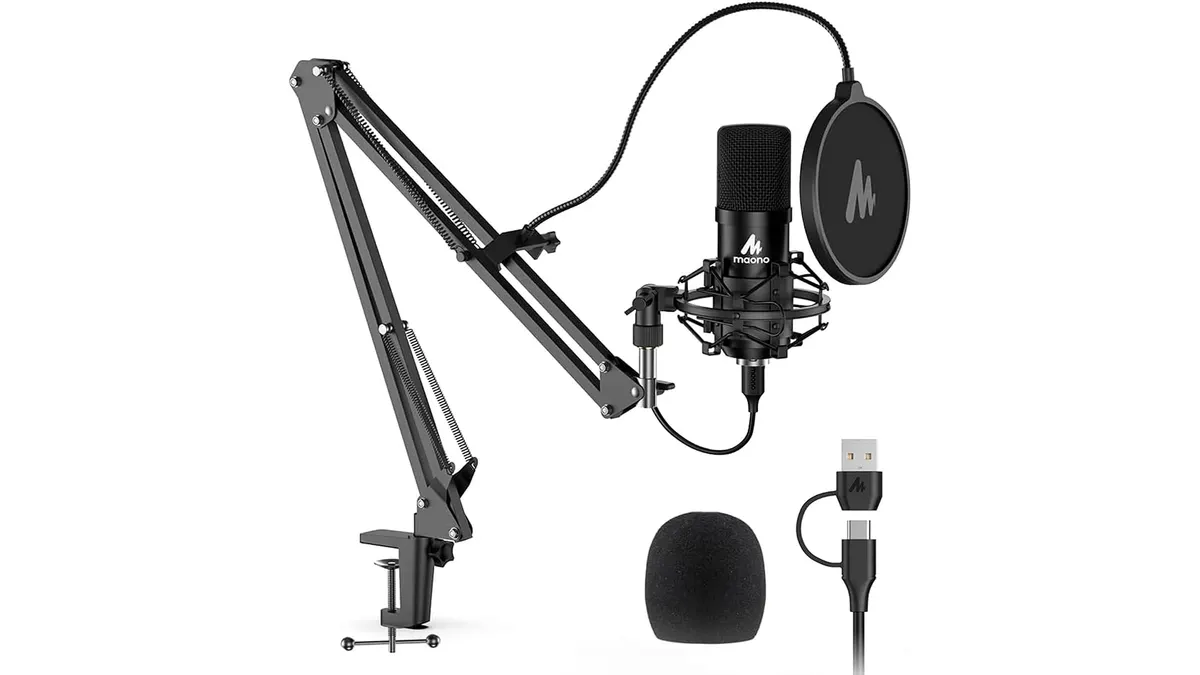
MAONO A04 USB Microphone Review: Clear Studio Audio
Pairing the best webcam for home office setups with the MAONO A04 USB Microphone gives you crisp 192kHz/24Bit audio for calls and podcasts.
 Audio & Webcams
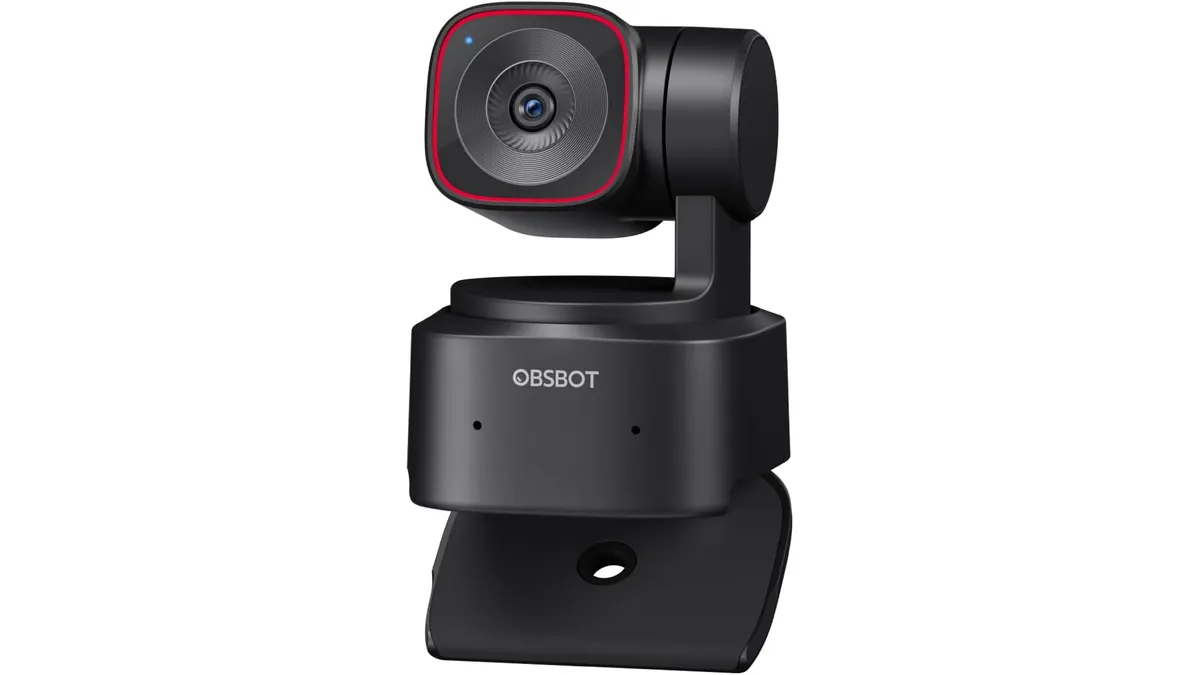
OBSBOT Tiny 2 Lite Review: Smart AI Tracking
Looking for the best webcam for home office use? Our OBSBOT Tiny 2 Lite review breaks down why this AI-powered 4K camera is a smart choice for remote pros.
 Audio & Webcams
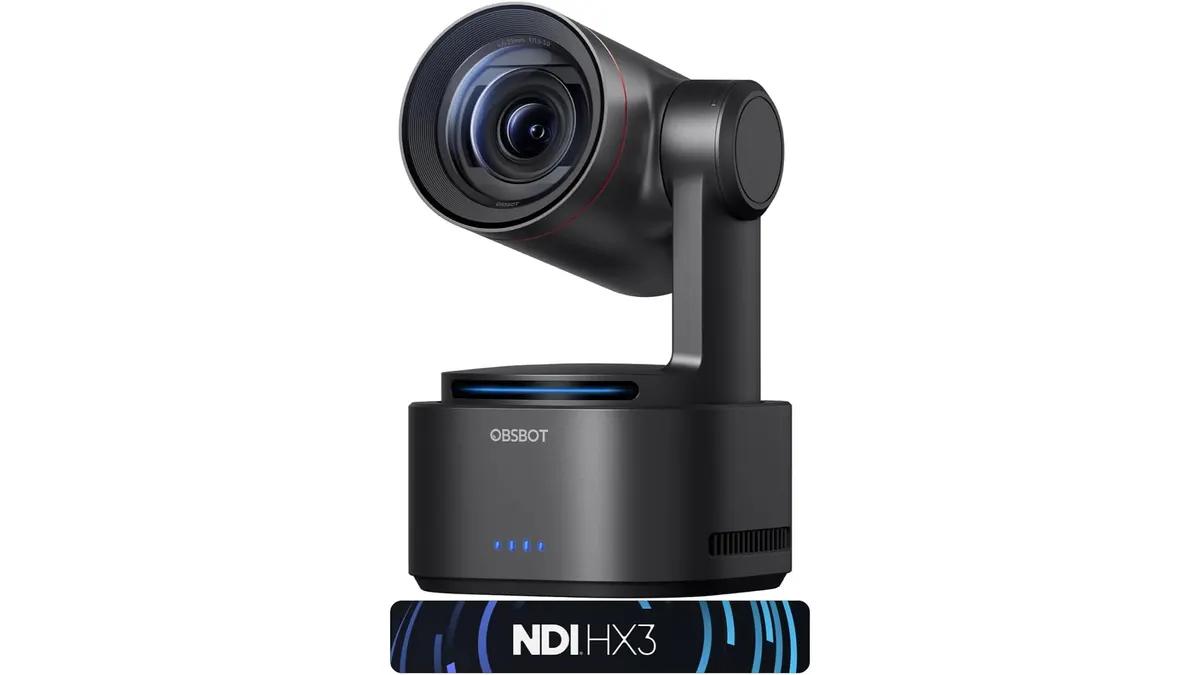
OBSBOT Tail 2 Review: AI-Powered Cinematic Streaming
The OBSBOT Tail 2 is a powerhouse for creators. Discover why this PTZR camera is a contender for the best webcam for home office use in our deep dive.