Sony WH-1000XM4 Review: Still the Office King
Our Sony WH-1000XM4 review tests these headphones for remote work. Find out if they pair well with the best webcam for home office setups in our guide.
Buying guide: best audio & webcams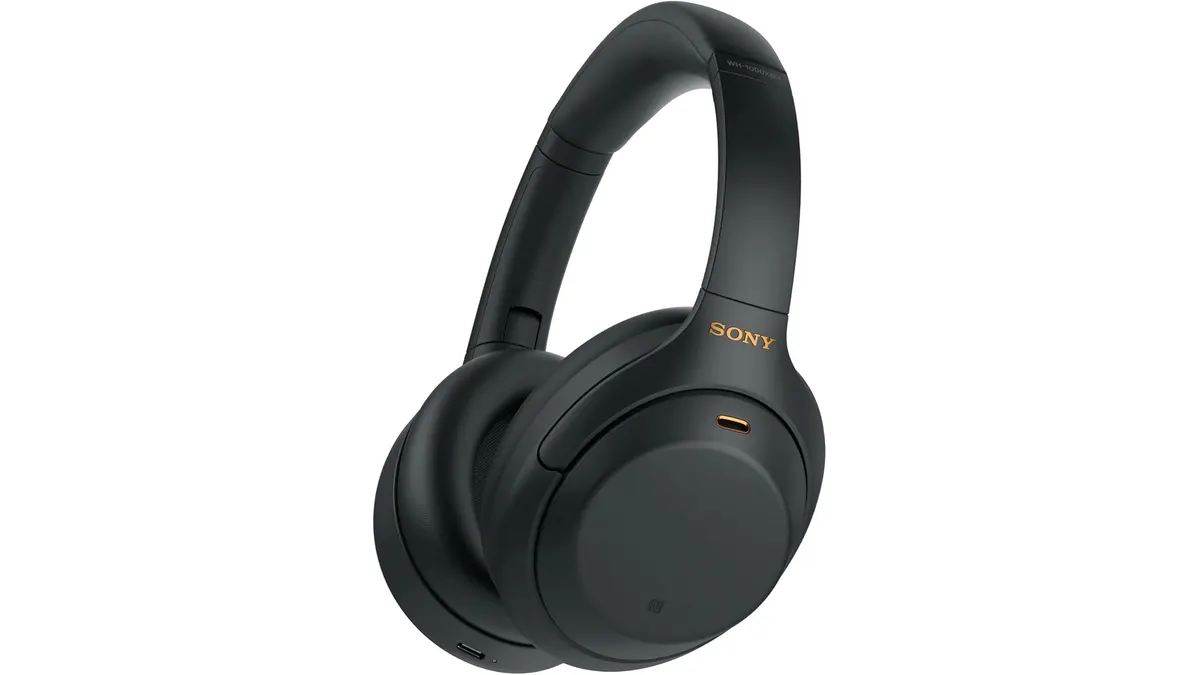 Audio & Webcams
The Sony WH-1000XM4 remains a fixture in professional home setups for one simple reason: they work. While you might be searching for the best webcam for home office gear to complete your video calls, pairing your visual setup with industry-leading audio is equally vital. These headphones are built for the remote worker who spends hours in back-to-back meetings and needs to block out household distractions instantly. They are a staple of our Audio & Webcams category for a reason.
What it does well
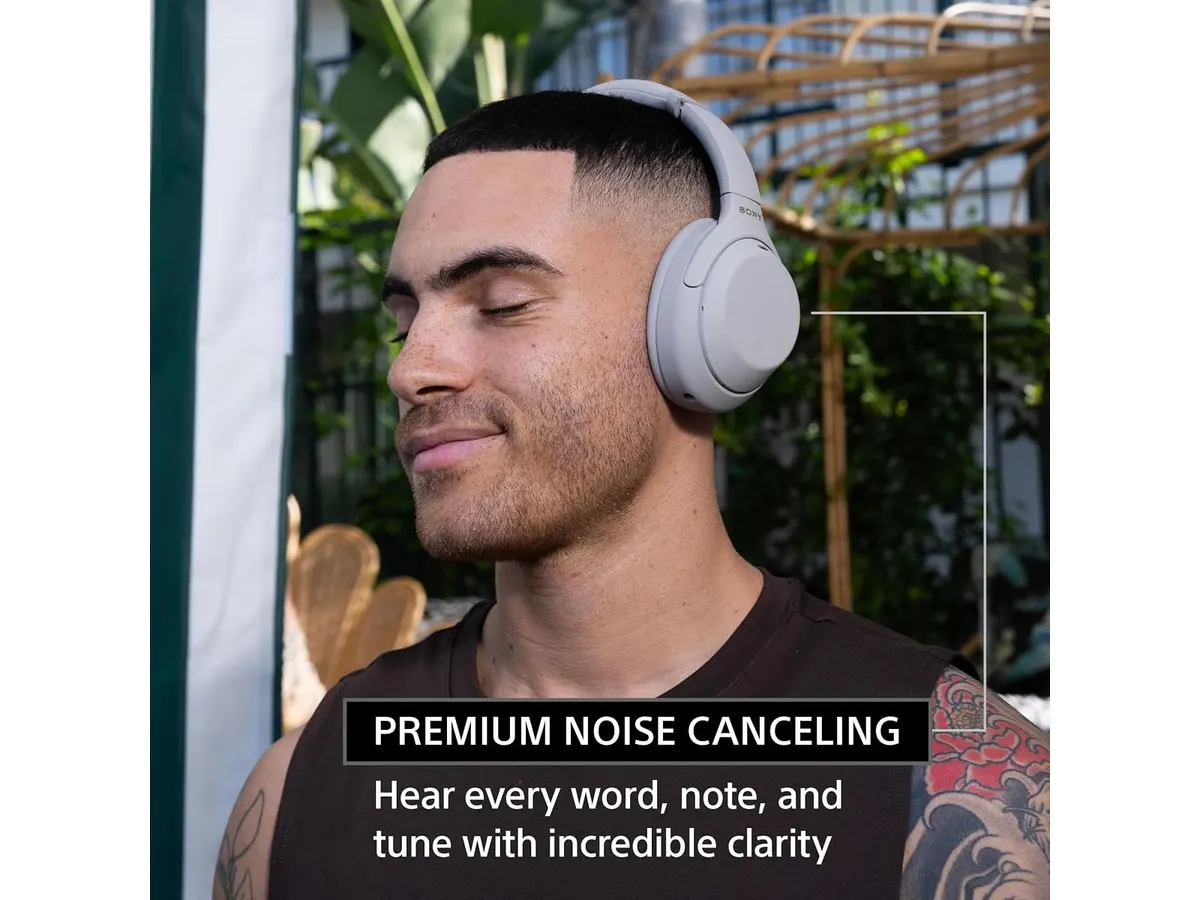
The Dual Noise Sensor technology is the standout feature here. It actively monitors ambient noise and filters it out before it hits your ears, making it ideal for anyone working in a noisy apartment or shared space.
- Battery life is exceptional, lasting up to 30 hours. You can go through a full work week on a single charge.
- The multipoint connectivity is a lifesaver for office setups. You can switch between your laptop for a video conference and your phone for a quick call without touching a single setting.
- Speak-to-Chat is a clever inclusion. If you need to quickly address a colleague or family member, the headphones detect your voice, pause your music, and let ambient sound in automatically.
- The quick-charge feature is practical for busy schedules. Plugging them in for just 10 minutes grants you 5 hours of playback, which is enough to get you through an afternoon of unexpected meetings.
Key specifications
| Feature | Specification |
|---|---|
| Noise Cancellation | Dual Noise Sensor |
| Battery Life | Up to 30 hours |
| Quick Charge | 10 minutes for 5 hours |
| Connectivity | Multipoint for multiple devices |
| Microphones | Five integrated |
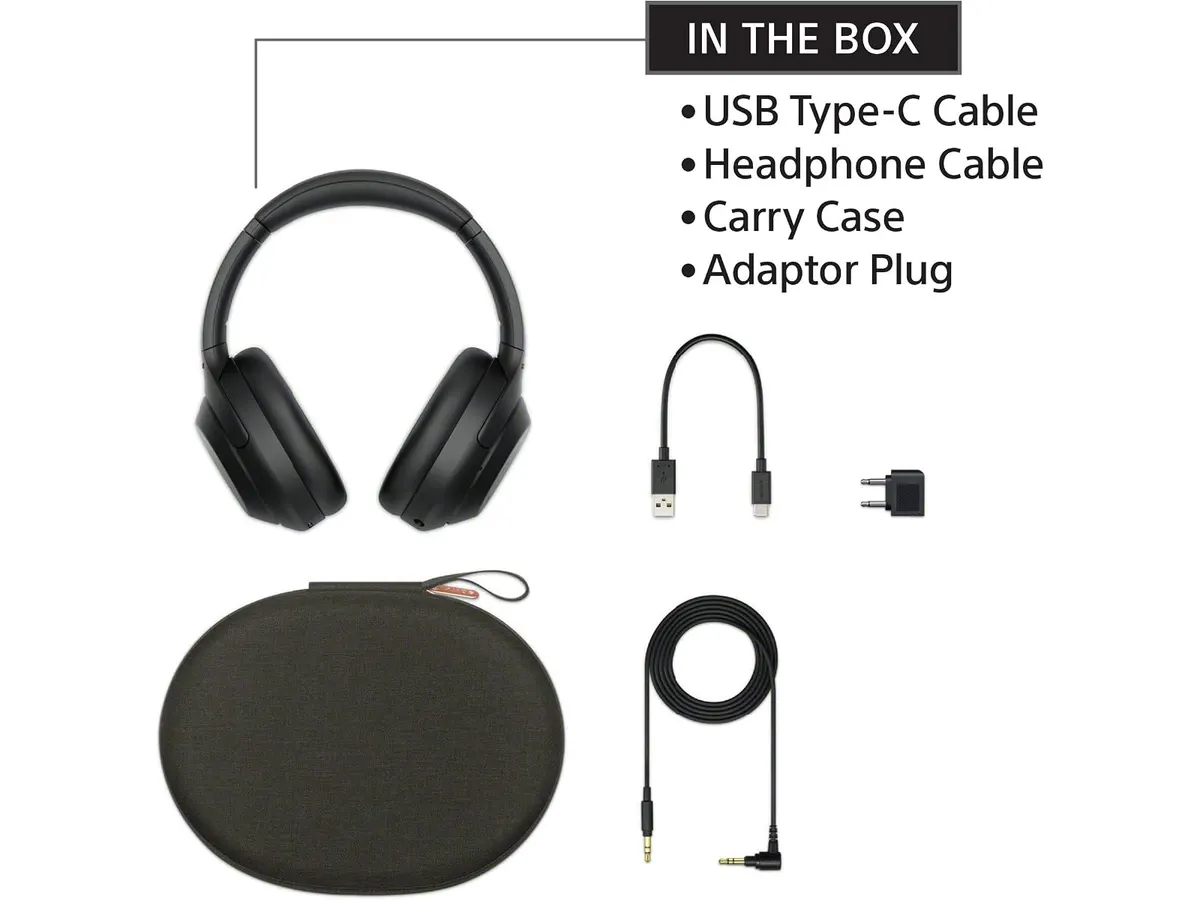
| Charging Interface | USB Type-C |
Where it falls short
The most glaring issue is the reliance on touch controls for volume and track skipping. While they look clean, they are prone to accidental inputs when you adjust the headband or take the unit off your head.
Additionally, the built-in microphones are fine for a quiet office, but they struggle to isolate your voice if you are working from a cafe or a windy balcony. If your primary goal is professional-grade audio input, you would be better served by a dedicated USB microphone for video calls rather than relying solely on the internal array of these headphones.
Who is it for?
This headset is perfect for the corporate professional or developer who spends the entire day tethered to a communication app and needs a quiet environment to focus on deep work. The combination of comfort and active noise cancellation creates a productive bubble that is hard to replicate with cheaper equipment.
Conversely, this is not for the audiophile looking for a flat, reference sound profile. If you want a neutral soundstage for music production, these are not the right tool. They are tuned for convenience and isolation, not for pure, uncolored audio fidelity.
Alternatives to consider
If you find the price of these headphones too high, consider an entry-level set of wireless over-ear headphones from a reputable brand. You will sacrifice some of the sophisticated noise cancellation and the multipoint pairing speed, but you will still get decent sound quality for standard video meetings.
For those who prioritize voice clarity above all else, look for a mid-tier headset that features a boom microphone. While these lack the sleek, minimalist look of the Sony WH-1000XM4, the physical proximity of the microphone to your mouth ensures your voice is always front and center, regardless of your background noise.
Verdict
The Sony WH-1000XM4 is a reliable workhorse that justifies its place on any desk. If you pair these with a high-quality visual tool like the Logitech MX Brio Review: Premium Webcam for Professionals, you will have an elite communications suite. Just remember that no piece of gear replaces a quiet room, even if these get you 90 percent of the way there. If you want to optimize your desk further, check out the Bluedee Computer Speakers Review: Compact Soundbar for Desktops for when you want to give your ears a break from the headband.
Frequently asked questions
Can I use these while they are charging?
Yes, you can continue to use the headphones while they are plugged into a USB-C power source, though they are designed to be used wirelessly for the best experience.
How many devices can I connect to at once?
The multipoint connection feature allows you to maintain an active link with two devices simultaneously, which is great for juggling a laptop and a smartphone.
Do the touch controls work well in cold weather?
In very cold environments, touch sensors can sometimes become less responsive or behave erratically. If you work in a climate-controlled home office, you will have no issues.

Editor
Charly River · SetUpLatam
Charly River curates, reviews and edits SetUpLatam’s home office guides. He checks every product sheet against the manufacturer’s official specifications and cuts what does not help, so you buy right the first time.
You may also like
 Audio & Webcams
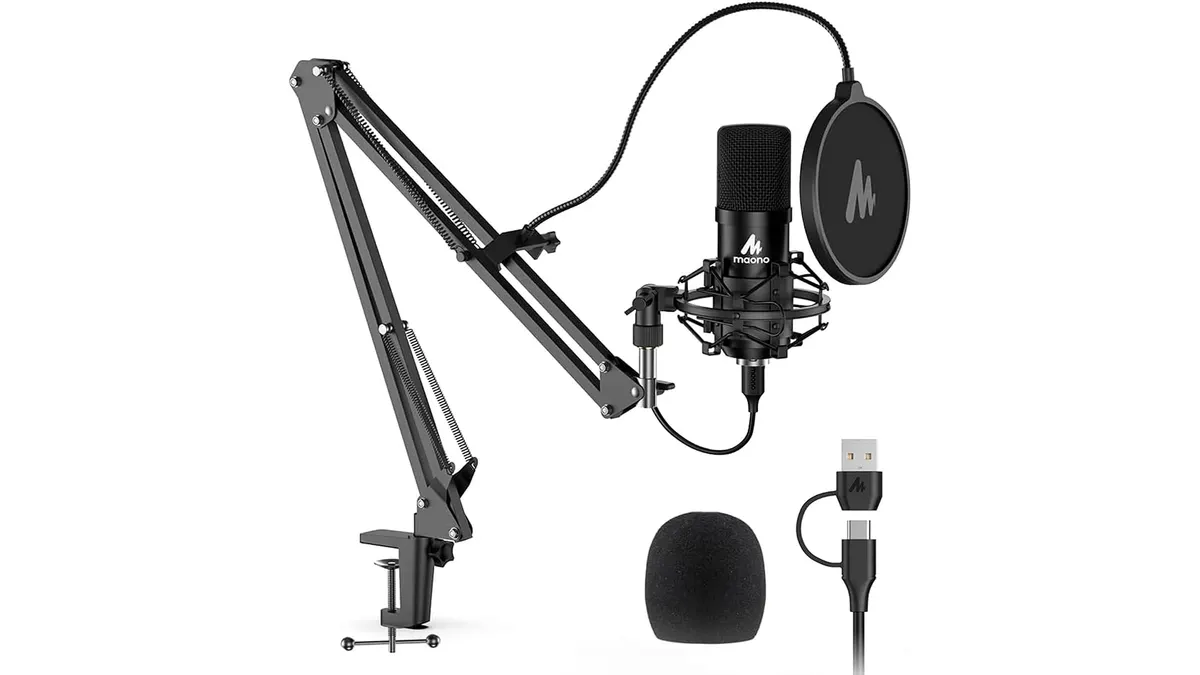
MAONO A04 USB Microphone Review: Clear Studio Audio
Pairing the best webcam for home office setups with the MAONO A04 USB Microphone gives you crisp 192kHz/24Bit audio for calls and podcasts.
 Audio & Webcams
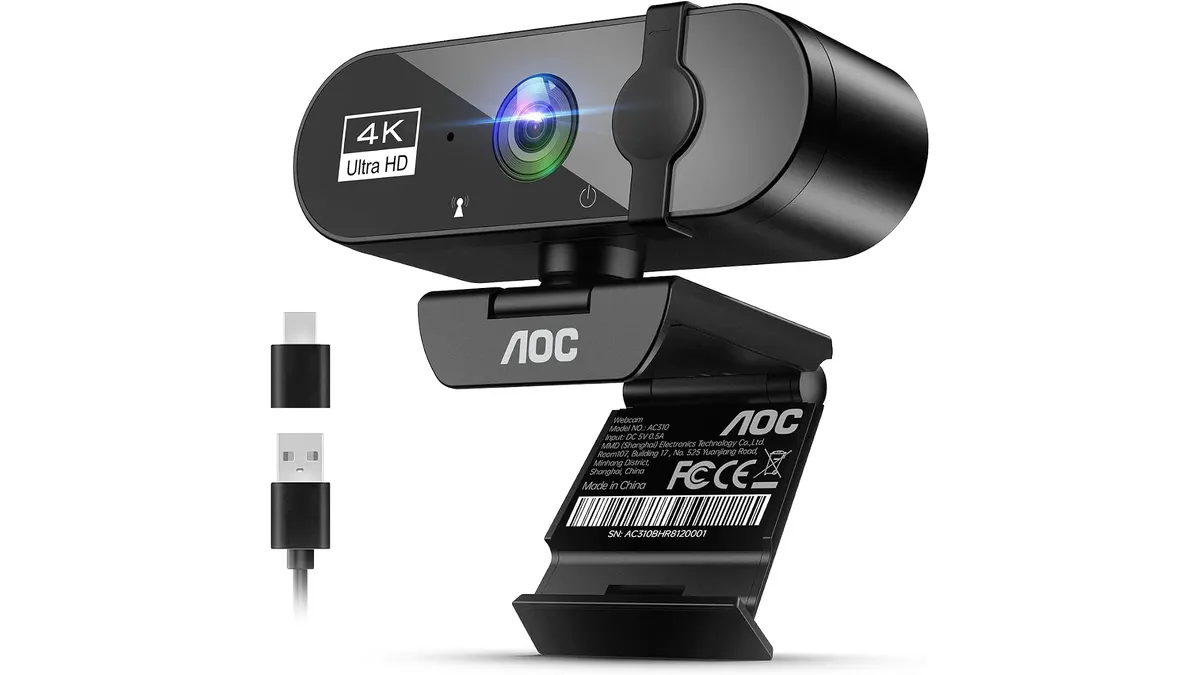
AOC 4K Webcam Review: High Resolution for Work
Looking for the best webcam for home office setups? Read our AOC 4K Webcam review to see if its sharp image and dual-connectivity suit your daily meetings.
 Audio & Webcams
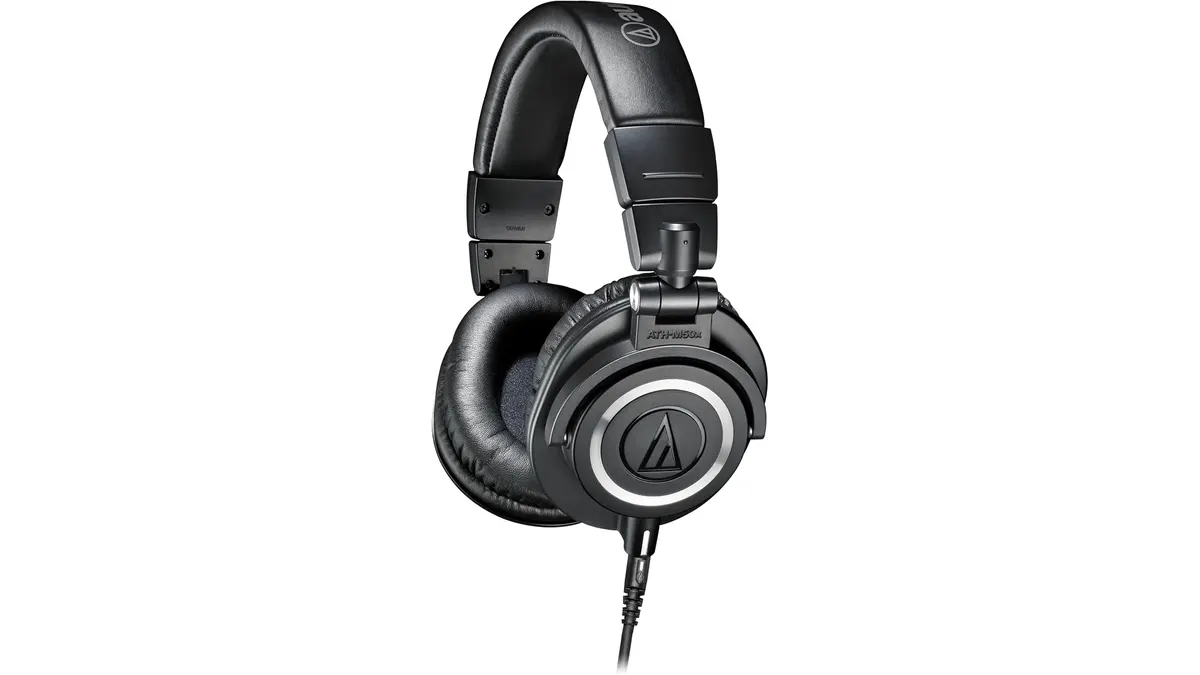
Audio-Technica ATH-M50X Review: Industry Standard
Our Audio-Technica ATH-M50X review explores why these headphones are the go-to for creators, even if you are also looking for the best webcam for home office.