AOC 4K Webcam Review: High Resolution for Work
Looking for the best webcam for home office setups? Read our AOC 4K Webcam review to see if its sharp image and dual-connectivity suit your daily meetings.
Buying guide: best audio & webcams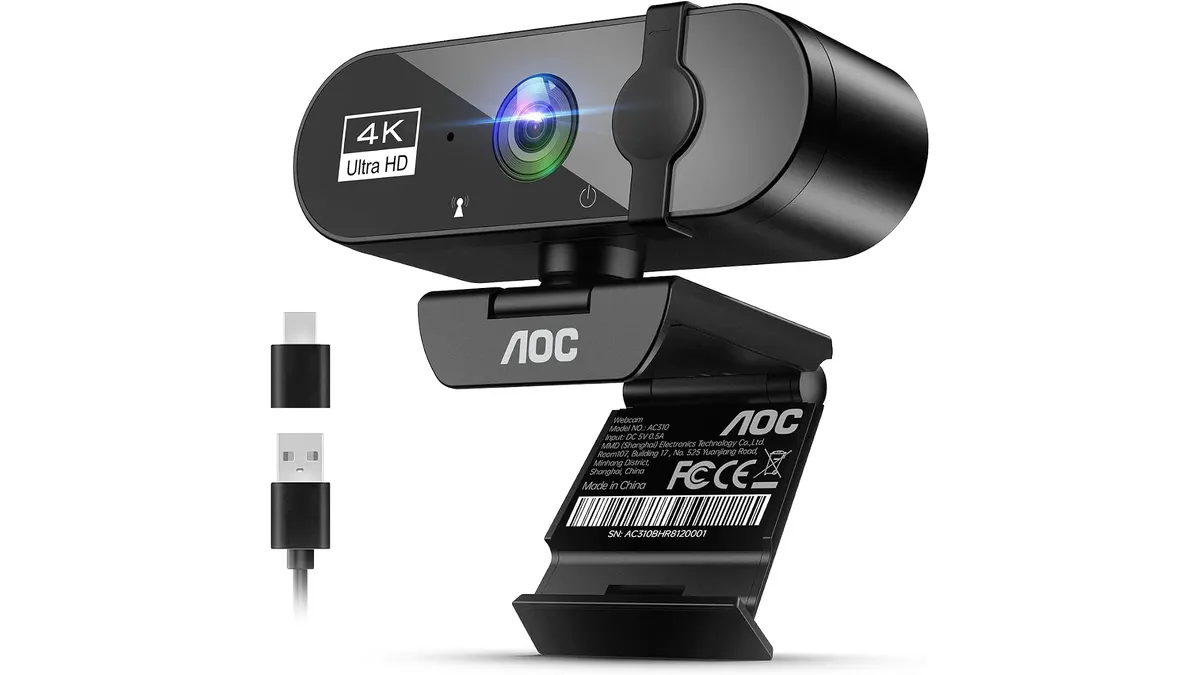 Audio & Webcams
Intro
If you spend your days on video calls, you know that a grainy image is a quick way to lose professional credibility. The AOC 4K Webcam aims to fix that by bringing high-resolution clarity to your desk. For remote workers who need a reliable upgrade, this device is a solid contender in our Audio & Webcams category. It is built for those who prioritize image quality without wanting to navigate complex software settings.
What it does well
The AOC 4K Webcam excels at delivering exactly what it promises: a sharp, clear picture. The 4K resolution provides significant detail, making your video feed look crisp during formal presentations or casual team syncs.
- Flexible Positioning: The 180-degree tilt and 360-degree swivel are genuinely useful. You can easily adjust the angle to frame yourself perfectly, regardless of where your monitor sits on your desk.
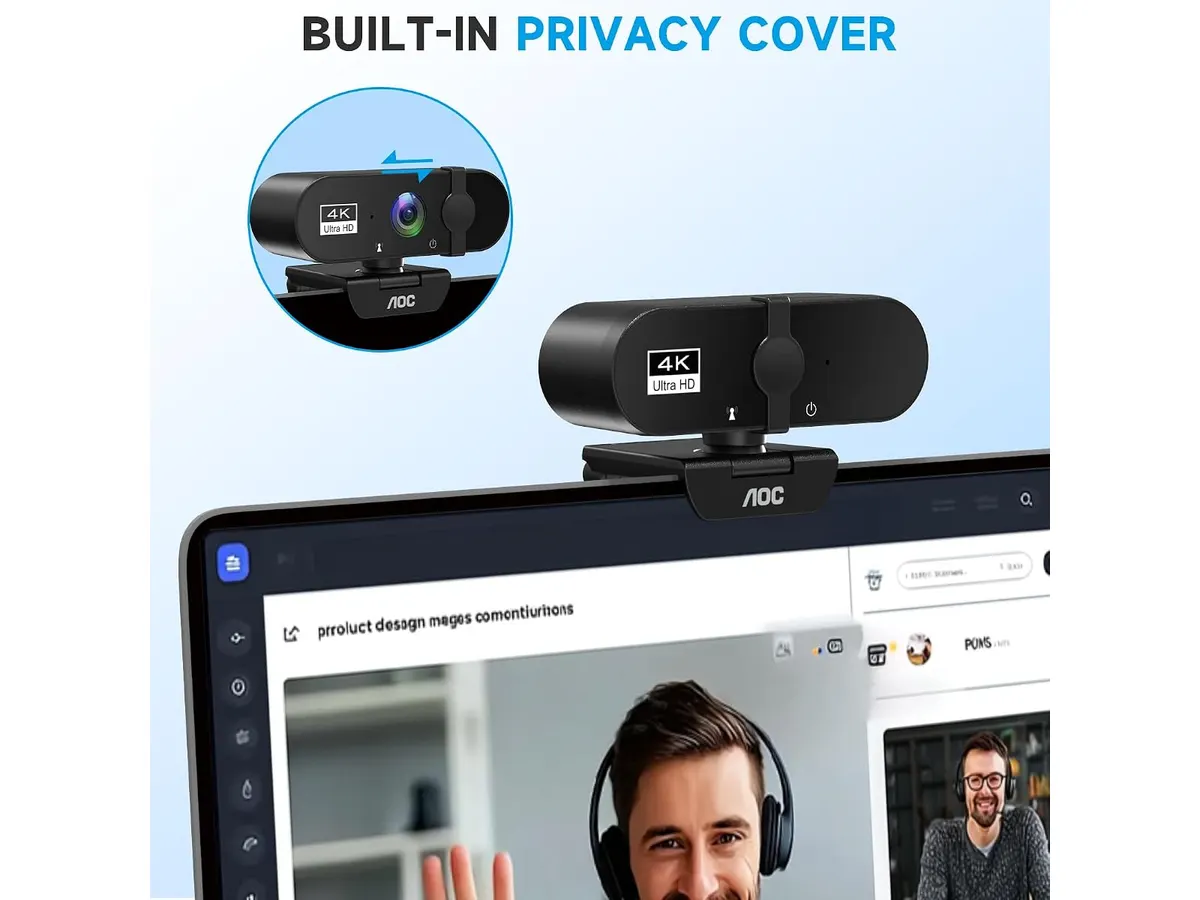
- Physical Privacy: The integrated sliding cover is a non-negotiable feature for me. It provides instant peace of mind that you are disconnected when the camera isn’t in use.
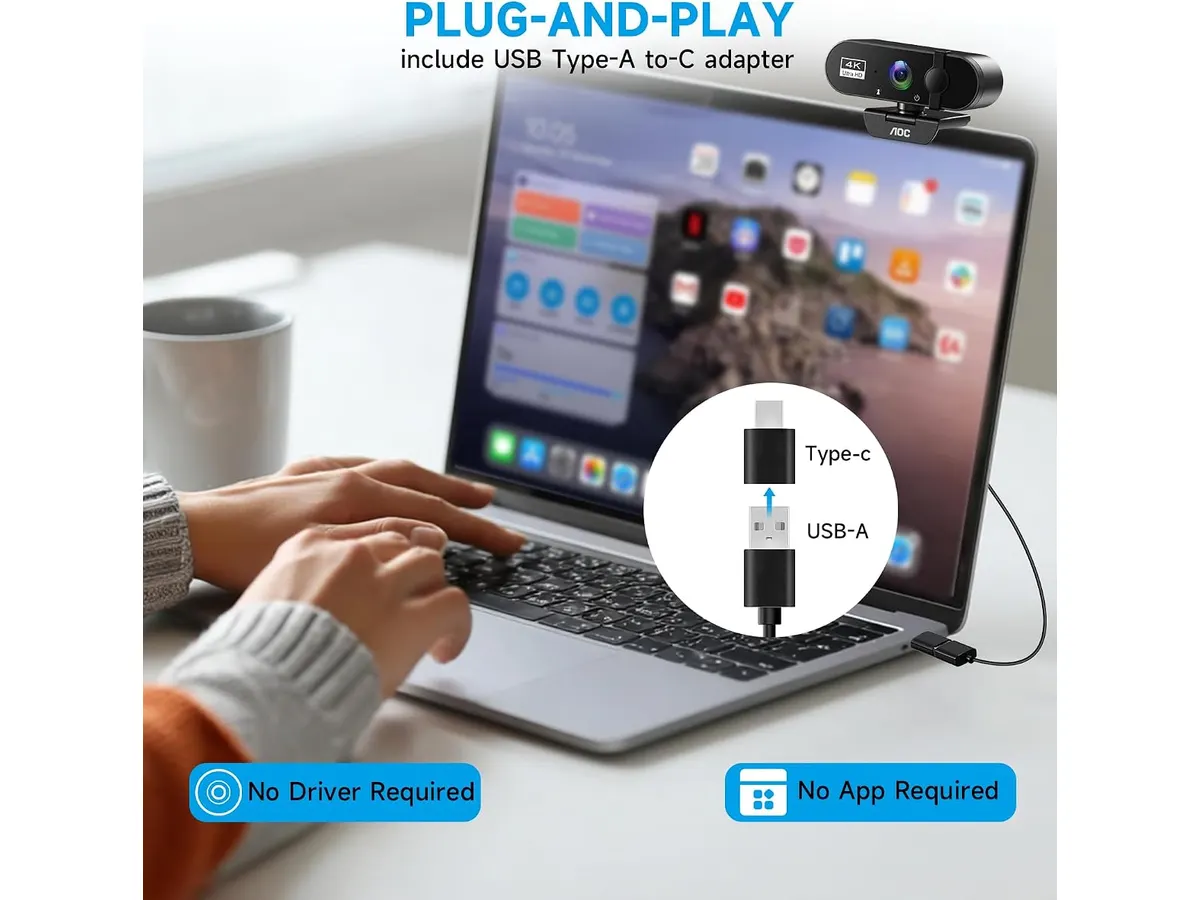
- Versatile Connectivity: Including both USB-A and USB-C adapters ensures this camera works with modern laptops and older desktop docks alike, saving you the headache of hunting for dongles.
- Smart Exposure: The automatic light adjustment is surprisingly capable in dim rooms, brightening the image without introducing excessive digital noise.
Key specifications
| Feature | Specification |
|---|---|
| Resolution | 4K Ultra HD |
| Field of View | 80 degrees |
| Rotation | 360 degrees |
| Tilt | 180 degrees |
| Connections | USB-A and USB-C adapter |
| Privacy | Physical sliding cover |
| Audio | Built-in noise-canceling mic |
Where it falls short
While the image is sharp, the internal microphone is merely functional. If you take long, important client calls, you will still want a dedicated usb microphone for video calls to ensure your audio matches the quality of your video.
Additionally, the 80-degree field of view is somewhat narrow. It is perfect for a single person at a desk, but if you frequently need to show a whiteboard or invite a colleague into the frame, you will find yourself wishing for a wider lens. Finally, the focus on 4K means you need a robust internet connection to take advantage of the resolution during live calls, or the software will simply downscale your feed to save bandwidth.
Who is it for?
This webcam is a perfect fit for the corporate remote worker who sits at a single desk and wants a plug-and-play solution that looks better than a laptop’s built-in camera. It is ideal for individuals who value privacy and want a reliable, hardware-focused device.
It is not for content creators or streamers who need advanced features like AI-powered framing or ultra-wide angles to accommodate complex studio setups. Those users would be better served by something like the Logitech MX Brio Review: Premium Webcam for Professionals.
Alternatives to consider
If you need something more advanced, consider a high-end AI-integrated camera. These models offer features like automatic subject tracking and gesture control, which are great for presenters who like to move around their space. They sit at a higher price tier but offer a more modern user experience.
If you are on a tighter budget, look for a 1080p camera from a reputable brand. You lose the 4K resolution, but you often gain better color science and more refined software support. These are excellent for basic daily tasks where ultra-high-definition detail is not required.
Verdict
The AOC 4K Webcam is a straightforward piece of hardware that delivers on its core promise of visual clarity. It is one of the better options if you want a no-nonsense upgrade to your home office, though you should plan to pair it with a separate microphone for your daily meetings. If you want a clear picture without the complexity of app-heavy alternatives, this is a sensible purchase for your Audio & Webcams collection.
Frequently asked questions
Does this camera require special software to work?
No, it operates as a plug-and-play device on most modern operating systems. You can simply connect it and select it as your video source in your preferred meeting app.
Can I mount this on a tripod?
Yes, the base is designed to be versatile, and the mounting mechanism is compatible with standard tripod threads, allowing for more creative positioning around your desk.
Is the noise-canceling microphone good enough for noisy environments?
It helps reduce minor background hums, but it will not eliminate loud environmental noise like construction or street traffic. For serious work, use a dedicated headset for meetings.

Editor
Charly River · SetUpLatam
Charly River curates, reviews and edits SetUpLatam’s home office guides. He checks every product sheet against the manufacturer’s official specifications and cuts what does not help, so you buy right the first time.
You may also like
 Audio & Webcams
Logitech C920x HD Pro Review: Reliable 1080p Video
Looking for the best webcam for home office setups? We test the Logitech C920x HD Pro to see if it remains the standard for remote workers and students.
 Audio & Webcams
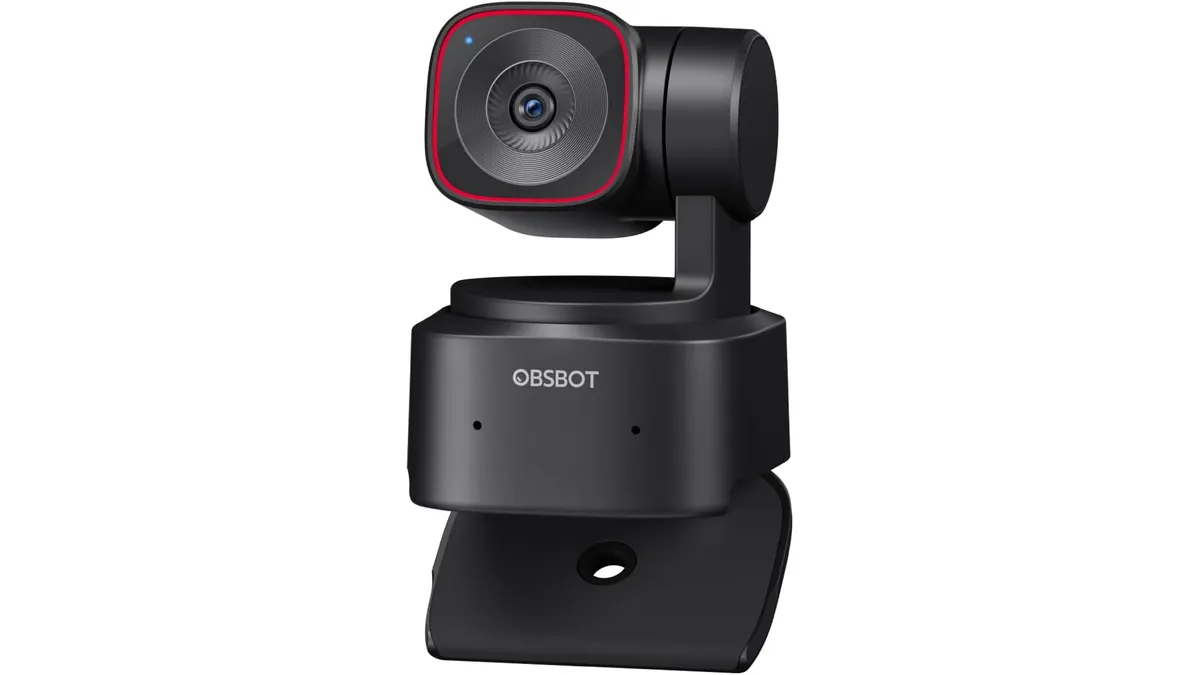
OBSBOT Tiny 2 Lite Review: Smart AI Tracking
Looking for the best webcam for home office use? Our OBSBOT Tiny 2 Lite review breaks down why this AI-powered 4K camera is a smart choice for remote pros.
 Audio & Webcams
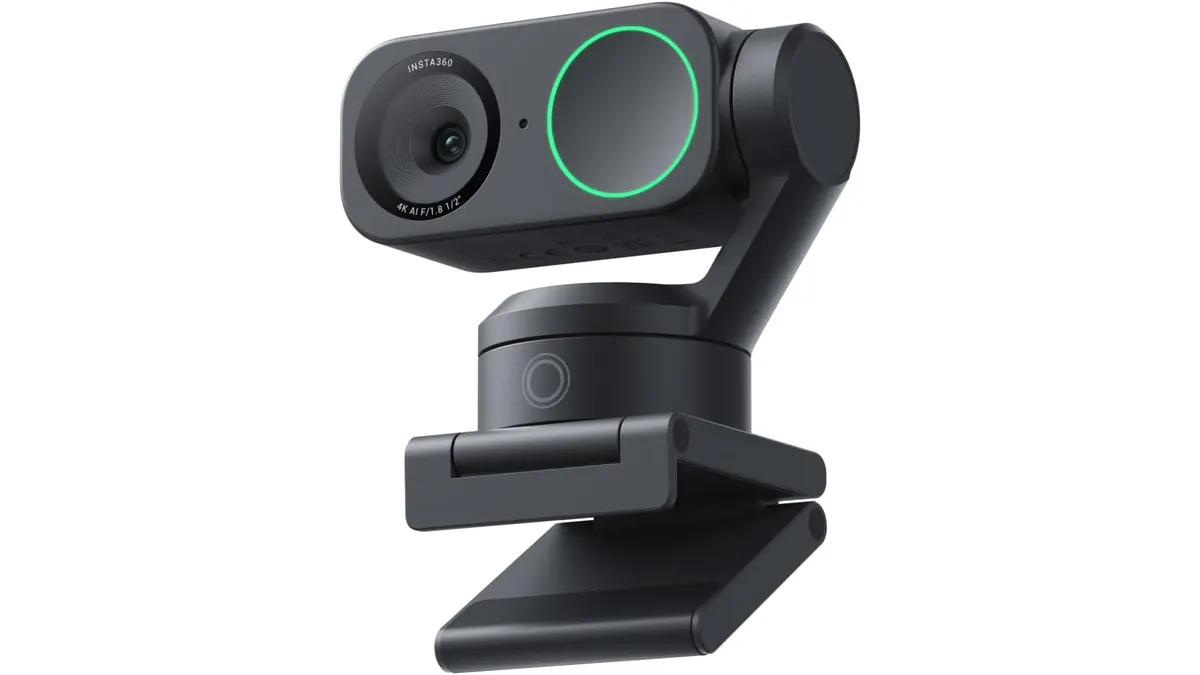
Insta360 Link 2 Review: The Best 4K PTZ Webcam
Read our Insta360 Link 2 review to learn why this 4K PTZ model is the best webcam for home office setups requiring AI tracking and noise cancellation.