Logitech C920x HD Pro Review: Reliable 1080p Video
Looking for the best webcam for home office setups? We test the Logitech C920x HD Pro to see if it remains the standard for remote workers and students.
Buying guide: best audio & webcams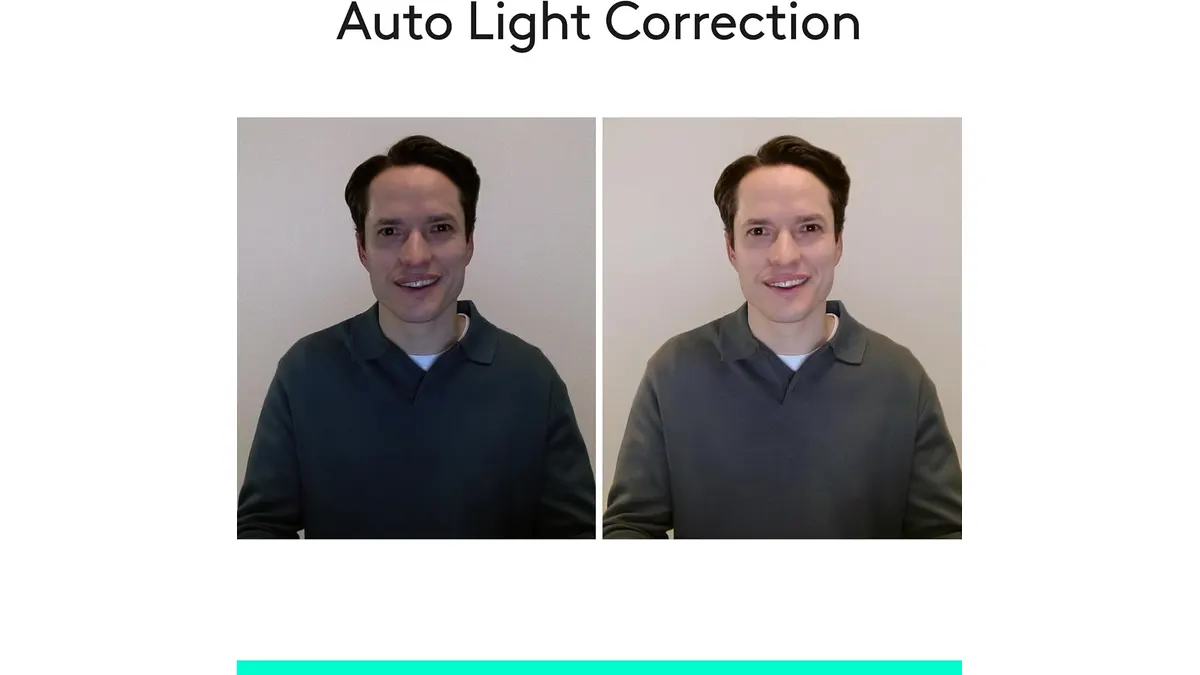 Audio & Webcams
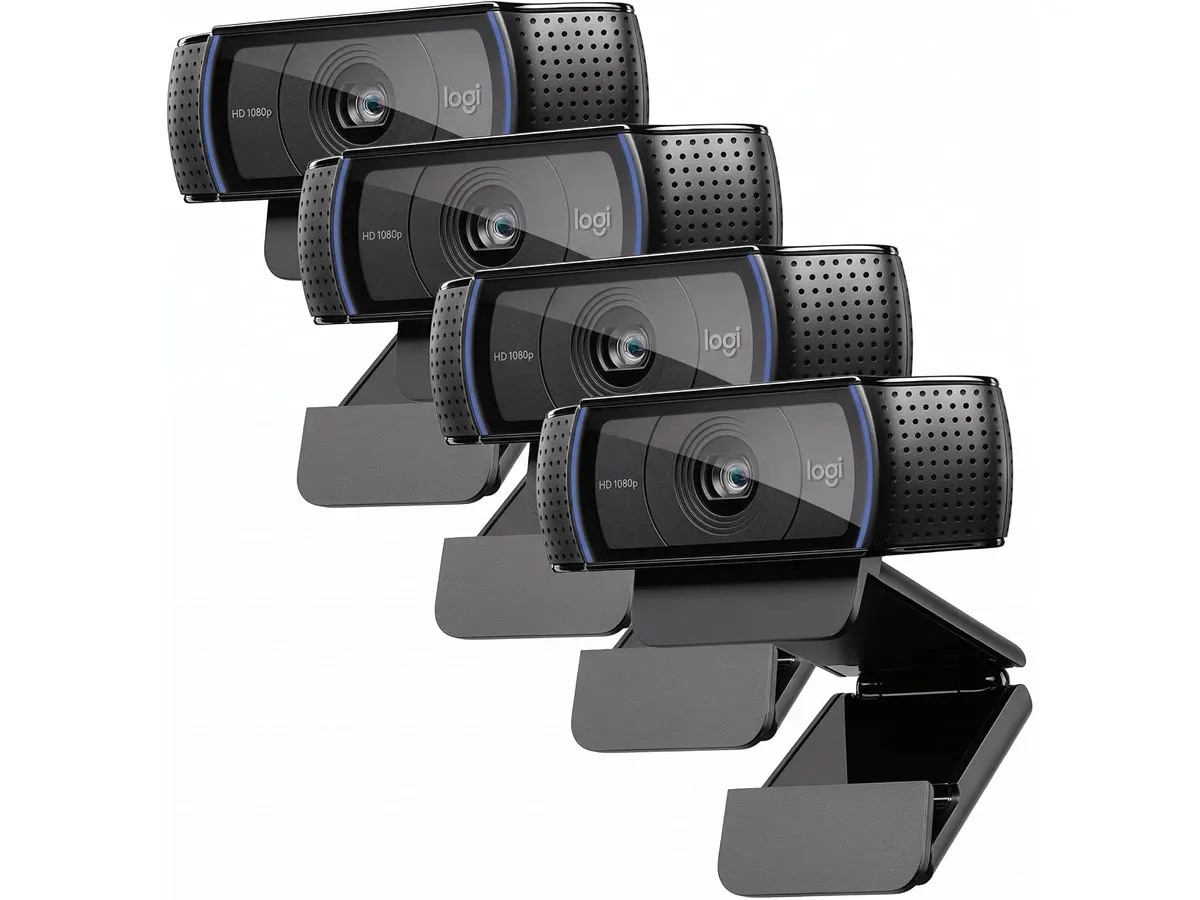
The Logitech C920x HD Pro is a fixture in thousands of remote workspaces, and for good reason. It skips the gimmicks, focusing instead on providing clean, dependable 1080p video for daily meetings and collaborative sessions. If you are building a reliable home office setup without wanting to tinker with complex settings, this unit remains a top contender for the best webcam for home office use today. Explore more options in our Audio & Webcams catalog.
What it does well
The C920x excels because it handles the fundamentals better than most budget alternatives. Its 1080p sensor produces a crisp image that is more than sufficient for standard video conferencing platforms. The automatic light correction is particularly helpful if you work in an office with uneven natural lighting, as it prevents your face from washing out or appearing too dark during mid-afternoon calls.
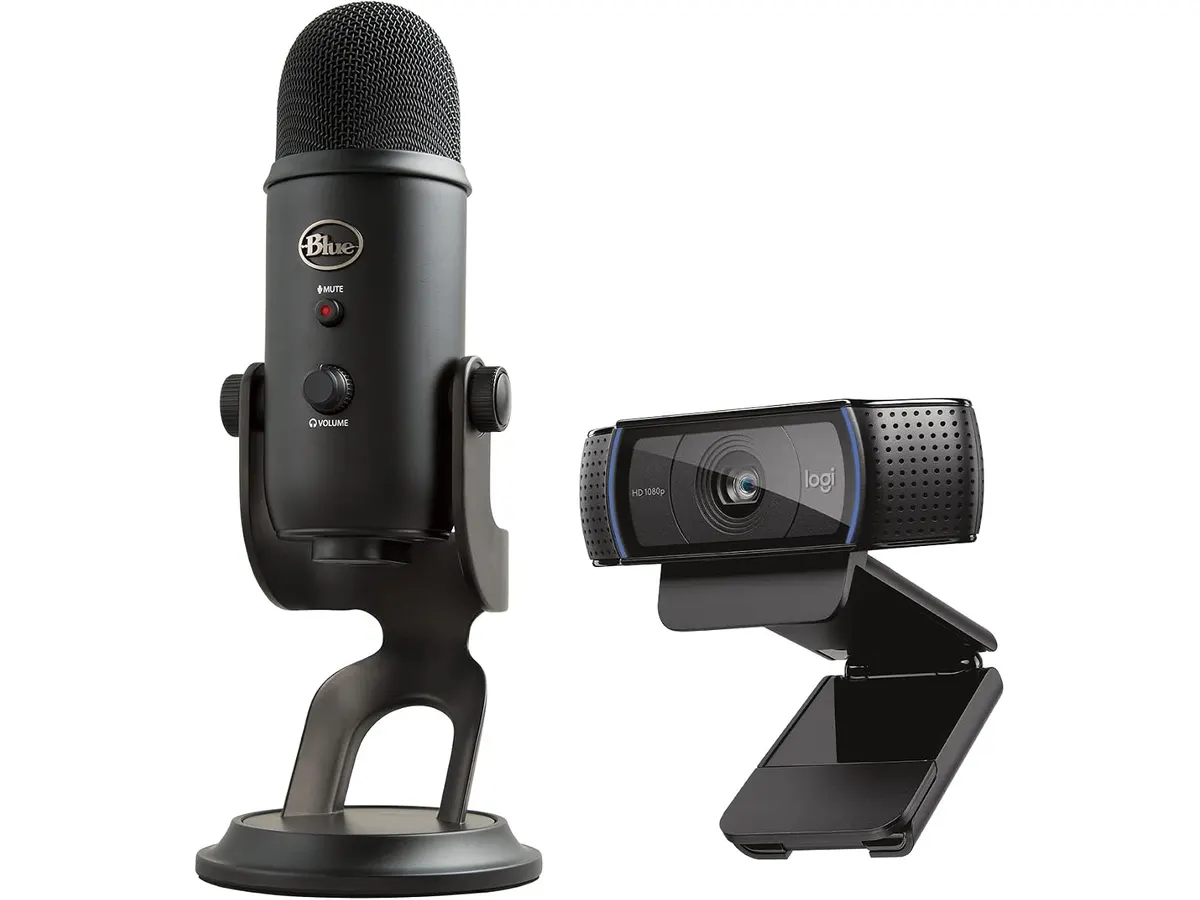
Audio quality is another highlight. The dual microphones provide a clear stereo signal that outperforms the tinny, integrated sensors found on most laptops. While it won’t replace a professional-grade dedicated studio microphone, it saves you from needing to wear a headset for meetings if you prefer an open-ear experience. Finally, the inclusion of three months of XSplit VCam software allows you to swap your background or blur your messy office without needing a physical green screen.
Key specifications
| Feature | Specification |
|---|---|
| Resolution | Full HD 1080p |
| Frame Rate | 30 fps |
| Audio System | Stereo with dual microphones |
| Focus | Auto-focus |
| Compatibility | Windows 11 |
| Software Bonus | 3 months of XSplit VCam |
Where it falls short
While the C920x is a workhorse, it shows its age in specific areas. The 30 fps frame rate is standard for office work, but it lacks the fluid motion required for high-end streaming or professional content creation where 60 fps is now the expectation. If you are looking for ultra-smooth video, the Logitech MX Brio Review: Premium Webcam for Professionals is a far better investment.
Additionally, the auto-focus system can sometimes take a second to hunt for the target if you move around frequently during a call. It is not sluggish, but it lacks the immediate, AI-driven tracking precision found in newer devices like the OBSBOT Tiny 3 Lite Review: Smart AI Streaming. You will need to stay relatively centered to maintain a sharp image.
Who is it for?
The C920x is perfect for the standard remote worker or student who needs a “set it and forget it” solution. If your primary goal is to look professional during team meetings without spending hours configuring software, this is your unit. Conversely, this webcam is not for the aspiring content creator or streamer who needs high frame rates or sophisticated AI-assisted framing to keep up with fast-paced video production.
Alternatives to consider
If you have a limited budget, you can look for entry-level 720p webcams. These offer basic functionality for video calls but lack the color accuracy and crisp detail of the C920x. They are fine for occasional use, but the image quality will be noticeably softer.
For those who need higher performance, you should consider premium 4K models. These offer superior low-light performance, much wider fields of view, and advanced glass lenses that eliminate distortion. They are significantly more expensive but represent the ceiling for desktop video quality.
Verdict
The Logitech C920x HD Pro remains a solid choice for anyone upgrading from a subpar laptop camera. It strikes a pragmatic balance between price, image quality, and ease of use. While it lacks modern AI tracking features, it is a reliable tool for daily remote work and professional communication.
Frequently asked questions
Does this webcam work with Mac computers?
Yes, it is compatible with macOS, though the bundled XSplit software is designed for Windows environments.
Can I use this for professional streaming?
It works for basic streaming, but the 30 fps limit will look less fluid compared to dedicated creator webcams that support 60 fps.
Does it include a privacy shutter?
This specific model does not include a physical privacy shutter, so you may want to purchase a separate adhesive cover if you are concerned about privacy.

Editor
Charly River · SetUpLatam
Charly River curates, reviews and edits SetUpLatam’s home office guides. He checks every product sheet against the manufacturer’s official specifications and cuts what does not help, so you buy right the first time.
You may also like
 Audio & Webcams
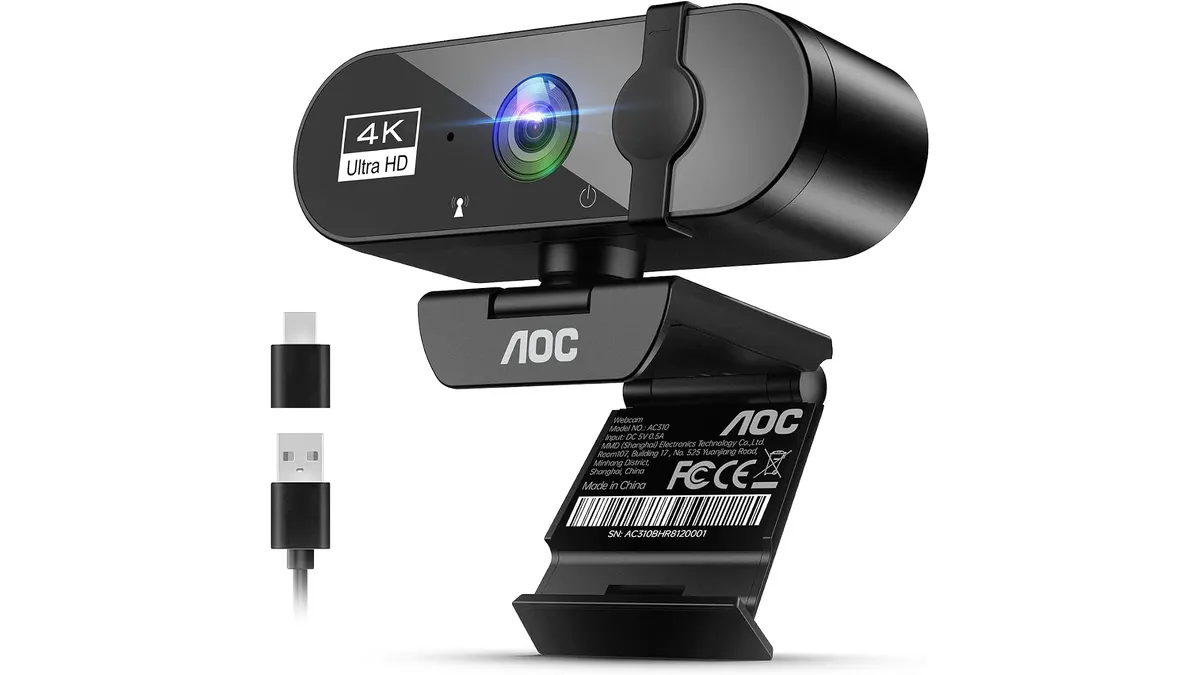
AOC 4K Webcam Review: High Resolution for Work
Looking for the best webcam for home office setups? Read our AOC 4K Webcam review to see if its sharp image and dual-connectivity suit your daily meetings.
 Audio & Webcams
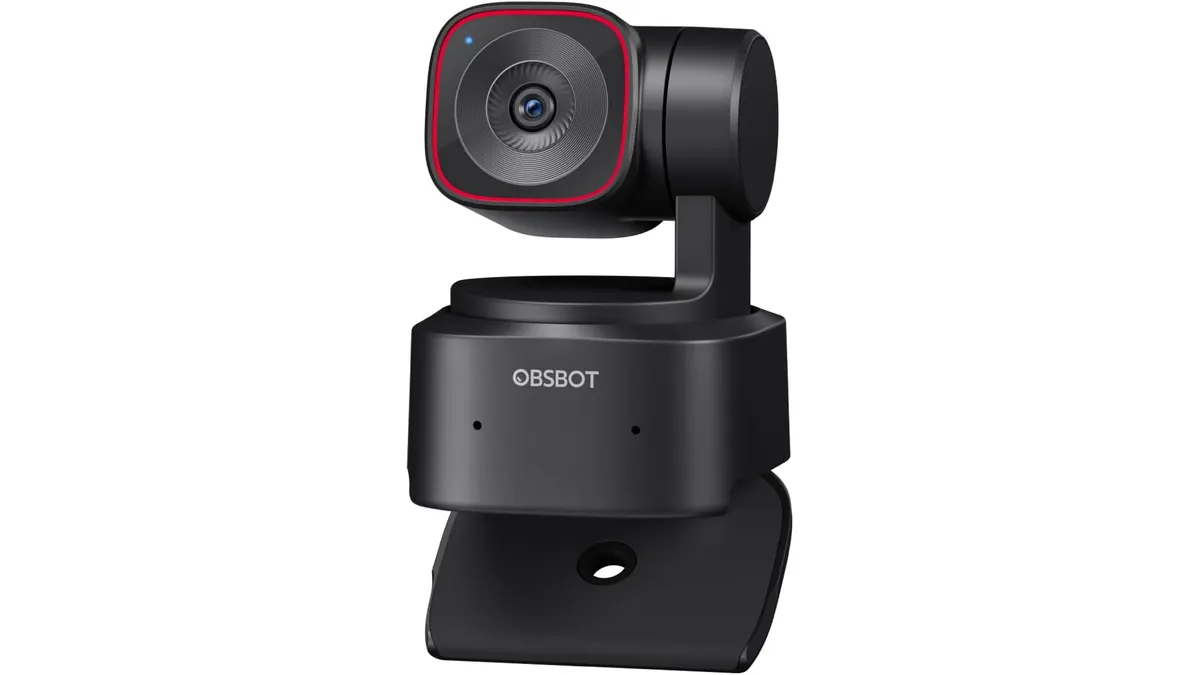
OBSBOT Tiny 2 Lite Review: Smart AI Tracking
Looking for the best webcam for home office use? Our OBSBOT Tiny 2 Lite review breaks down why this AI-powered 4K camera is a smart choice for remote pros.
 Audio & Webcams
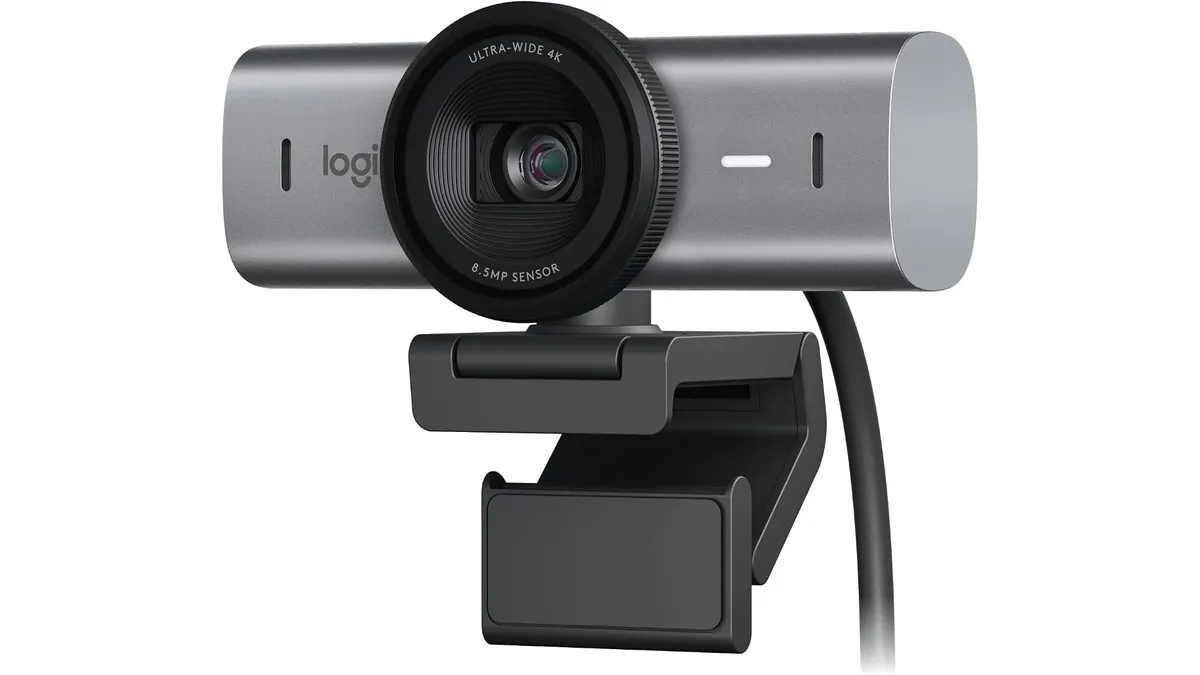
Logitech MX Brio Review: Premium Webcam for Professionals
Discover the Logitech MX Brio, a top-tier webcam designed for streaming and video calls, ideal for remote workers and creators.