Anker Wireless Vertical Ergonomic Mouse Review
Our Anker Wireless Vertical Ergonomic Mouse review breaks down how this budget-friendly pick ranks among the best home office peripherals for your setup.
Buying guide: best peripherals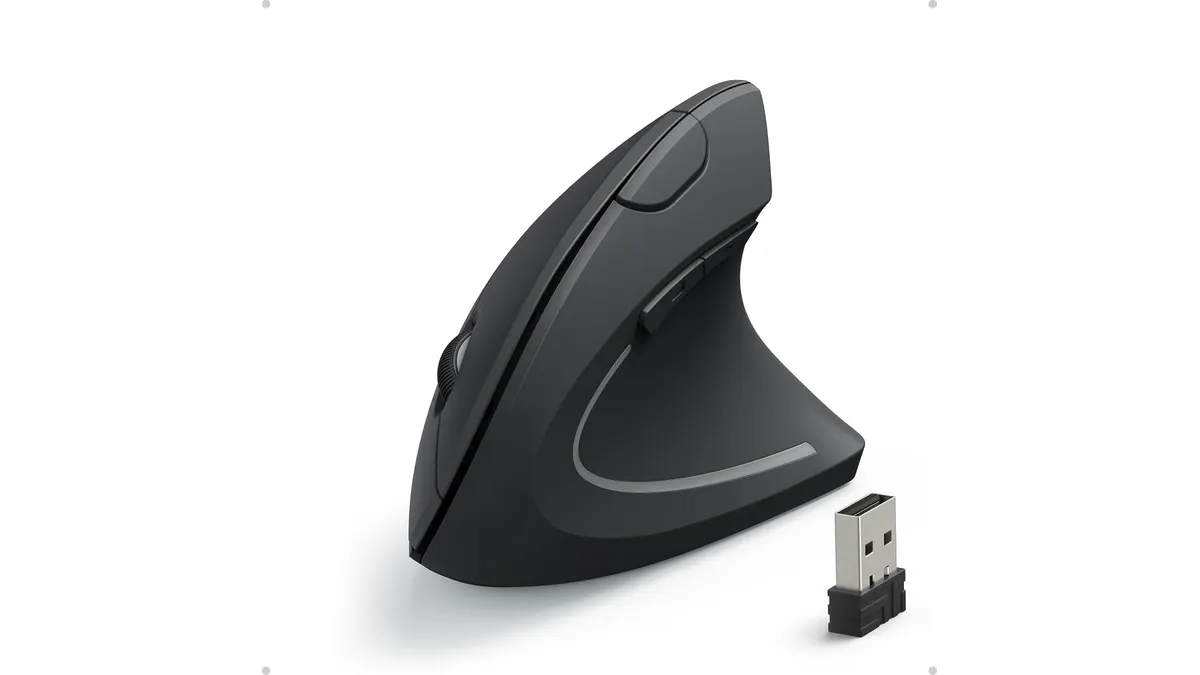 Peripherals
If you spend eight hours a day clicking through spreadsheets or browsing the web, your standard flat mouse is likely causing unnecessary strain. The Anker Wireless Vertical Ergonomic Mouse is designed to shift your hand into a natural handshake position, reducing forearm tension. It is a practical entry point for anyone building out their desk setup with the best home office peripherals while keeping an eye on value.
What it does well
The primary draw here is the physical design. By rotating your wrist 90 degrees, the device forces a neutral posture that feels drastically different from a traditional mouse within minutes of use. It successfully prevents that familiar dull ache that creeps into your forearm by late afternoon.
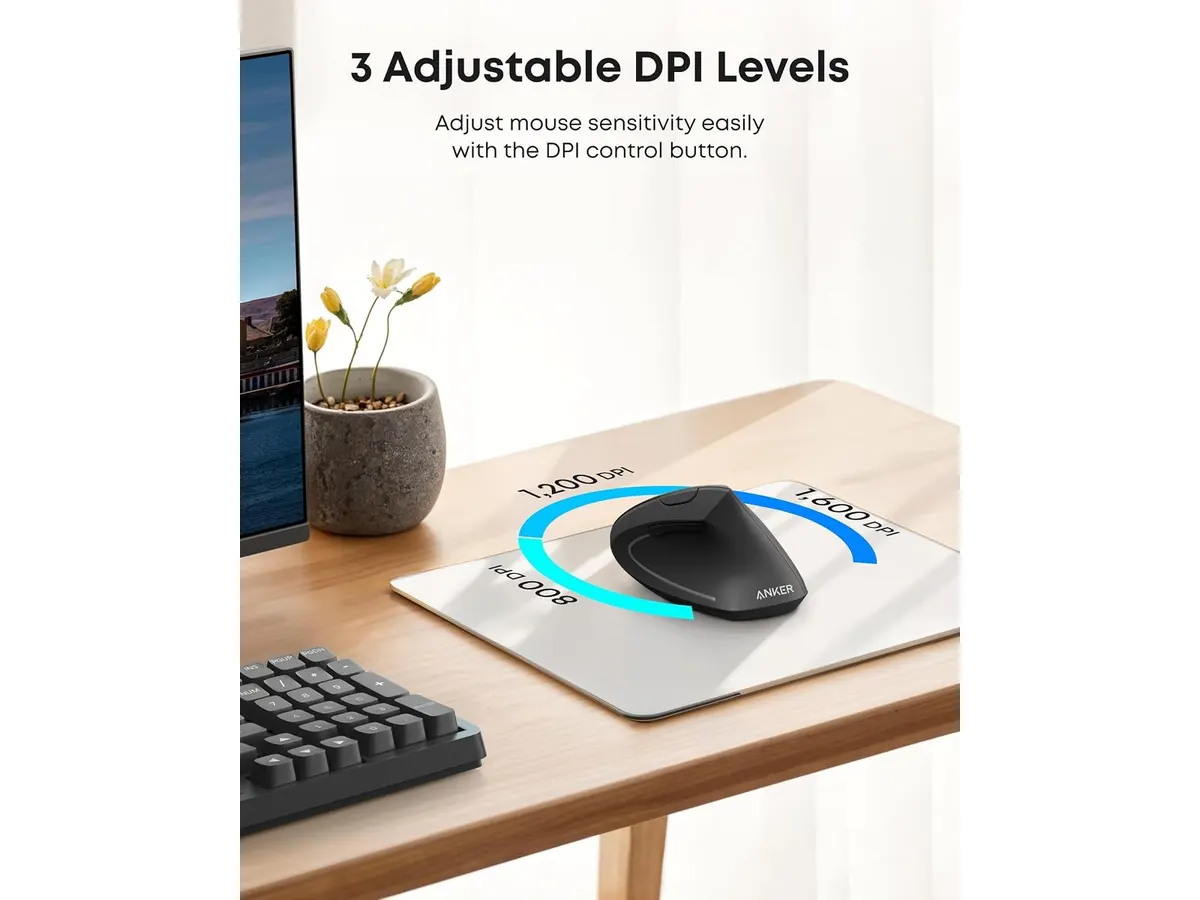
Beyond the shape, the optical tracking is reliable for standard office tasks. With three DPI settings—800, 1200, and 1600—you can adjust the sensitivity to match your monitor resolution. If you have a multi-monitor setup, the 1600 DPI setting provides enough speed to cross your screen without excessive arm movement.
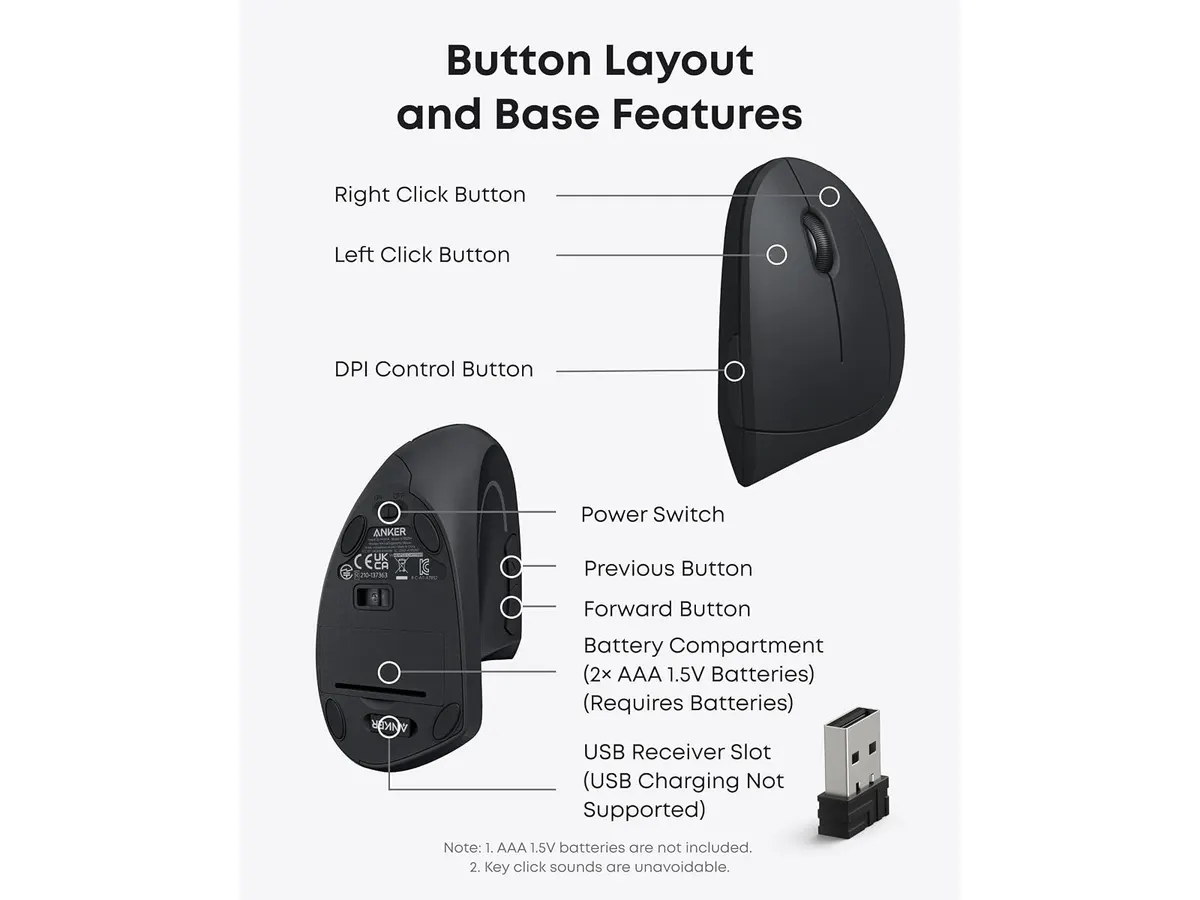
Navigating browser tabs is also more efficient thanks to the inclusion of dedicated side buttons. These allow for forward and backward navigation without needing to click the tiny browser icons. The storage compartment for the USB receiver in the base is a small but welcome detail, ensuring you do not lose the dongle while traveling or commuting between home and the office.
Key specifications
| Feature | Specification |
|---|---|
| Connection | 2.4 GHz Wireless via USB receiver |
| DPI Sensitivity | 800 / 1200 / 1600 DPI |
| Dimensions | 120 x 62.8 x 74.8 mm |
| Weight | 3.4 oz |
| Power | 2 x AAA batteries (not included) |
| Warranty | 18 months |
Where it falls short
The most glaring issue is the reliance on AAA batteries. In an era where most office gear is rechargeable via USB-C, swapping out physical batteries feels dated and adds ongoing maintenance to your routine. Additionally, the build quality reflects its entry-level positioning; the plastic construction feels somewhat hollow, and the scroll wheel lacks the tactile refinement found in more premium hardware.
Another limitation is the 2.4 GHz wireless requirement. Because it relies on a dedicated USB receiver, it occupies a port on your machine. If you are using a slim laptop with limited connectivity, you will likely need a hub to keep things running smoothly. This lack of Bluetooth connectivity makes it less versatile for users who switch between a tablet and a desktop.
Who is it for?
This mouse is for the student or home-based professional who is curious about ergonomics but is not ready to spend heavily on premium gear. If you are currently dealing with wrist discomfort and want a low-risk way to test if a vertical shape helps, this is your best starting point.
It is not for power users or creative professionals. If you need hyper-precise tracking for design work or require multiple programmable buttons to manage complex software, you will quickly outgrow this model. For those looking for advanced features like multi-device switching, the Logitech MX Master 3S Review: Ergonomic Wireless Mouse for Professionals offers a much more capable, albeit more expensive, experience.
Alternatives to consider
If you want something more compact and travel-friendly, the iClever Wireless Mouse Review: A Versatile Choice for Remote Work is a solid alternative. It is better suited for smaller bags and minimalist setups, though it lacks the pronounced ergonomic vertical angle found here.
For those who prioritize a cohesive desktop look and better build materials, consider a mid-tier wireless vertical mouse that features internal rechargeable batteries and Bluetooth connectivity. These options often provide a more substantial feel in the hand and eliminate the need for external batteries, which justifies the price jump.
Verdict
The Anker Wireless Vertical Ergonomic Mouse delivers exactly what it promises: a more comfortable wrist position for an accessible price. While it lacks the polish of high-end equipment, it remains a functional tool for your Peripherals collection. If you are tired of wrist pain, this is an affordable fix that gets the job done.
Frequently asked questions
Can I use this mouse on a Mac?
Yes, it works as a plug-and-play device on both macOS and Windows, provided you have a free USB-A port.
Is the mouse silent when clicking?
No, the buttons provide a standard, audible click, which may be noticeable in very quiet environments.
How long do the batteries last?
The mouse includes an 8-minute auto-sleep feature to conserve power, though actual battery life will depend on the brand of AAA batteries used and your daily usage intensity.

Editor
Charly River · SetUpLatam
Charly River curates, reviews and edits SetUpLatam’s home office guides. He checks every product sheet against the manufacturer’s official specifications and cuts what does not help, so you buy right the first time.
You may also like
 Peripherals
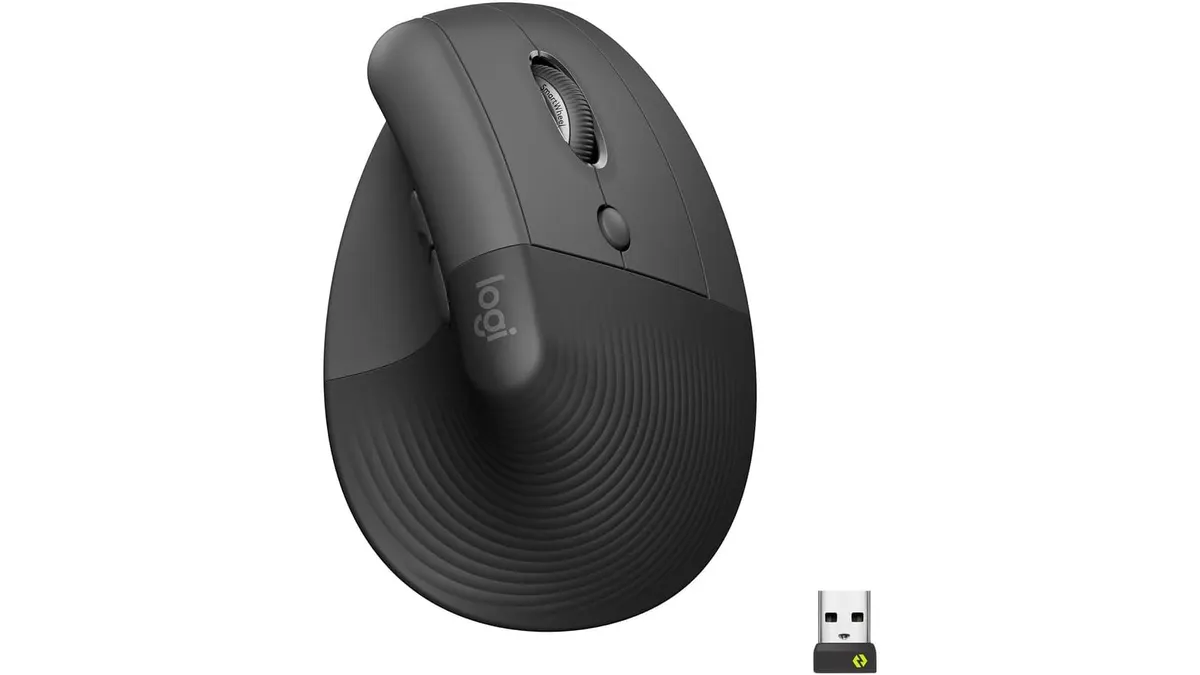
Logitech Lift Vertical Ergonomic Mouse Review
Our Logitech Lift Vertical Ergonomic Mouse review explores if this is one of the best home office peripherals for users with small to medium-sized hands.
 Peripherals
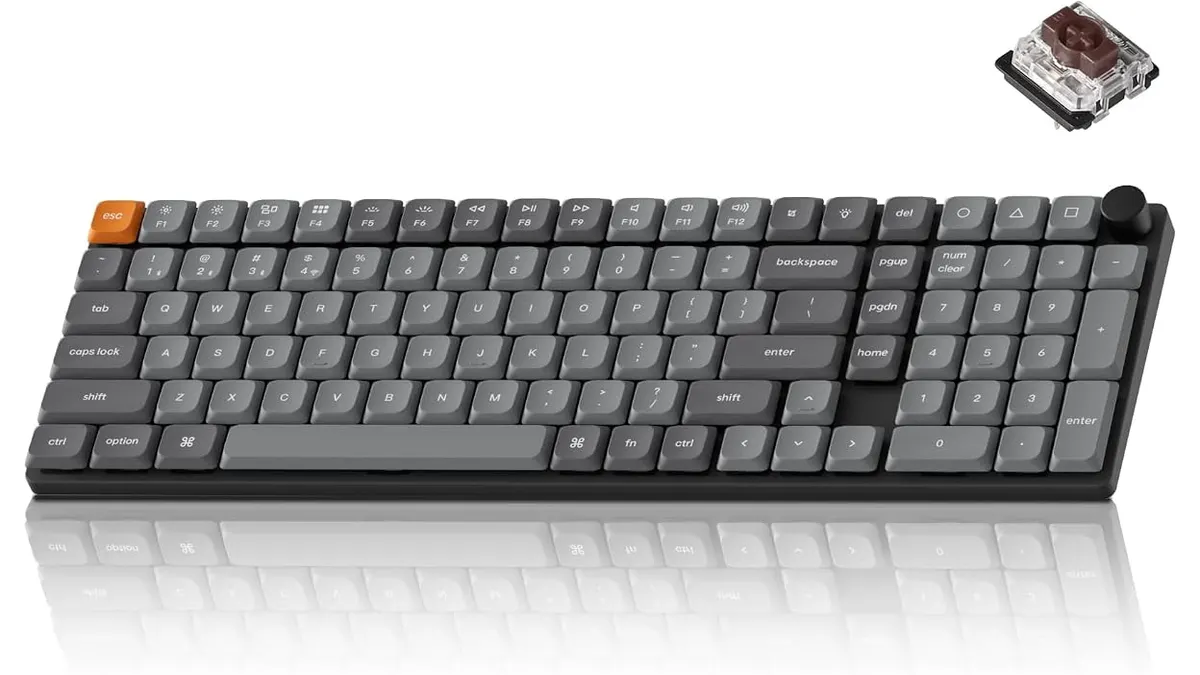
Keychron K17 Max Review: Slim 96% Layout
Deep dive Keychron K17 Max review: a low-profile 96% wireless keyboard built to fit the best home office peripherals setup for daily work.
 Peripherals
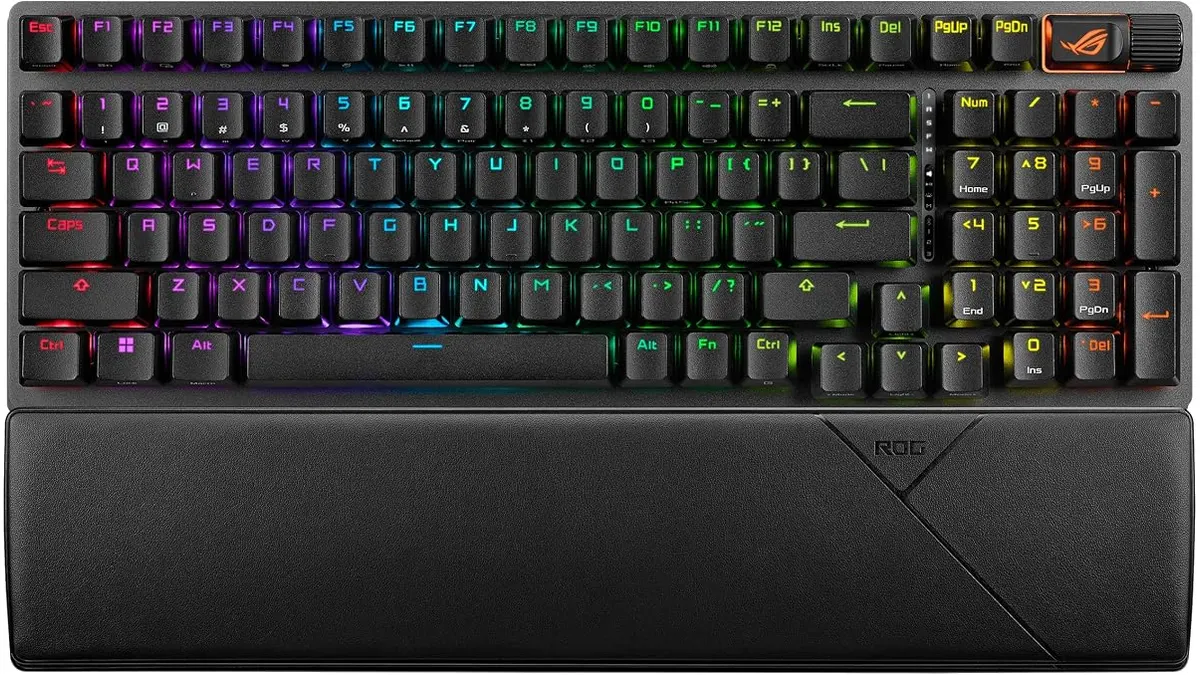
ASUS ROG Strix Scope II 96 Wireless Review
Looking for the best home office peripherals? Our ASUS ROG Strix Scope II 96 Wireless review covers battery life, linear switches, and desktop feel.