INNOCN 49C1S Review: An Ultrawide Powerhouse
Looking for the best home office monitor? We put the 49-inch INNOCN 49C1S through its paces to see if this ultrawide giant is worth your desk space.
Buying guide: best monitors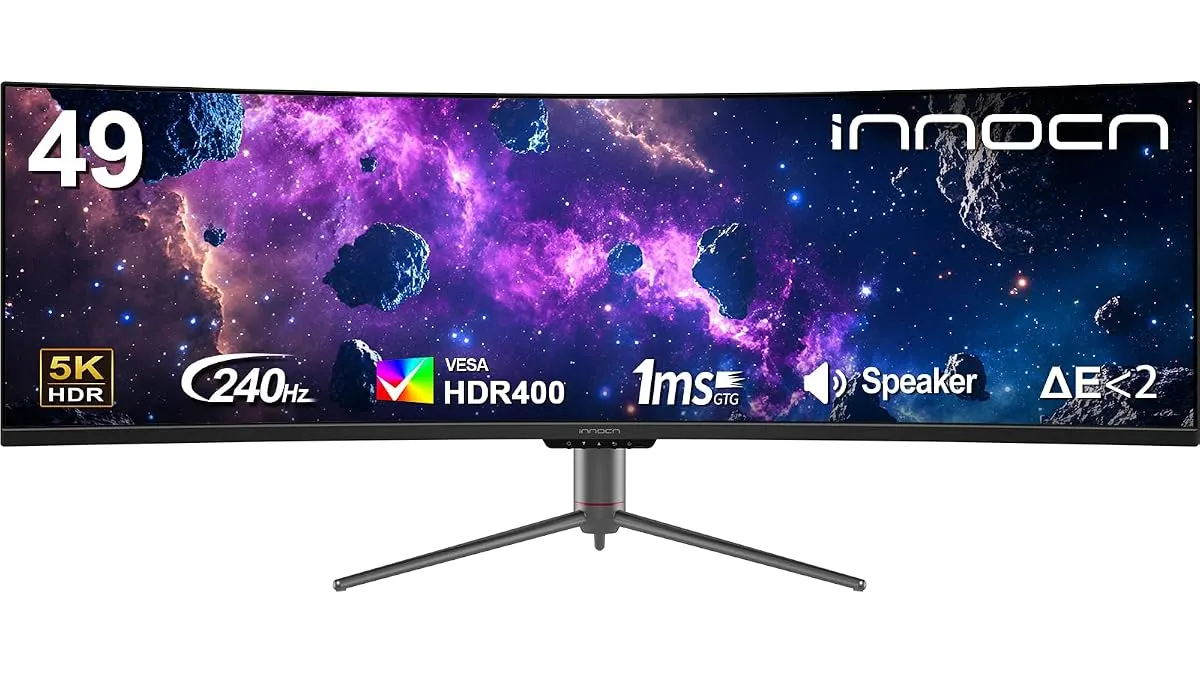 Monitors
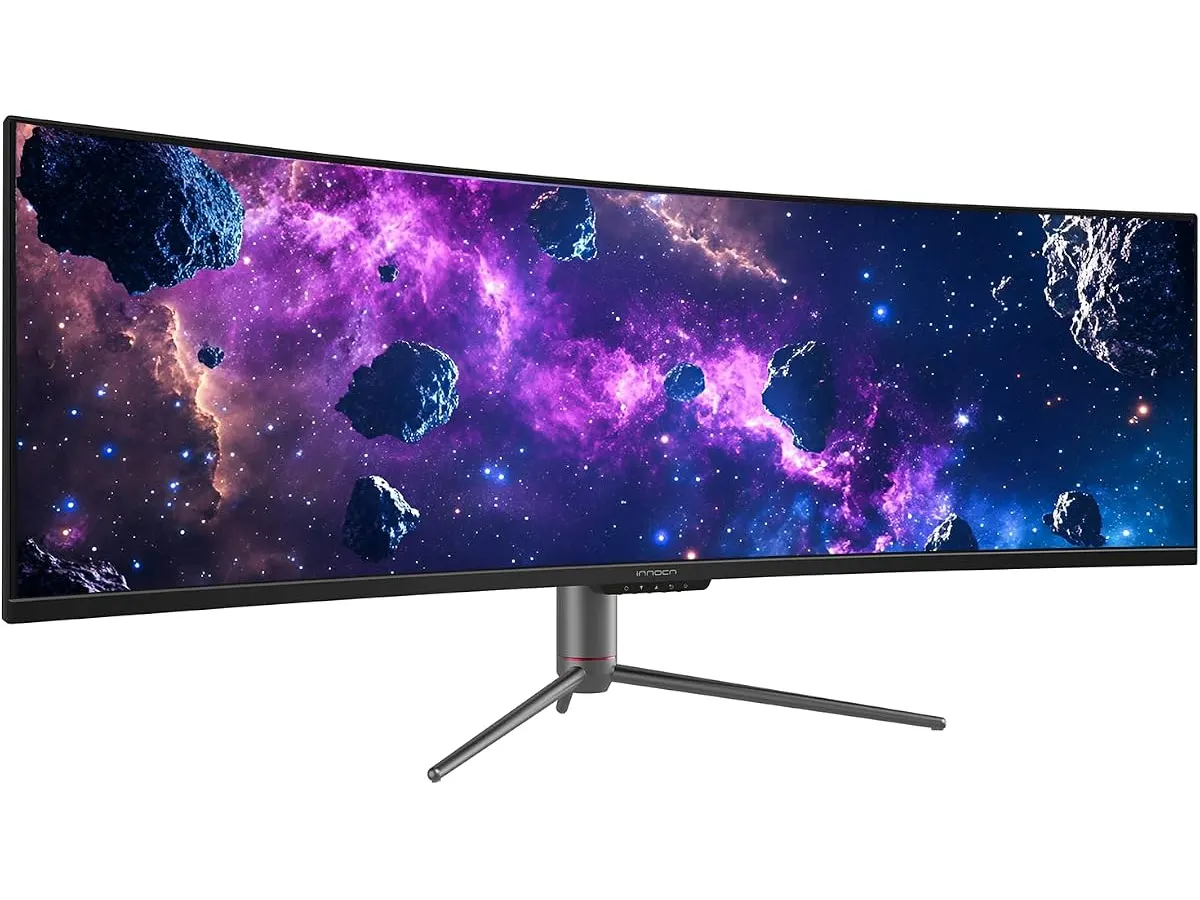
The INNOCN 49C1S is a massive 49-inch ultrawide display designed for users who want to replace a dual-monitor setup with a single, seamless panel. It aims to be the best home office monitor for multitaskers, traders, and creative professionals who need excessive screen real estate. If you want to streamline your workflow and ditch the middle bezel, this display is a compelling entry in our guide to Monitors.
What it does well
The INNOCN 49C1S excels by offering a massive 5120 x 1440 DQHD resolution that provides incredible clarity for complex spreadsheets and timeline-heavy video editing. The 240Hz refresh rate is overkill for standard office work, but it ensures that window management and scrolling feel buttery smooth compared to standard 60Hz panels.
Productivity is handled well through its clever PIP/PBP features, allowing you to treat the screen as two distinct monitors by plugging in separate inputs. The inclusion of 65W USB-C power delivery is vital for a clean setup, as it handles video, data, and laptop charging through one cable. Additionally, the 1800R curvature is subtle enough to avoid image distortion while effectively bringing the edges of the 32:9 panel into your peripheral vision.
Key specifications
| Feature | Specification |
|---|---|
| Screen Size | 49 inches |
| Resolution | 5120 x 1440 DQHD |
| Refresh Rate | 240Hz |
| Curvature | 1800R |
| Aspect Ratio | 32:9 |
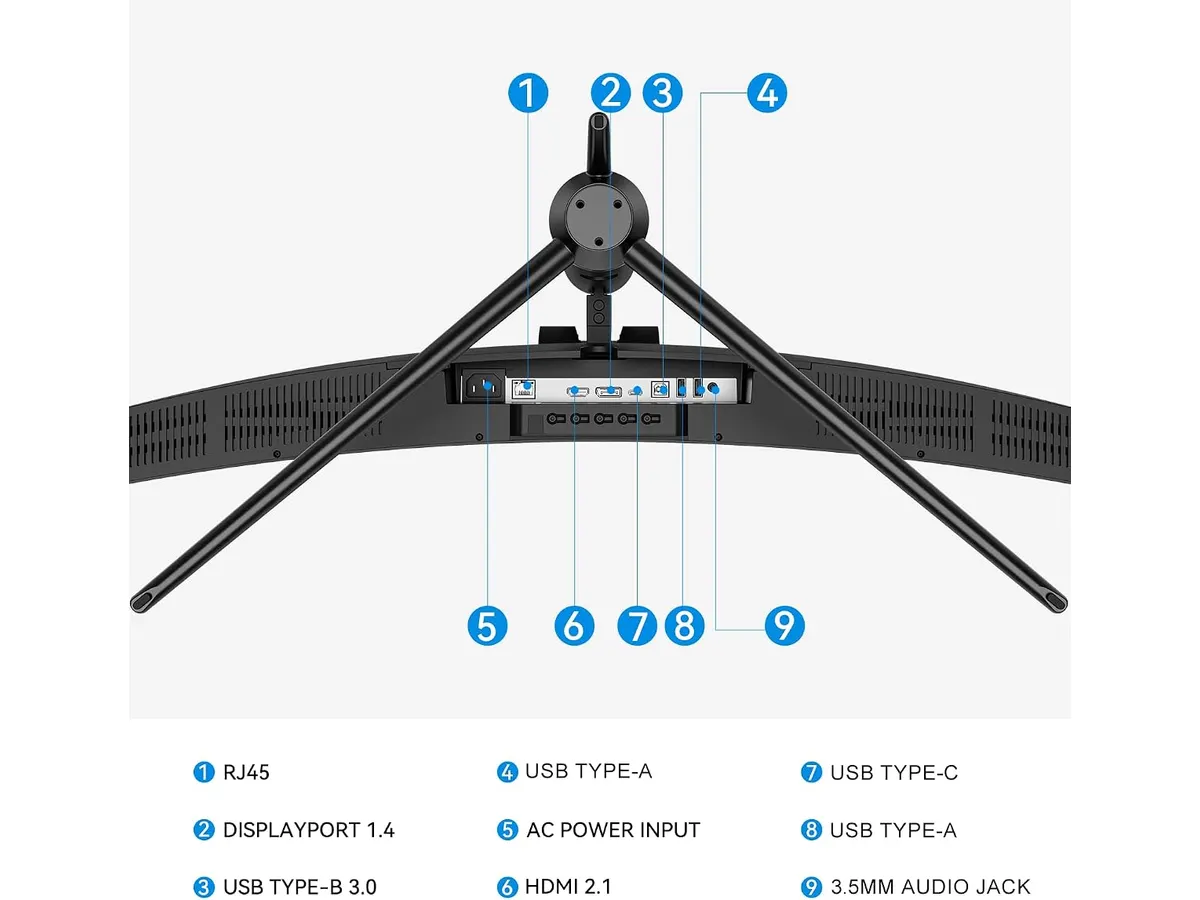
| Connectivity | 2 x DP 1.4, 1 x HDMI 2.1, 1 x USB-C |
| Power Delivery | 65W |
| Color Support | 99% sRGB, HDR 400 |
Where it falls short
The primary drawback is the sheer physical footprint. You need a deep, sturdy desk to accommodate the 49-inch width and the heavy stand. If your desk isn’t at least 30 inches deep, the 1800R curve might feel too aggressive at such a close viewing distance.
Secondly, while 65W of power delivery is convenient, it won’t charge high-performance laptops under heavy load at full speed. Users with power-hungry mobile workstations might still need their dedicated power brick. Finally, the HDR 400 certification is modest; this isn’t a true high-end HDR monitor for professional color grading or cinematic entertainment, so keep your expectations grounded regarding peak brightness and contrast.
Who is it for?
This monitor is for the professional who lives in multiple windows simultaneously. If you keep your calendar, email, Slack, and a browser open at once, the 32:9 aspect ratio is a revelation for your productivity. It is a fantastic tool for those who want a minimalist desk but refuse to compromise on screen space.
However, it is not for the competitive gamer who sits too close to the screen. Because of its massive scale, you will find yourself moving your neck constantly to see the corners, which becomes exhausting. It also isn’t the right choice for someone on a budget who only performs basic administrative tasks that could be handled by a simpler setup, like the one explored in our Dell UltraSharp U2724D Review: A Versatile 27-Inch Monitor.
Alternatives to consider
If you prefer physical separation between your windows, consider a dual-monitor setup. Buying two high-quality 27-inch IPS displays provides more vertical space and better flexibility for screen positioning, as detailed in our Gigastone 27” IPS 2-Pack Review: Dual Monitors for Productivity. This path is usually more affordable and easier to mount on standard monitor arms.
For those who prioritize raw gaming speed over screen width, a 27-inch high-refresh-rate OLED or fast IPS panel is a better investment. Check out our LG UltraGear 27G61ZB-B Review: High-Performance Gaming Monitor for a look at a monitor that puts motion clarity and color accuracy above all else.
Verdict
The INNOCN 49C1S is a solid choice for those who need to maximize their digital workspace without dealing with multiple cables and bezels. While it demands a deep desk and a generous budget, the sheer convenience of a 32:9 layout changes how you manage your daily tasks. If you can handle the scale, this monitor offers the room you need to stay organized.
Frequently asked questions
Can I use this monitor with a MacBook?
Yes, the USB-C port supports display output and 65W charging, which works with most modern MacBooks. However, check your specific model to ensure it supports the 5120 x 1440 resolution over a single cable.
Does the 240Hz refresh rate work with consoles?
Most consoles do not support the 32:9 aspect ratio or 240Hz refresh rates. You will likely be limited to 60Hz or 120Hz at a standard 16:9 aspect ratio with black bars on the sides.
Is the stand height adjustable?
Yes, the included stand features height, tilt, and swivel adjustments, which is necessary for a screen of this size to ensure proper eye-level alignment.

Editor
Charly River · SetUpLatam
Charly River curates, reviews and edits SetUpLatam’s home office guides. He checks every product sheet against the manufacturer’s official specifications and cuts what does not help, so you buy right the first time.
You may also like
 Monitors
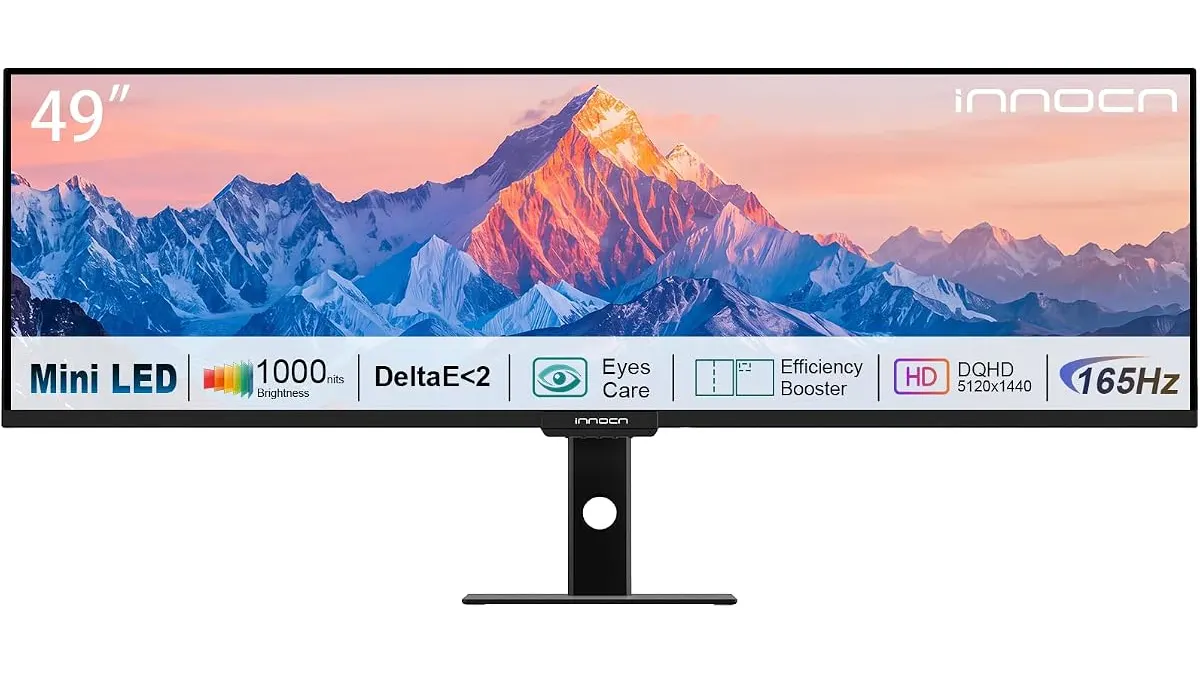
INNOCN 49 Ultrawide Review: Flat Screen Brilliance
Our INNOCN 49 Ultrawide review explores why this massive flat monitor is the best home office monitor for multitaskers who hate curved screen distortion.
 Monitors
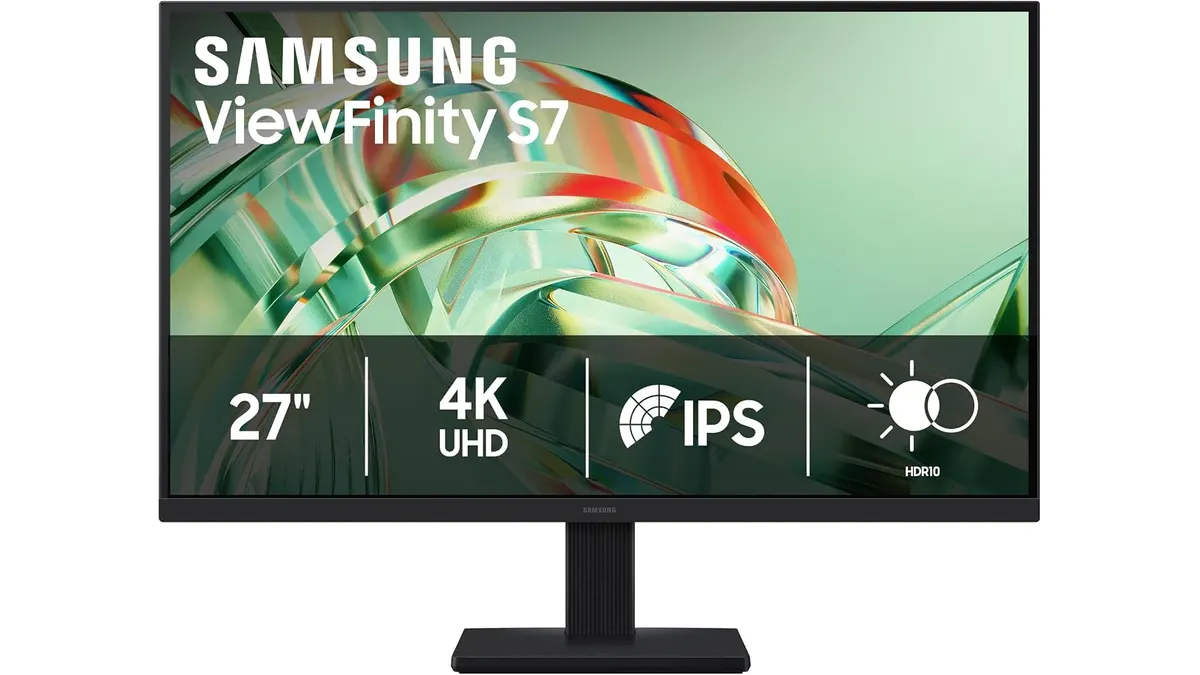
Samsung ViewFinity S7 (S71H) Review
Is the Samsung ViewFinity S7 (S71H) the best home office monitor? We test its 4K IPS clarity, color accuracy, and productivity features for remote workers.
 Monitors
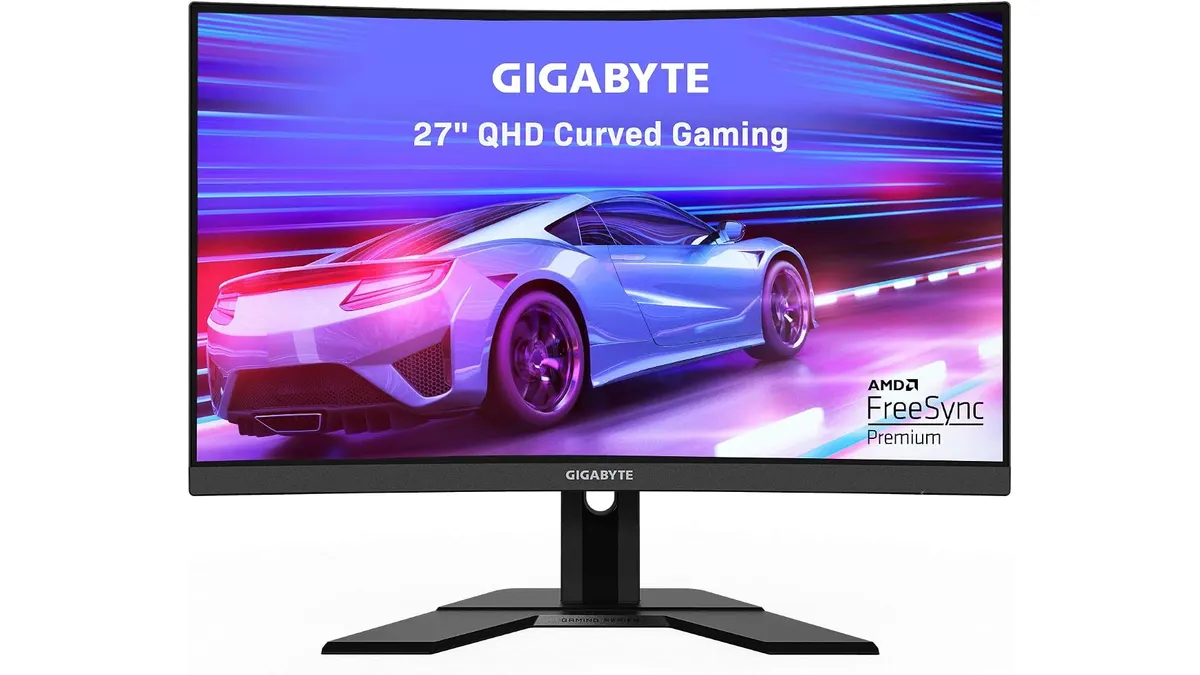
Gigabyte G27FC A Review: A Curved Daily Driver
Looking for the best home office monitor? We put the Gigabyte G27FC A to the test to see if its 1500R curve and 165Hz refresh rate deliver on productivity.