Buying guide
Best monitors for home office
The best home office monitors compared: what to look for, our picks and who they suit. Resolution, panel and value for money.
See all Monitors reviewsHow we choose
We rank gear by the SetUpLatam editorial score, which starts from the manufacturer’s official specifications and the intended real-world use. Positions are not for sale: buying links are affiliate links and are always disclosed.
What to look for
- Size and resolution: 24"–27" at 1080p or 1440p fits most desks.
- Panel: IPS for color and viewing angles; skip TN if you edit or watch a lot.
- Ergonomics: height, tilt and swivel to protect your neck.
- Ports and USB-C with power delivery to cut cable clutter.
Our monitors picks
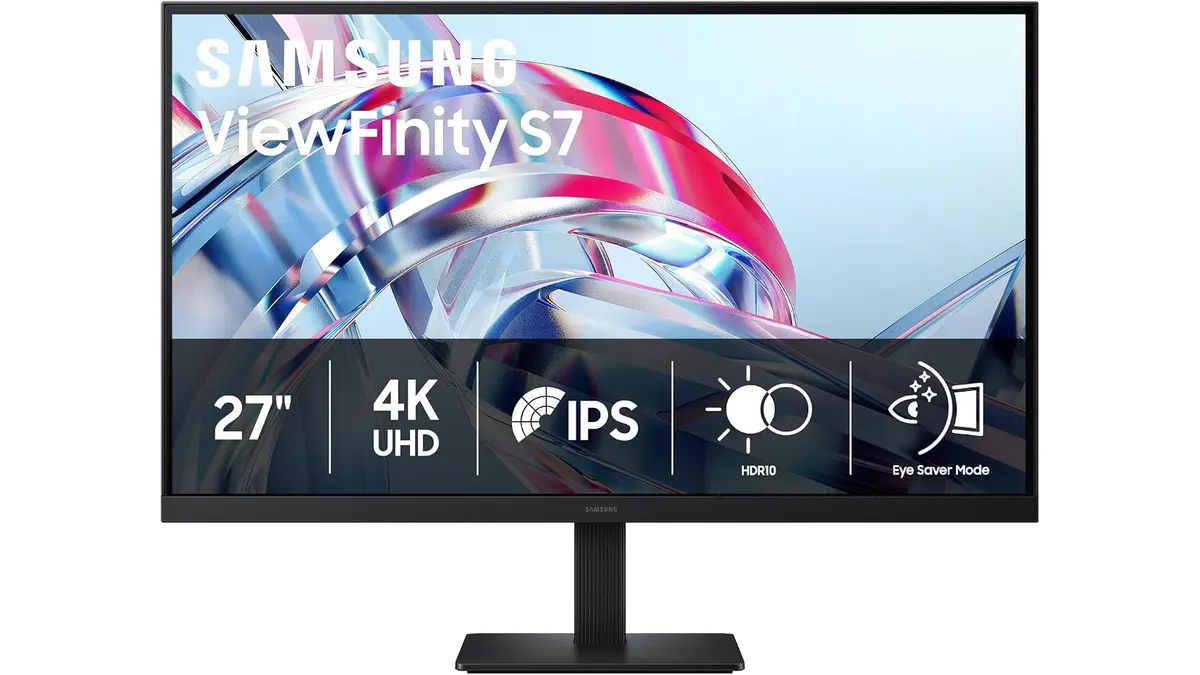 #14.2Samsung ViewFinity S7 Review: Best Home Office Monitor
Explore the Samsung ViewFinity S7 (S70H), the best home office monitor with 4K resolution and eye comfort technology, perfect for remote work.
Samsung
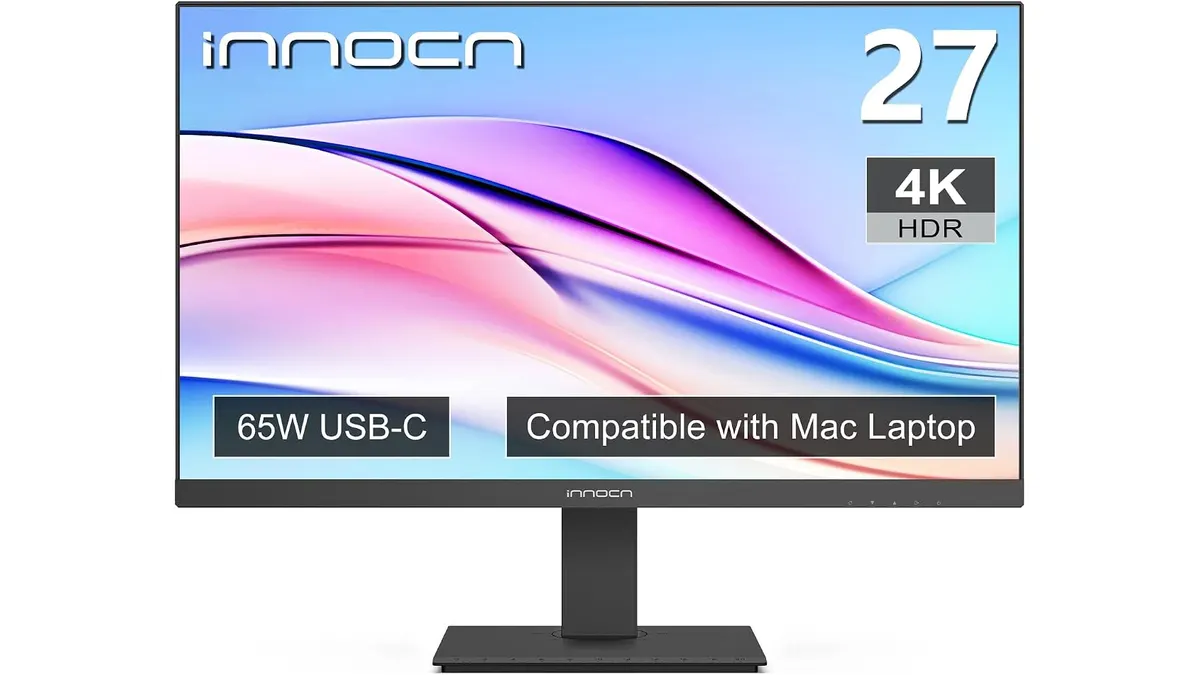 #24.2INNOCN 27C1U-D Review: Best Home Office Monitor
Discover the INNOCN 27C1U-D monitor, ideal for productivity and remote work. Delve into our review to find out if it's the best home office monitor for you.
INNOCN
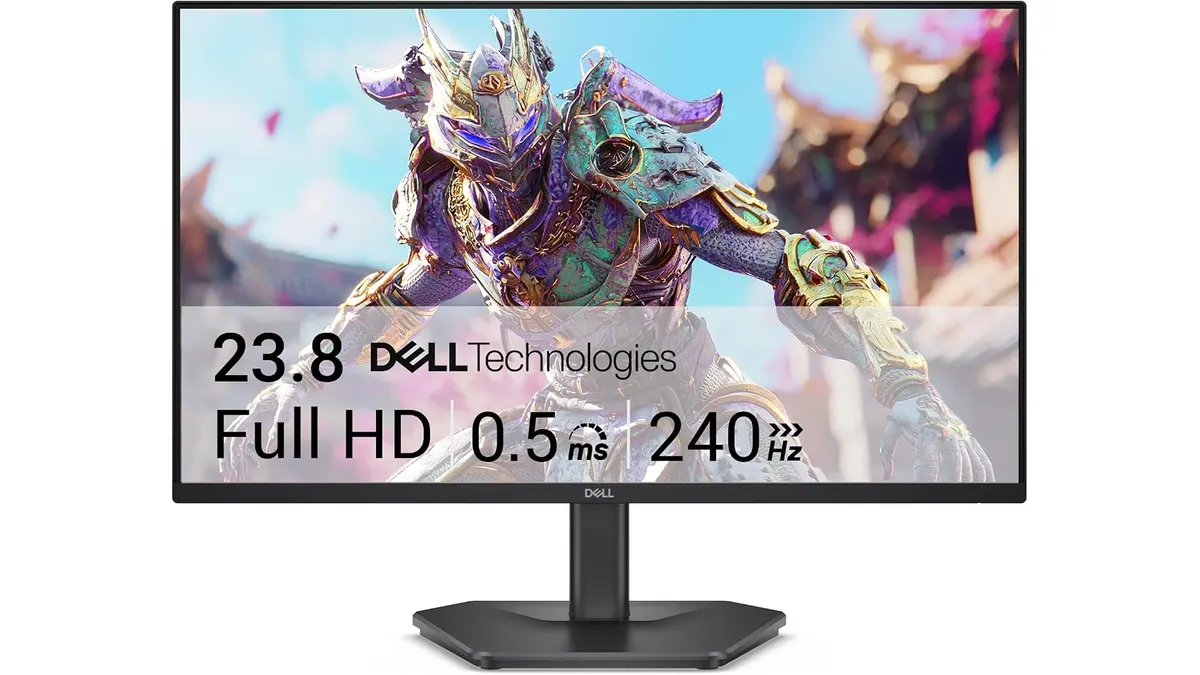 #34.2Dell SE2426HG Review: Best Home Office Monitor
Explore the Dell SE2426HG, a fast 240Hz monitor perfect for remote work, gaming, and productivity. Discover why it stands out.
Dell
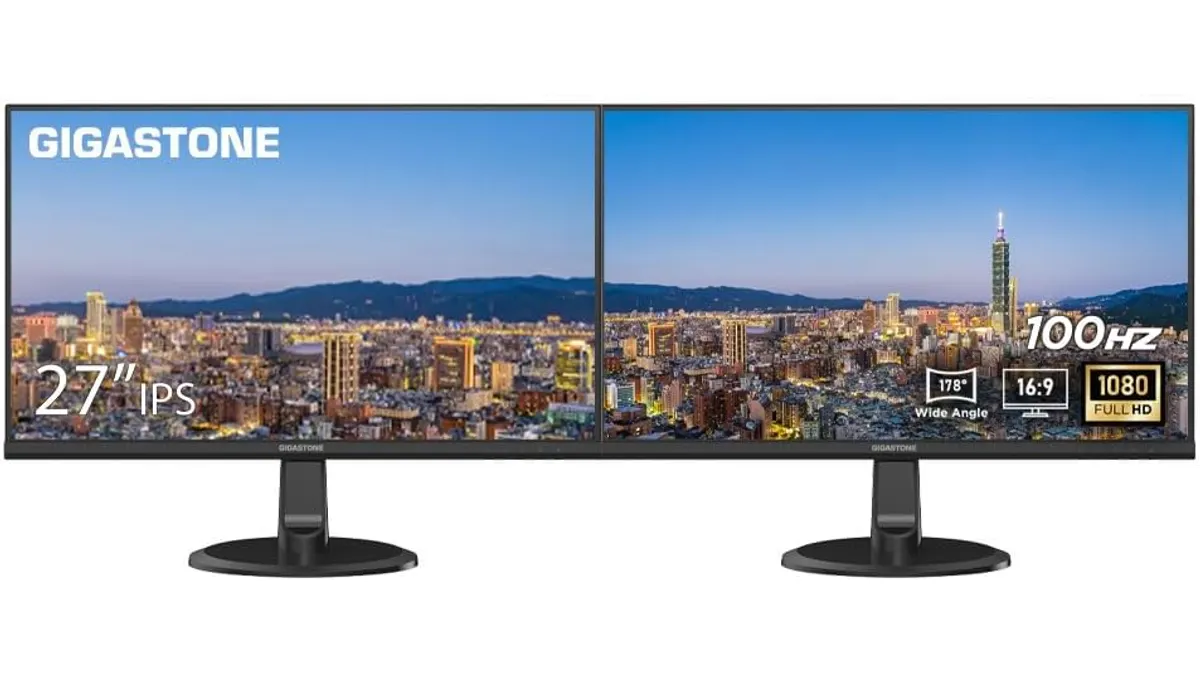 #44.2Gigastone 27" IPS 2-Pack Review: Dual Monitors for Productivity
Discover the Gigastone 27" IPS 2-Pack monitors. Ideal for dual-screen setups, offering Full HD and a sleek design. Perfect for remote workers and gamers.
Gigastone
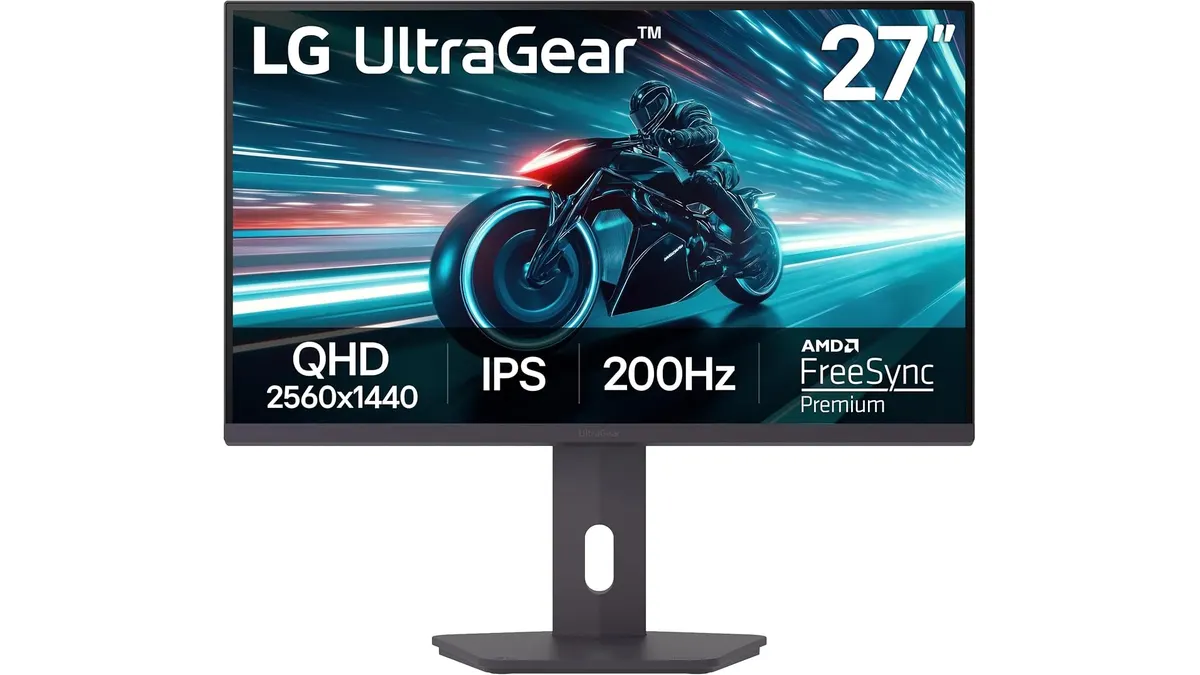 #54.2LG UltraGear 27G61ZB-B Review: High-Performance Gaming Monitor
Discover the LG UltraGear 27G61ZB-B, a high-performance gaming monitor with a stunning QHD display and a 200Hz refresh rate.
LG
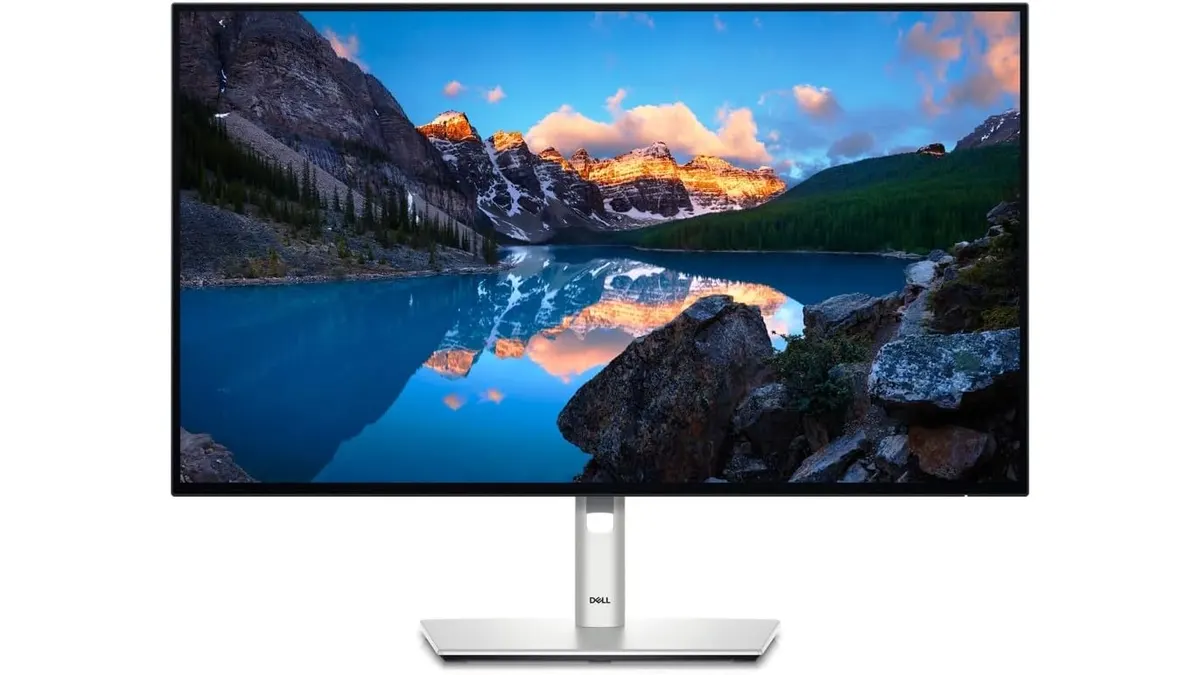 #64.2Dell UltraSharp U2724D Review: A Versatile 27-Inch Monitor
Discover the Dell UltraSharp U2724D, a 27-inch monitor designed for professionals seeking performance and image quality in their home office.
Dell
Quick comparison
| Product | Key specs | Buy | ||
|---|---|---|---|---|
| Samsung ViewFinity S7 Review: Best Home Office Monitor | Samsung | 4.2 | 27 pulgadas · 4K UHD (3840x2160) · 178° | Check price |
| INNOCN 27C1U-D Review: Best Home Office Monitor | INNOCN | 4.2 | 27 pulgadas · 3840 x 2160 · IPS | Check price |
| Dell SE2426HG Review: Best Home Office Monitor | Dell | 4.2 | dell · monitors · gaming | Check price |
| Gigastone 27" IPS 2-Pack Review: Dual Monitors for Productivity | Gigastone | 4.2 | 27 pulgadas IPS LED (pack de 2) · Full HD 1920 x 1080 · 100 Hz | Check price |
| LG UltraGear 27G61ZB-B Review: High-Performance Gaming Monitor | LG | 4.2 | 27 pulgadas IPS QHD (2560 x 1440) · 200 Hz nativo · 1 ms (GtG) | Check price |
| Dell UltraSharp U2724D Review: A Versatile 27-Inch Monitor | Dell | 4.2 | 27 pulgadas (68,47 cm) · 120 Hz · Sensor ambiental integrado | Check price |
Frequently asked questions
What resolution do I need for work?
At 27 inches, 1440p (QHD) gives more room and sharpness than 1080p; at 24 inches, 1080p is enough. If you edit photo or video, prioritize color coverage over resolution.
IPS or VA panel?
IPS has better viewing angles and color, ideal for work and office tasks. VA has more contrast, better for content and entertainment. For a home office, IPS is usually the safe pick.
Is a USB-C monitor worth it?
If you use a laptop, a USB-C monitor with power delivery and a hub cuts cables and frees ports. If you already have a docking station, it is not essential.