GIGABYTE MO27Q28GR Review: OLED Excellence
Read our GIGABYTE MO27Q28GR review. Discover why this 27-inch QHD WOLED screen might be the best home office monitor for deep blacks and bright work.
Buying guide: best monitors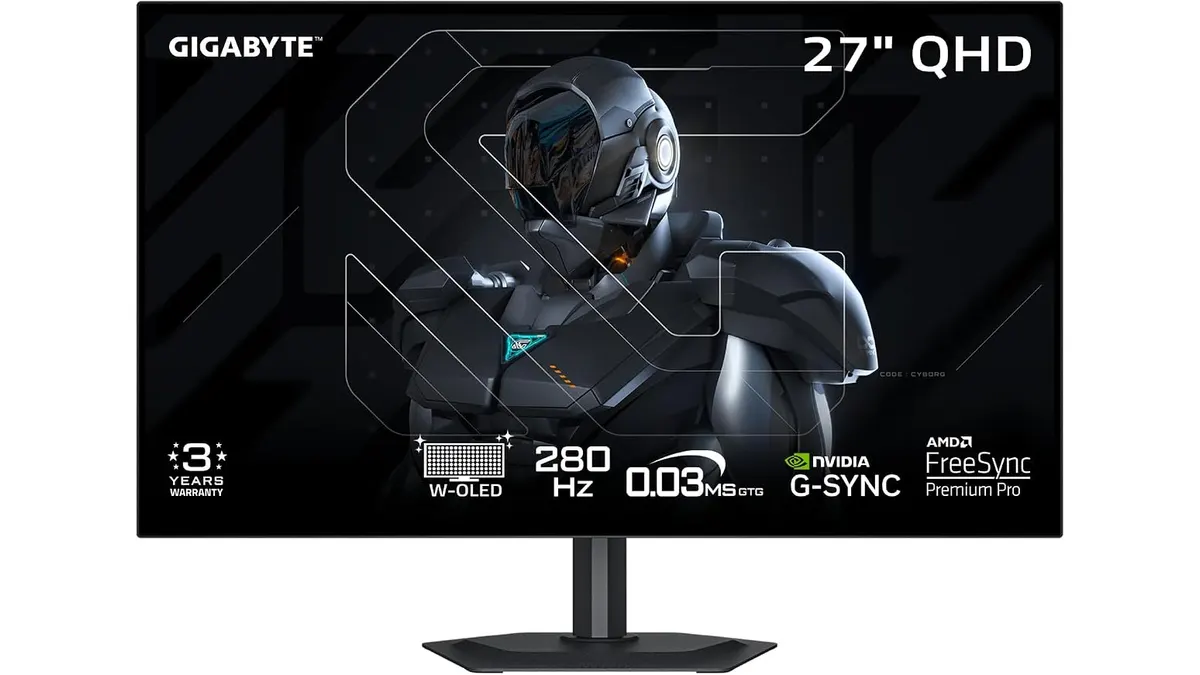 Monitors
The GIGABYTE MO27Q28GR brings high-end panel engineering straight to your personal workstation. Built around a 4th generation W-OLED panel, this 27-inch QHD display targets creators and professionals who need punchy contrast and peak visual detail. If you are searching for the best home office monitor, this screen demands serious consideration for your setup.
What it does well
- 4th Gen W-OLED Panel: Uses Primary Tandem RGB subpixels to push peak brightness all the way up to 1,500 nits, delivering dramatic dynamic range.
- RealBlack Glossy Finish: Specially engineered surface minimizes ambient light diffusion, holding UL-certified perfect black levels even in rooms illuminated up to 500 lux.
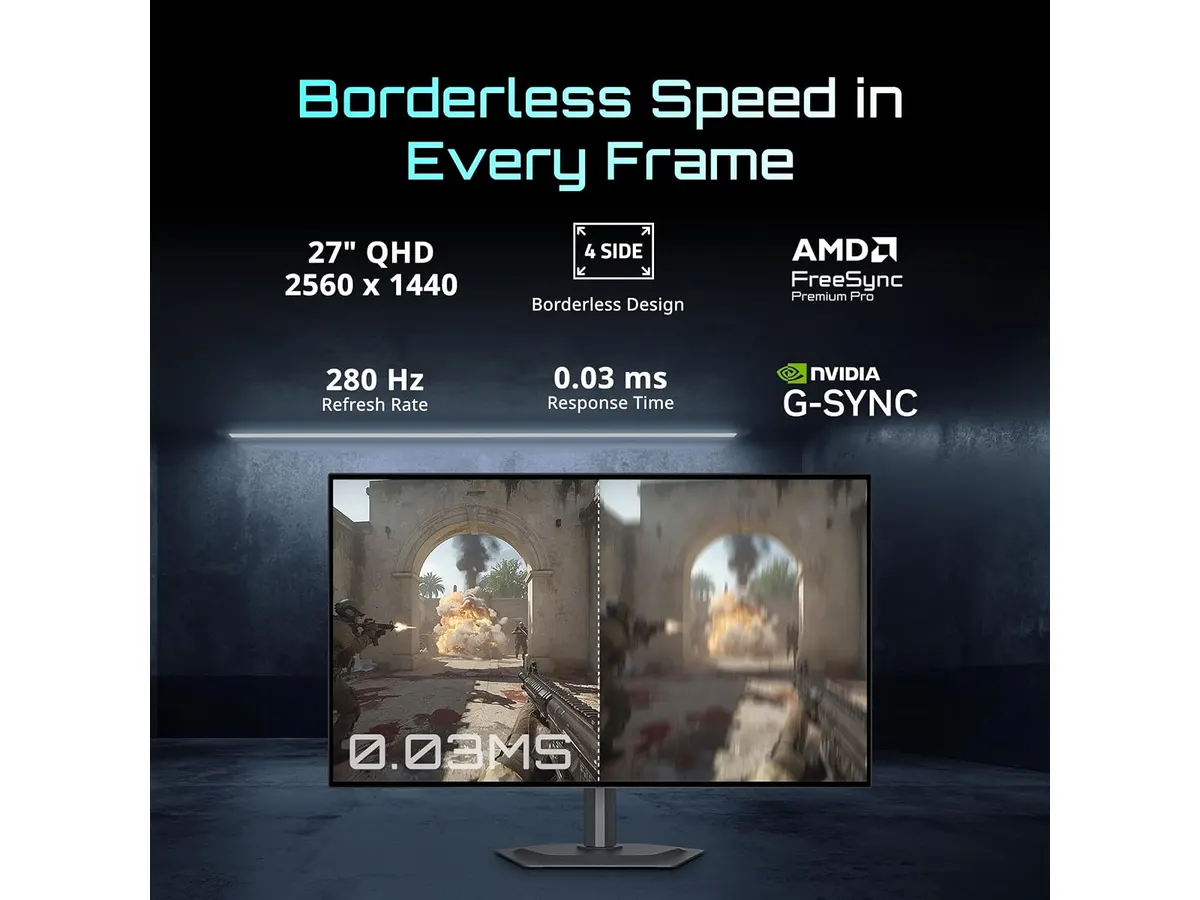
- Borderless Aesthetic: A four-sided borderless frame creates a clean, distraction-free environment that looks sleek on any desk and scales effortlessly in multi-display arrangements.
- AI-Based Burn-in Defense: Integrated AI-driven GIGABYTE OLED Care actively manages panel routines in the background to minimize pixel wear and burn-in risks over long workdays.
- Fluid Frame Delivery: Supports AMD FreeSync Premium Pro, guaranteeing smooth visual motion whether playing back high-frame-rate footage or relaxing with demanding games after working hours.
Key specifications
| Feature | Specification |
|---|---|
| Screen Size | 27 inches |
| Panel Type | 4th Gen W-OLED (Tandem Primary RGB) |
| Resolution | QHD |
| Peak Brightness | 1500 nits |
| Sync Technology | AMD FreeSync Premium Pro |
| Panel Protection | AI-based GIGABYTE OLED Care |
| Anti-Reflective Finish | RealBlack Glossy |
| Certification | UL-certified perfect blacks at 500 lux |
| Design | Four-sided borderless |
Where it falls short
While the contrast and colors are breathtaking, WOLED technology comes with standard trade-offs that office workers should consider. Text rendering on QHD OLED panels can appear slightly less crisp on fine fonts when compared to high-density IPS displays, such as the panel evaluated in our Dell UltraSharp U2724D review.
The RealBlack Glossy coating does an admirable job controlling light diffusion, but glossy panels still pick up direct reflections if your desk setup sits opposite an unshaded window during peak sun hours. You will need to position your lighting thoughtfully.
Finally, running an OLED monitor for remote work requires a slight habit shift. Even with AI-based protective algorithms running, users who keep static spreadsheets or fixed code editors open for 10 hours straight must allow automated care cycles to run regularly.
Who is it for? — Finding the best home office monitor
This monitor fits the creative professional, video editor, graphic designer, and power user who prioritizes picture quality above all else. If your day involves color grading, digital media creation, or high-definition streaming alongside standard workflows, the contrast performance of this GIGABYTE monitor for productivity stands in a class of its own.
On the flip side, this model is not designed for budget-focused users who primarily write text documents, edit basic spreadsheets, or work inside terminal windows all day. If you only need a practical monitor for remote work without worrying about panel maintenance, a traditional IPS alternative like the display covered in our LG UltraGear 27G61ZB-B review or a choice from our main Monitors hub will serve your routine far more cost-effectively.

Alternatives to consider
For buyers who prefer zero maintenance concerns and razor-sharp text clarity for daily document editing, a mid-tier 27-inch IPS productivity monitor remains the safest choice. These displays deliver high visual consistency, standard matte anti-glare coatings, and reliable ergonomics without requiring burn-in prevention routines.
If your priority is sheer screen real estate for multitasking across several windows on a limited budget, entry-level dual-monitor packages offer immense value. You give up the contrast and 1,500-nit highlights of WOLED, but you gain double the display area for managing communications, reference documents, and administrative tools simultaneously.
Verdict
The GIGABYTE MO27Q28GR stands out among top-tier GIGABYTE Monitors by bringing stunning 4th Gen WOLED visual quality to modern desk setups. Its 1,500-nit peak brightness, UL-certified black levels, and sleek four-sided borderless frame turn daily visual work into a joy. While text heavy workflows require minor considerations around subpixel layout and panel maintenance, the overall visual output is undeniably impressive. If you want a 27 inch work monitor that excels at high-end content creation and media consumption, this model earns a top recommendation.
Frequently asked questions
Does the glossy finish create heavy reflections in bright rooms?
The RealBlack Glossy finish is designed to curb light diffusion, certified by UL to maintain true black levels even at 500 lux ambient room light. Avoid placing it directly facing bright windows for best results.
How does the AI panel care protect against burn-in?
GIGABYTE OLED Care uses an AI-based algorithm to monitor static screen elements, intelligently shifting pixels and managing heat to minimize burn-in risks over time.
Is QHD resolution ideal for a 27 inch work monitor?
Yes, QHD resolution on a 27-inch display offers a sharp pixel density that balances readable text with generous workspace, making it a strong choice as the best monitor for productivity.

Editor
Charly River · SetUpLatam
Charly River curates, reviews and edits SetUpLatam’s home office guides. He checks every product sheet against the manufacturer’s official specifications and cuts what does not help, so you buy right the first time.
You may also like
 Monitors
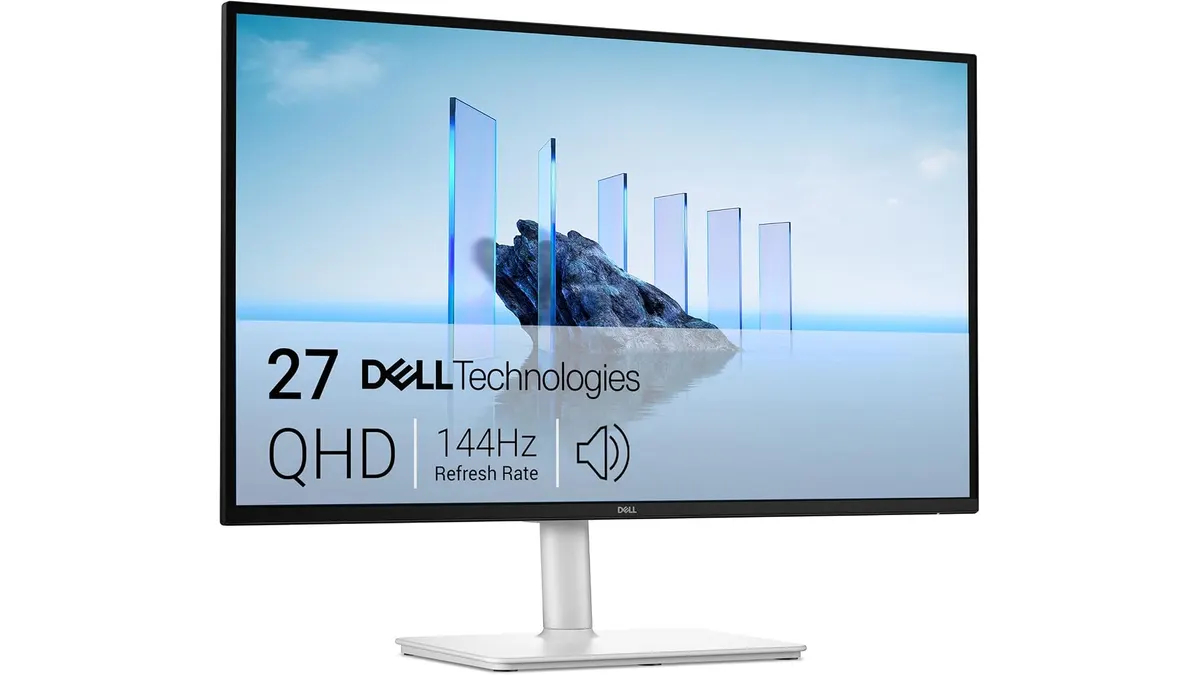
Dell S2725DSM Review: Sharp 27-Inch QHD Display
Our Dell S2725DSM review tests this 144Hz 27 inch work monitor. Find out if it is the best home office monitor for remote work and daily productivity.
 Monitors
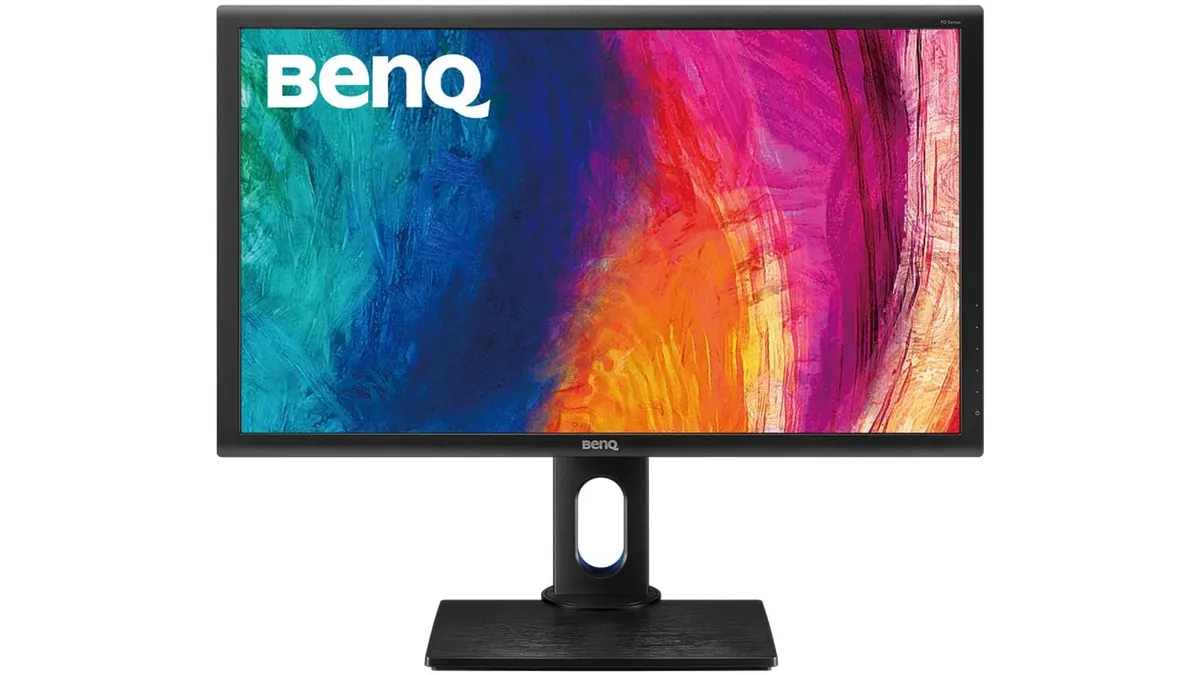
BenQ PD2700Q Review: A Reliable Workhorse Monitor
Our BenQ PD2700Q review examines this 27-inch display to see if it is the best home office monitor for creators needing color accuracy and screen real estate.
 Monitors
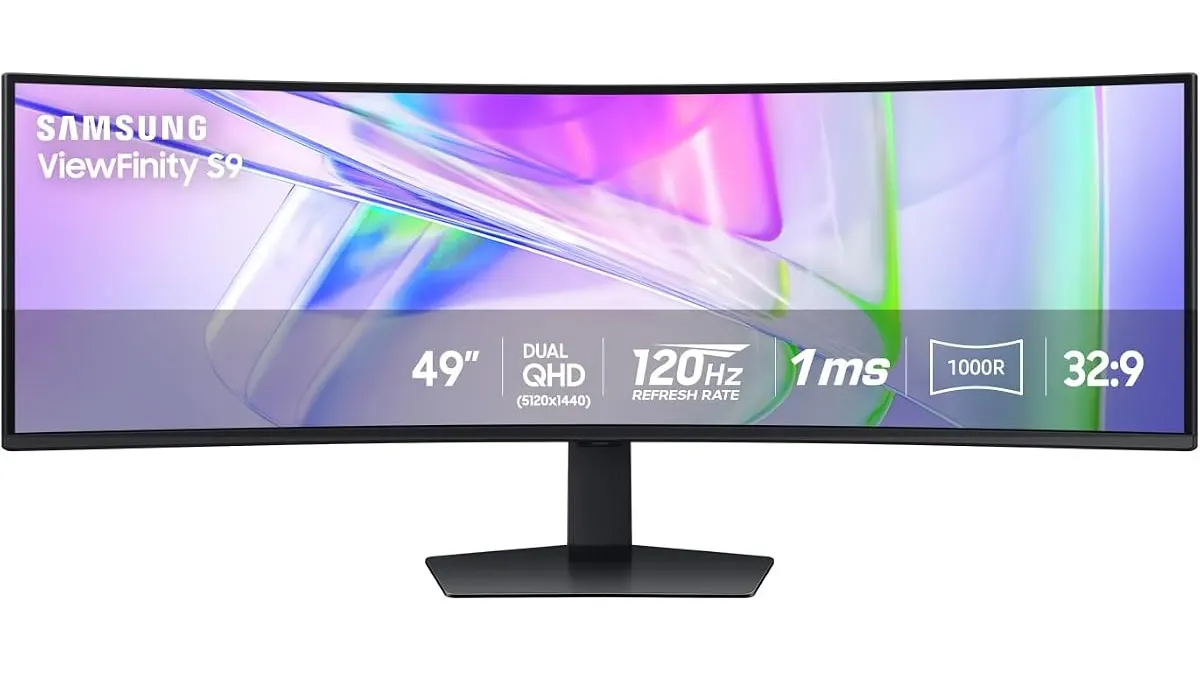
Samsung LS49C954UANXZA Review: The Ultimate Ultrawide
Is the Samsung LS49C954UANXZA the best home office monitor for your desk? We test the 49-inch curved display to see if its productivity claims hold up.