BenQ PD2700Q Review: A Reliable Workhorse Monitor
Our BenQ PD2700Q review examines this 27-inch display to see if it is the best home office monitor for creators needing color accuracy and screen real estate.
Buying guide: best monitors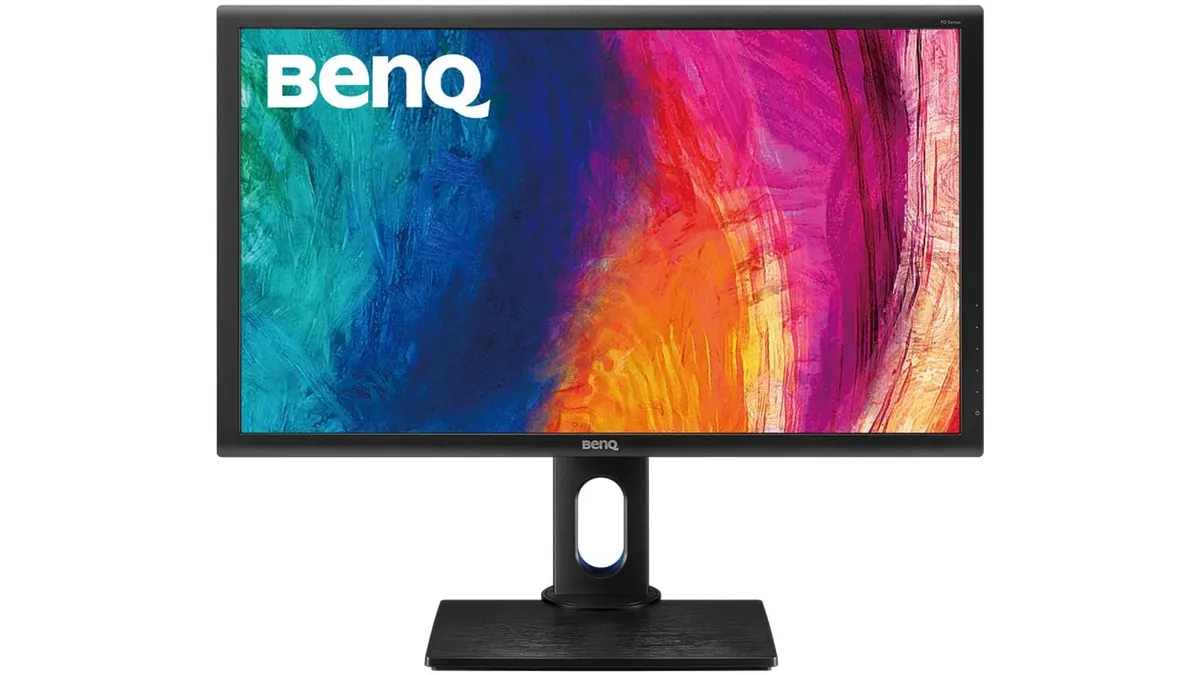 Monitors
The BenQ PD2700Q is a utilitarian choice for professionals who prioritize color consistency and screen real estate over flash. As a 27-inch work monitor, it bridges the gap between basic office displays and high-end design hardware. If you are building a workspace that demands reliable performance for design or data-heavy workflows, this is a sensible starting point within our collection of Monitors. It is arguably the best home office monitor for those who want factory-calibrated color without the headache of manual setup.
What it does well
- Color Accuracy Out of the Box: Thanks to BenQ’s AQCOLOR technology and factory calibration, you get 100% Rec.709 and sRGB coverage. A Delta E <= 3 rating ensures that what you see on screen matches industry standards for professional graphics and photo editing.
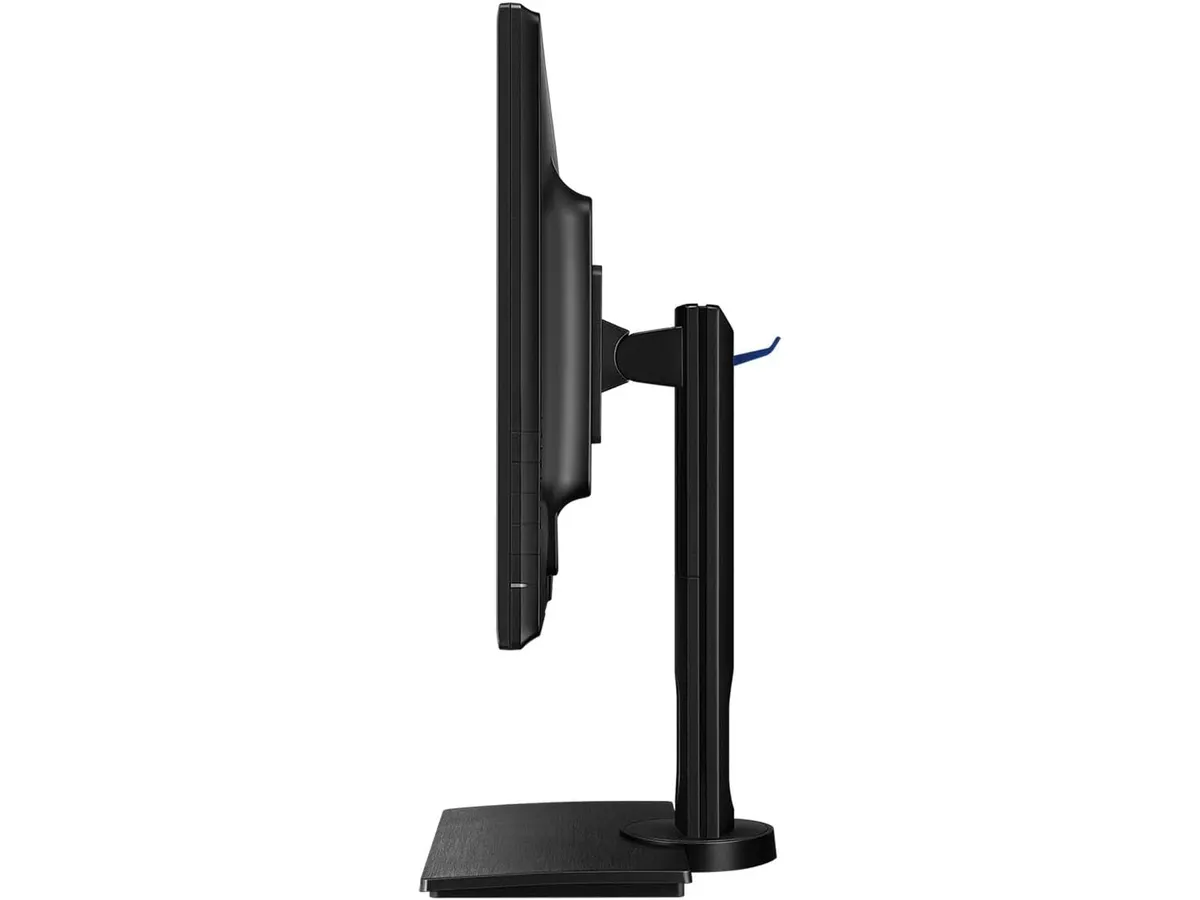
- Ergonomic Versatility: Many budget-friendly displays force you to buy a separate arm, but this stand is fully functional. You can adjust the height, tilt, swivel, and pivot the screen into portrait mode, which is essential for reading long documents or coding.
- Sharp QHD Clarity: The 1440p resolution at 27 inches is the sweet spot for productivity. You get significantly more workspace than a standard 1080p panel, allowing you to snap two windows side-by-side comfortably without the text becoming tiny, as it often does on 4K displays of this size.
Key specifications
| Feature | Specification |
|---|---|
| Screen Size | 27 inches |
| Resolution | 2560 x 1440 (QHD) |
| Panel Type | IPS |
| Color Space | 100% Rec.709 and sRGB |
| Color Accuracy | Delta E <= 3 |
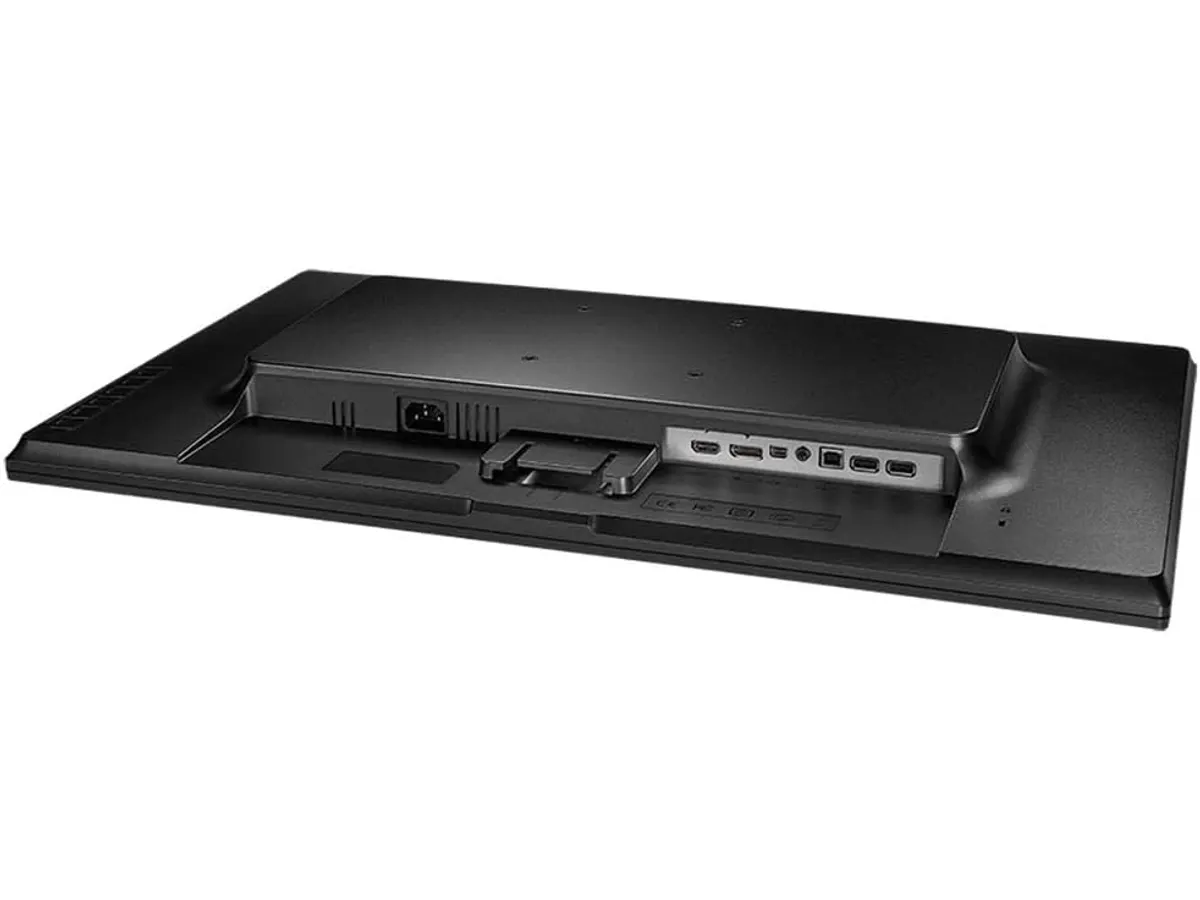
| Connectivity | HDMI, DisplayPort, USB Hub |
| Adjustability | Tilt, Pivot, Swivel, Height |
Where it falls short
While the color reproduction is impressive for the price, this is not a high-refresh-rate display. If you spend your downtime playing fast-paced games, the standard refresh rate will feel sluggish compared to specialized panels like the LG UltraGear 27G61ZB-B Review: High-Performance Gaming Monitor.
Additionally, the integrated speakers are purely functional. They lack the depth and bass required for serious audio work or immersive media consumption. You will definitely want to pair this with external desktop speakers or a decent pair of headphones to get a quality sound experience.
Who is it for?
This monitor is perfect for the graphic designer, web developer, or spreadsheet-heavy office worker who needs color reliability and ergonomic comfort to get through an eight-hour shift. If you fall into this category, the factory-calibrated panel will save you hours of configuration time.
It is not for the competitive gamer or the creative professional who requires DCI-P3 or Adobe RGB color gamuts for print production. If your work involves high-end video grading or professional photography for print, you will need a more specialized, wide-gamut display.
Alternatives to consider
If you want more modern connectivity features like USB-C Power Delivery to charge your laptop with a single cable, look toward the mid-range premium tier. A display like the Dell UltraSharp U2724D Review: A Versatile 27-Inch Monitor offers a more refined design and newer panel technology if you are willing to spend extra for a cleaner desk setup.
Alternatively, if you are looking to maximize your screen surface area on a limited budget, consider a dual-monitor setup. Buying two budget-tier, high-quality panels like those found in the Gigastone 27" IPS 2-Pack Review: Dual Monitors for Productivity can often provide more total workspace than a single 27-inch display, depending on your desk size and multi-tasking habits.
Verdict
The BenQ PD2700Q is a straightforward, reliable tool that prioritizes the essentials of professional work. While it lacks the latest bells and whistles like USB-C connectivity, its color accuracy and ergonomic stand make it a dependable work monitor. It remains a solid, no-nonsense choice for anyone building a productive home office.
Frequently asked questions
Can I mount this monitor on an arm?
Yes, it is VESA compatible, so you can easily attach it to a monitor arm if you want to clear more space on your desk.
Does this monitor come with a calibration report?
Yes, BenQ includes a factory calibration report in the box, confirming its accuracy out of the factory.
Is this good for gaming?
It is fine for casual, non-competitive gaming, but its refresh rate is standard and does not include advanced features for high-speed motion.

Editor
Charly River · SetUpLatam
Charly River curates, reviews and edits SetUpLatam’s home office guides. He checks every product sheet against the manufacturer’s official specifications and cuts what does not help, so you buy right the first time.
You may also like
 Monitors
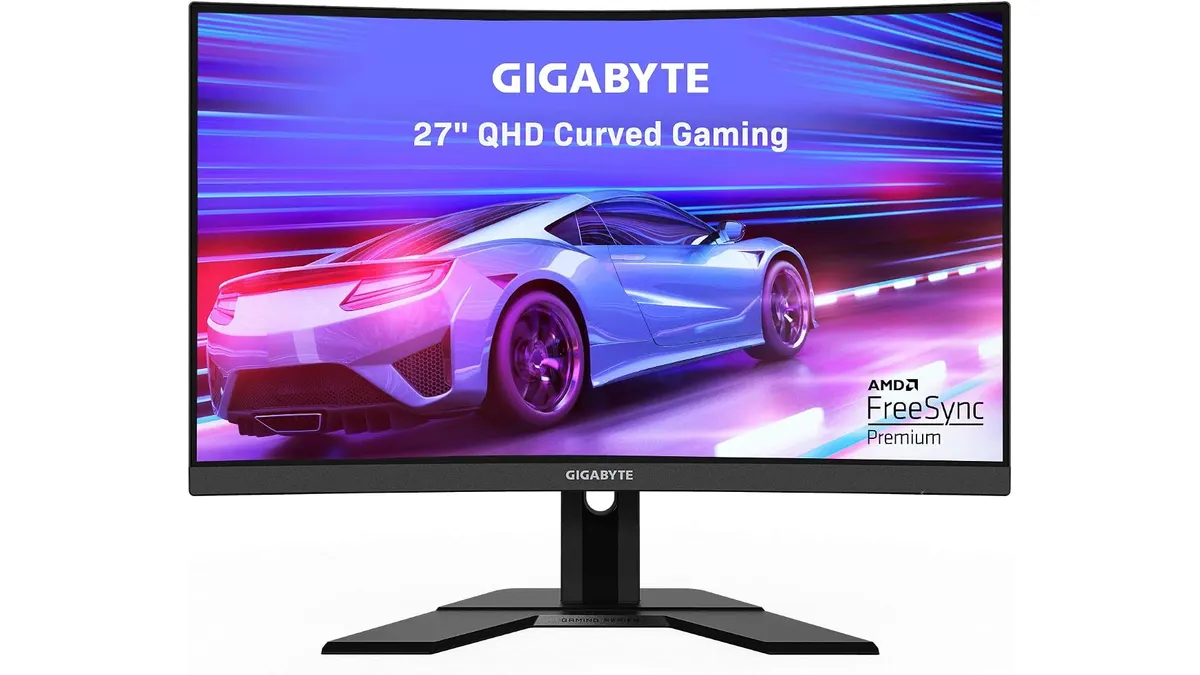
Gigabyte G27FC A Review: A Curved Daily Driver
Looking for the best home office monitor? We put the Gigabyte G27FC A to the test to see if its 1500R curve and 165Hz refresh rate deliver on productivity.
 Monitors
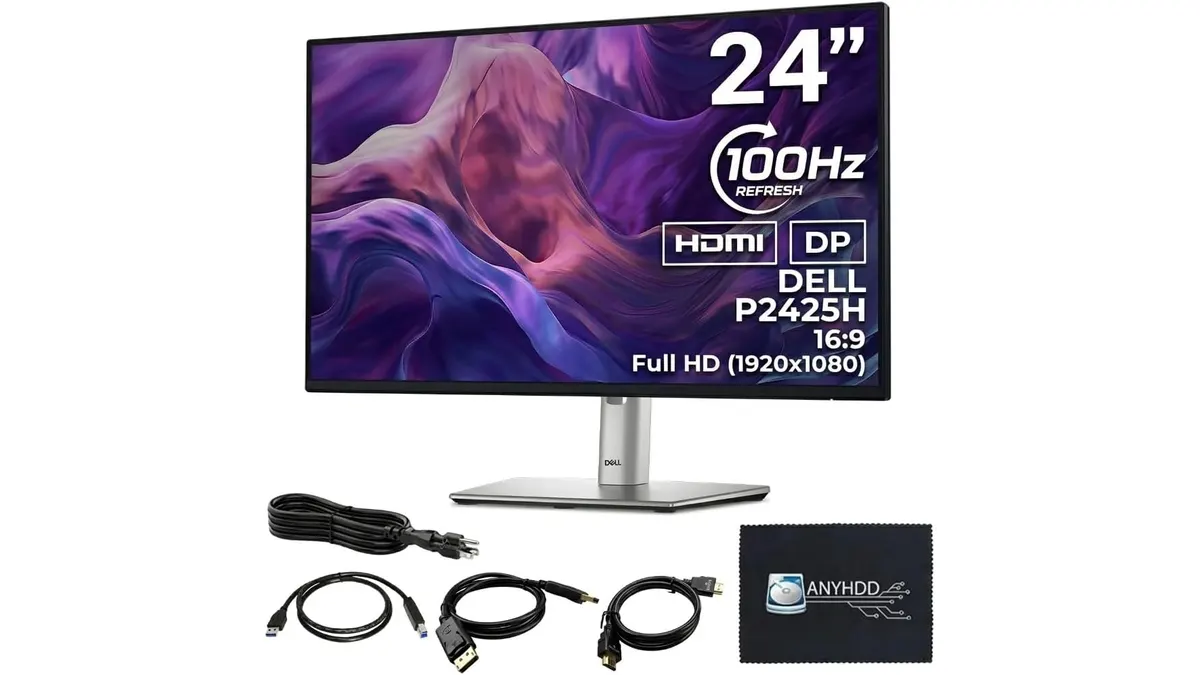
ANYHDD Dell P2425H Review: A Solid Office Staple
Looking for the best home office monitor? We put the ANYHDD Dell P2425H through its paces to see if this 100Hz IPS display is right for your remote setup.
 Monitors
LG 27U411A-B Review: A Smooth Work Monitor
Looking for the best home office monitor? Our LG 27U411A-B review breaks down if this 120Hz display is the right fit for your daily productivity setup.