ANYHDD Dell P2425H Review: A Solid Office Staple
Looking for the best home office monitor? We put the ANYHDD Dell P2425H through its paces to see if this 100Hz IPS display is right for your remote setup.
Buying guide: best monitors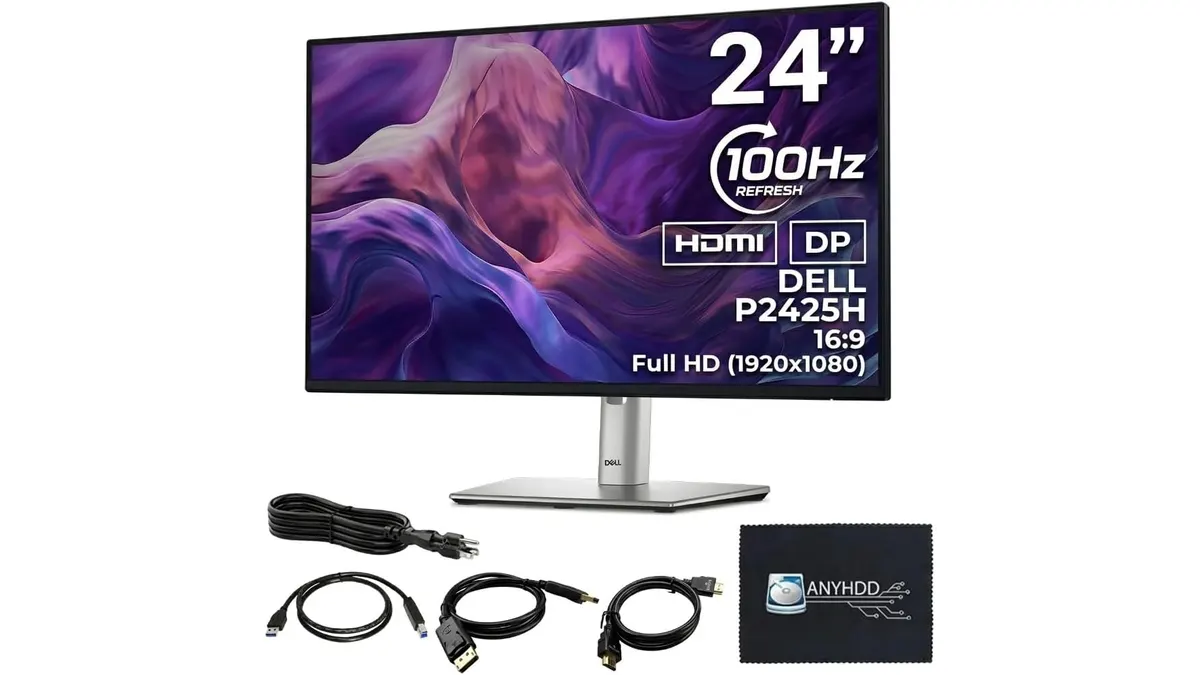 Monitors
The ANYHDD Dell P2425H is a straightforward tool built for people who spend their entire day staring at spreadsheets, documents, and emails. By moving beyond the standard 60Hz refresh rate, this 24-inch IPS display offers a noticeable jump in visual smoothness that makes window management feel less fatiguing. If you are building out a reliable workspace, this is one of the top contenders for the best home office monitor currently on the market. It prioritizes ergonomics and connectivity, making it a functional cornerstone for anyone shopping in our Monitors category.
What it does well
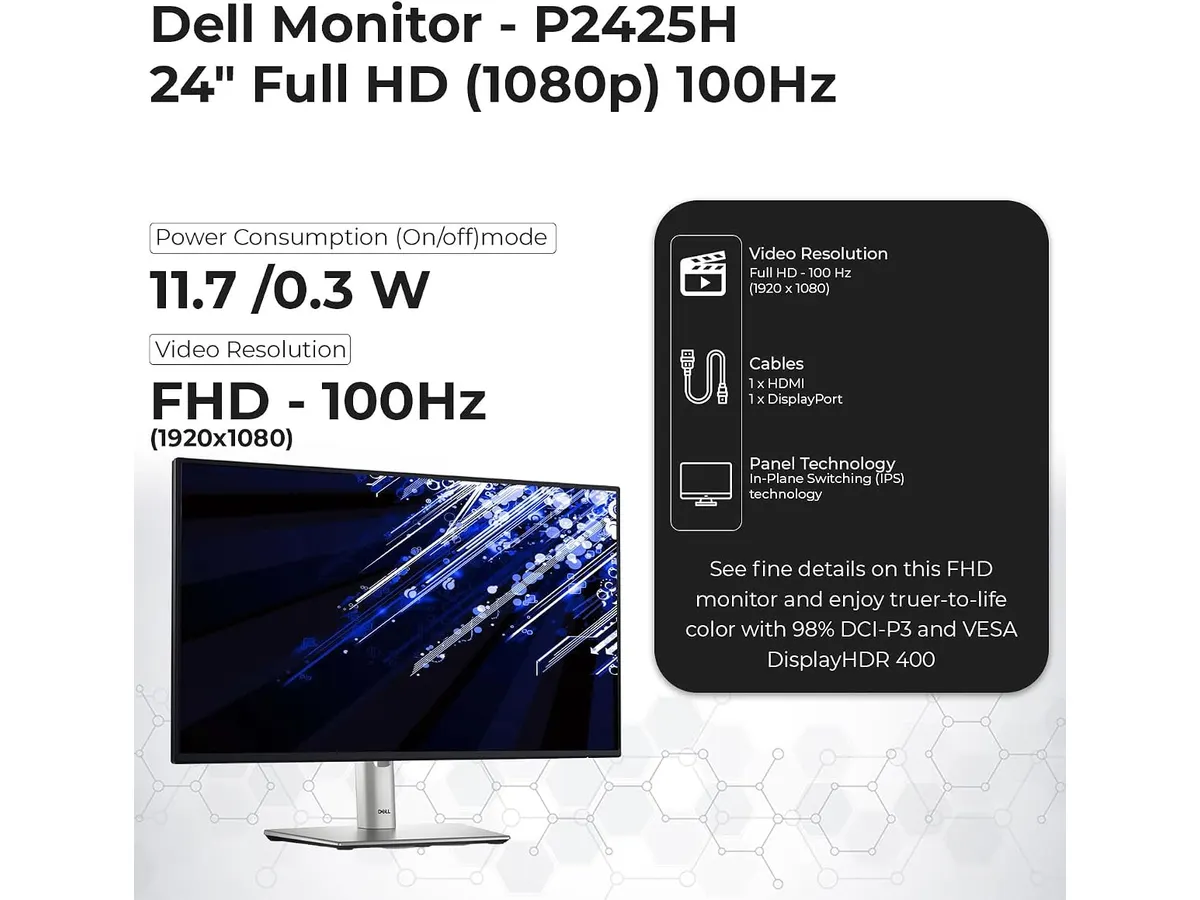
The P2425H excels by focusing on the fundamentals of a productive desk environment. Most office displays settle for basic specs, but the inclusion of a 100Hz refresh rate provides a tangible difference in how cursor movement and scrolling appear across the screen. This extra fluidity keeps the experience snappy, even if you are not doing any creative work or gaming.
- Ergonomic Flexibility: The stand is a major highlight. You get full control over height, tilt, swivel, and pivot, allowing you to position the screen perfectly to avoid neck strain. Many monitors in this size bracket lock you into a fixed stand, so this is a significant advantage.
- Visual Comfort: The ComfortView Plus technology is integrated to reduce harmful blue light emissions without washing out the colors. For those working long hours, this helps keep eye fatigue at bay.
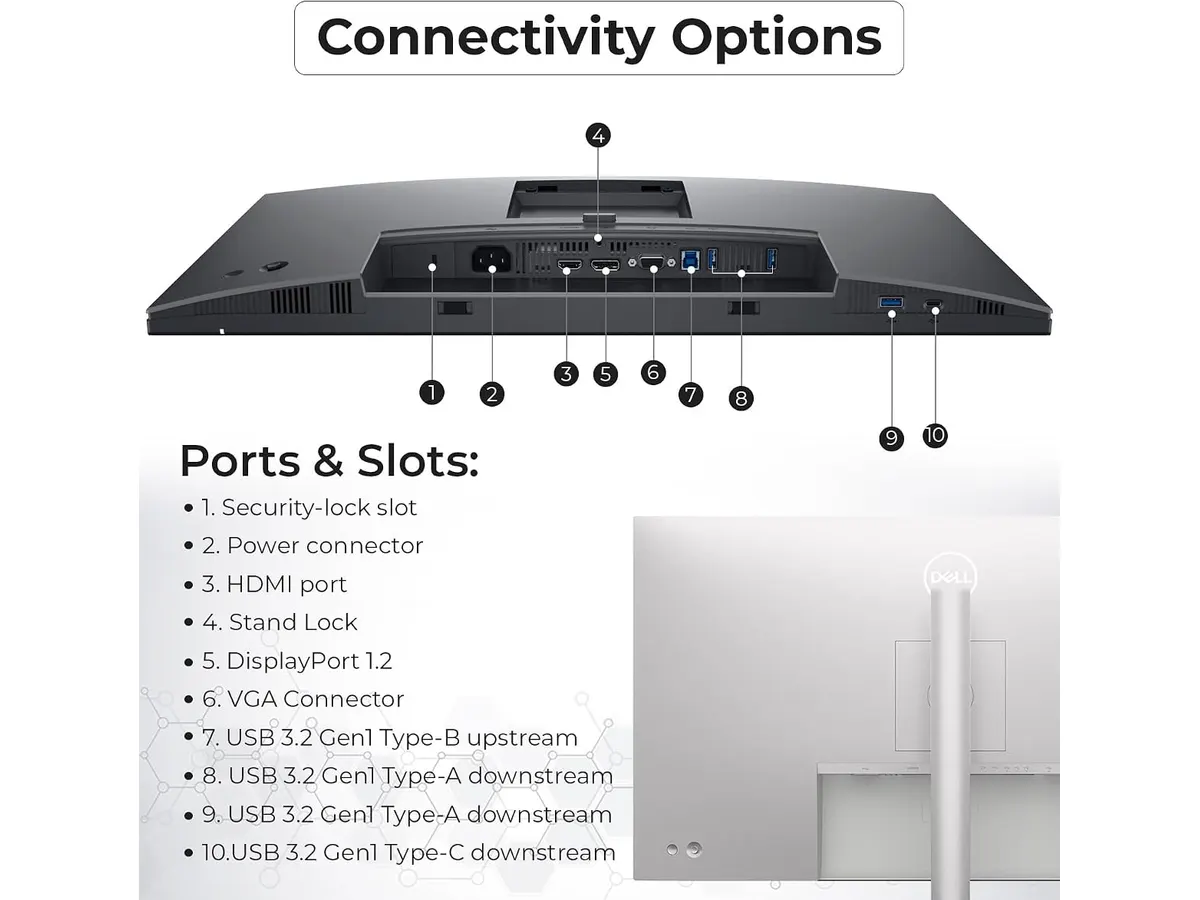
- Connectivity: The built-in 4-port USB Type-A hub is a massive convenience. It turns your screen into a docking station for your peripherals, keeping your desk clear of tangled cables.
- Screen Quality: The IPS panel provides consistent 178-degree viewing angles. Whether you are leaning back or looking at the screen from the side, the image stays sharp and color-accurate.
Key specifications
| Feature | Specification |
|---|---|
| Screen Size | 24 inches |
| Resolution | 1920 x 1080 (Full HD) |
| Refresh Rate | 100 Hz |
| Panel Type | IPS |
| Response Time | 5 ms (GtG) |
| Video Ports | HDMI 1.4, DisplayPort 1.2, VGA |
| USB Ports | 4-port USB Type-A Hub |
Where it falls short
The primary limitation is the 1080p resolution. At 24 inches, the pixel density is acceptable, but if you are accustomed to higher resolutions, you will notice the lack of sharpness when reading fine text. Additionally, the HDMI 1.4 port is somewhat dated. While it handles the 100Hz refresh rate fine, it lacks the bandwidth of modern standards, which could be an issue if you ever decide to bridge this monitor into a more complex, high-bandwidth setup.
Who is it for?
This monitor fits the remote worker who needs a reliable, “buy it once” screen for administrative tasks, coding, or writing. If your desk space is limited and you need a monitor that can pivot to portrait mode for long documents, this is an excellent choice.
Conversely, this is not for the professional content creator or graphic designer. The 1080p resolution and standard color gamut coverage do not provide the detail or accuracy required for professional video editing or color-sensitive work. If your job involves heavy visual production, you might prefer the Dell UltraSharp U2724D Review: A Versatile 27-Inch Monitor instead.
Alternatives to consider
For those who need more screen real estate, look into a 27-inch model from a mid-tier brand that offers 1440p resolution. While these cost more, the increased pixel count is essential for split-screen multitasking. If your priority is a multi-monitor productivity rig, consider a Gigastone 27” IPS 2-Pack Review: Dual Monitors for Productivity, which provides a more immersive workspace for a similar investment.
Verdict
The ANYHDD Dell P2425H is a dependable workhorse that nails the ergonomics and connectivity features most remote workers actually need. It avoids unnecessary gimmicks to provide a clean, fluid viewing experience that respects your desk space. If you are looking for a functional daily driver, check out our full collection of Monitors to see how this fits into your broader setup.
Frequently asked questions
Does this monitor support VESA mounting?
Yes, the design allows for mounting on third-party arms if you prefer to free up your desk space entirely.
Is the 100Hz refresh rate noticeable for office work?
Yes, it makes scrolling through web pages and moving windows across the desktop feel much smoother than a standard 60Hz display.
Can I use the USB hub without a computer connected?
The USB hub requires a data connection to your computer to function, serving as an extension of your primary machine’s connectivity.

Editor
Charly River · SetUpLatam
Charly River curates, reviews and edits SetUpLatam’s home office guides. He checks every product sheet against the manufacturer’s official specifications and cuts what does not help, so you buy right the first time.
You may also like
 Monitors
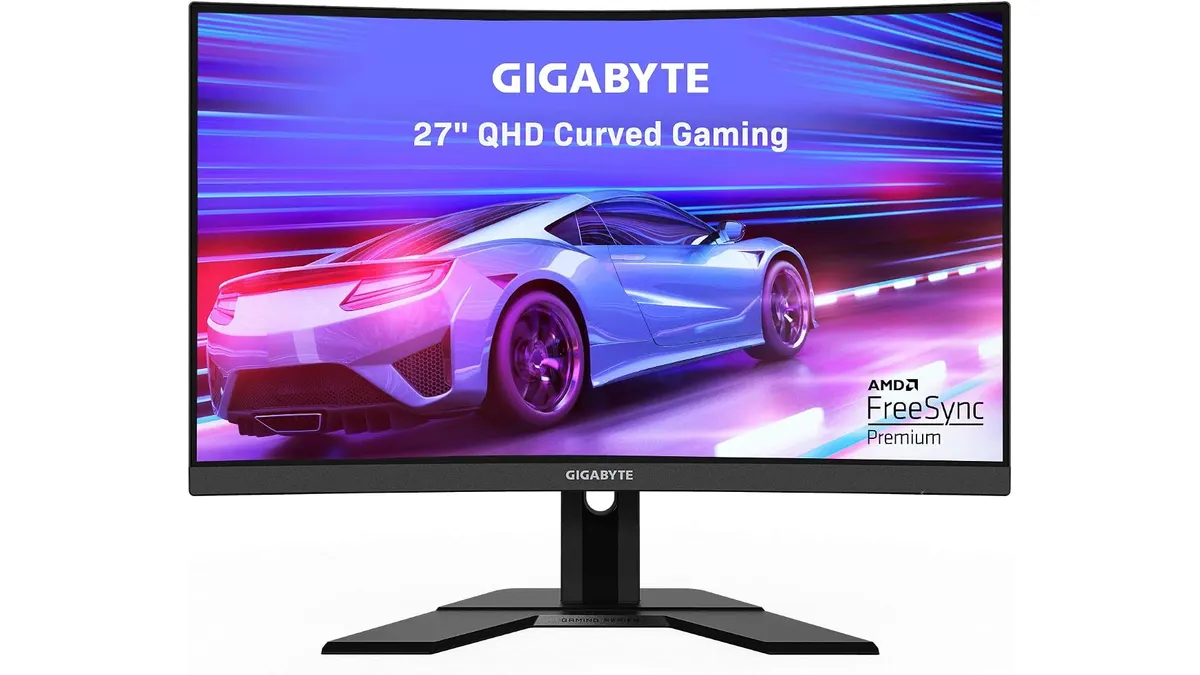
Gigabyte G27FC A Review: A Curved Daily Driver
Looking for the best home office monitor? We put the Gigabyte G27FC A to the test to see if its 1500R curve and 165Hz refresh rate deliver on productivity.
 Monitors
Philips 27E1N1800A Review: Sharp 4K Productivity
Looking for the best home office monitor? Our Philips 27E1N1800A review breaks down why this 4K IPS display is a reliable choice for remote work setups.
 Monitors
Dell SE2426HG Review: Best Home Office Monitor
Explore the Dell SE2426HG, a fast 240Hz monitor perfect for remote work, gaming, and productivity. Discover why it stands out.