Philips 27E1N1800A Review: Sharp 4K Productivity
Looking for the best home office monitor? Our Philips 27E1N1800A review breaks down why this 4K IPS display is a reliable choice for remote work setups.
Buying guide: best monitors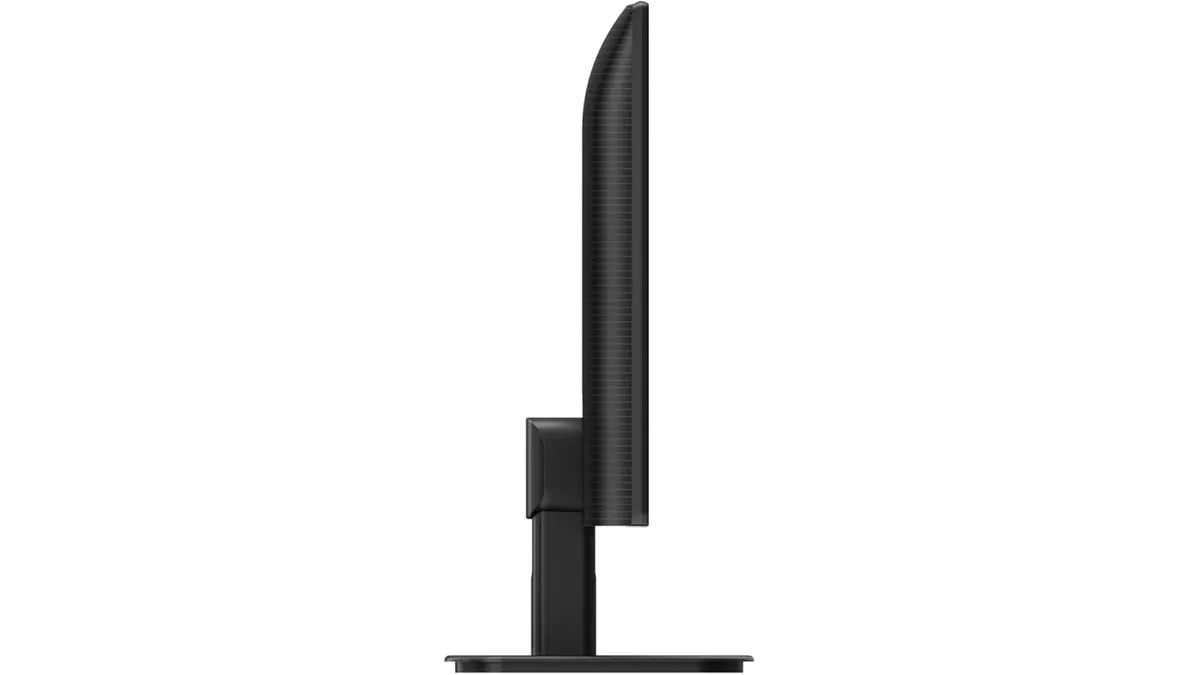 Monitors
The Philips 27E1N1800A is a straightforward 27-inch 4K display designed for desk workers who prioritize screen real estate over fancy extras. If you spend your day juggling spreadsheets, drafting documents, or managing multiple browser tabs, this monitor offers the pixel density required to keep text crisp. It is a no-nonsense candidate for the best home office monitor, focusing on clarity rather than aesthetic flair. For those building out their workspace, exploring various Monitors is the right first step toward a more efficient setup.
What it does well
The primary strength here is the 3840 x 2160 resolution. At 27 inches, this 4K density is perfect for sharp fonts and detailed UI elements. You get enough room to keep two windows side-by-side without feeling cramped, which is essential for deep work.
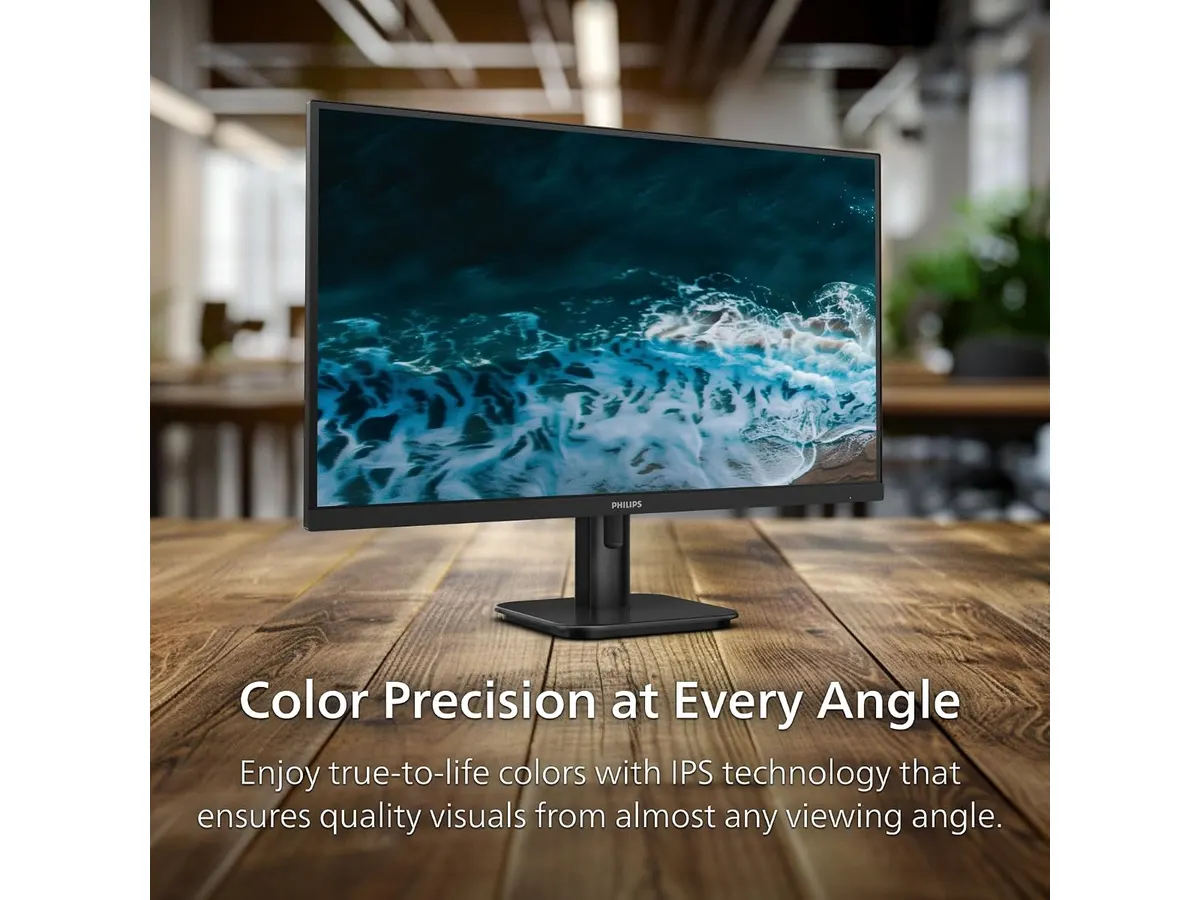
- IPS Panel Quality: The use of IPS technology ensures that colors remain consistent even if you are not sitting perfectly centered. This is a noticeable upgrade over basic budget panels that shift color or contrast when viewed from an angle.
- Eye Comfort: Philips included LowBlue mode and a flicker-free backlight. These features are vital for remote workers putting in eight-hour days, as they help mitigate the persistent eye strain common with lower-quality displays.
- Smooth Visuals: While this is not a gaming monitor, the inclusion of Adaptive-Sync is a welcome feature. It prevents screen tearing if you happen to do some light casual gaming or watch high-frame-rate video content, keeping motion fluid.
Key specifications
| Feature | Specification |
|---|---|
| Resolution | 3840 x 2160 (4K UHD) |
| Panel Type | IPS |
| Connectivity | HDMI, DisplayPort |
| Eye Care | LowBlue Mode, Flicker-free |
| Sync Technology | Adaptive-Sync |
Where it falls short
The connectivity suite is quite basic. While HDMI and DisplayPort cover the essentials for a PC or laptop, the lack of USB-C power delivery is a drawback for modern desk setups. You will likely need a separate docking station or a collection of adapters if you use a slim laptop that relies on a single-cable connection for power and video.
Additionally, the stand is functional but utilitarian. It lacks the ergonomic flexibility found in premium models, such as height adjustment or portrait orientation. If you have specific ergonomic needs, you will likely want to factor in the cost of a third-party VESA mount to get the screen to the correct eye level.
Who is it for?
This monitor fits perfectly in the office of a professional who works primarily in text-heavy applications. If you need a secondary screen or a reliable primary monitor that prioritizes clarity, this is a solid investment. It delivers the 4K experience without charging you for features you do not need, like integrated speakers or high-end USB hubs.
However, it is not for creative professionals who require color-critical accuracy. If you are a video editor or a professional graphic designer, you should look for panels with specific color space coverage (such as DCI-P3 or Adobe RGB) that are factory-calibrated. Similarly, if you want a clean, cable-free desk, the lack of USB-C integration will frustrate you.
Alternatives to consider
If you want more ergonomic flexibility and better port integration, consider a mid-range model that includes a fully adjustable stand and USB-C connectivity. For instance, the Dell UltraSharp U2724D Review: A Versatile 27-Inch Monitor highlights what you gain when prioritizing physical adjustability and modern port standards.
If your goal is maximum workspace coverage at a lower price point, you might consider a dual-monitor setup rather than a single 4K screen. Check out the Gigastone 27” IPS 2-Pack Review: Dual Monitors for Productivity to see if two panels better suit your workflow. Conversely, if you spend your evenings gaming, the LG UltraGear 27G61ZB-B Review: High-Performance Gaming Monitor provides the refresh rates and response times this Philips model lacks.
Verdict
The Philips 27E1N1800A is a capable, no-frills tool for anyone who values screen resolution above all else. It handles spreadsheets and writing tasks with grace, keeping text sharp and images steady. While it lacks the advanced connectivity of higher-end displays, it remains a reliable choice for a distraction-free workspace.
Does this monitor support VESA mounting?
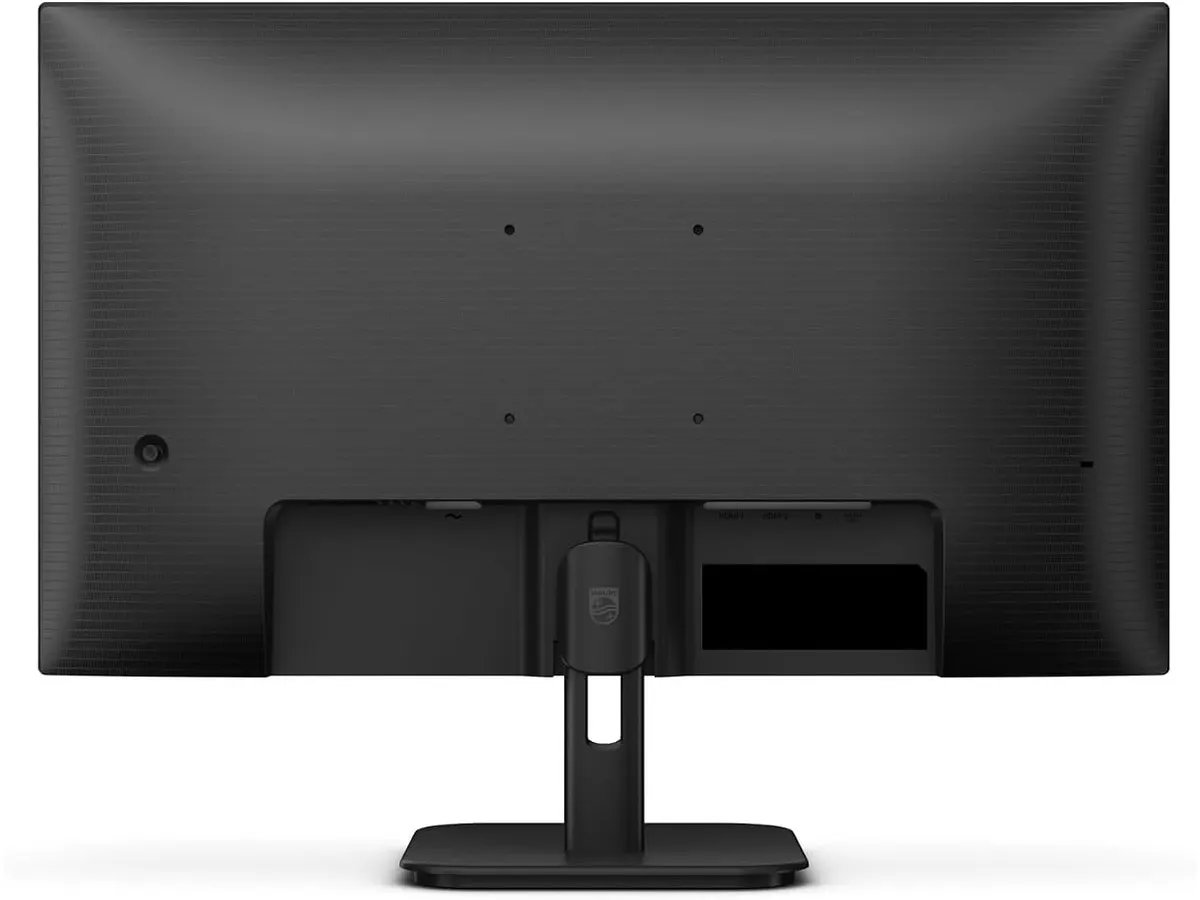
Yes, it includes VESA mounting holes, which is great because it allows you to bypass the limited functionality of the included stand.
Can I use this for color-sensitive work?
It features an IPS panel, which offers decent color reproduction, but it is not intended for professional-grade color grading or specialized design work.
Is this display compatible with both Mac and PC?
Yes, since it uses standard HDMI and DisplayPort inputs, it will work with any computer that supports those connection types.

Editor
Charly River · SetUpLatam
Charly River curates, reviews and edits SetUpLatam’s home office guides. He checks every product sheet against the manufacturer’s official specifications and cuts what does not help, so you buy right the first time.
You may also like
 Monitors
Samsung ViewFinity S7 (S71H) Review
Is the Samsung ViewFinity S7 (S71H) the best home office monitor? We test its 4K IPS clarity, color accuracy, and productivity features for remote workers.
 Monitors
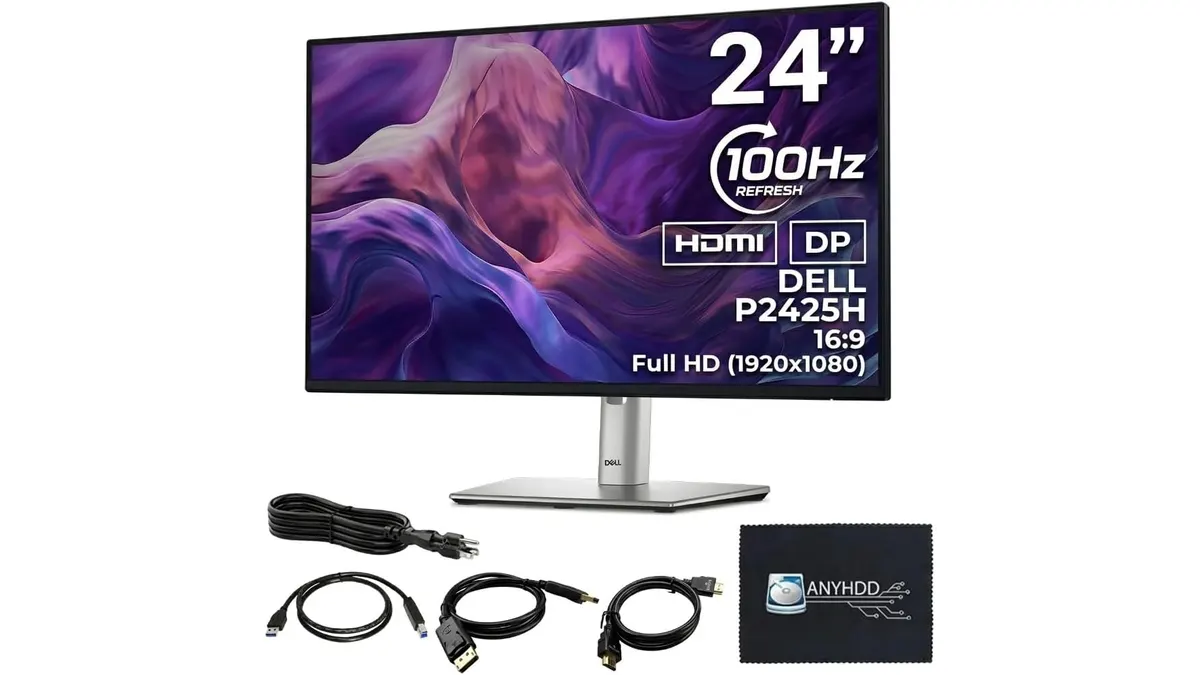
ANYHDD Dell P2425H Review: A Solid Office Staple
Looking for the best home office monitor? We put the ANYHDD Dell P2425H through its paces to see if this 100Hz IPS display is right for your remote setup.
 Monitors
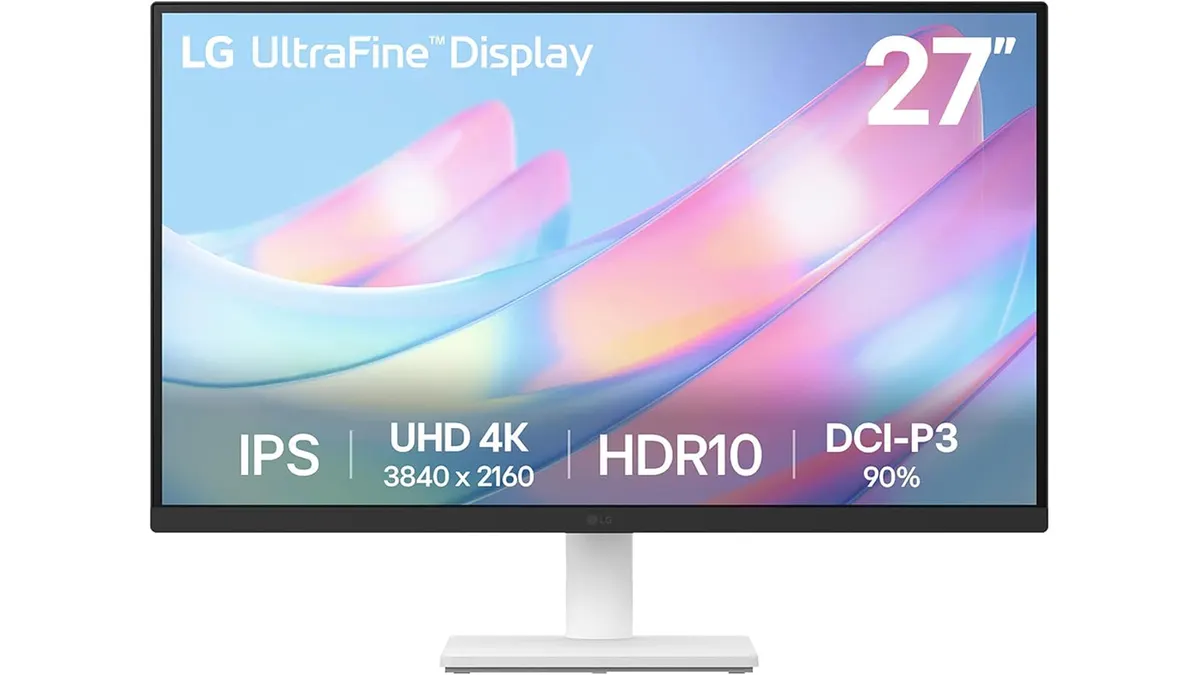
LG 27US500-W Review: A Solid 4K Home Office Choice
Is the LG 27US500-W the best home office monitor for your workspace? We break down its 4K performance, color accuracy, and ergonomics for remote workers.