LG 27US500-W Review: A Solid 4K Home Office Choice
Is the LG 27US500-W the best home office monitor for your workspace? We break down its 4K performance, color accuracy, and ergonomics for remote workers.
Buying guide: best monitors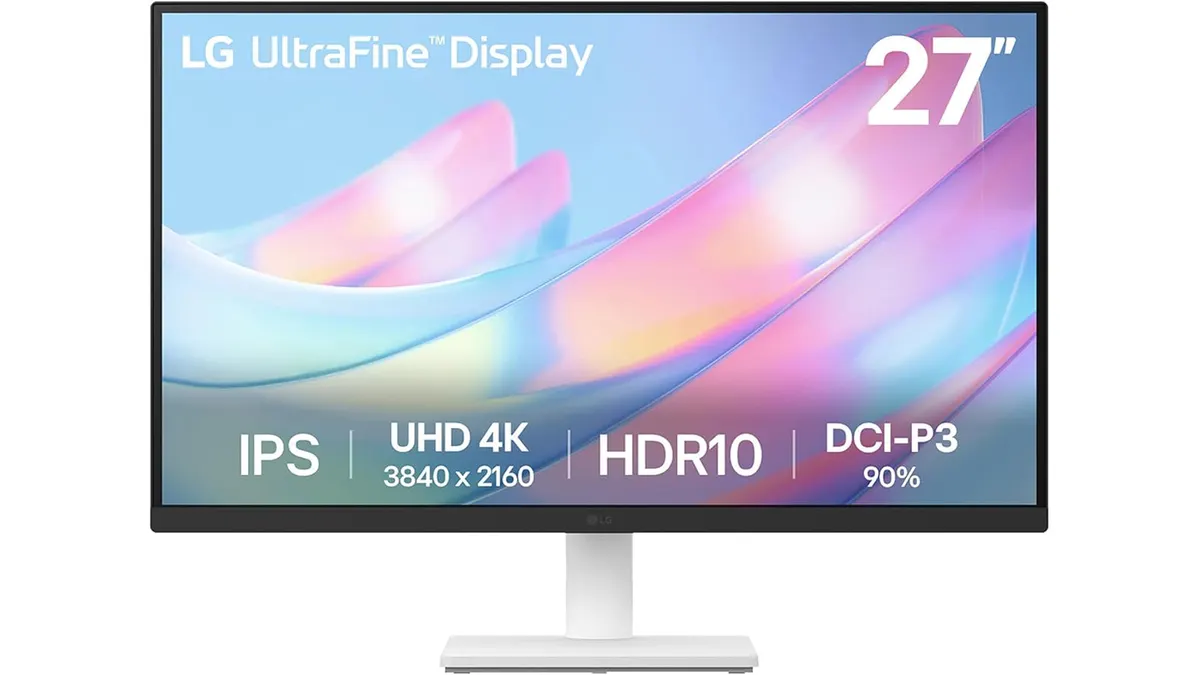 Monitors
The LG 27US500-W lands in a crowded market, but it manages to stand out for anyone prioritizing screen real estate and text clarity. If you are building a workspace, choosing the best home office monitor is the most impactful decision you can make for your daily flow. This 27-inch 4K display offers a sharp canvas for spreadsheets, coding, or general document management, ensuring your eyes don’t suffer through long days of remote work. For those still browsing, our collection of Monitors provides a broader look at current hardware trends.
What it does well
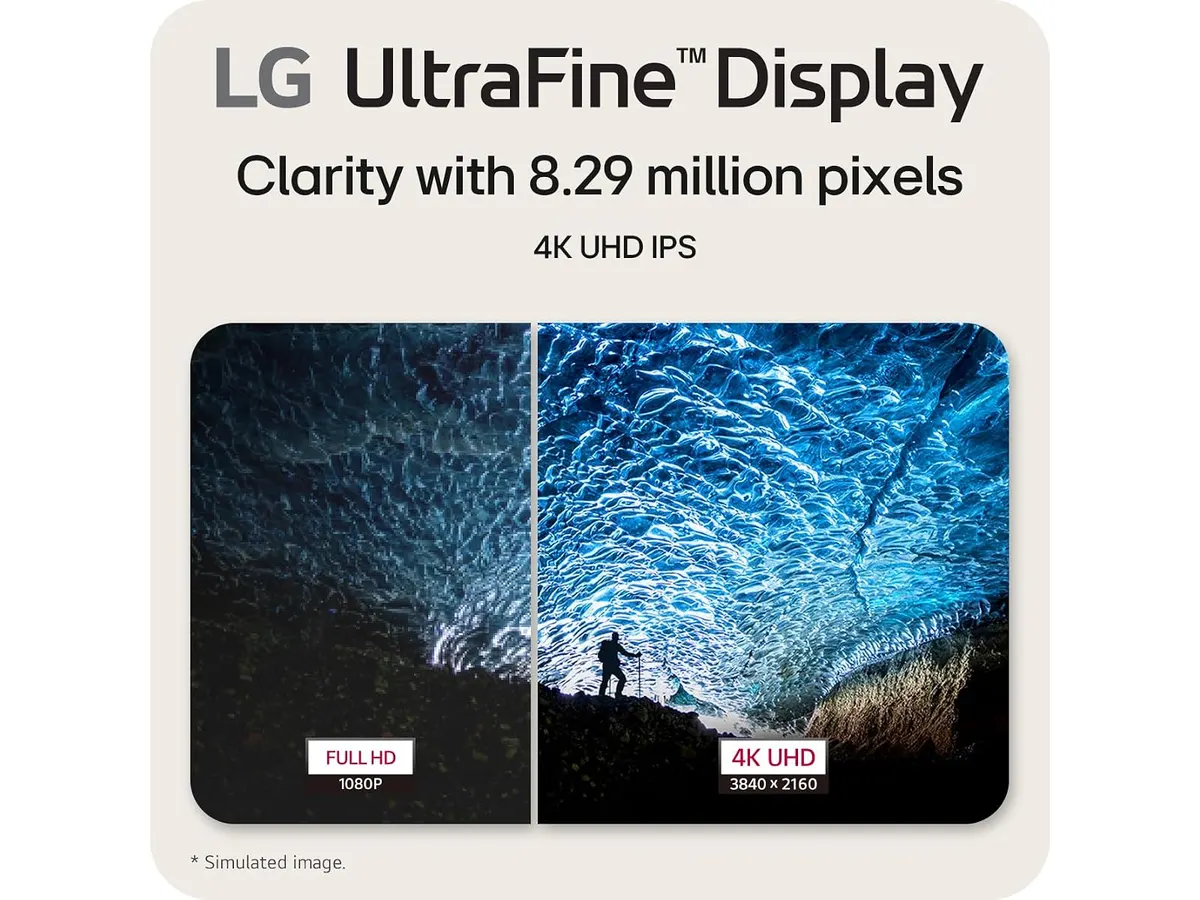
The standout feature here is undoubtedly the resolution. Packing 3840x2160 pixels into a 27-inch frame provides excellent pixel density, making text look crisp and images appear detailed. It effectively removes the jagged edges you might find on 1080p or 1440p displays.
Beyond resolution, the panel performs well for professional tasks thanks to its 90% DCI-P3 color gamut coverage. While it isn’t meant for professional-grade color grading, it provides a vibrant and accurate enough picture for content creators and office users who need reliable color representation. The borderless design also helps the monitor look clean on a desk, especially if you plan to run a dual-screen setup.
Finally, the addition of a dedicated reader mode is a thoughtful touch. By adjusting the color temperature and brightness, it minimizes blue light output, which helps reduce eye strain during late-night projects. The on-screen control software simplifies the process, letting you adjust these settings without fumbling for physical buttons under the bezel.
Key specifications
| Feature | Specification |
|---|---|
| Resolution | 3840x2160 (4K UHD) |
| Screen Size | 27 inches |
| Panel Type | IPS |
| Contrast Ratio | 1000:1 |
| Color Gamut | 90% DCI-P3 |
| Connectivity | HDMI, DisplayPort |
| Stand | Adjustable tilt |
Where it falls short
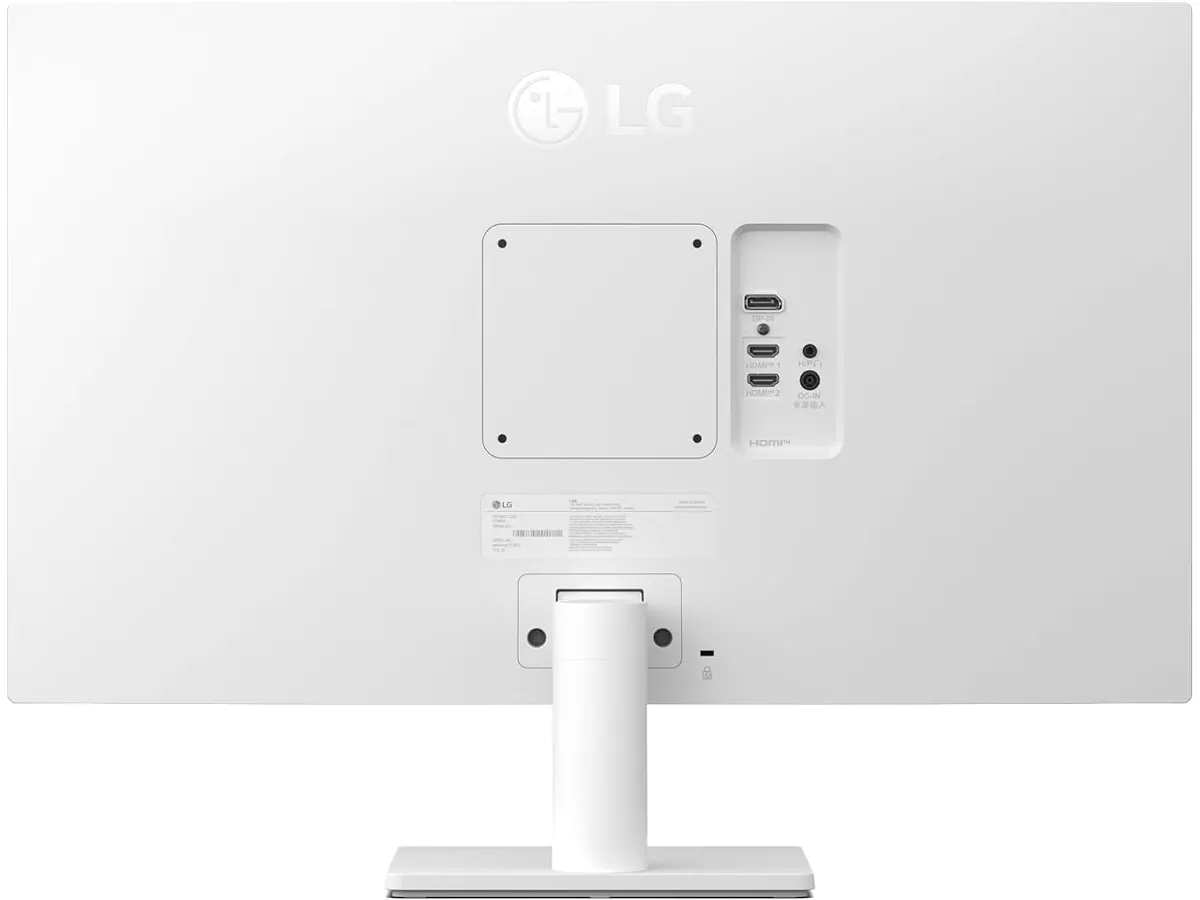
While the screen quality is impressive, the physical build of the stand is basic. You get tilt adjustment, but the lack of height, swivel, or pivot adjustments means you might need a third-party arm if you want true ergonomic flexibility. This is a common cost-saving measure in this segment, but it remains a limitation for those who prioritize posture.
Connectivity is also somewhat restrictive. While HDMI and DisplayPort cover the essentials, the lack of modern USB-C hub functionality is a missed opportunity. If you use a laptop as your primary computer, you will need a separate docking station or hub to manage your power and peripherals, as this monitor acts strictly as a display.
Who is it for?
This monitor is a perfect match for the remote worker or student who spends eight hours a day in text-heavy applications. If you need 4K clarity to keep your spreadsheets readable and your eyes comfortable, this is a reliable choice that prioritizes the panel quality over fancy extra features.
However, it is not for the power user who wants a “one-cable” solution for their desk. If your workflow requires plugging in a single USB-C cable to charge your laptop, transfer data, and output video simultaneously, you will find the connectivity options on this model frustratingly outdated.
Alternatives to consider
If you prefer better ergonomics and connectivity features, you might look at high-end professional models that include full adjustability and integrated USB-C power delivery, such as those discussed in our Dell UltraSharp U2724D Review: A Versatile 27-Inch Monitor. These are typically found in a higher price tier but offer a much cleaner desk setup.
Conversely, if your priority is total screen space and you do not need 4K resolution, you could opt for a budget-friendly dual-monitor bundle. As explored in our Gigastone 27” IPS 2-Pack Review: Dual Monitors for Productivity, having two separate screens can sometimes improve multitasking more than a single high-resolution display, depending on your software layout.
Verdict
The LG 27US500-W provides exactly what matters most for a productivity-focused desk: a sharp, color-accurate 4K display. While it skips the premium ergonomic stand and modern USB-C connectivity, it delivers on the core promise of a clear, high-resolution viewing experience. It is a workhorse that fits into our Monitors recommendations for those who prefer to invest in a quality panel over extra bells and whistles.
Frequently asked questions
Does this monitor support VESA mounting?
Yes, the monitor is compatible with standard VESA mounts, which is recommended if you want to bypass the limited tilt-only stand.
Is this monitor suitable for gaming?
While it handles 4K content beautifully, it is not designed for competitive high-refresh-rate gaming; you would be better served by a dedicated gaming display like the one in our LG UltraGear 27G61ZB-B Review: High-Performance Gaming Monitor.
Does it come with a DisplayPort cable in the box?
Yes, it typically includes the necessary cables to reach 4K resolution, but always check your specific package contents upon arrival.

Editor
Charly River · SetUpLatam
Charly River curates, reviews and edits SetUpLatam’s home office guides. He checks every product sheet against the manufacturer’s official specifications and cuts what does not help, so you buy right the first time.
You may also like
 Monitors
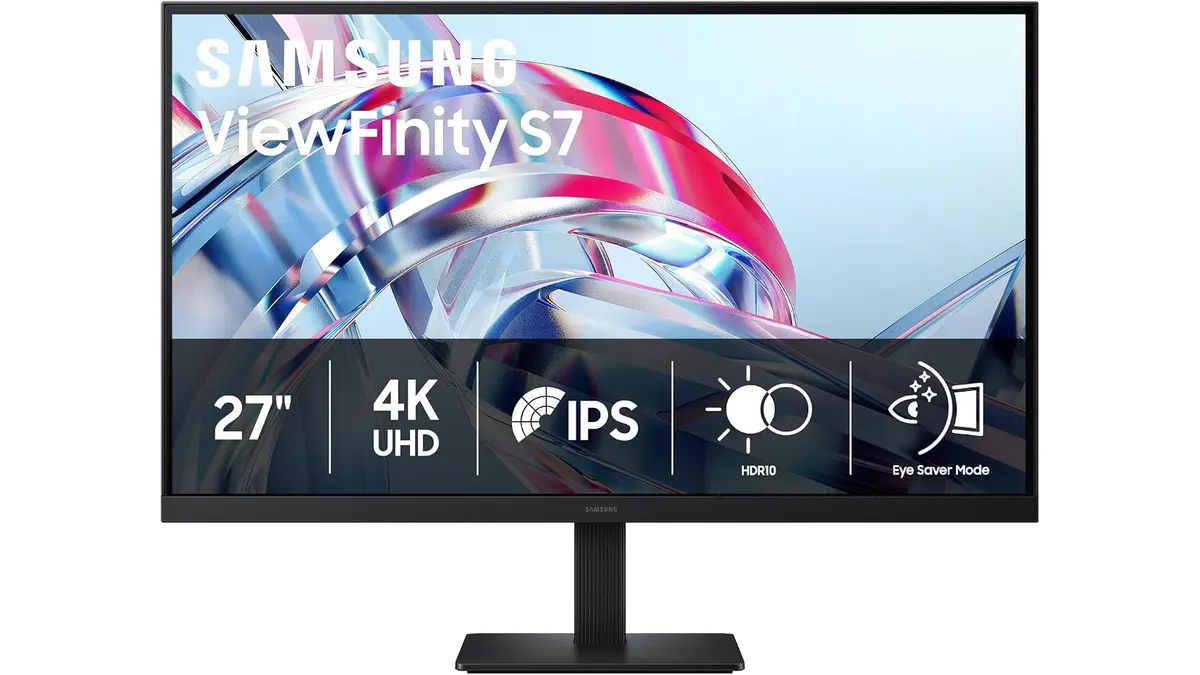
Samsung ViewFinity S7 Review: Best Home Office Monitor
Explore the Samsung ViewFinity S7 (S70H), the best home office monitor with 4K resolution and eye comfort technology, perfect for remote work.
 Monitors
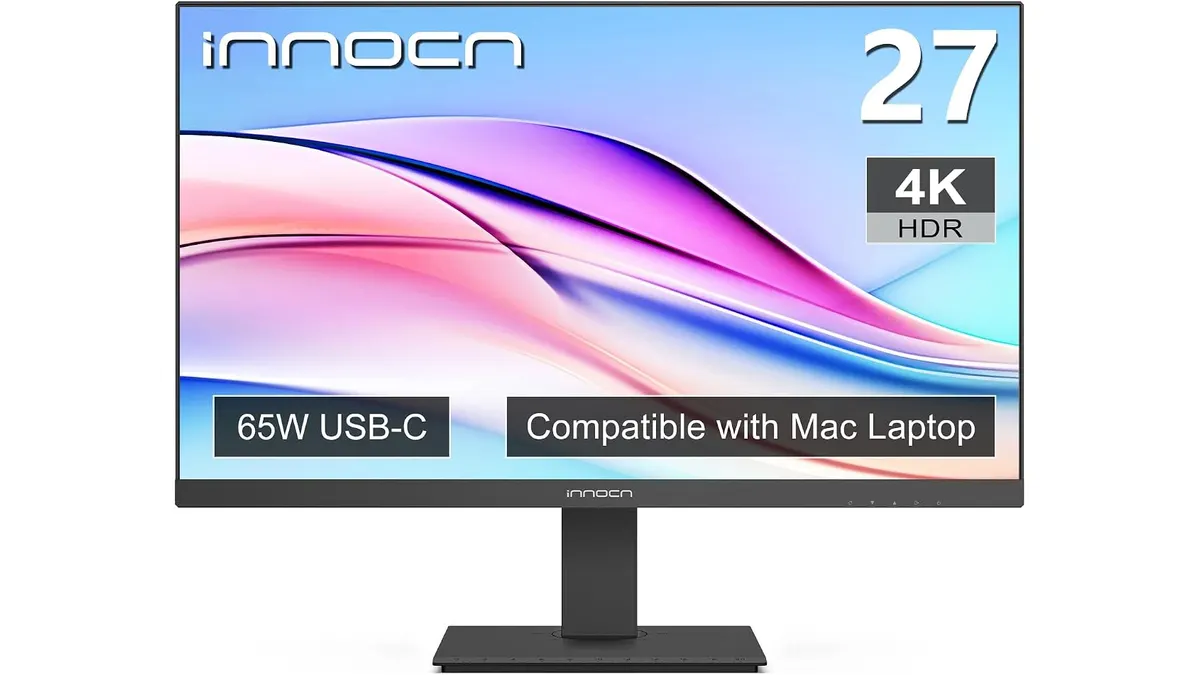
INNOCN 27C1U-D Review: Best Home Office Monitor
Discover the INNOCN 27C1U-D monitor, ideal for productivity and remote work. Delve into our review to find out if it's the best home office monitor for you.
 Monitors
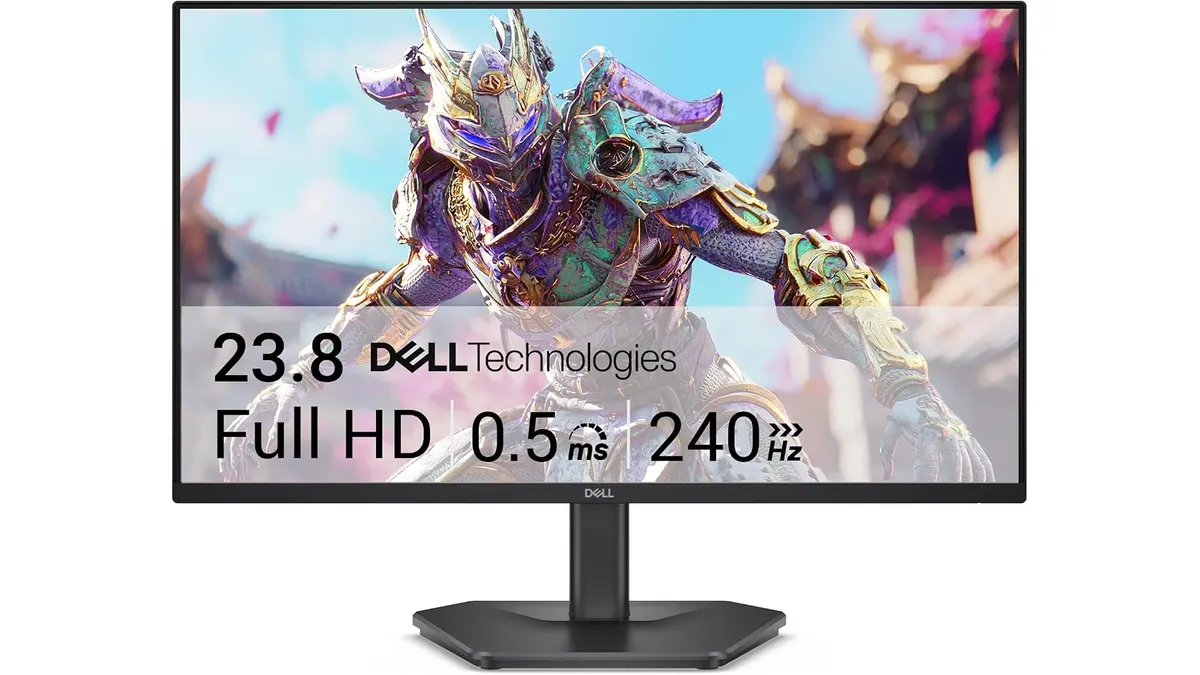
Dell SE2426HG Review: Best Home Office Monitor
Explore the Dell SE2426HG, a fast 240Hz monitor perfect for remote work, gaming, and productivity. Discover why it stands out.