Acer CB272K bmiprux Review: Premium 4K Clarity
Looking for the best home office monitor? Our Acer CB272K bmiprux review breaks down its 4K resolution, USB-C connectivity, and color performance.
Buying guide: best monitors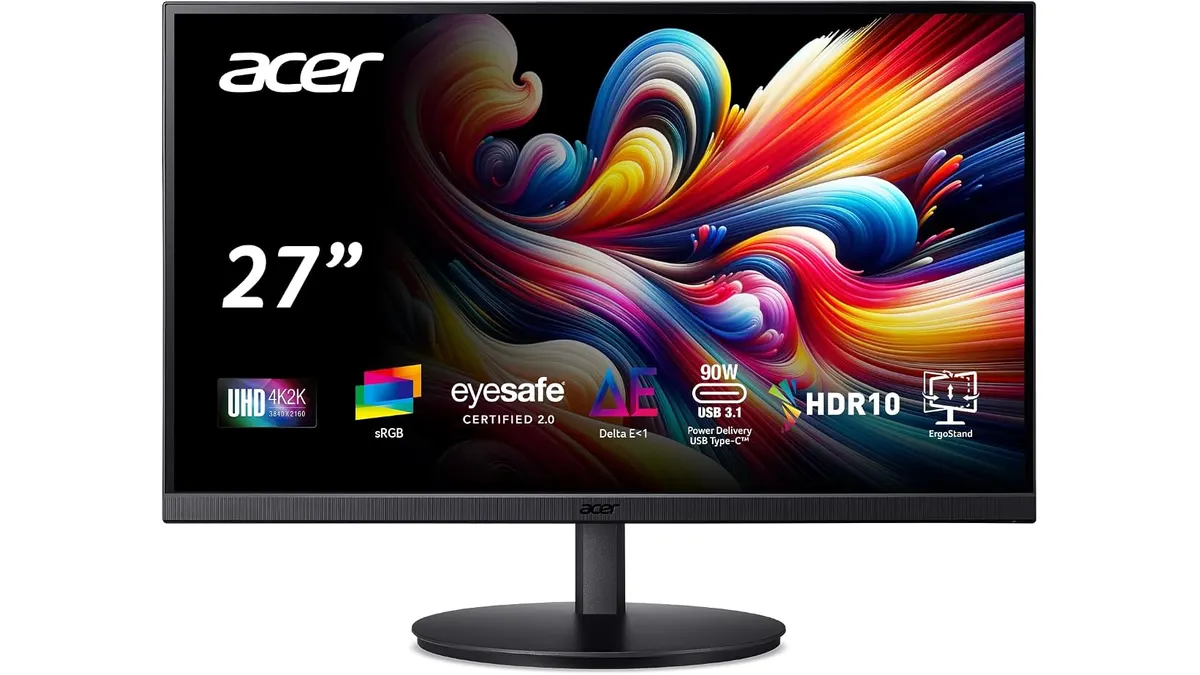 Monitors
Finding a display that handles daily spreadsheets, code, and design files without clogging your desk with power bricks is no small task. The Acer CB272K bmiprux makes a compelling case for anyone hunting for the best home office monitor. Built around a 27-inch 4K IPS panel, it targets remote workers who value extreme text sharpness and simplified cable setups above all else. If you are browsing our full catalog of monitors, this model deserves your attention.
What it does well
Text rendering on a 27-inch 4K display is exceptionally sharp. Pixels disappear, leaving crisp vector fonts and detailed graphics across every open window. Combined with an IPS panel that offers wide viewing angles, color consistency remains rock solid even if you sit off-center during long work shifts.
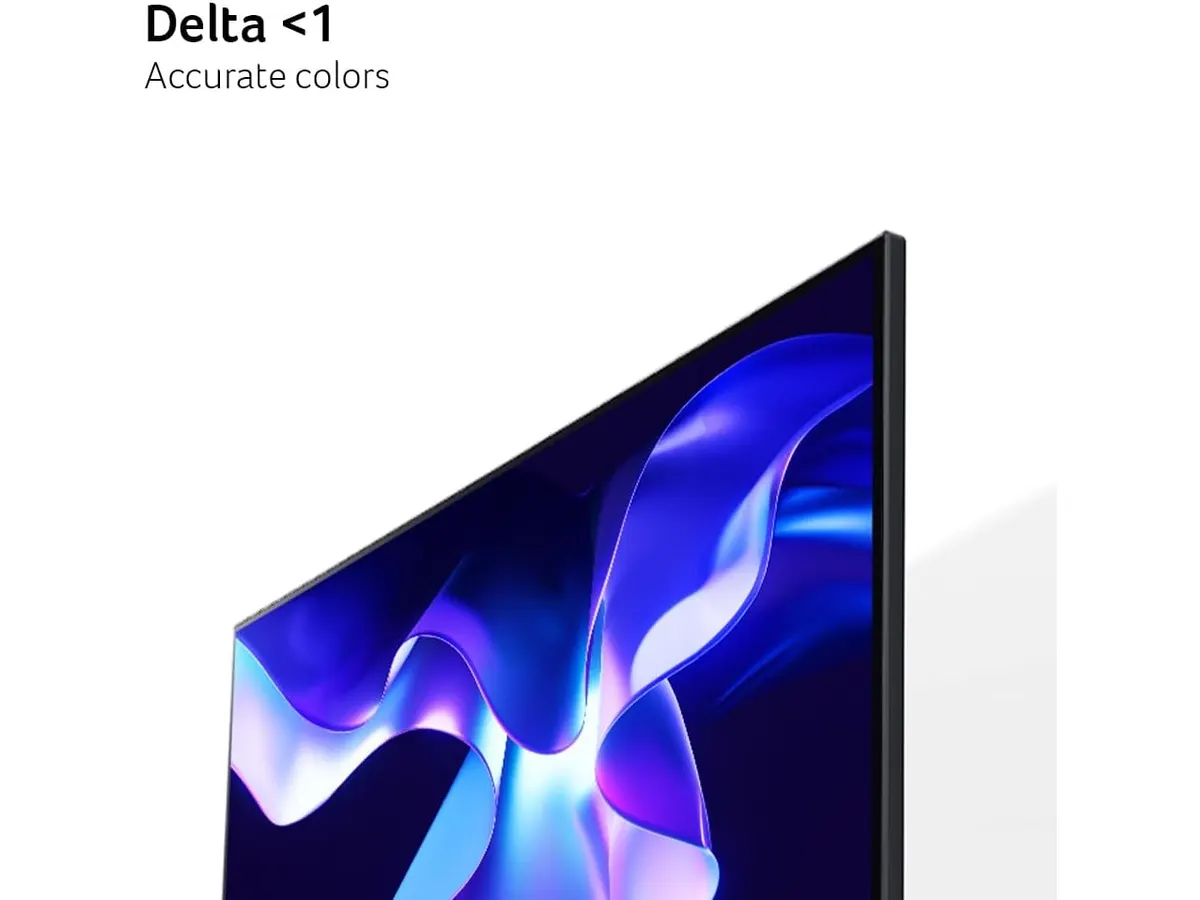
Color accuracy is another highlight. With 99% sRGB coverage, the display handles basic graphic design, photo editing, and media consumption without pushing oversaturated tones. The edge-to-edge zero-frame design gives it a sleek appearance that fits modern desk setups nicely.
The built-in USB 3.1 Type-C port simplifies connectivity immensely. A single cable carries video signals, transfers data, and charges connected devices simultaneously. This eliminates cable clutter and turns the screen into an immediate workstation hub.
Acer also integrated Eyesafe Display technology, filtering blue light without distorting the color balance of your screen. Coupled with AMD FreeSync to prevent screen tearing during video playback or casual gaming, this display protects your eyes while keeping movement fluid. For professionals who compare this to higher-end productivity screens, detailed evaluations like the Dell UltraSharp U2724D Review show how much performance this category offers.
Key specifications
| Feature | Specification |
|---|---|
| Screen Size | 27 inches |
| Resolution | 3840 x 2160 (4K UHD) |
| Panel Type | IPS |
| Refresh Rate | 60 Hz |
| Aspect Ratio | 16:9 |
| Color Coverage | 99% sRGB |
| Connectivity | USB 3.1 Type-C (Video, Data, Power) |
| Sync Technology | AMD FreeSync |
| Eye Protection | Eyesafe Display Technology |
| Bezel Design | Edge-to-edge zero-frame |
Where it falls short
While the display excels at static work, its 60 Hz refresh rate creates clear limits. Gamers seeking high frame rates or ultra-smooth motion will feel restricted. It is strictly built for work productivity and light, casual play rather than competitive action.
The single USB-C port design works brilliantly for laptops, but power users with multiple desktop inputs might miss having additional upstream USB ports. You will still depend on external docks if you switch between multiple rigs daily.
Lastly, while the 27-inch form factor provides immense pixel density in 4K, some users might need to adjust OS scaling settings. Running 4K at native 100% scale on a screen this size makes interface elements tiny, requiring 150% scaling for comfortable daily reading.
Who is it for?
This unit is designed specifically for remote workers, coders, writers, and content editors who need a reliable 27 inch work monitor with single-cable USB-C convenience. If your typical workday revolves around documents, browser tabs, video calls, and light photo edits, the extreme clarity and eye-care features will transform your workflow.
Conversely, competitive gamers should steer clear. If high frame rates are your primary priority, dedicated high-refresh-rate gaming monitors will suit you far better. Similarly, users who prefer massive multi-display productivity setups on a budget might prefer exploring multi-monitor packages, similar to what we detailed in our Gigastone 27” IPS 2-Pack Review.
Alternatives to consider
If you want a different approach to your workspace layout, look at entry-level dual-monitor bundles. Choosing two lower-resolution screens in a single package provides massive physical screen real estate for multitasking, though you sacrifice the extreme pixel density and single-cable USB-C convenience of this 4K unit.
On the other hand, if gaming takes priority over office work, high-refresh-rate displays in a lower resolution tier offer far smoother motion and faster response times. Those models trade away 4K crispness to give fast-paced action games the fluid movement they demand.
Verdict
The Acer CB272K bmiprux delivers outstanding visual clarity, accurate colors, and hassle-free laptop connectivity. By combining a 4K IPS panel with USB-C power delivery and protective eye technology, Acer created a focused display for daily productivity. It earns a solid spot among Acer Monitors as a dependable choice for any workstation. If you want a clean setup that handles long workdays with minimal eye strain, this monitor is an easy recommendation.
Frequently asked questions
Can the USB-C port charge my laptop while transmitting video?
Yes. The USB 3.1 Type-C port handles video transmission, data transfer, and power delivery over a single cable, keeping your laptop charged while displayed.
Is the Acer CB272K bmiprux good for photo editing?
Yes, it provides 99% sRGB color coverage on an IPS panel, making it accurate enough for web graphic design, general photo editing, and digital content creation.
Does this monitor support AMD FreeSync for gaming?
Yes, it includes AMD FreeSync technology, which reduces screen tearing and stuttering during video playback and casual gaming sessions.

Editor
Charly River · SetUpLatam
Charly River curates, reviews and edits SetUpLatam’s home office guides. He checks every product sheet against the manufacturer’s official specifications and cuts what does not help, so you buy right the first time.
You may also like
 Monitors
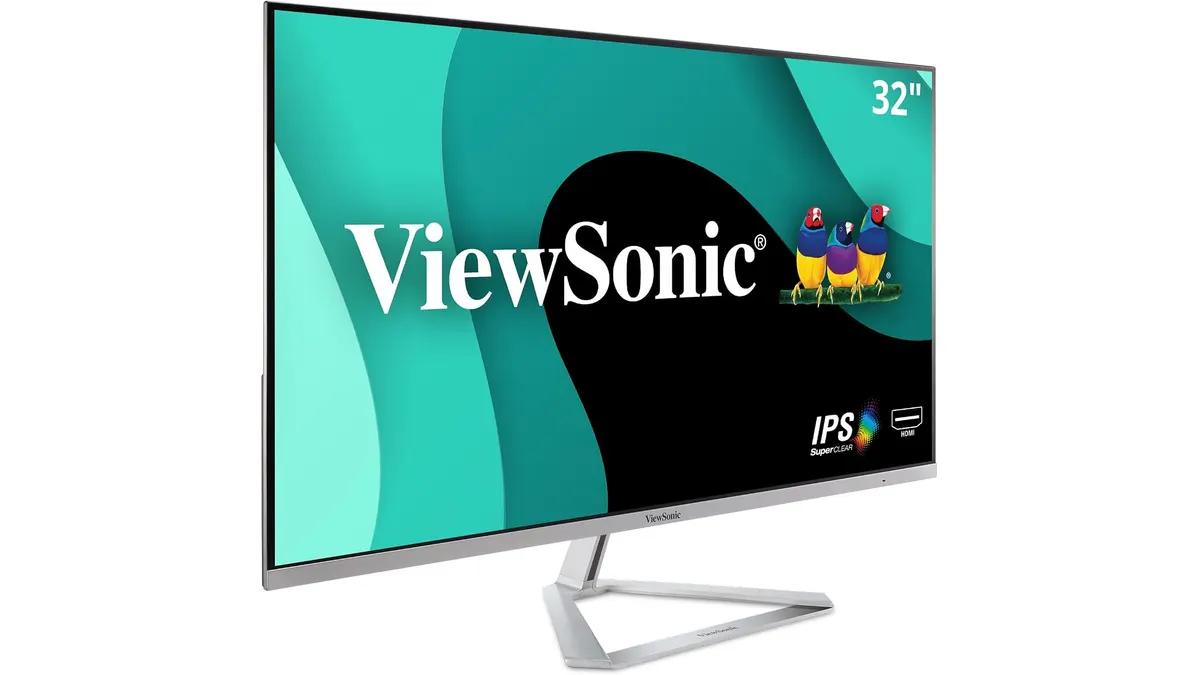
ViewSonic VX3276-MHD Review: Big Screen Value
Looking for a monitor for remote work? Read our ViewSonic VX3276-MHD review to see if this 32-inch display is the best home office monitor for you.
 Monitors
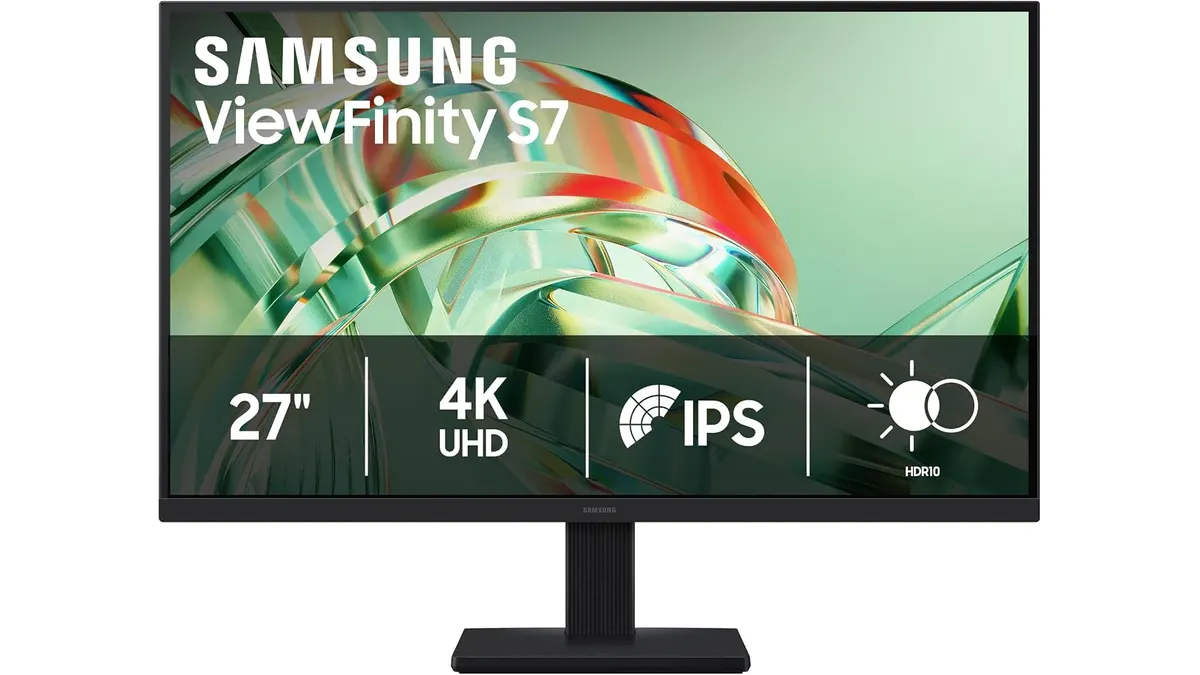
Samsung ViewFinity S7 (S71H) Review
Is the Samsung ViewFinity S7 (S71H) the best home office monitor? We test its 4K IPS clarity, color accuracy, and productivity features for remote workers.
 Monitors
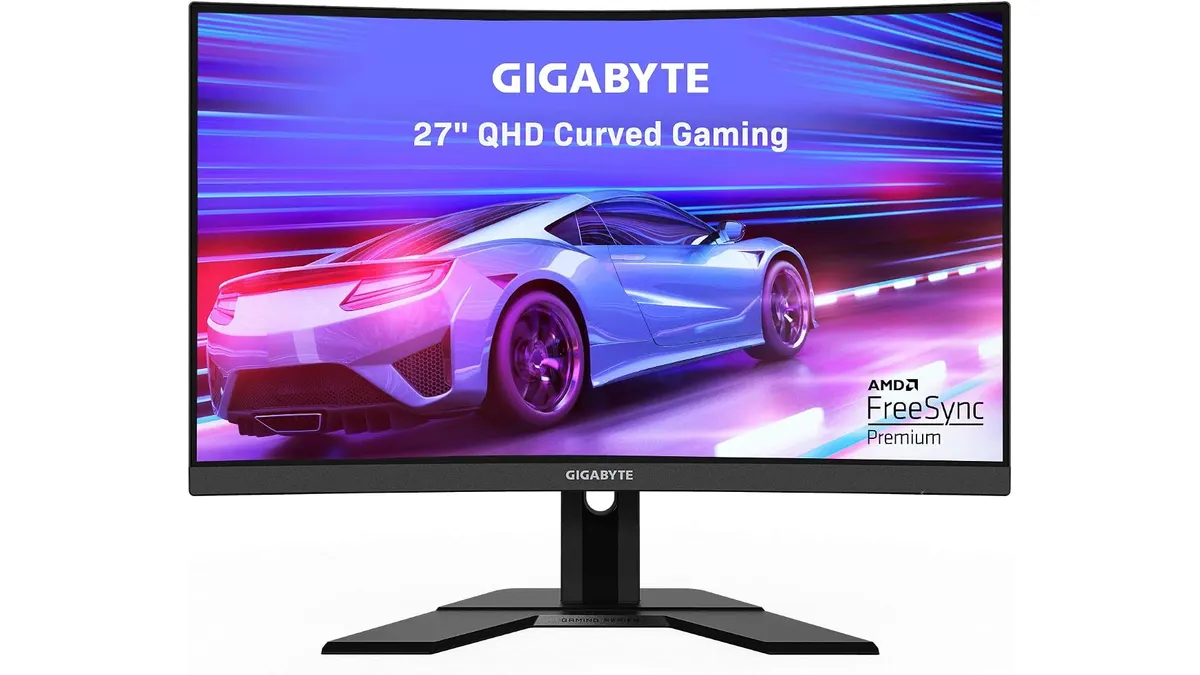
Gigabyte G27FC A Review: A Curved Daily Driver
Looking for the best home office monitor? We put the Gigabyte G27FC A to the test to see if its 1500R curve and 165Hz refresh rate deliver on productivity.