ViewSonic VX3276-MHD Review: Big Screen Value
Looking for a monitor for remote work? Read our ViewSonic VX3276-MHD review to see if this 32-inch display is the best home office monitor for you.
Buying guide: best monitors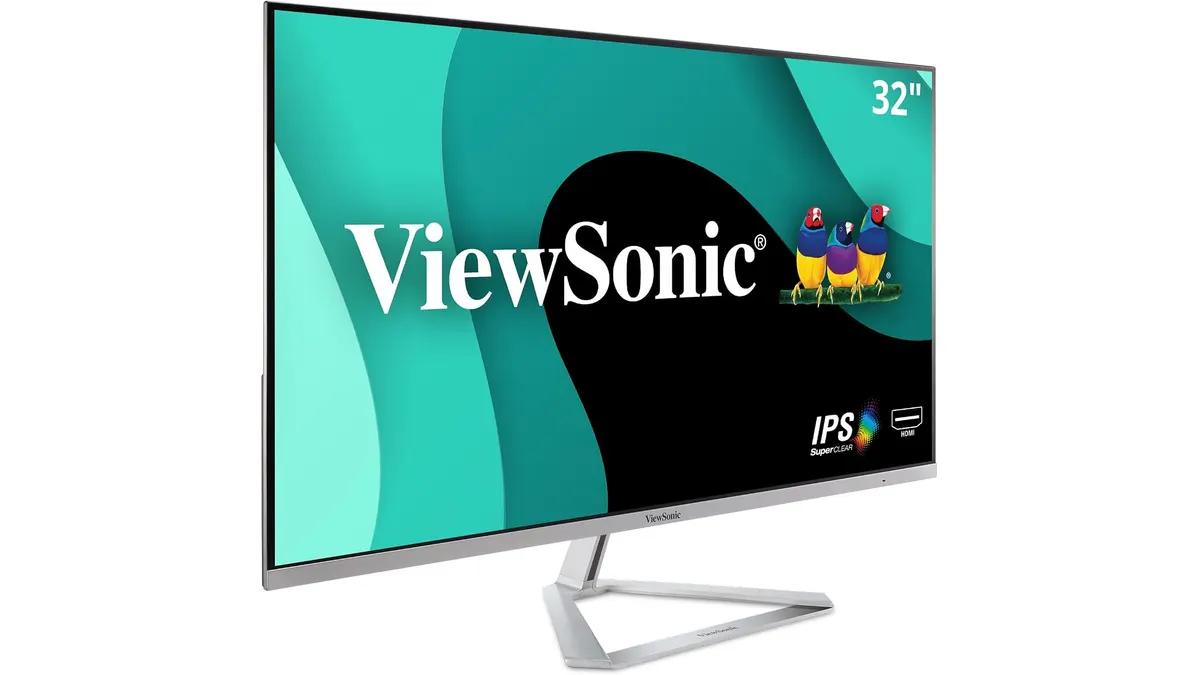 Monitors
The ViewSonic VX3276-MHD targets remote workers and budget-conscious buyers who want maximum screen real estate without buying multiple displays. If you are browsing our monitors guide for a massive canvas to handle spreadsheets and video calls, this display makes an immediate impression. But size alone does not make the best home office monitor, especially when pixel density enters the conversation.
What it does well
The most obvious advantage of the ViewSonic VX3276-MHD is physical size. Spanning 32 inches diagonally, it fills your field of view and gives documents, browser windows, and video calls plenty of breathing room. ViewSonic paired this large panel with ultra-thin bezels, which keeps the overall design looking sleek on a desk rather than bulky or outdated.
Color consistency and viewing angles are solid thanks to the IPS panel. Colors stay true even when you lean back or look at the screen from an angle. The inclusion of preset view modes—specifically tailored for Game, Movie, and Text—allows you to tweak contrast and brightness quickly depending on what you are doing without diving deep into complex menus.
For daily productivity, the 75Hz refresh rate offers a subtle step up over traditional 60Hz screens. Cursor movements and window dragging feel slightly smoother, which reduces subtle visual fatigue over an eight-hour shift. Furthermore, ViewSonic built in hardware eye care features. The Flicker-Free technology and Blue Light Filter work together to minimize eye strain during long work sessions in front of spreadsheets.
Connectivity options are flexible. You get DisplayPort, HDMI, and a legacy VGA port. Having VGA available alongside modern inputs makes it simple to hook up an older workstation or secondary desktop without hunting for specialized adapters.
Key specifications
| Specification | Detail |
|---|---|
| Screen Size | 32 inches |
| Panel Type | IPS |
| Resolution | 1920 x 1080 (Full HD) |
| Refresh Rate | 75Hz |
| Video Inputs | HDMI, DisplayPort, VGA |
| Eye Care | Flicker-Free, Blue Light Filter |
| Preset Modes | Game, Movie, Text |
| Design Feature | Ultra-thin bezels |
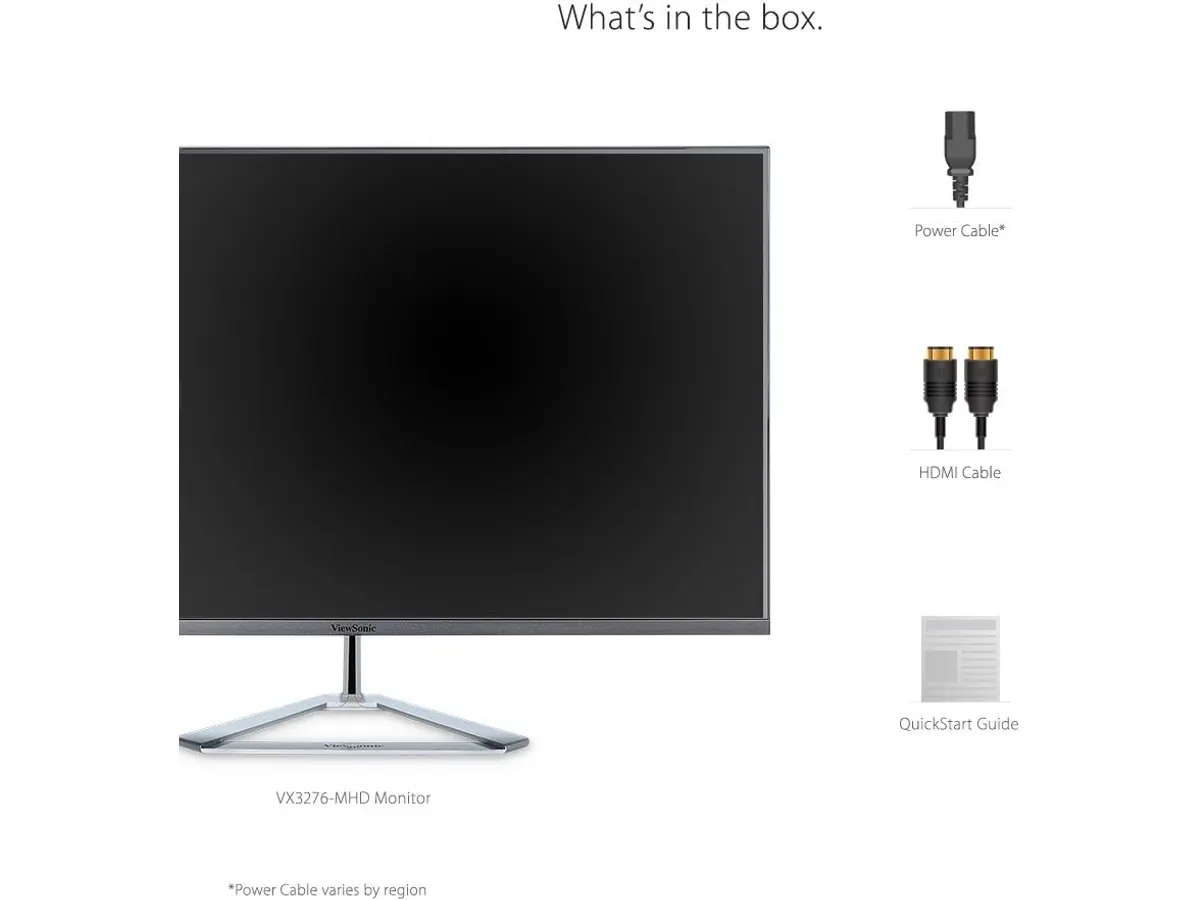
Where it falls short
Resolution is the primary trade-off with this monitor. Stretching 1920 x 1080 pixels across a 32-inch diagonal results in a low pixel density. Text appears softer and less defined compared to smaller 1080p displays or 1440p models of the same size. If your work involves reading small typography or editing detailed code all day, you will notice the lack of sharpness.
The monitor also misses out on modern single-cable connectivity. Without a USB-C port, laptop users will need separate cables for power, display output, and peripheral data transfer. Lastly, while the stand keeps the unit stable, it offers limited adjustability, so you may need a VESA arm or monitor riser to achieve proper ergonomic height.
Who is it for?
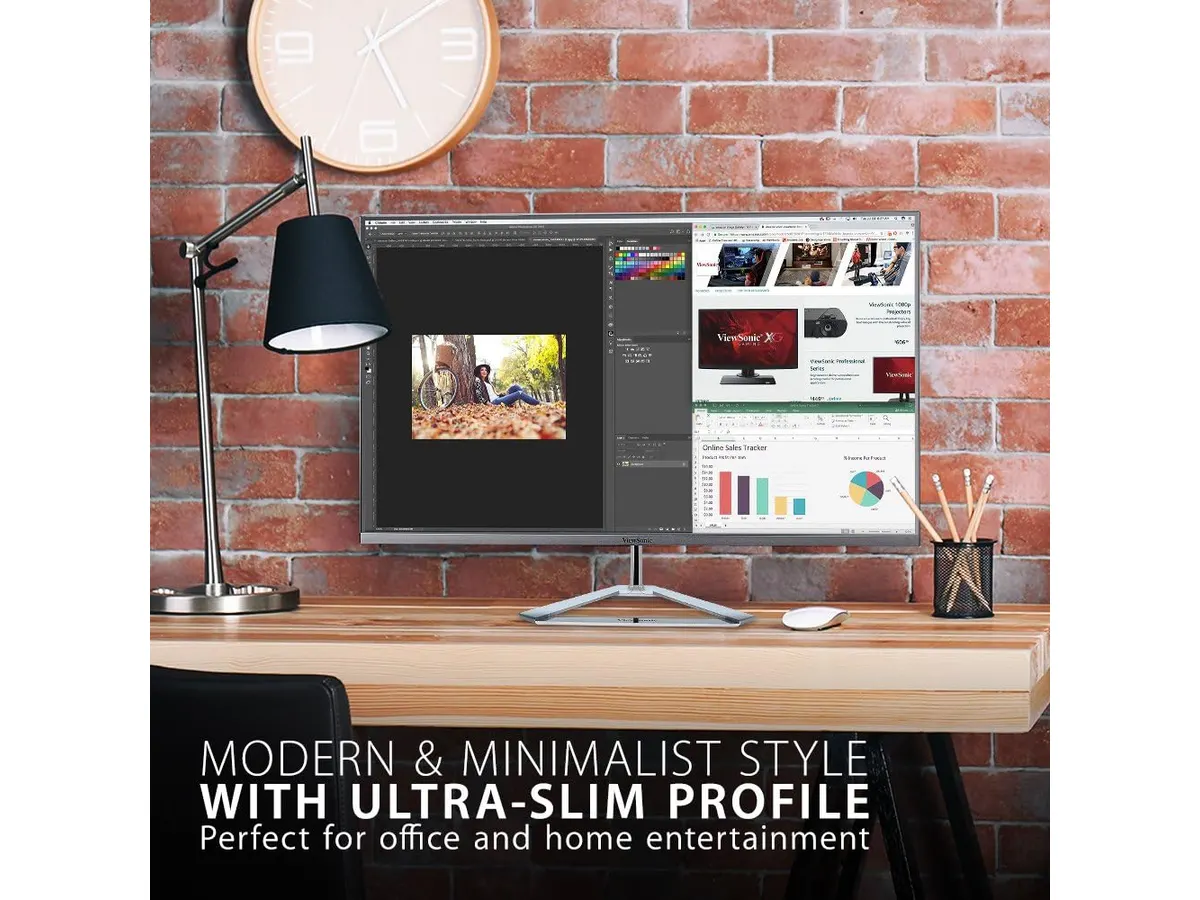
This monitor suits remote workers who struggle with small laptop screens and want a large display for general multitasking, web browsing, and document handling. It works remarkably well for users who prefer larger text sizes and enlarged UI elements over sharp pixel density.
It is not the right fit for graphic designers, video editors, or programmers who depend on crisp font rendering and high screen real estate density. If you regularly work with tiny code blocks or high-resolution photography, the low pixel density of 1080p at 32 inches will feel restrictive.
Alternatives to consider for the best home office monitor
If you prefer crisp text over maximum display size, a 27-inch monitor with higher resolution offers much tighter pixel density. For a deeper look at how enhanced resolution improves daily productivity, read our Dell UltraSharp U2724D review.
For users who prefer physical separation between applications rather than one giant panel, a dual-monitor bundle in the lower price bracket might be a better setup choice. You can evaluate that approach in our Gigastone 27 IPS 2-Pack review.
Verdict
The ViewSonic VX3276-MHD is a straightforward choice for remote workers who prioritize big screen space and easy connectivity above high pixel density. Its IPS panel, eye care tech, and clean thin-bezel look deliver good value for simple daily office tasks. However, if your job demands razor-sharp text, consider stepping down in screen size or looking toward higher-resolution options.
Frequently asked questions
Is 1080p resolution crisp enough on a 32-inch screen?
Full HD resolution on a 32-inch screen creates larger pixels, meaning text and icons look bigger but less sharp. It works fine for basic web browsing and media consumption, but users who need fine detail or tiny text may prefer higher resolution displays.
Can I connect older computers to the ViewSonic VX3276-MHD?
Yes, the monitor includes a VGA input alongside HDMI and DisplayPort connections. This makes it compatible with older PCs as well as modern laptops.
Does this display include features for eye fatigue?
ViewSonic equips this model with Flicker-Free backlighting and an integrated Blue Light Filter. These features help reduce visual stress during extended remote work sessions.

Editor
Charly River · SetUpLatam
Charly River curates, reviews and edits SetUpLatam’s home office guides. He checks every product sheet against the manufacturer’s official specifications and cuts what does not help, so you buy right the first time.
You may also like
 Monitors
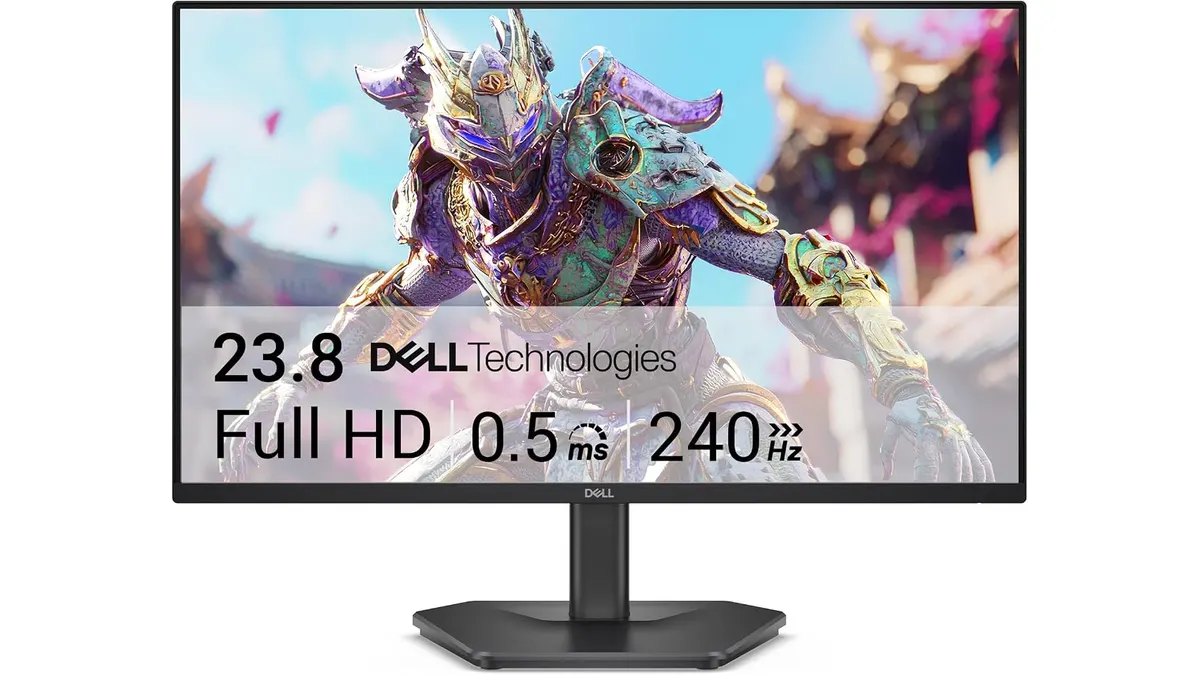
Dell SE2426HG Review: Best Home Office Monitor
Explore the Dell SE2426HG, a fast 240Hz monitor perfect for remote work, gaming, and productivity. Discover why it stands out.
 Monitors
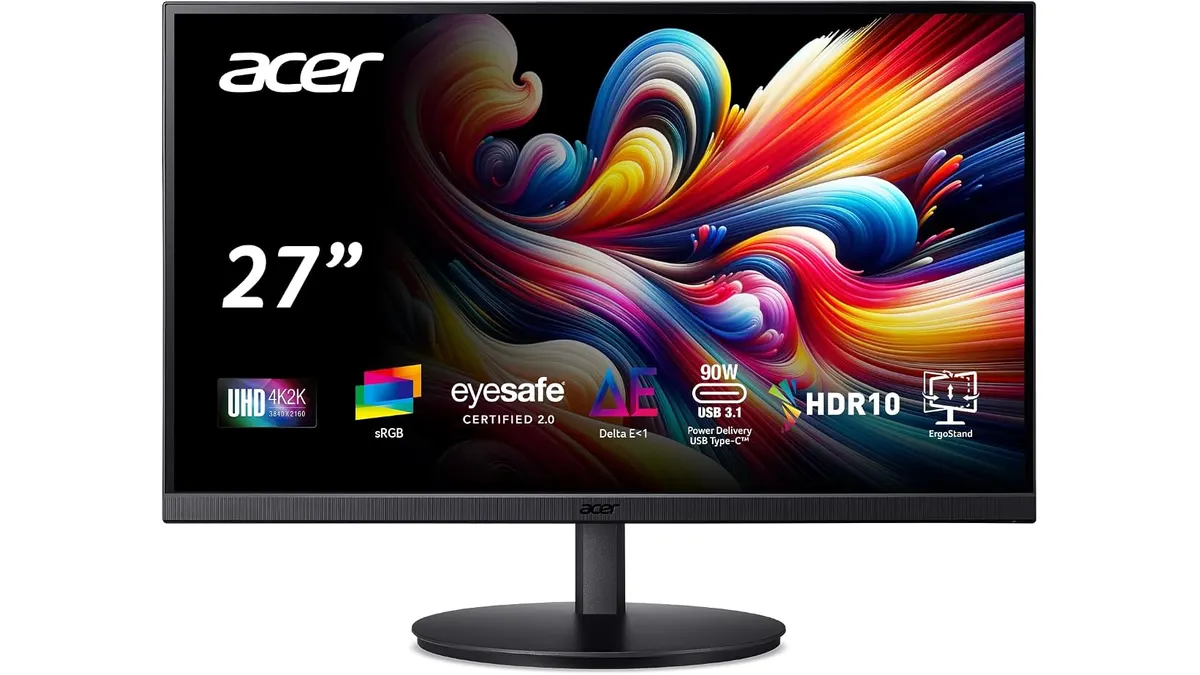
Acer CB272K bmiprux Review: Premium 4K Clarity
Looking for the best home office monitor? Our Acer CB272K bmiprux review breaks down its 4K resolution, USB-C connectivity, and color performance.
 Monitors
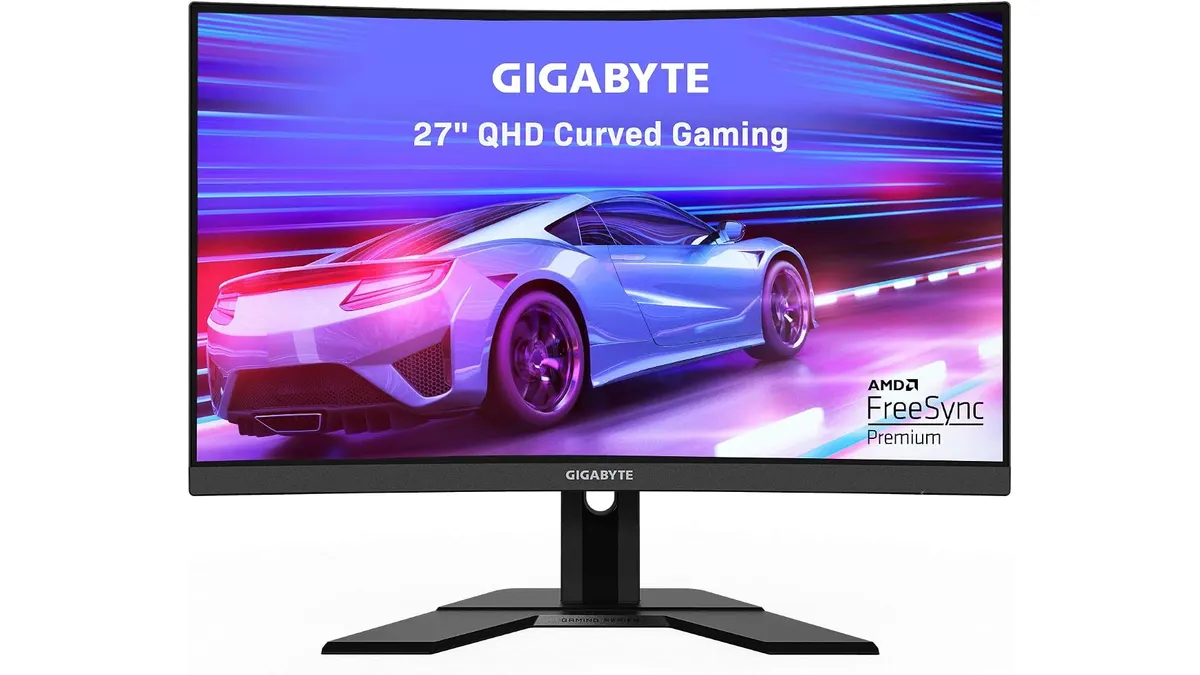
Gigabyte G27FC A Review: A Curved Daily Driver
Looking for the best home office monitor? We put the Gigabyte G27FC A to the test to see if its 1500R curve and 165Hz refresh rate deliver on productivity.