Samsung LS49C954UANXZA Review: The Ultimate Ultrawide
Is the Samsung LS49C954UANXZA the best home office monitor for your desk? We test the 49-inch curved display to see if its productivity claims hold up.
Buying guide: best monitors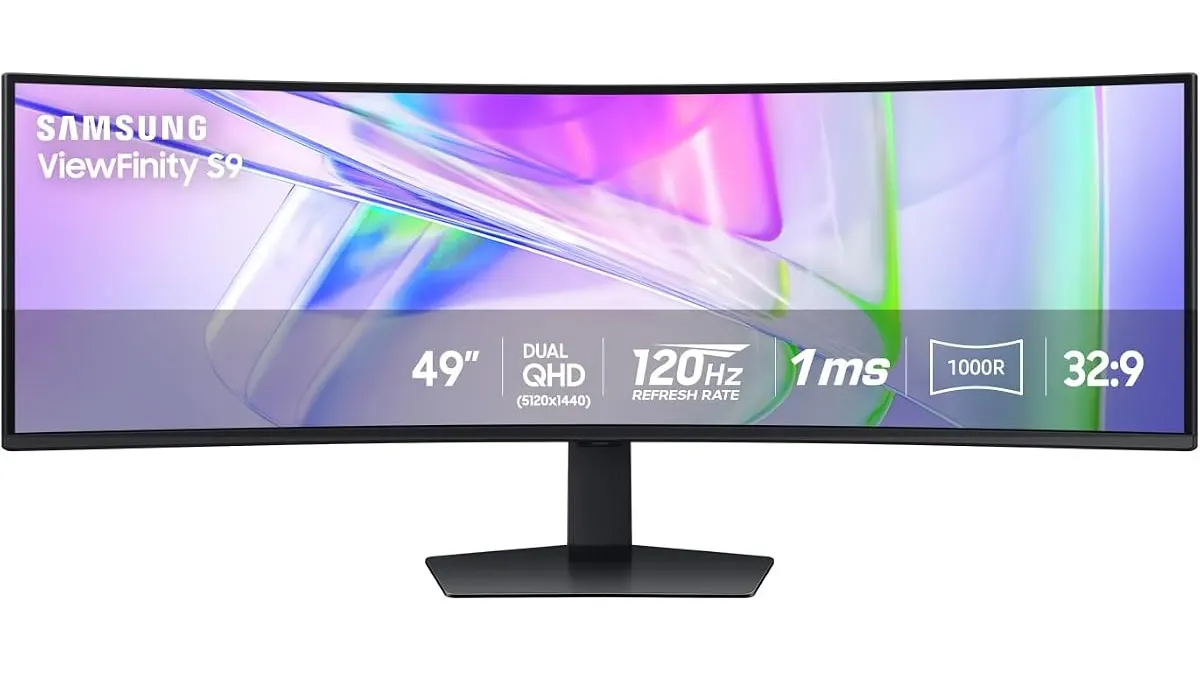 Monitors
The Samsung LS49C954UANXZA is a massive, 49-inch statement piece designed for professionals who find themselves constantly alt-tabbing between spreadsheets, communication apps, and creative timelines. If you struggle to manage windows across a traditional setup, this ultrawide panel offers a single-cable ecosystem that simplifies your desk. It is clearly the best home office monitor for power users who value screen real estate over a minimalist footprint. Explore our full range of Monitors to see if this fits your workflow.
What it does well
The 1000R curvature is the standout feature here. By wrapping the display around your field of vision, it reduces the need for neck strain that often comes with flat, multi-monitor setups. It feels natural for long sessions, keeping the edges of your peripheral vision engaged without distortion.
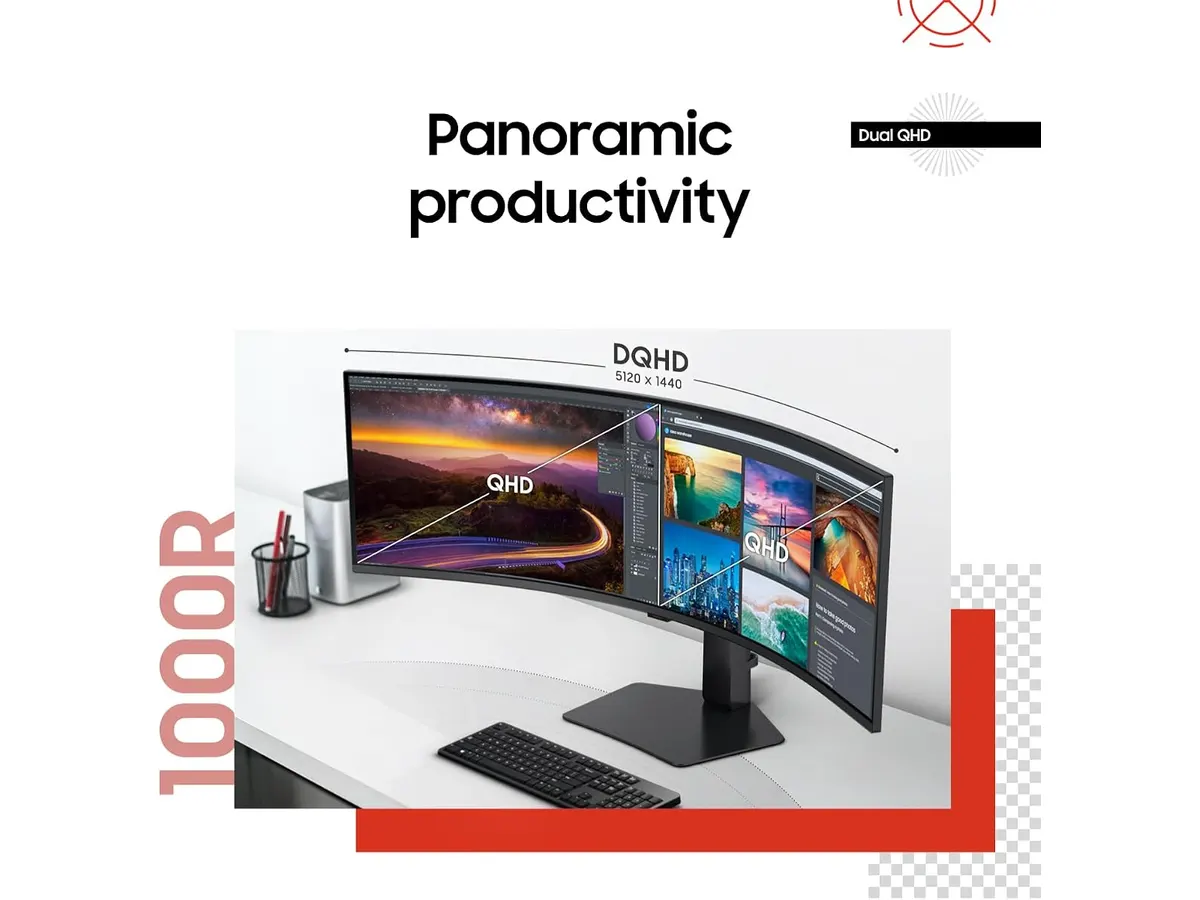
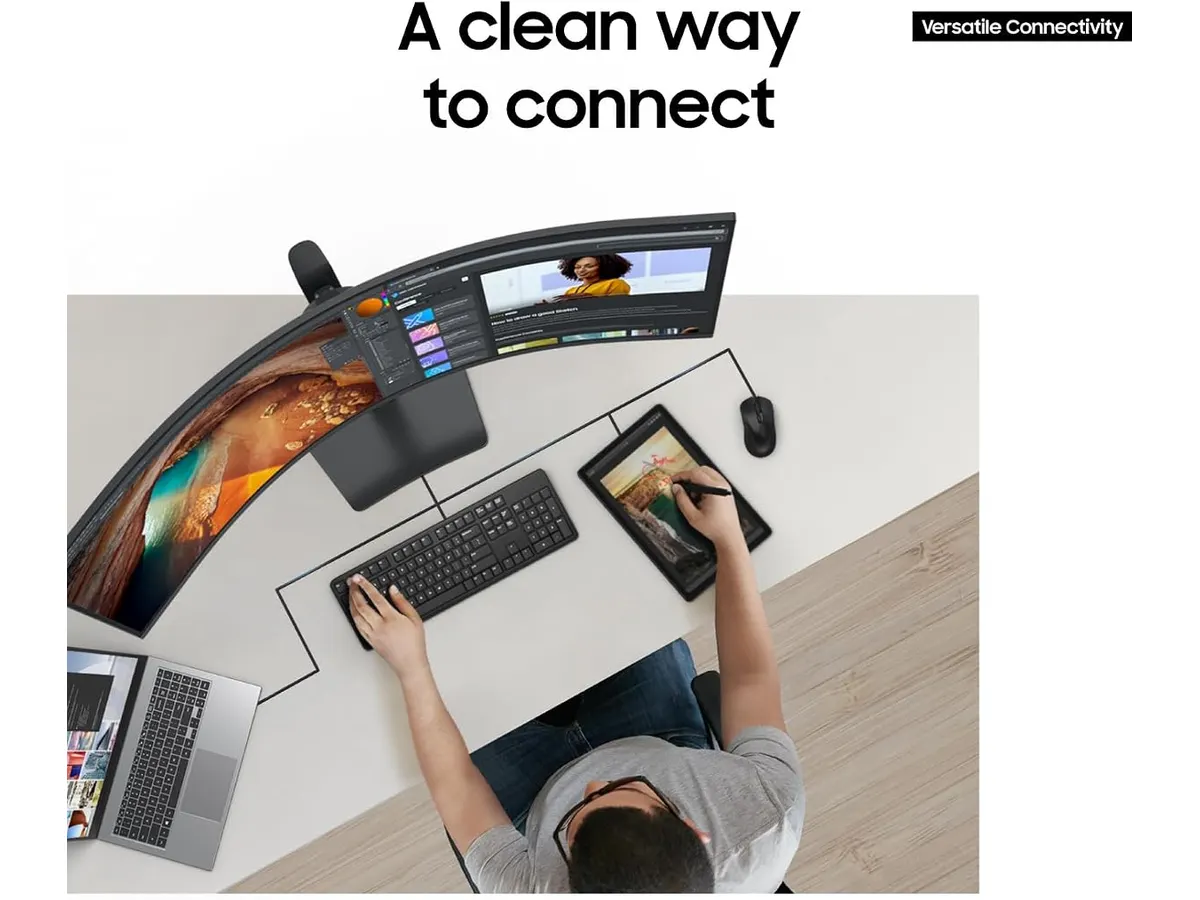
Productivity is further bolstered by the 120Hz refresh rate. While often associated with gaming, this high frequency makes scrolling through long documents and moving windows across the Dual QHD canvas feel incredibly smooth. The 90W USB-C docking capability is another major win, as it powers your laptop and handles data transmission with one cable, effectively turning the display into the heart of your workstation.
Finally, the VESA DisplayHDR 400 certification provides a noticeable boost in contrast and color depth compared to standard office panels. It makes reading dense text and analyzing complex charts much easier on the eyes.
Key specifications
| Specification | Detail |
|---|---|
| Screen Size | 49 inches |
| Curvature | 1000R |
| Refresh Rate | 120Hz |
| Resolution | Dual QHD |
| USB-C Charging | 90W |
| HDR Rating | VESA DisplayHDR 400 |
| Audio | Integrated speakers |
Where it falls short
The physical footprint is the biggest drawback. You need a deep desk to accommodate the 49-inch width and the base, which takes up significant space. If your home office is in a small corner or on a narrow surface, this monitor will dominate your entire environment.
Additionally, while the integrated speakers save desk space, they are strictly for system sounds and casual video calls. They lack the range and depth required for high-fidelity audio, so you will likely want to invest in a dedicated pair of speakers or headphones for music.
Who is it for?
This monitor is perfect for data analysts, financial traders, and video editors who need to keep multiple applications open side-by-side. If your job involves heavy multitasking and constant reference to three or more windows, the screen real estate here is unparalleled.
It is not for the minimalist or the casual user. If you primarily work in a single browser window or a word processor, the sheer size of the panel will feel like overkill. You would be better served by a standard configuration, such as the Dell UltraSharp U2724D Review: A Versatile 27-Inch Monitor or the Gigastone 27” IPS 2-Pack Review: Dual Monitors for Productivity if you prefer a modular approach.
Alternatives to consider
If you find the 49-inch size too daunting, a high-quality 27-inch 4K monitor remains the gold standard for crisp text and accurate color reproduction. These units are often more affordable and easier to position on standard desks. For those who prioritize gaming alongside their professional tasks, a performance-oriented 27-inch display like the LG UltraGear 27G61ZB-B Review: High-Performance Gaming Monitor offers faster response times than this ultrawide, albeit with less horizontal workspace.
Verdict
The Samsung LS49C954UANXZA is a powerhouse for anyone looking to eliminate clutter and maximize workspace density. It delivers on the promise of a truly immersive experience with its 1000R curve and capable docking features. While it requires a significant amount of desk space, its ability to act as a central hub for your laptop makes it a top-tier choice for heavy-duty remote work. It stands as a compelling candidate for the best home office monitor currently available.
Frequently asked questions
Is the 1000R curvature too aggressive for office work?
No, it actually helps keep the edges of the 49-inch display within your focal range, which is essential for reducing eye fatigue during long hours.
Can I connect two computers at once?
Yes, the monitor supports multitasking features that allow you to split the massive screen real estate between two different input sources.
Does this monitor require a specialized desk mount?
Because of its weight and width, you must ensure your desk mount is specifically rated for 49-inch ultrawide monitors, as standard mounts will likely sag or fail to support the curvature.

Editor
Charly River · SetUpLatam
Charly River curates, reviews and edits SetUpLatam’s home office guides. He checks every product sheet against the manufacturer’s official specifications and cuts what does not help, so you buy right the first time.
You may also like
 Monitors
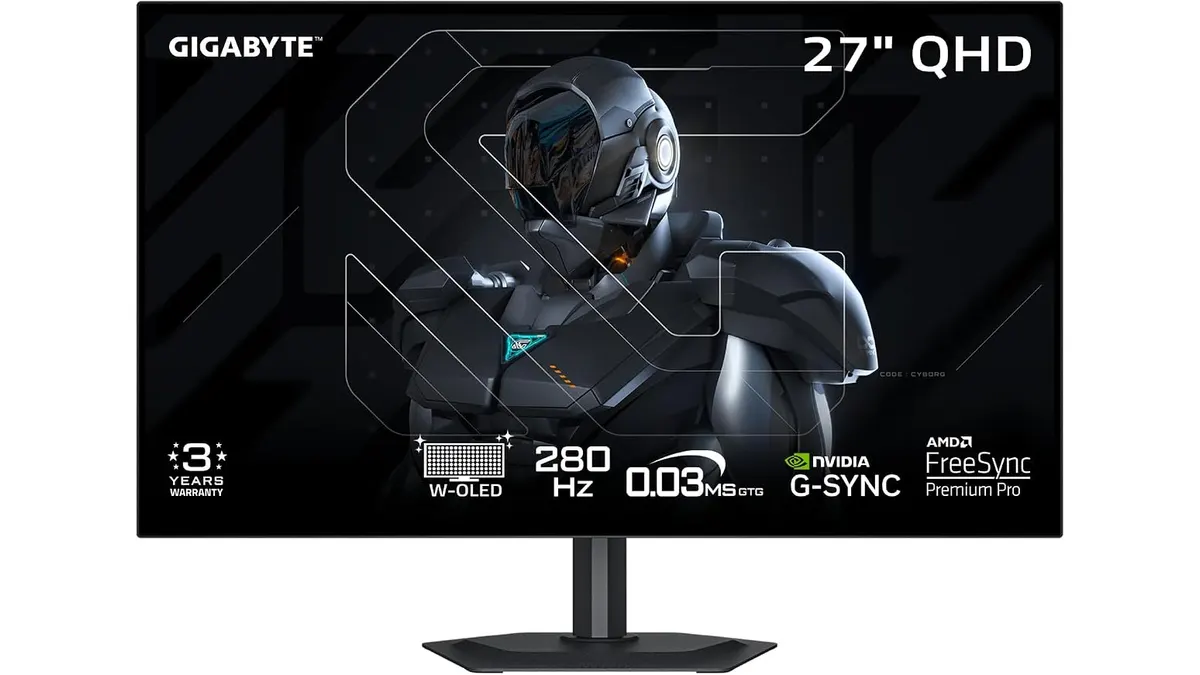
GIGABYTE MO27Q28GR Review: OLED Excellence
Read our GIGABYTE MO27Q28GR review. Discover why this 27-inch QHD WOLED screen might be the best home office monitor for deep blacks and bright work.
 Monitors
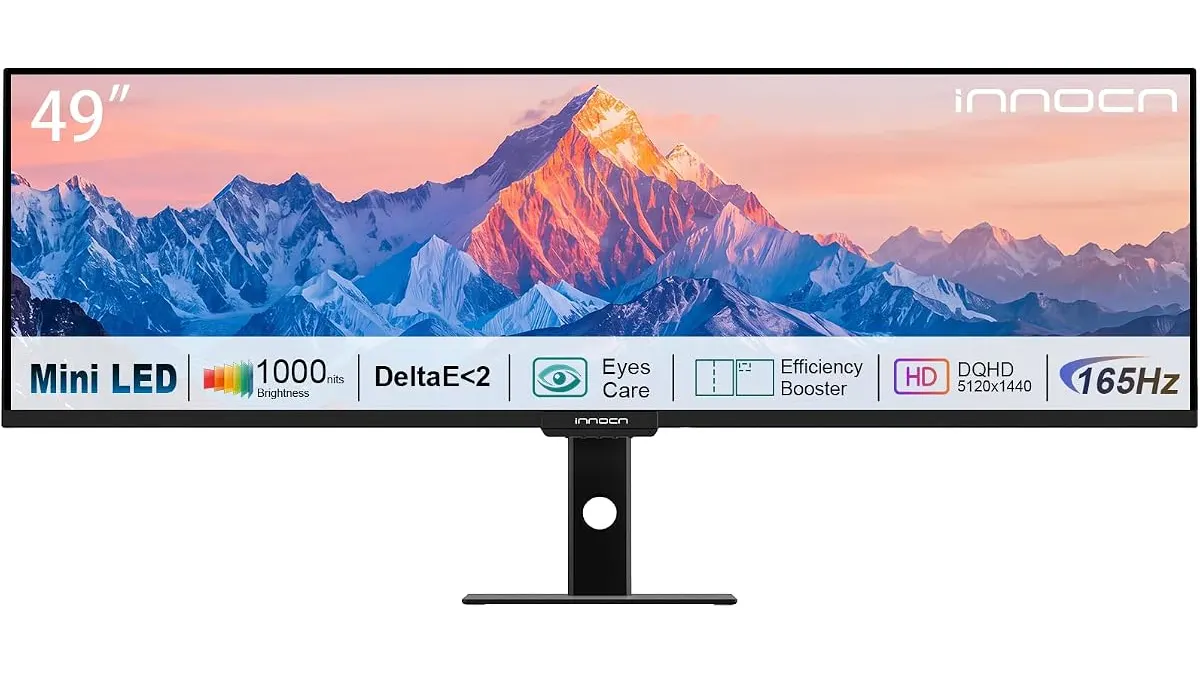
INNOCN 49 Ultrawide Review: Flat Screen Brilliance
Our INNOCN 49 Ultrawide review explores why this massive flat monitor is the best home office monitor for multitaskers who hate curved screen distortion.
 Monitors
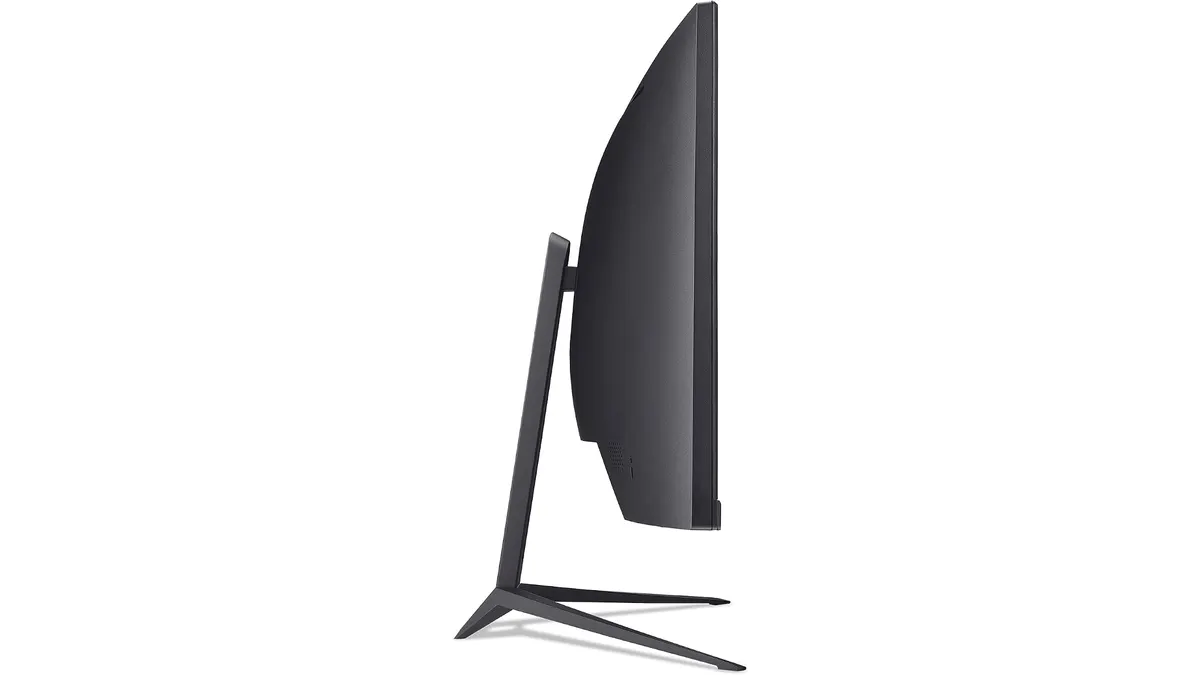
Acer Nitro ED300C X1 Review: Speed Meets 21:9
Read our Acer Nitro ED300C X1 review to see if this 200Hz 21:9 curved display is the best home office monitor for your dual-duty work setup.