INNOCN 49 Ultrawide Review: Flat Screen Brilliance
Our INNOCN 49 Ultrawide review explores why this massive flat monitor is the best home office monitor for multitaskers who hate curved screen distortion.
Buying guide: best monitors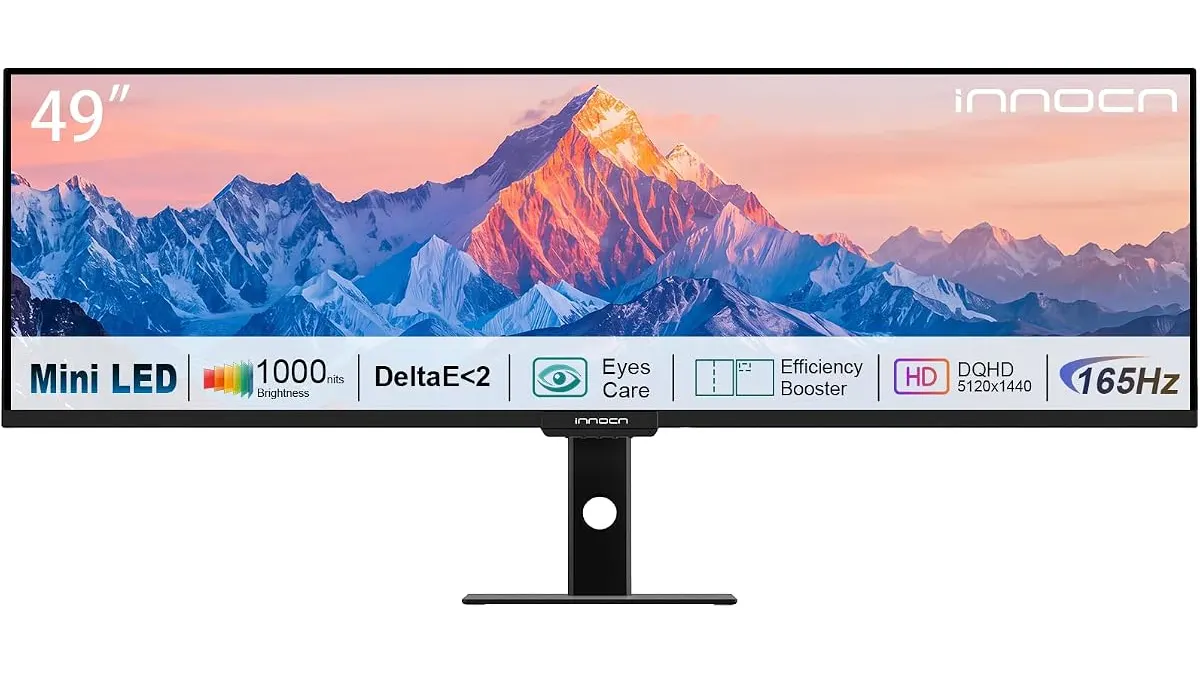 Monitors
The INNOCN 49 Ultrawide is a massive shift in how you manage digital real estate. By opting for a flat design, INNOCN targets creators and power users who need perfect geometric accuracy for their work. If you are looking for the best home office monitor to replace a clunky dual-screen setup, this panel demands your attention. It is a serious tool for those who spend their entire day in professional software, which you can find more of in our section on Monitors at /en/categorias/monitores.
What it does well
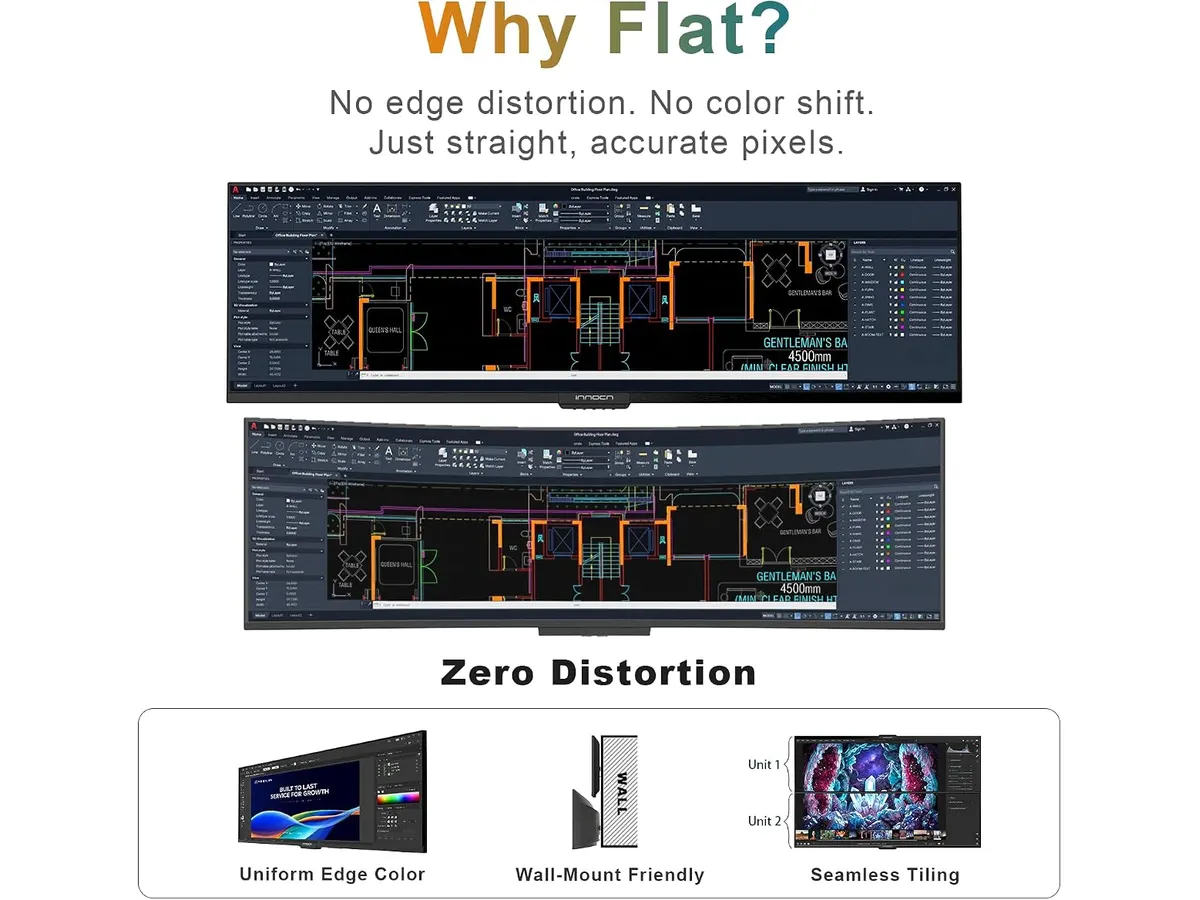
- Flat Panel Precision: Most screens of this width force a curve, which is annoying for graphic design or architectural drafting. The INNOCN 49 Ultrawide remains perfectly flat, eliminating edge distortion entirely.
- Mini LED Contrast: With 1760 dimming zones, the display delivers deep blacks that standard IPS panels simply cannot match. This makes it an excellent choice for high-end color work where the 96% Adobe RGB coverage is put to good use.
- Multitasking Efficiency: The 32:9 aspect ratio is functionally equivalent to two 27-inch monitors side-by-side, minus the black bars in the middle. The 5120 x 1440 DQHD resolution provides enough horizontal space to open three full-size windows without feeling cramped.
- Smooth Performance: Combining high resolution with a 165Hz refresh rate ensures that window dragging and cursor movement feel snappy. It bridges the gap between productivity workhorses and responsive gaming screens.
Key specifications
| Feature | Specification |
|---|---|
| Screen Size | 49 inches |
| Resolution | 5120 x 1440 DQHD |
| Refresh Rate | 165Hz |
| Panel Tech | Mini LED |
| Aspect Ratio | 32:9 |
| Color Accuracy | Delta E < 2 |
Where it falls short
- Desk Depth Requirements: Because the screen is flat and massive, you need a very deep desk to sit at a comfortable viewing distance. If your desk is standard depth, the extreme corners of the screen might cause neck fatigue as you turn your head to scan the edges.
- Lack of Curve: While the flat design is a win for professional creative work, some users find the edges harder to see compared to curved competitors. You lose that sense of immersion and peripheral wrap-around that many people prefer for long coding or spreadsheet sessions.
Who is it for?
This monitor is built for creative professionals like video editors and graphic designers who require zero geometric distortion. If your workflow relies on straight lines and precise color grading, this is a top-tier choice. Conversely, this is not for someone with a small, shallow home office desk. If you do not have the physical space to sit back, the size will feel overwhelming and difficult to navigate comfortably.

Alternatives to consider
If you prefer a traditional dual-monitor approach, the Gigastone 27” IPS 2-Pack Review: Dual Monitors for Productivity is a budget-friendly way to achieve similar screen space without the single-panel commitment. For those who prioritize industry-standard color management and a more compact footprint for detail-oriented tasks, the Dell UltraSharp U2724D Review: A Versatile 27-Inch Monitor is a high-end alternative that fits better on smaller workspaces.
Verdict
The INNOCN 49 Ultrawide is a specialized powerhouse that succeeds by avoiding the gimmicks found in curved displays. It provides a massive, high-contrast canvas that replaces dual setups with cleaner, more accurate visuals. If your desk has the depth to accommodate 49 inches of flat screen, it is a fantastic upgrade for serious productivity.
Frequently asked questions
Is the 165Hz refresh rate overkill for office work?
It is not necessary, but it makes a noticeable difference in how smooth the interface feels. Once you get used to the higher fluidity, going back to a standard 60Hz screen feels sluggish.
Does the flat design cause eye strain?
Because of the extreme width, you will have to move your head more than with a curved monitor. It is great for accuracy, but it requires a deeper desk setup to keep the edges in your comfortable field of view.
Can I use this for professional color grading?
Yes. With a Delta E < 2 and 96% Adobe RGB coverage, it is built to handle professional color standards, making it a viable primary display for designers and editors.

Editor
Charly River · SetUpLatam
Charly River curates, reviews and edits SetUpLatam’s home office guides. He checks every product sheet against the manufacturer’s official specifications and cuts what does not help, so you buy right the first time.
You may also like
 Monitors
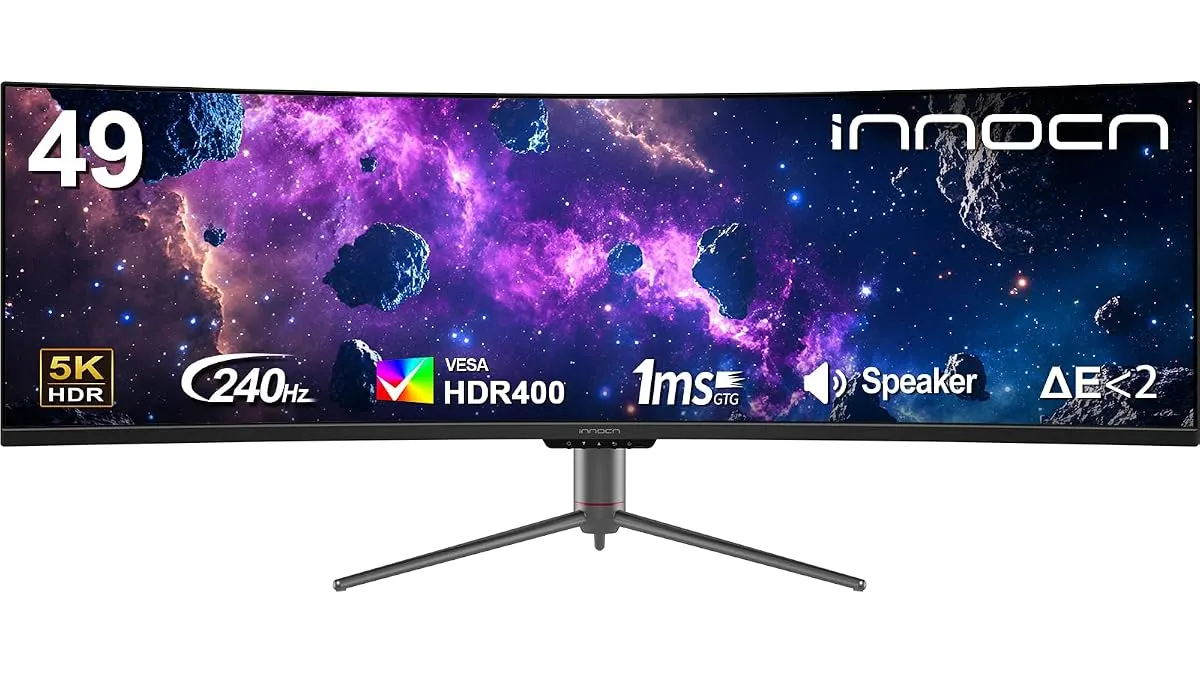
INNOCN 49C1S Review: An Ultrawide Powerhouse
Looking for the best home office monitor? We put the 49-inch INNOCN 49C1S through its paces to see if this ultrawide giant is worth your desk space.
 Monitors
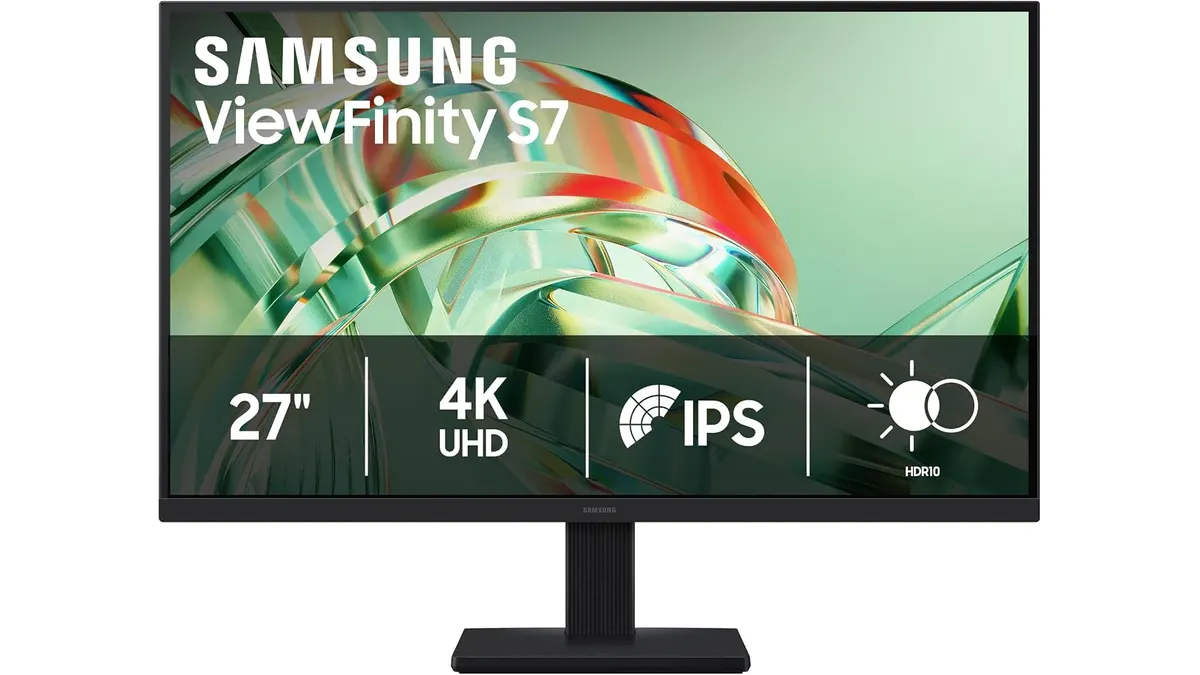
Samsung ViewFinity S7 (S71H) Review
Is the Samsung ViewFinity S7 (S71H) the best home office monitor? We test its 4K IPS clarity, color accuracy, and productivity features for remote workers.
 Monitors
Gigabyte G27FC A Review: A Curved Daily Driver
Looking for the best home office monitor? We put the Gigabyte G27FC A to the test to see if its 1500R curve and 165Hz refresh rate deliver on productivity.