Redragon K521KS Review: Reliable Wireless Utility
The Redragon K521KS is a budget-friendly wireless keyboard for your desk. Read our review to see if it belongs among the best home office peripherals today.
Buying guide: best peripherals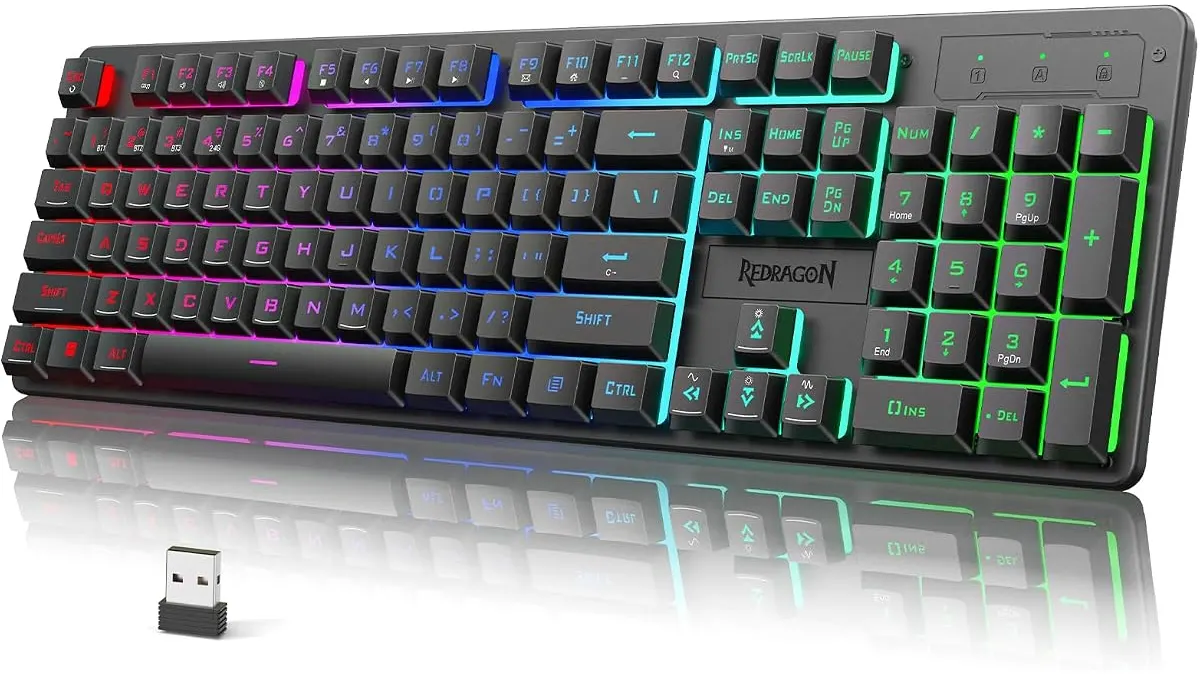 Peripherals
Finding the right keyboard for remote work often feels like a compromise between responsiveness and desk clutter. The Redragon K521KS aims to bridge this gap by offering a tri-mode wireless experience that keeps your workspace clean. If you are building out your desk, you should check our full selection of Peripherals to see how this board stacks up against the competition.
What it does well
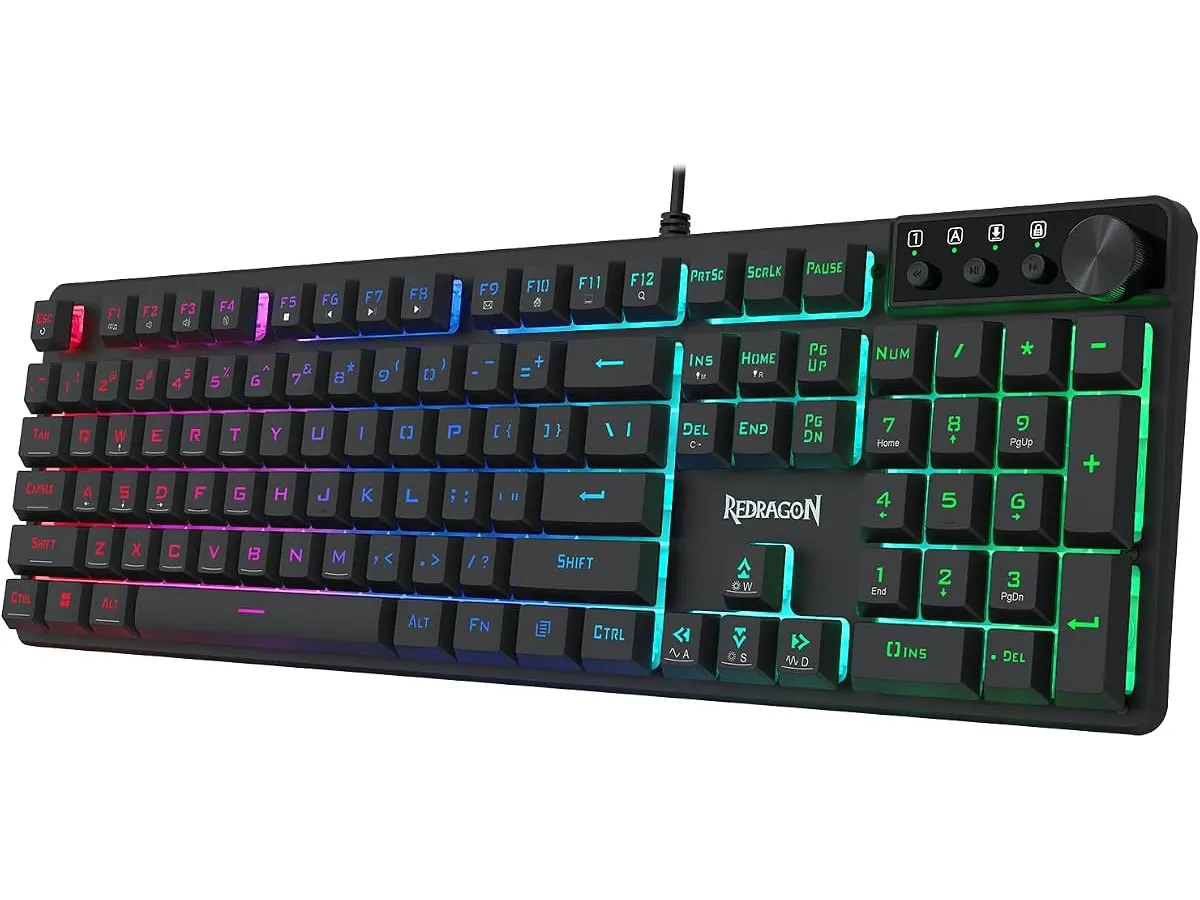
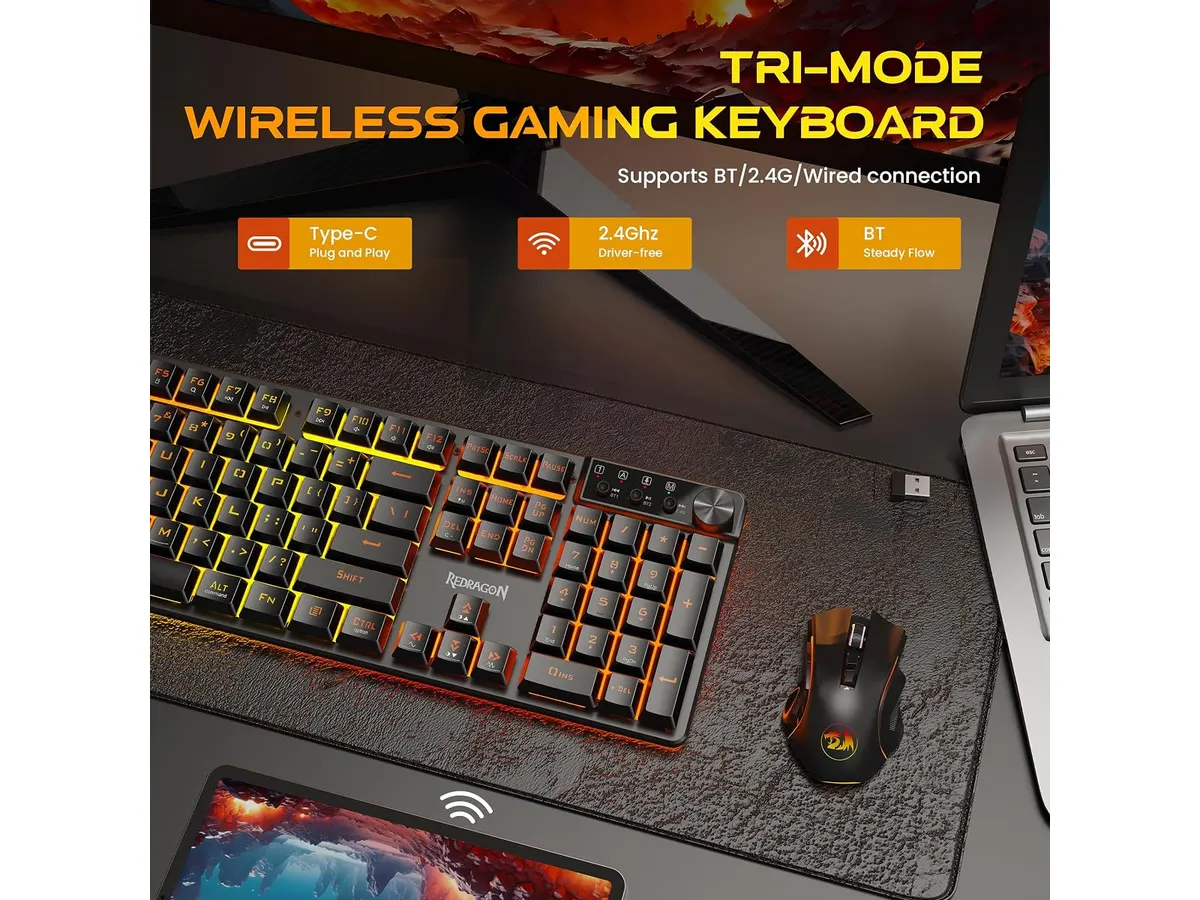
The primary strength of the K521KS is its connectivity flexibility. You can switch between Bluetooth, 2.4 GHz, and USB-C seamlessly, which makes it easy to jump between a work laptop and a personal desktop without fiddling with cables. Supporting up to five devices simultaneously is a genuine productivity boon for anyone managing multiple screens.
Battery life is another standout feature. The 4000 mAh battery is substantial for a keyboard in this tier, meaning you can go long stretches without needing a charge. While many wireless boards require weekly top-ups, this unit stays active for extended periods. The inclusion of 12 multimedia shortcuts also simplifies daily tasks, allowing you to control volume or playback without touching your mouse.
Key specifications
| Feature | Specification |
|---|---|
| Connectivity | Tri-Mode (Bluetooth, 2.4 GHz, USB-C) |
| Battery Capacity | 4000 mAh |
| Key Feel | Mechanical-style membrane |
| Anti-Ghosting | 25 keys |
| Multimedia Keys | 12 combinations |
| Lighting | RGB (8 modes, 7 colors) |
Where it falls short
The most important detail to understand is that this is not a true mechanical keyboard. It uses keys designed with a mechanical feel, which mimics the travel and resistance of a traditional switch but lacks the tactile crispness and longevity of genuine mechanical hardware. If you are a touch-typist looking for high-end actuation, the typing experience will feel slightly mushy by comparison.
Additionally, the anti-ghosting is limited to 25 keys. While this is sufficient for standard office productivity and occasional gaming, it is not a full N-key rollover implementation. If you play fast-paced rhythm games or titles that require complex, simultaneous key presses, you might find the board unable to register every input during intense sessions.
Who is it for?
The Redragon K521KS is an excellent fit for the student or office professional who wants a versatile, clutter-free desk setup on a budget. If you prioritize the ability to hop between a tablet, a laptop, and a workstation using a single, long-lasting wireless device, this keyboard handles that transition with ease.
It is not for the mechanical keyboard enthusiast or the competitive gamer. If you are looking for the distinct click and weighted feedback of mechanical switches or need absolute precision during fast, high-consequence gaming, this board will leave you wanting more. You would be better served by a board with dedicated mechanical switches and full-key rollover.
Alternatives to consider
For those who prefer a more premium typing experience, there are mechanical options in the mid-range tier that use genuine mechanical switches. These offer better durability and a more satisfying “click” or “thock” for long-form writing tasks. You might want to compare this against the RedThunder K95 Wireless Mechanical Keyboard Review if you find that true mechanical switches are a non-negotiable requirement.
If your goal is to find the best home office peripherals, remember that the keyboard is only half the equation. Pairing a solid board with a high-quality pointer is essential. If you want a more ergonomic pointing experience, consider looking at the Logitech MX Master 3S Review: Ergonomic Wireless Mouse for Professionals. For a more compact, travel-friendly setup, the iClever Wireless Mouse Review: A Versatile Choice for Remote Work is also worth a look.
Verdict
The Redragon K521KS is a solid, budget-conscious choice for users who prioritize wireless convenience and multi-device connectivity over a pure mechanical typing feel. It excels at keeping your desk organized while providing enough utility for most daily tasks. If you can live with membrane-style switches, it is a reliable workhorse for your home setup.
Frequently asked questions
Does this keyboard work with gaming consoles?
Yes, the 2.4 GHz and USB-C connectivity modes allow it to function with most gaming consoles that support external keyboard input.
Can I use the keyboard while it is charging?
Yes, the USB-C connection allows you to use the keyboard in wired mode while the internal battery is charging.
Is the RGB lighting customizable?
Yes, you can use the included software to customize the RGB effects, macros, and individual key functions to suit your preferences.

Editor
Charly River · SetUpLatam
Charly River curates, reviews and edits SetUpLatam’s home office guides. He checks every product sheet against the manufacturer’s official specifications and cuts what does not help, so you buy right the first time.
You may also like
 Peripherals
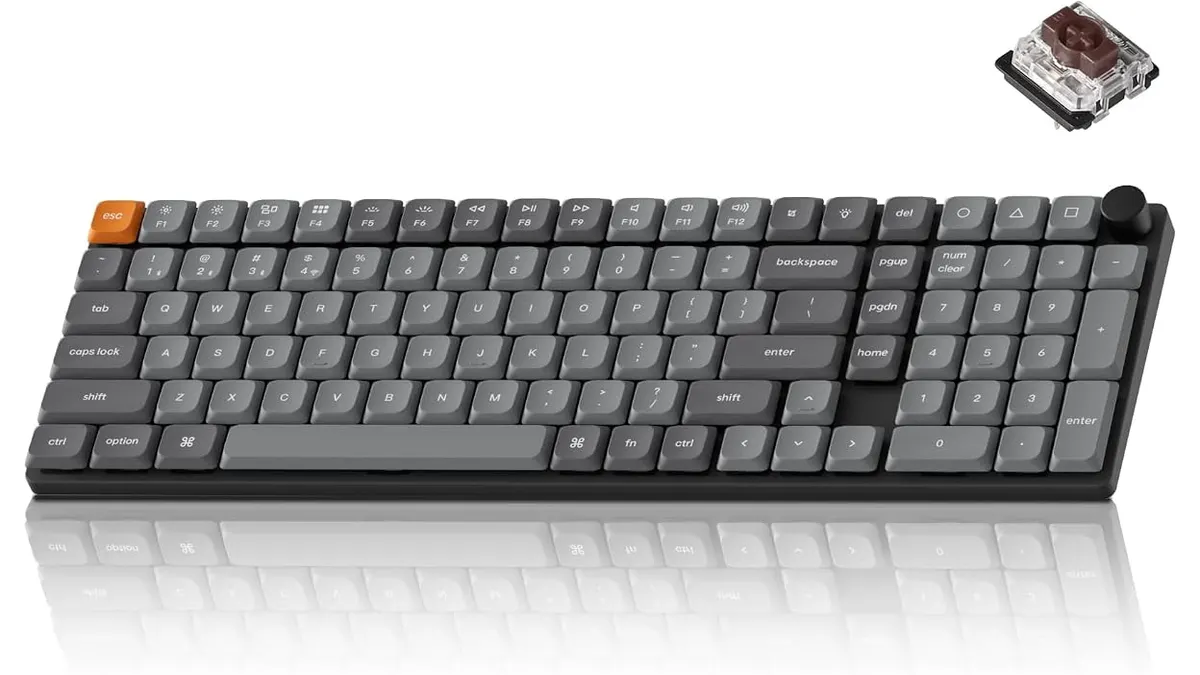
Keychron K17 Max Review: Slim 96% Layout
Deep dive Keychron K17 Max review: a low-profile 96% wireless keyboard built to fit the best home office peripherals setup for daily work.
 Peripherals
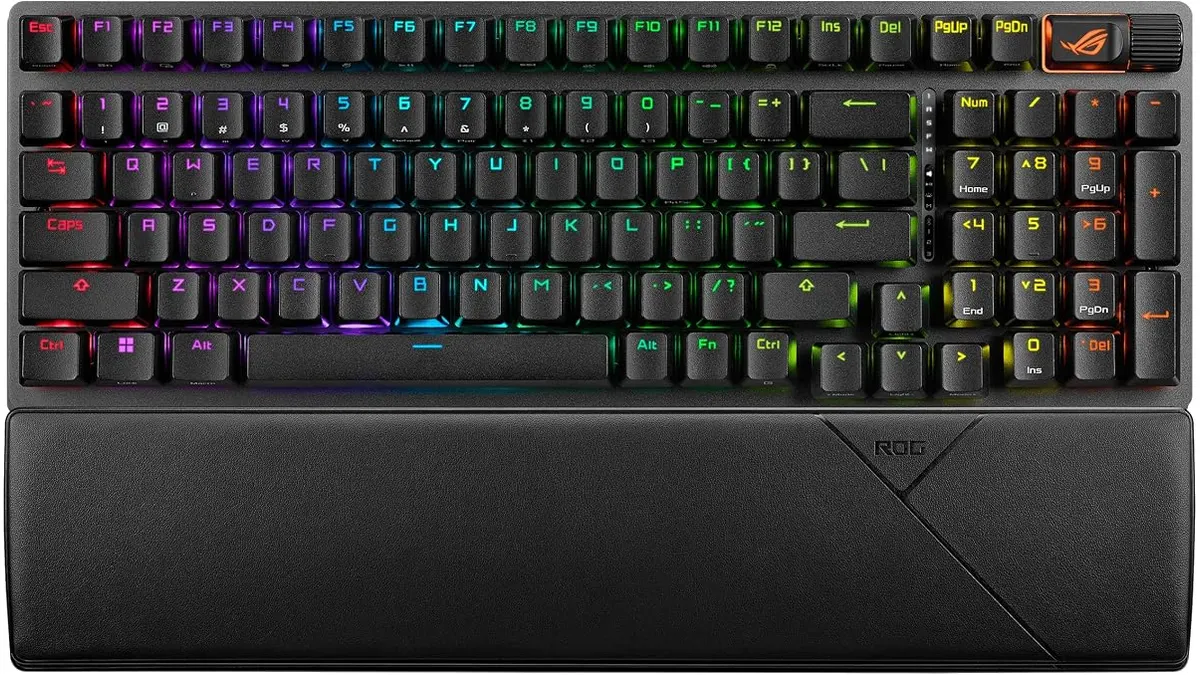
ASUS ROG Strix Scope II 96 Wireless Review
Looking for the best home office peripherals? Our ASUS ROG Strix Scope II 96 Wireless review covers battery life, linear switches, and desktop feel.
 Peripherals
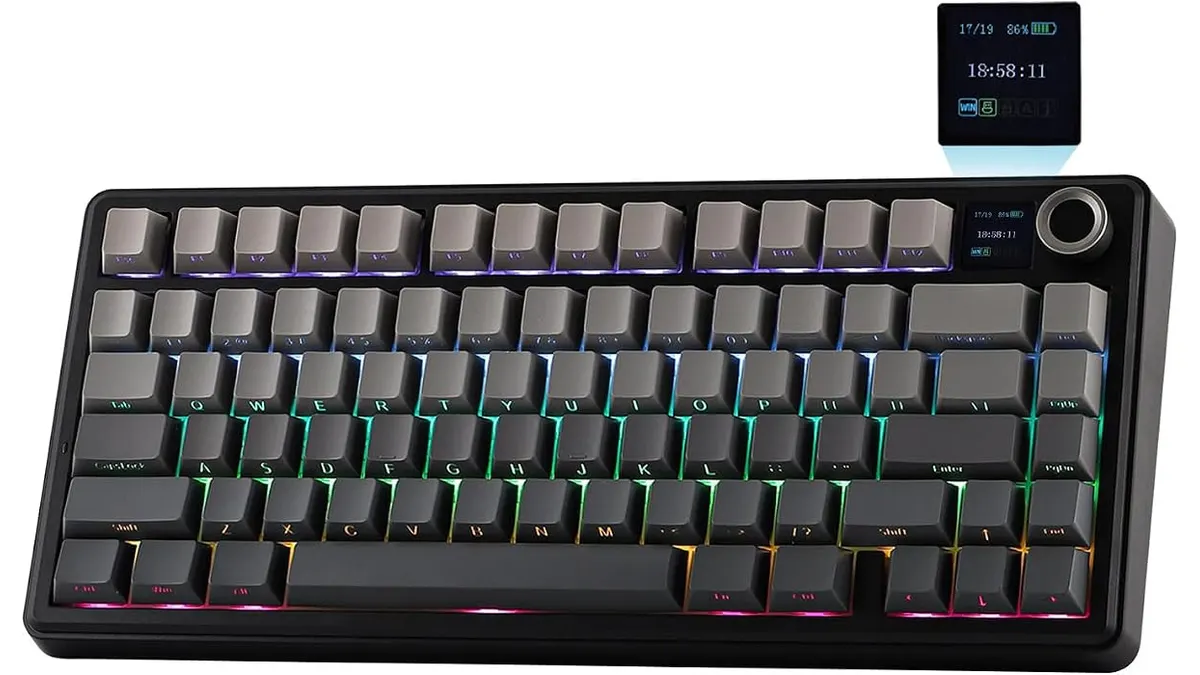
EPOMAKER Aula F75 MAX Review: Smart Setup
Looking for the best home office peripherals? Read our EPOMAKER Aula F75 MAX review to see if this tri-mode gasket-mount keyboard fits your setup.