CalDigit TS4 Review: The Ultimate Desktop Hub
Our CalDigit TS4 review examines if this 18-port powerhouse is truly the best usb-c hub for home office setups requiring maximum connectivity and performance.
Buying guide: best mounts & hubs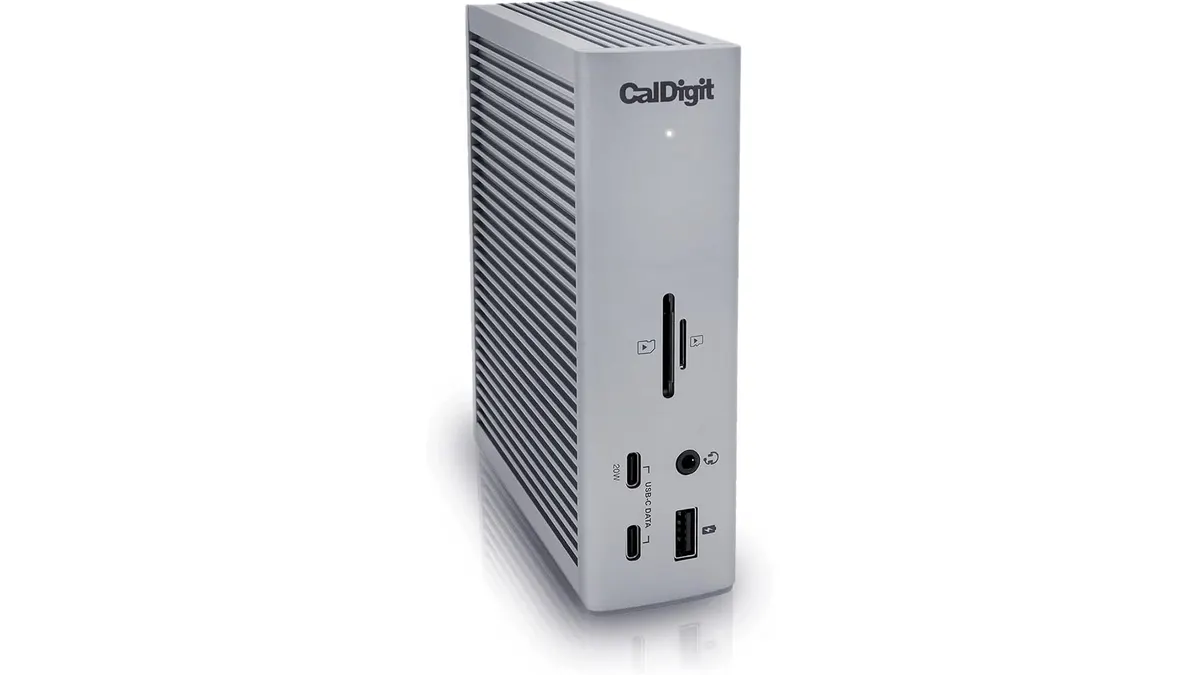 Mounts & Hubs
CalDigit TS4 Review: The Powerhouse Your Desk Needs
If your desk feels like a tangled web of adapters and dongles, the CalDigit TS4 is the logical solution to regain control. This isn’t just another port expander; it is a serious piece of infrastructure designed for creative professionals and power users who demand reliability. Whether you are editing 8K video or simply managing a multi-monitor workflow, this is easily the best usb-c hub for home office users who never want to worry about connectivity. For those building a clean, efficient workspace, explore our full collection of Mounts & Hubs to round out your desk.
What it does well
- Unrivaled Port Density: With 18 ports at your disposal, you stop choosing which devices get to stay plugged in. You get three Thunderbolt 4 ports, eight USB ports split between Type-A and Type-C, and dedicated slots for SD and microSD cards.
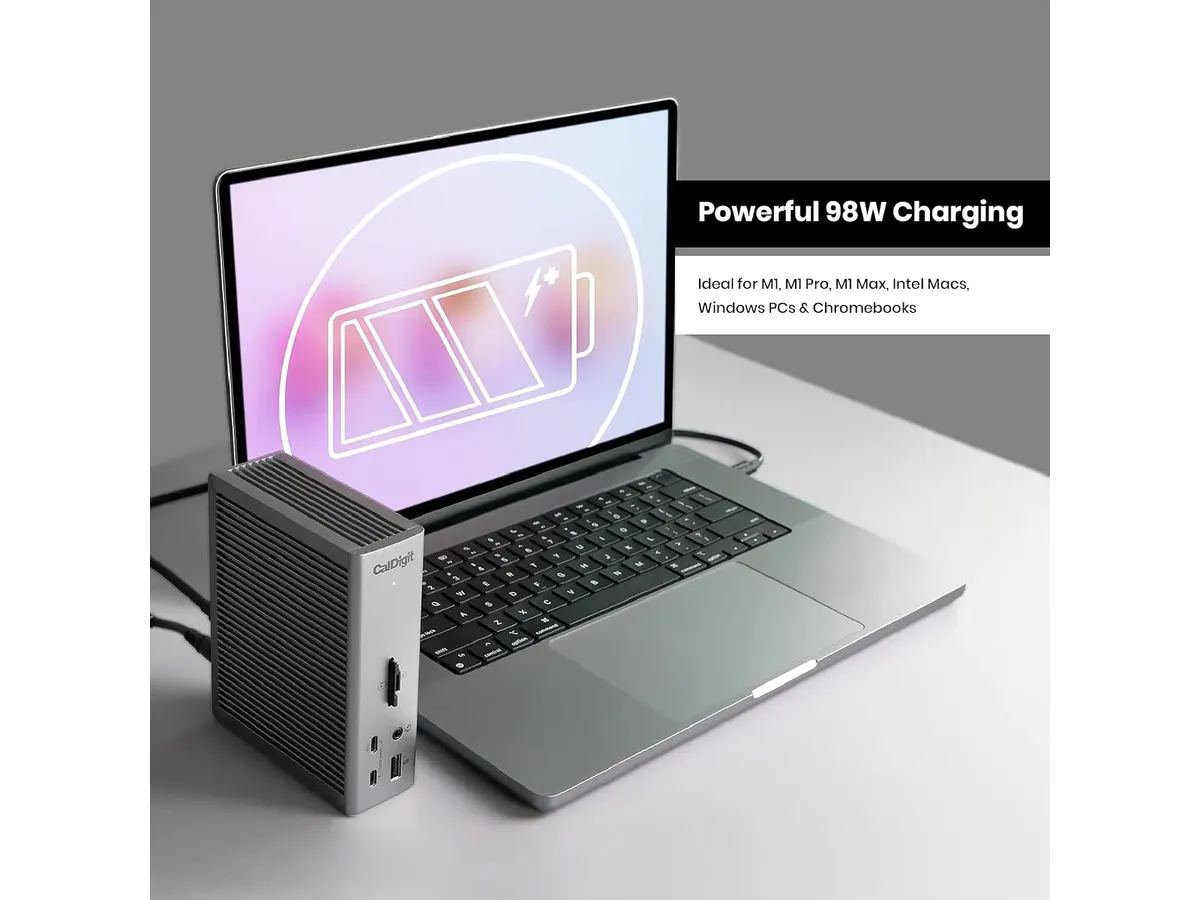
- Serious Power Delivery: The 98W charging output is enough to keep even the most demanding laptops fully powered through a single cable. It simplifies your morning routine by eliminating the need to pull your charger out of your bag.
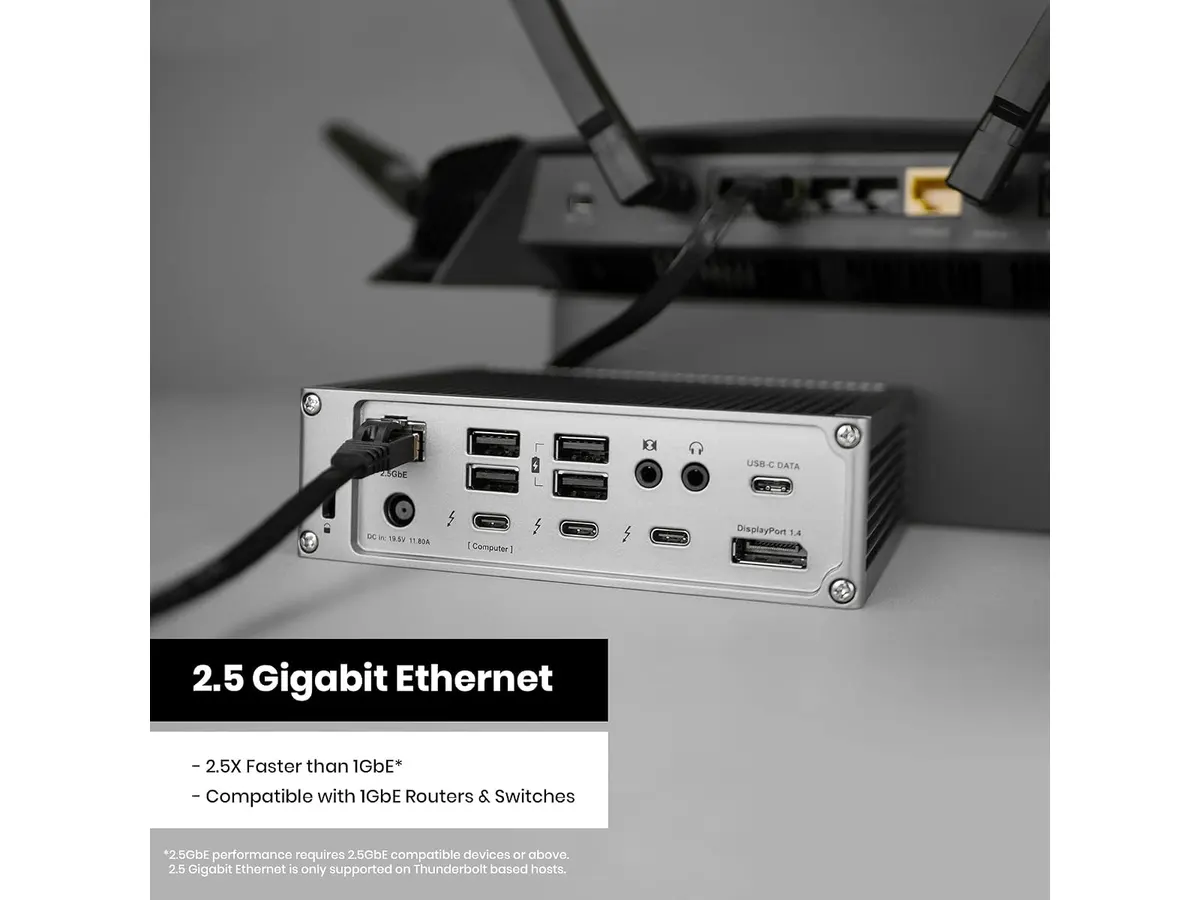
- High-Speed Networking: The inclusion of a 2.5 Gigabit Ethernet port is a standout feature. It provides a significant bandwidth jump over standard gigabit connections, which is essential if you pull large files from a local NAS or a home server.
- Display Versatility: You can drive a single 8K monitor or a dual 6K configuration without breaking a sweat. It handles high-resolution workflows with consistent stability that smaller hubs simply cannot match.
Key specifications
| Feature | Specification |
|---|---|
| Total Ports | 18 |
| Charging Power | 98W |
| Ethernet Speed | 2.5 Gigabit |
| Thunderbolt 4 Ports | 3 (40Gb/s) |
| USB Ports | 3x USB-C, 5x USB-A (10Gb/s) |
| Card Readers | SD & microSD 4.0 UHS-II |
Where it falls short
- Physical Footprint: This is a heavy, substantial piece of gear. If you are looking for a minimalist, pocket-sized dongle to throw in your backpack, this is not it. It is designed to live permanently on your desk.
- Complexity for Casual Users: If you only need to connect one monitor and a mouse, the TS4 is complete overkill. You are paying for a level of bandwidth and port count that the average student or occasional remote worker will never utilize.
Who is it for?
This device fits the professional creator or developer perfectly. If your workday involves moving massive assets, maintaining a dual-monitor setup, and keeping a high-end laptop charged, the TS4 justifies its place on your desk every single day.
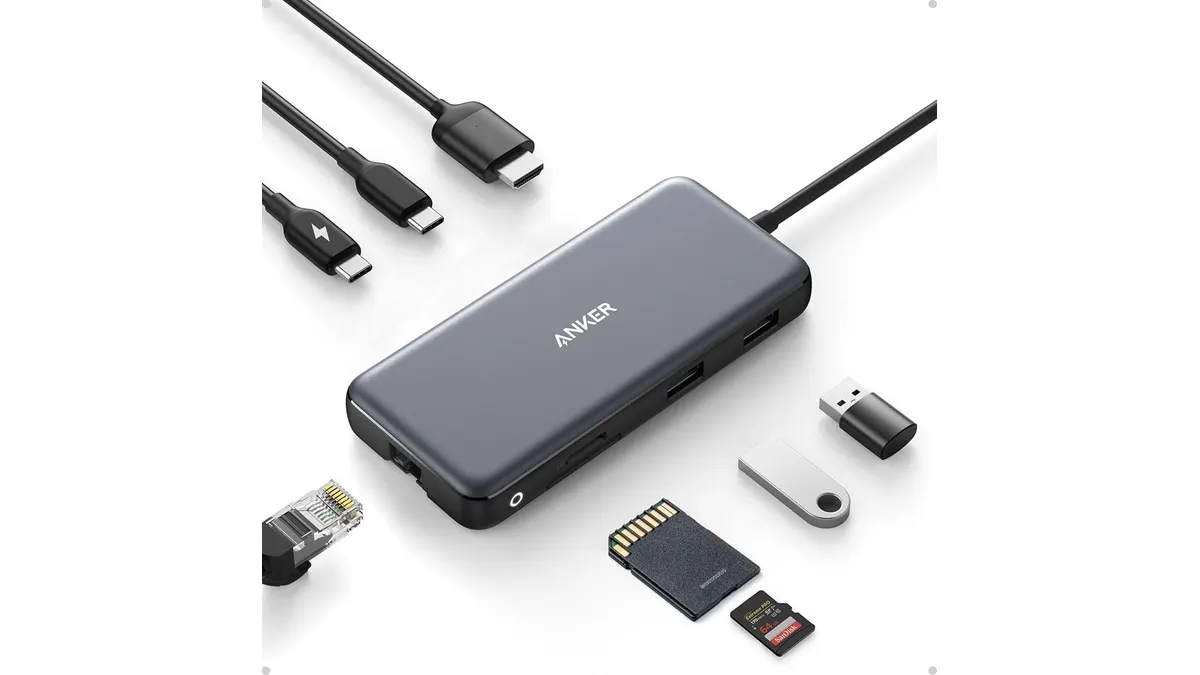
Conversely, this is not for the light user who works from a coffee shop three days a week. If you need portability above all else, consider the Anker USB-C Hub 8-in-1 Review: Versatile Connectivity Solution for a far more travel-friendly profile.
Alternatives to consider
If the TS4 is more than you need, consider a mid-range hub from a reputable brand. These usually offer a balance of HDMI, a few USB-A ports, and power pass-through at a much lower price point, making them ideal for standard office work where high-speed networking and extreme port density aren’t required.
For those on a tighter budget who only need basic connectivity for a single monitor and peripherals, simple plug-and-play adapters exist. These will not give you the 2.5GbE speeds or the 98W charging, but they provide enough functionality for a straightforward laptop-and-monitor setup.
Verdict
The CalDigit TS4 is the gold standard for anyone serious about their workstation. It removes the “dongle life” friction entirely by acting as a true bridge between your laptop and your peripheral ecosystem. If you are ready to invest in your setup once and stop worrying about connectivity, this is the hub to buy.
Frequently asked questions
Will this work with a Windows laptop?
Yes, it is fully compatible with Thunderbolt 4 and USB4-equipped Windows machines, though some features depend on your specific laptop’s port capabilities.
Can I charge my phone using the USB ports?
Yes, the USB-A and USB-C ports are designed to handle peripherals and device charging, though the laptop power delivery is the primary focus of the 98W output.
Does it support dual monitors on all laptops?
It supports high-resolution dual monitor setups, but check your laptop’s GPU and Thunderbolt controller specifications to ensure it supports multiple displays over a single cable.

Editor
Charly River · SetUpLatam
Charly River curates, reviews and edits SetUpLatam’s home office guides. He checks every product sheet against the manufacturer’s official specifications and cuts what does not help, so you buy right the first time.
You may also like
 Mounts & Hubs
Anker USB-C Hub 8-in-1 Review: Versatile Connectivity Solution
Discover the Anker USB-C Hub 8-in-1 for seamless connectivity, ideal for remote workers and students. Check our in-depth review.
 Ergonomic Chairs
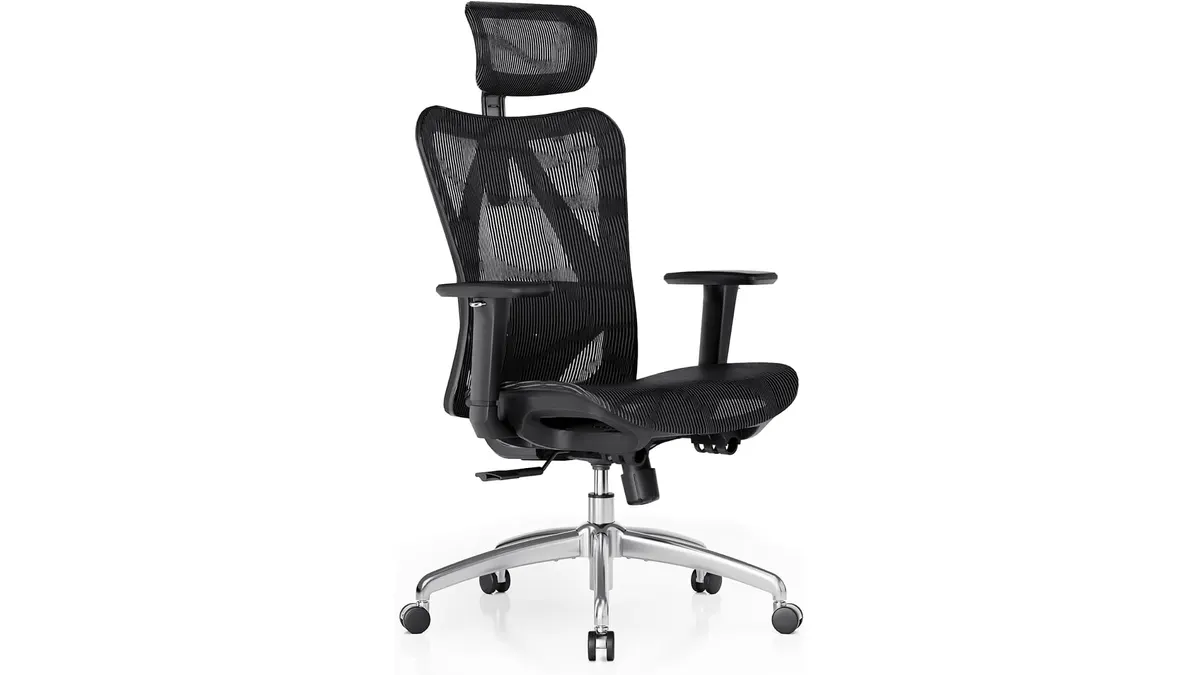
SIHOO M57 Review: Solid Ergonomic Mesh Chair
Looking for the best ergonomic office chair? Our SIHOO M57 review tests its lumbar support, mesh recline, and build quality for daily work.
 Audio & Webcams
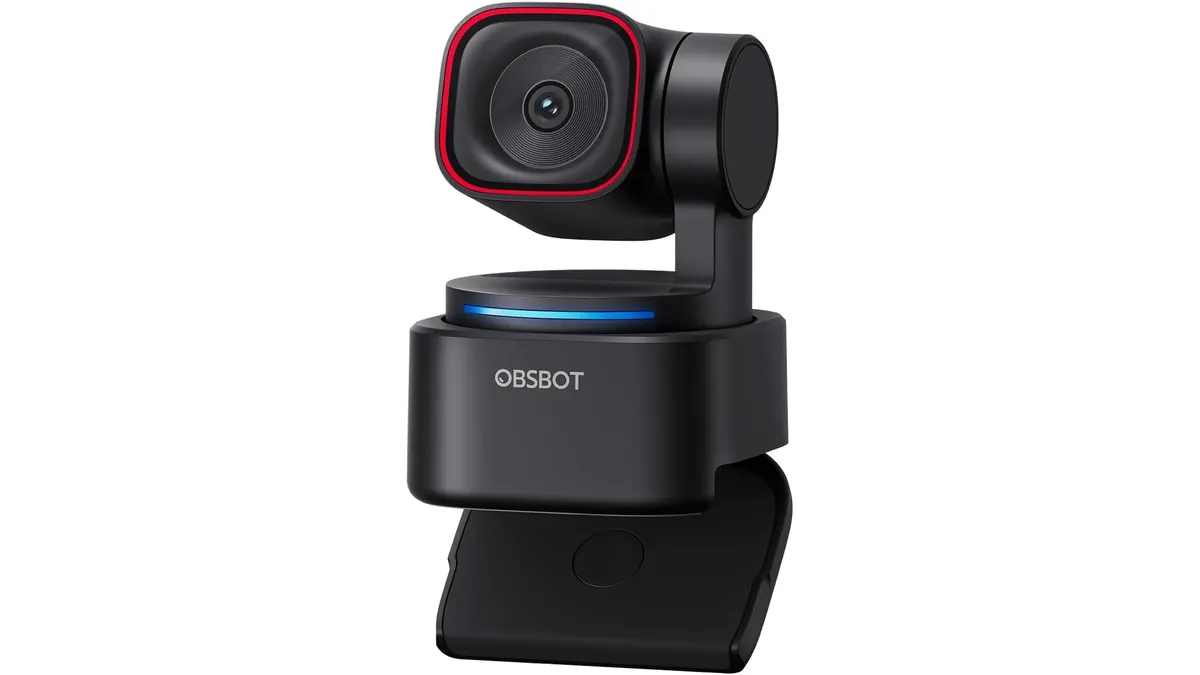
OBSBOT Tiny 3 Lite Review: Smart AI Streaming
Looking for the best webcam for home office setups? Our OBSBOT Tiny 3 Lite review breaks down the AI tracking and 4K quality for remote workers.