Buying guide
Best mounts & hubs for home office
The best mounts and hubs for home office: what to look for and our picks. Monitor arms, USB-C hubs and docks by compatibility and power.
See all Mounts & Hubs reviewsHow we choose
We rank gear by the SetUpLatam editorial score, which starts from the manufacturer’s official specifications and the intended real-world use. Positions are not for sale: buying links are affiliate links and are always disclosed.
What to look for
- Port compatibility with your laptop (USB-C, HDMI, DisplayPort).
- Power delivery that charges the laptop while everything is plugged in.
- Bandwidth for the resolution you use daily.
- Tidiness: it should cut cables, not add adapters.
Our mounts & hubs picks
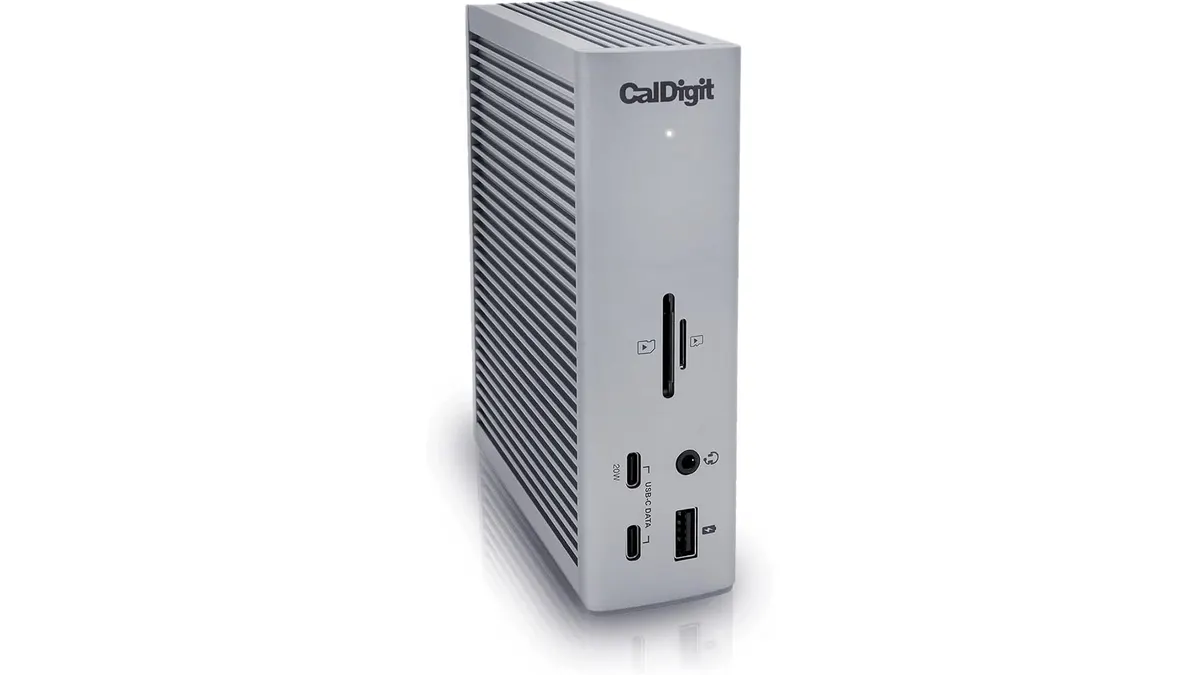 #14.8CalDigit TS4 Review: The Ultimate Desktop Hub
Our CalDigit TS4 review examines if this 18-port powerhouse is truly the best usb-c hub for home office setups requiring maximum connectivity and performance.
CalDigit
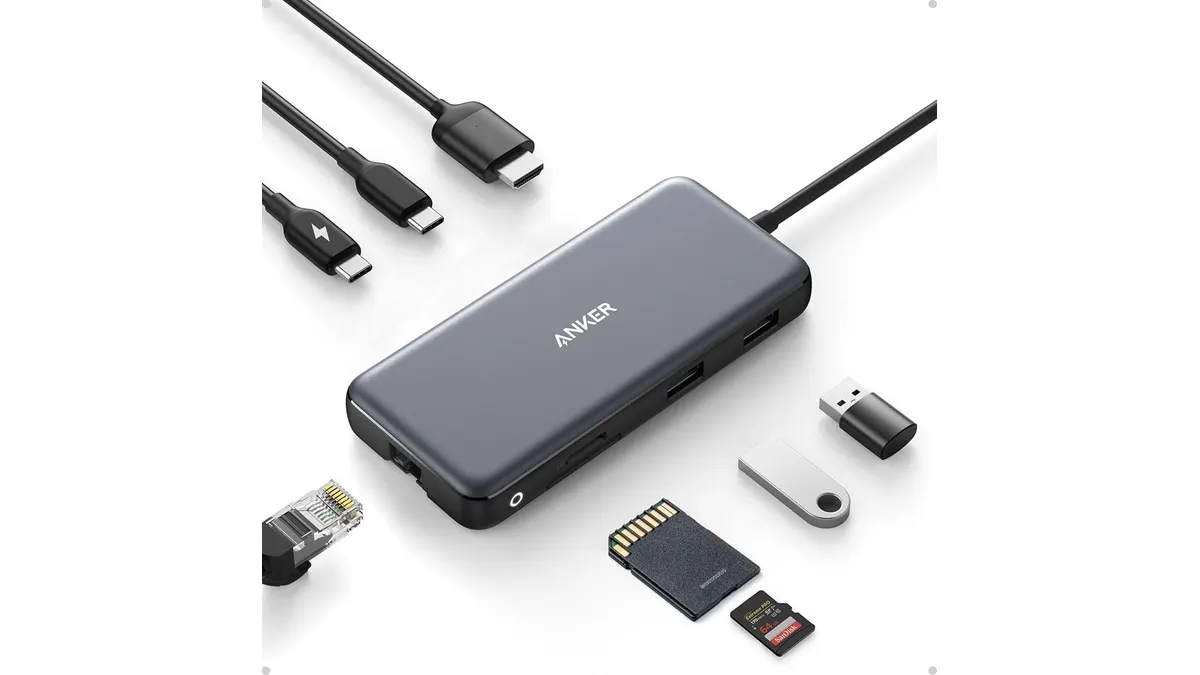 #24.2Anker USB-C Hub 8-in-1 Review: Versatile Connectivity Solution
Discover the Anker USB-C Hub 8-in-1 for seamless connectivity, ideal for remote workers and students. Check our in-depth review.
Anker
Quick comparison
| Product | Key specs | Buy | ||
|---|---|---|---|---|
| CalDigit TS4 Review: The Ultimate Desktop Hub | CalDigit | 4.8 | 18 · 98W · 2.5 Gigabit Ethernet | Check price |
| Anker USB-C Hub 8-in-1 Review: Versatile Connectivity Solution | Anker | 4.2 | USB-C PD, USB-C datos, 2x USB-A, HDMI, Ethernet, microSD/SD · 4K@60Hz (DP 1.4) / 4K@30Hz (DP 1.2) · Hasta 10 Gbps | Check price |
Frequently asked questions
Which USB-C hub do I need?
Count your ports: HDMI or DisplayPort for the monitor, USB-A for peripherals and USB-C with power delivery for the laptop. Charging while everything is plugged in is key.
Monitor arm or the factory stand?
An arm frees space under the monitor and lets you adjust height and angle. Very useful if your desk is small.
Dock or simple hub?
A dock offers more ports and power, ideal if the laptop is your main machine. A simple hub is enough to add a couple of connections.
Looking for something specific? Browse all reviews in the category or the full index.