Acer 10 Gbps USB C Hub Review: Speed & Power
Looking for the best usb-c hub for home office setups? Read our Acer 10 Gbps USB C Hub review covering 100W PD charging and 10 Gbps speeds.
Buying guide: best mounts & hubs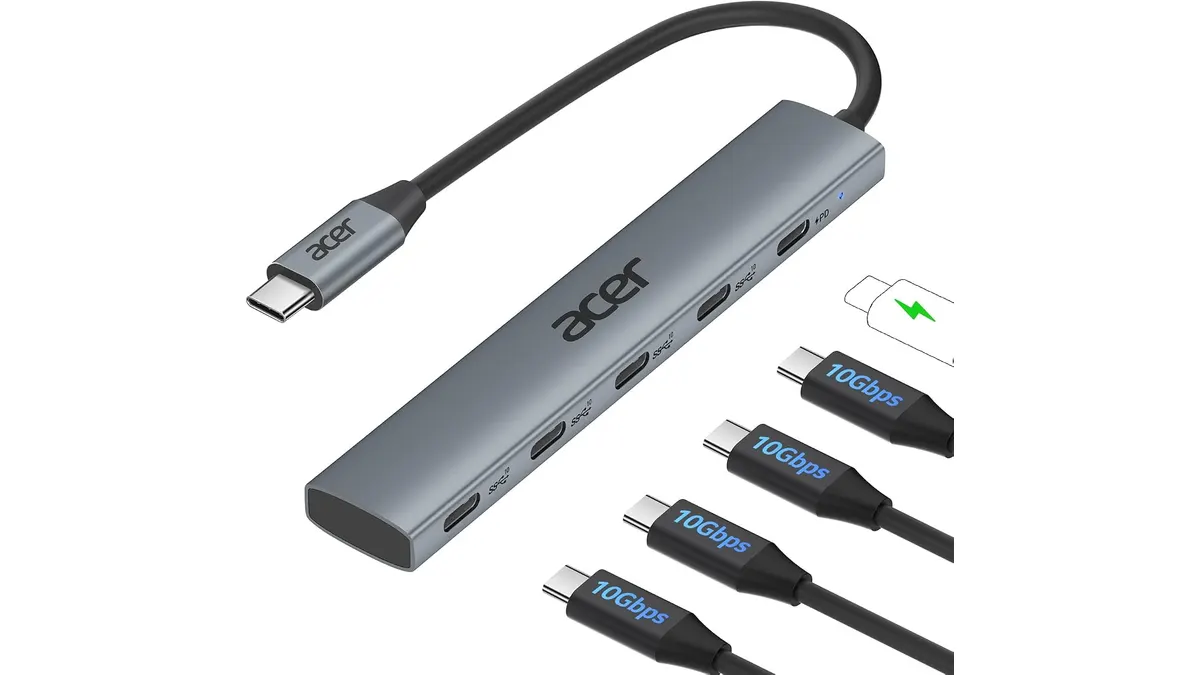 Mounts & Hubs
Modern minimalist laptops trimmed away essential connections, forcing remote workers to make compromises. The Acer 10 Gbps USB C Hub targets users who operate strictly with modern Type-C devices and fast external storage. If you are browsing our Mounts & Hubs catalog for raw data throughput and robust pass-through charging without bulky cables, this compact accessory delivers a laser-focused feature set for modern workflows.
What it does well
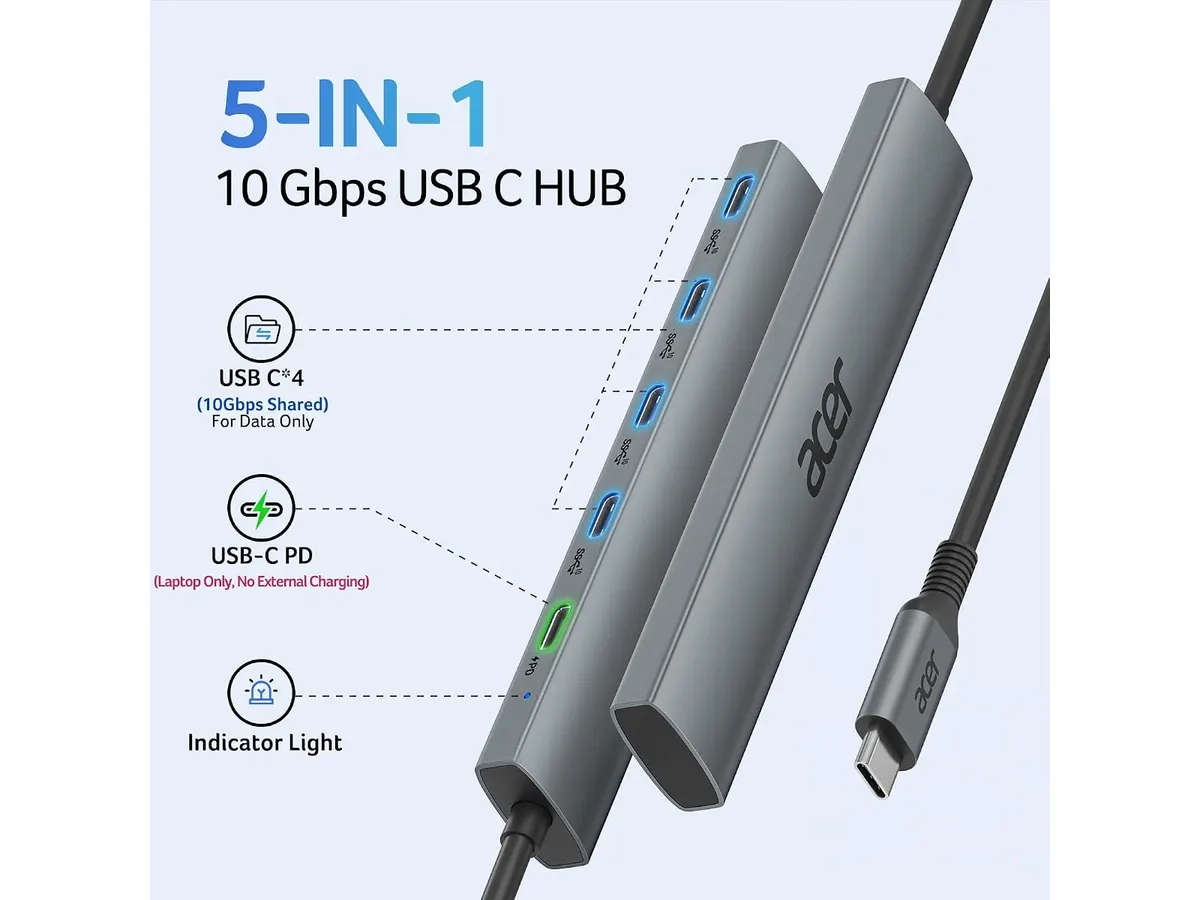
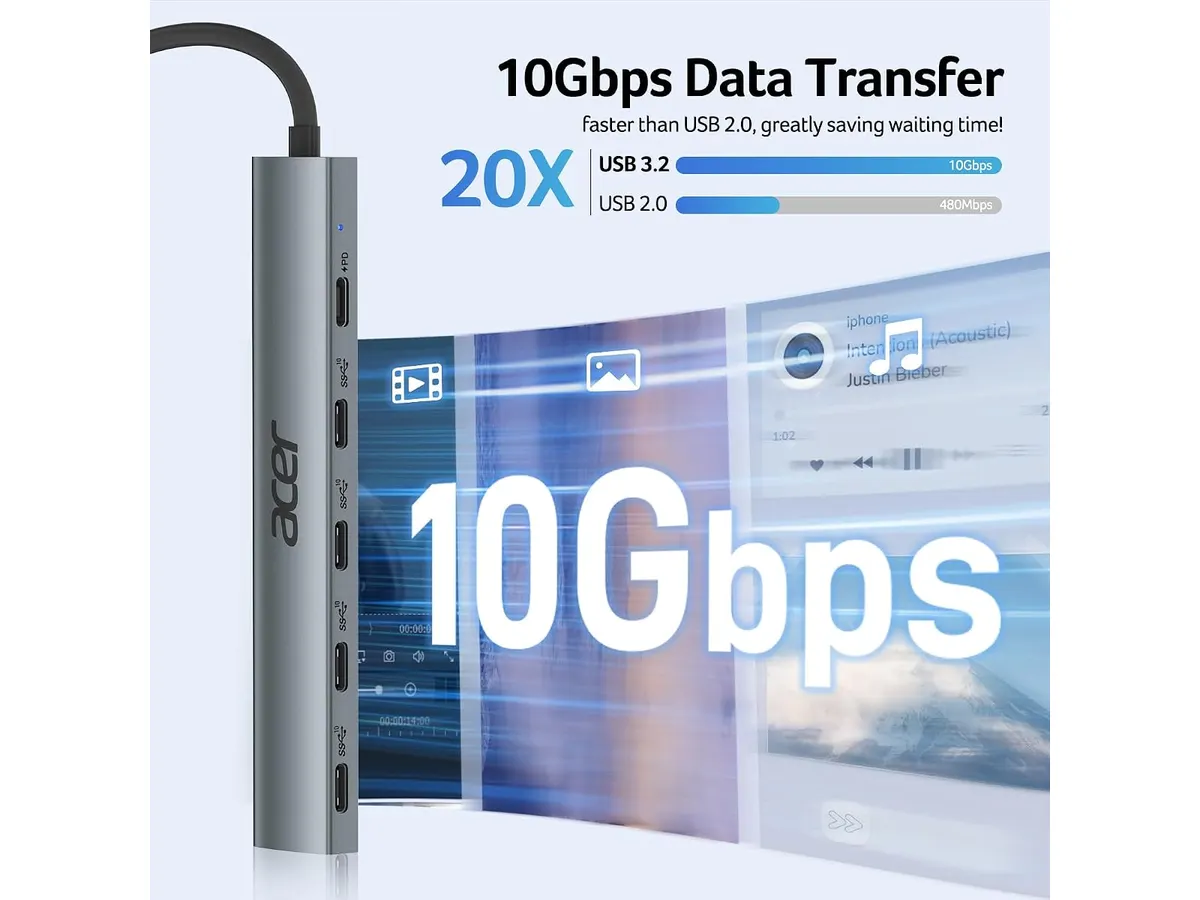
Speed is the primary selling point here. Equipped with four USB-C 3.2 Gen 2 ports, this hub pushes data transfer rates up to 10 Gbps across every slot. Moving massive 4K video files or backing up high-resolution photo libraries to an external NVMe SSD takes seconds rather than minutes. Many entry-level hubs throttle bandwidth down to older 5 Gbps standards, but Acer maintains high-speed performance across the array.
Power handling is equally reliable. The dedicated Power Delivery port handles up to 100W charging, passing sufficient juice through to keep power-hungry workstations running at full capacity. You can charge a high-end laptop while transferring data across external drives without performance dropouts or low-power warnings.
Physical construction matches the internal hardware specs. Wrapped in an aluminum alloy chassis, the body feels solid and resists everyday desktop wear. The metal casing actively aids heat dissipation, preventing the controller chips from thermal throttling during sustained heavy file transfers.
Broad operating system support completes the package. Whether your desk setup features Windows, macOS, Linux, iPadOS, iOS, or Android, the adapter operates instantly on plug-in without custom driver installations. It functions smoothly beside a dedicated laptop docking station or attached directly to a minimalist laptop arm arrangement.
Key specifications
| Feature | Specification |
|---|---|
| USB Ports | 4 x USB-C 3.2 Gen 2 |
| Transfer Speed | Up to 10 Gbps |
| Power Delivery | 100W PD Charging |
| Build Material | Aluminum Alloy |
| Host Connection | USB-C |
| System Compatibility | Windows, macOS, Linux, iPadOS, iOS, Android |
Where it falls short
This unit is explicitly a pure USB-C data and power distribution block. It completely omits display outputs, meaning anyone looking for a direct video connection or a dedicated usb-c hub with hdmi will need a different peripheral entirely. You cannot run external monitors directly from this hub.
Legacy peripherals suffer a similar fate. There are zero USB-A ports built into the casing. If your home office still relies on older flash drives, wireless dongles with Type-A receivers, or standard mechanical keyboard cables, you will be forced to buy extra adapters or look elsewhere.
Card readers and networking hardware are absent too. Photographers needing SD memory card slots and remote workers requiring gigabit Ethernet ports must use dedicated standalone readers or look into all-in-one multi-port adapters.
Who is it for? Finding the best usb-c hub for home office needs
This device serves creators, audio engineers, and tech workers who have already transitioned their entire equipment inventory to USB-C. If your daily tools consist of fast external Type-C SSDs, modern audio interfaces, and high-speed phone backups, this hub provides precisely what you need without clutter. It keeps your desktop tidy when paired with a clean cable routing setup on a single or dual monitor arm.
Conversely, traditional home office workers who need a single cable solution to attach an external HDMI monitor, wired internet, and older USB mouse receivers should skip this model. It will not serve as a primary desktop bridge for legacy gear. For broader connectivity including display connections, consult our detailed Anker 8-in-1 hub review for a multi-port alternative.
Alternatives to consider
If your setup demands video outputs and legacy connections, consider a mid-tier multi-port multiport adapter. These offer HDMI outputs, traditional USB-A ports, and SD card slots at similar price points, though they generally split bandwidth and offer lower total data speeds per port.
For heavy desktop production setups with multiple high-resolution displays and chained storage, high-end Thunderbolt docks represent the ultimate step up. They cost significantly more and require external wall power bricks, but they provide uncompromised desktop expansion for multi-monitor workstations.
Verdict
The Acer 10 Gbps USB C Hub delivers fast, focused performance for users who have fully embraced Type-C peripherals. Its sturdy aluminum design keeps thermal levels controlled while handling 10 Gbps data transfers and 100W pass-through charging cleanly. While its total lack of HDMI and legacy USB-A ports limits its appeal for traditional multi-device office desks, it excels at high-speed data management. We rate it a solid 4.2 out of 5.0 for modern, drive-heavy setups.
Frequently asked questions
Can I connect an external monitor to this hub?
No, this hub is designed purely for USB-C data transfer and Power Delivery pass-through. It does not carry Alt Mode display signals or feature HDMI and DisplayPort video outputs.
Does the hub supply 100W to my laptop automatically?
The hub supports up to 100W Power Delivery pass-through, but it requires a compatible high-wattage USB-C wall charger and cable connected to its PD input port to pass that power along to your host computer.
Will this hub work with an iPad or Android tablet?
Yes, it works natively across iPadOS, iOS, Android, macOS, Windows, and Linux without requiring software downloads or driver installations.

Editor
Charly River · SetUpLatam
Charly River curates, reviews and edits SetUpLatam’s home office guides. He checks every product sheet against the manufacturer’s official specifications and cuts what does not help, so you buy right the first time.
You may also like
 Mounts & Hubs
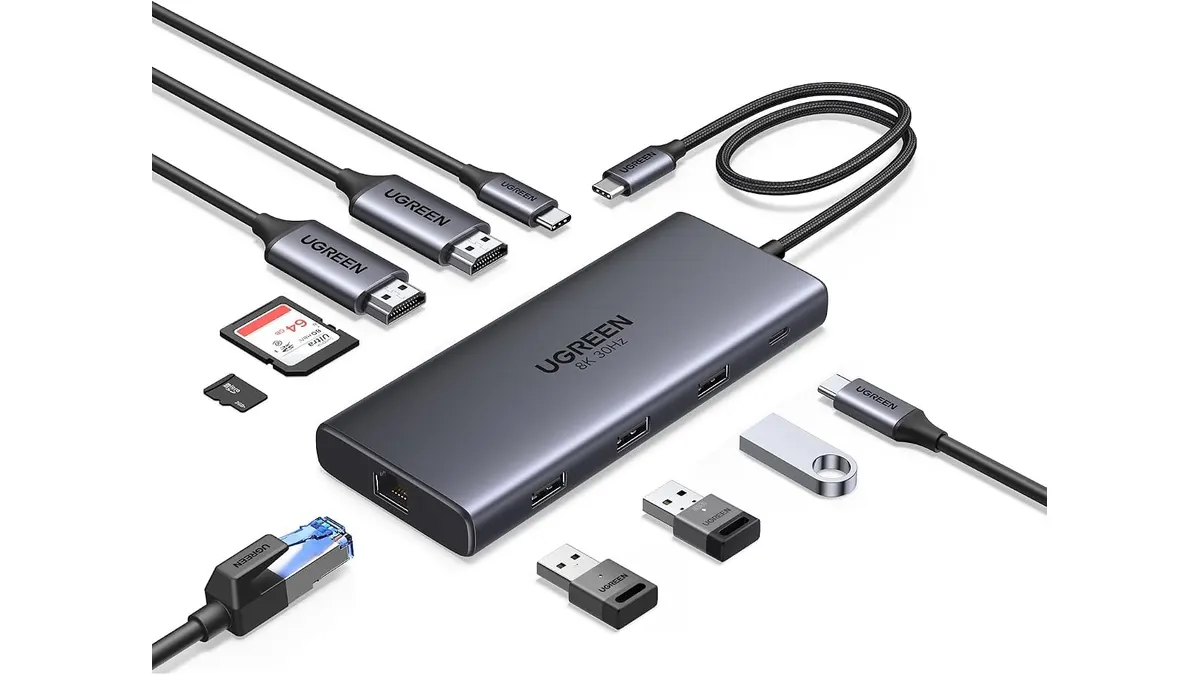
UGREEN 10-in-1 USB C Docking Station Review
Searching for the best usb-c hub for home office setups? Read our UGREEN 10-in-1 USB C Docking Station review for dual 4K video performance and specs.
 Mounts & Hubs
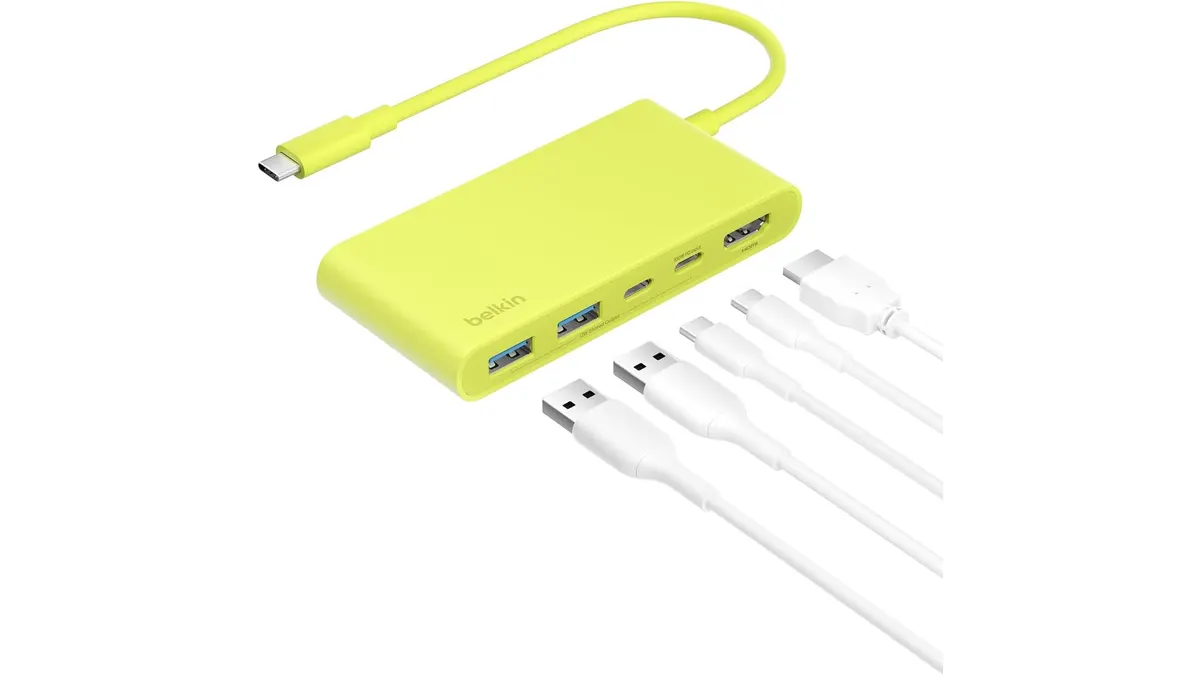
Belkin 100W USB C Hub Review: Compact Power
Looking for the best usb-c hub for home office setups? Our Belkin 100W USB C Hub review covers 4K 60Hz HDMI video, 100W PD, and transfer speeds.
 Mounts & Hubs
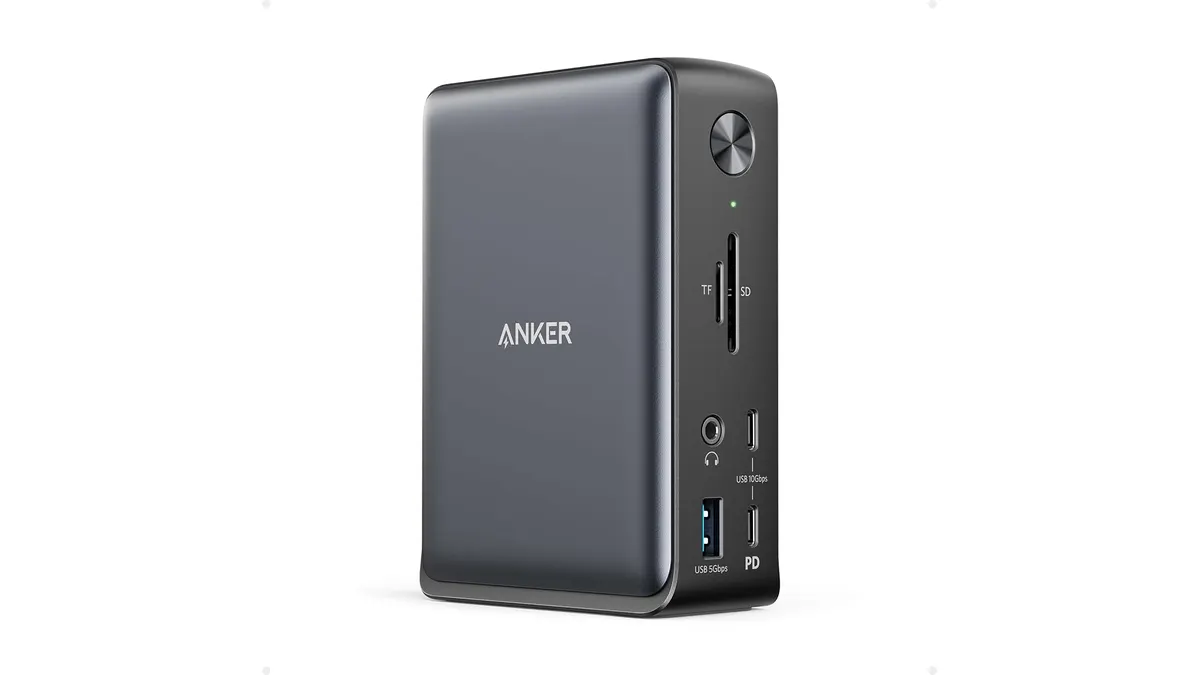
Anker 13-in-1 USB-C Docking Station Review
Looking for the best usb-c hub for home office setups? Read our detailed Anker 13-in-1 USB-C Docking Station review covering specs and performance.