MOUNTUP Single Monitor Desk Mount Review
The MOUNTUP Single Monitor Desk Mount is a sturdy, reliable choice for decluttering. See our review to find the best usb-c hub for home office setup.
Buying guide: best mounts & hubs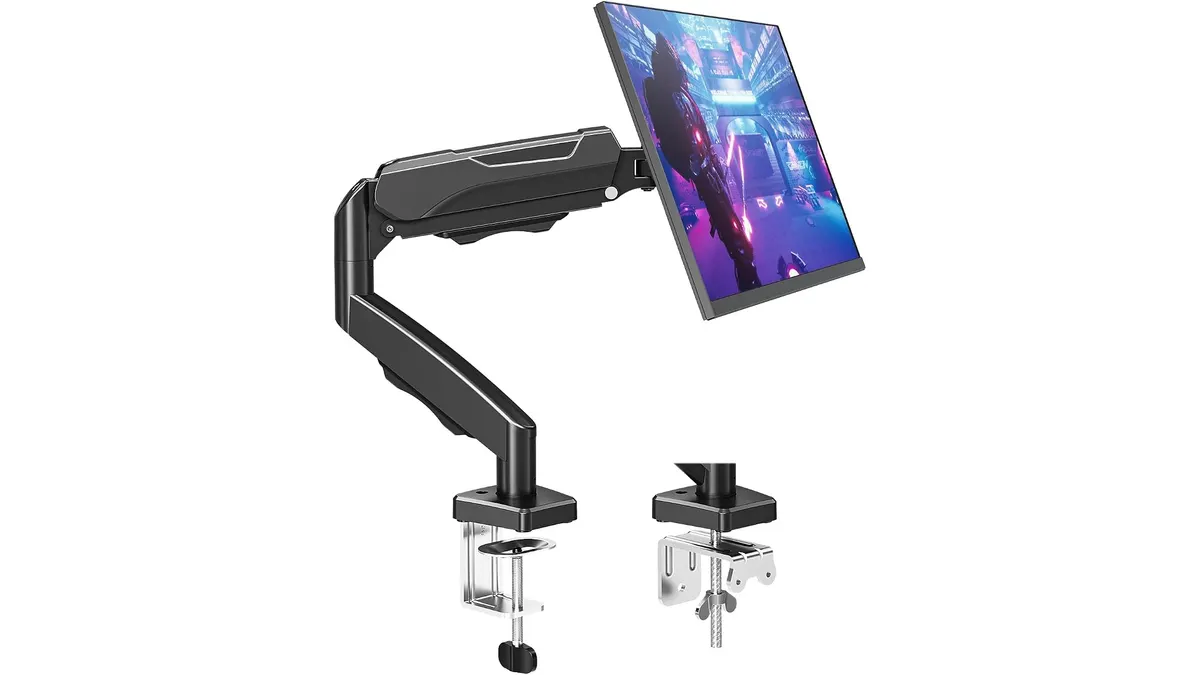 Mounts & Hubs
Your monitor stand is likely taking up valuable real estate on your desk. The MOUNTUP Single Monitor Desk Mount is a straightforward solution designed to reclaim that space and improve your posture. While setting up your workstation, you might be looking for the best usb-c hub for home office connectivity to complement your gear. Before you dive into browsing our Mounts & Hubs category, consider how this arm acts as the foundation for a cleaner, more efficient workspace.
What it does well
This mount focuses on the basics and executes them with high-grade steel. Its primary strength is the sheer capacity of the hardware. It handles screens up to 32 inches and supports weights between 4.4 and 19.8 pounds, which covers the vast majority of standard office displays.
Durability is another highlight. MOUNTUP put the tension system through 20,000 testing cycles, meaning the arm won’t start sagging after a few months of daily height adjustments. The movement range is equally impressive for a budget-friendly option, offering -45° to +90° tilt and a full 360-degree rotation. This allows you to easily switch from a landscape display for spreadsheets to portrait orientation for coding or reading documents.
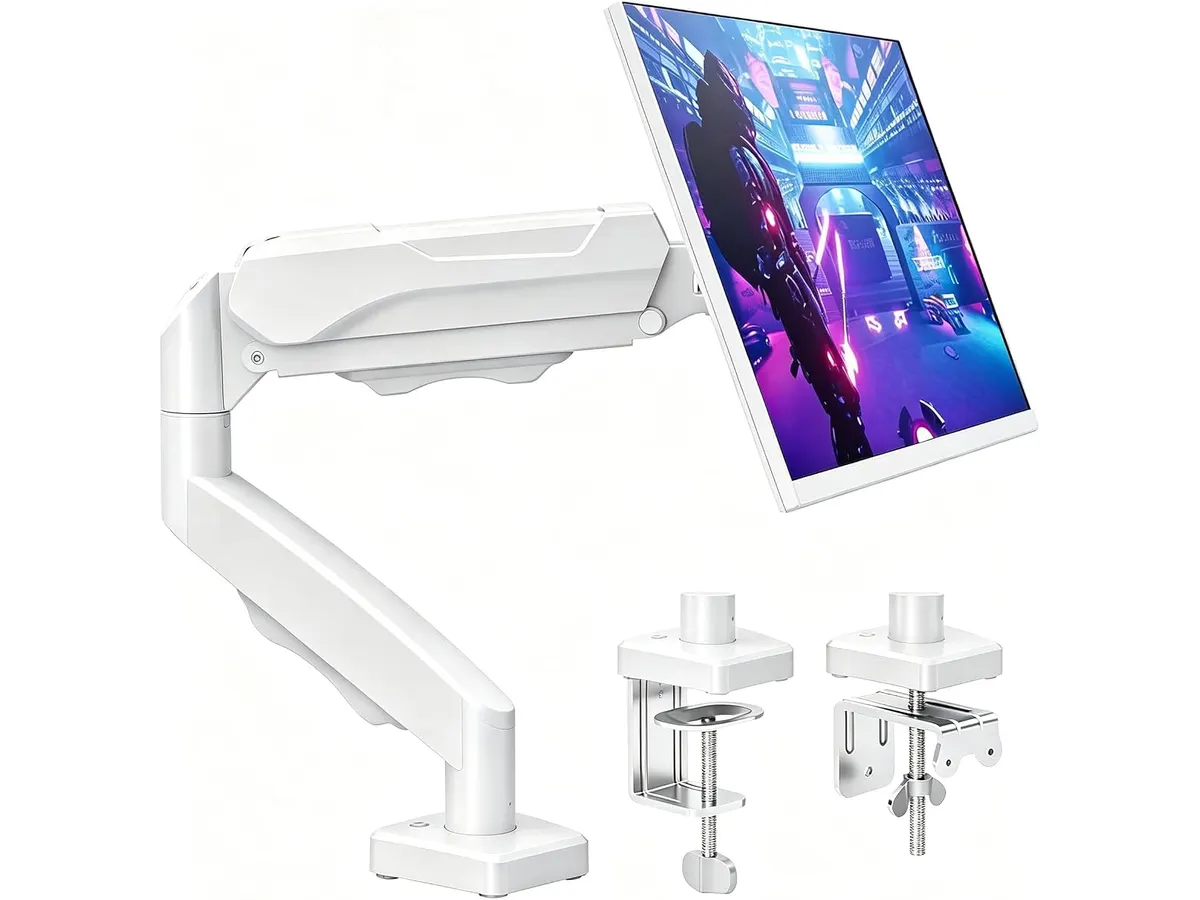
Finally, the installation flexibility matters. You get both a C-clamp and a grommet base in the box. Whether your desk has a thick edge or a pre-drilled cable hole, you are covered without having to purchase extra hardware. The integrated cable management channels also keep your desk looking tidy by hiding power and video cables along the arm.
Key specifications
| Feature | Specification |
|---|---|
| Screen Size | 17 to 32 inches |
| Weight Capacity | 4.4 to 19.8 lbs |
| VESA Compatibility | 75x75mm and 100x100mm |
| Height Adjustment | Up to 16.9 inches |
| Tilt | -45° to +90° |
| Swivel | ±180° |
| Rotation | 360° |
| Mounting Options | C-clamp and Grommet |
Where it falls short
While the build quality is high, the adjustment process is not as smooth as premium gas-spring alternatives. You will need to use the provided tools to set the tension correctly for your monitor’s weight. If you frequently change your monitor’s height or position throughout the day, this arm lacks the effortless, one-touch fluidity found in more expensive models.
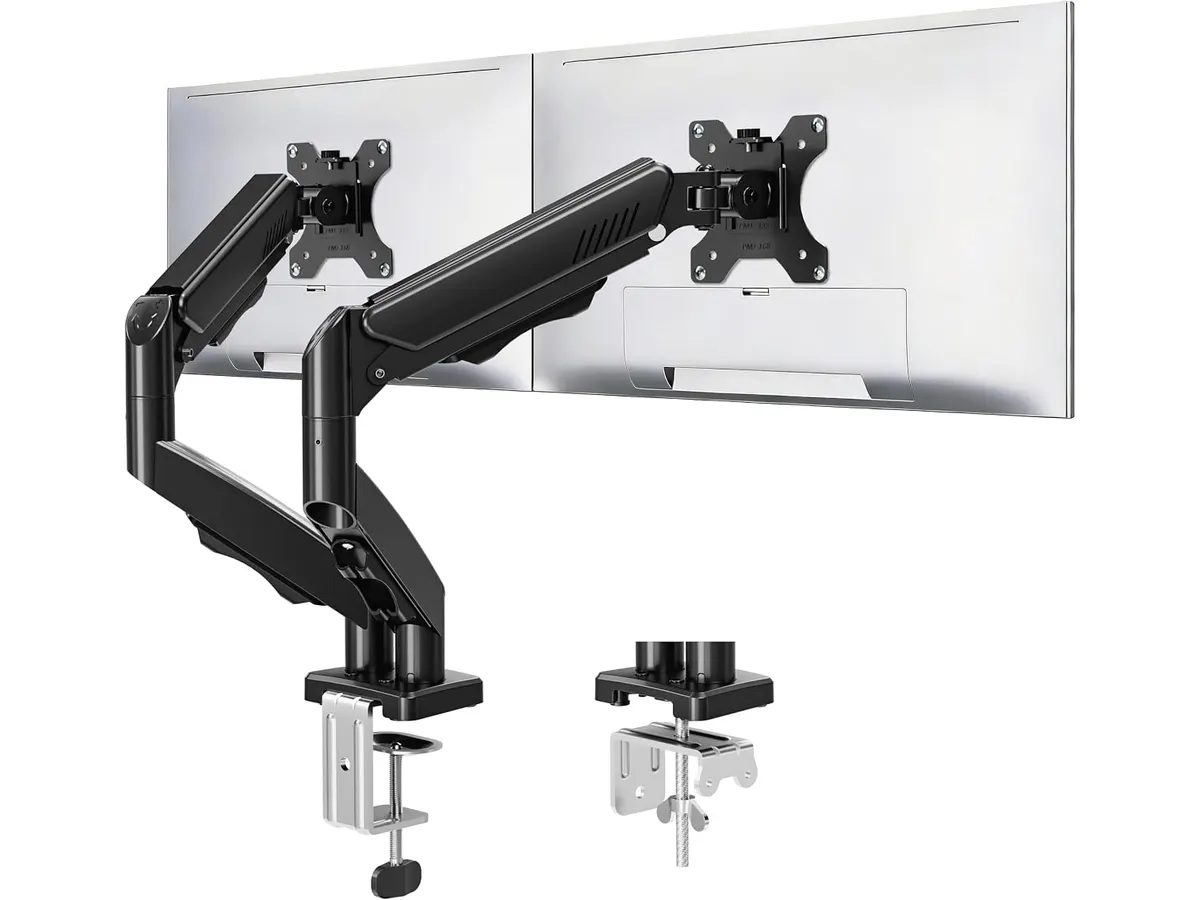
Additionally, the arm is strictly for single-monitor setups. If you plan to expand your workstation to a dual-display configuration later, this unit offers no path for upgrades. You would need to replace the entire mount, which is an inconvenience compared to modular mounting systems.
Who is it for?
This mount is perfect for the student or home office worker who wants a set-it-and-forget-it solution. If you have a single monitor that you keep at a consistent height and you want a clean, minimalist desk, this is a reliable piece of hardware.
It is not for the power user or creative professional who constantly moves their display to show work to colleagues or switches between standing and sitting positions. If your workflow requires frequent, fluid adjustments, you will likely find the tension-bolt system frustrating.
Alternatives to consider
If you need a premium experience with gas-spring mechanics that allow for finger-tip height adjustments, you should look at mid-to-high tier monitor arms. These typically offer smoother movement and tool-free height locking, though they occupy a higher price bracket. If you have a more complex setup, you might also consider Anker USB-C Hub 8-in-1 Review: Versatile Connectivity Solution for better peripheral integration.
For users with multiple high-resolution displays and a need for extreme flexibility, there are high-end professional arms that support dual configurations. These often include built-in cable management and advanced ergonomics, though they represent a significant investment compared to a single-arm steel mount. If you truly want to centralize your entire workflow, the CalDigit TS4 Review: The Ultimate Desktop Hub offers a glimpse into how a high-end hub can manage everything else.
Verdict
The MOUNTUP Single Monitor Desk Mount is a solid, no-nonsense tool that does exactly what it claims to do. It is built to last and provides the flexibility most home office users actually need, provided they don’t move their screens constantly. For the price, it remains a high-value addition to any desk setup.
Frequently asked questions
Can this mount hold an ultrawide monitor?
Yes, as long as the monitor falls within the 4.4 to 19.8-pound weight range and supports 75x75mm or 100x100mm VESA patterns.
Is the installation difficult?
Installation is straightforward. It includes all necessary hardware for either C-clamp or grommet mounting, and the instructions are clear enough for a one-person setup.
Will this arm work with a glass desk?
While it works, be cautious with glass surfaces. Use a protective plate between the C-clamp and the glass to distribute the pressure and prevent cracking.

Editor
Charly River · SetUpLatam
Charly River curates, reviews and edits SetUpLatam’s home office guides. He checks every product sheet against the manufacturer’s official specifications and cuts what does not help, so you buy right the first time.
You may also like
 Mounts & Hubs
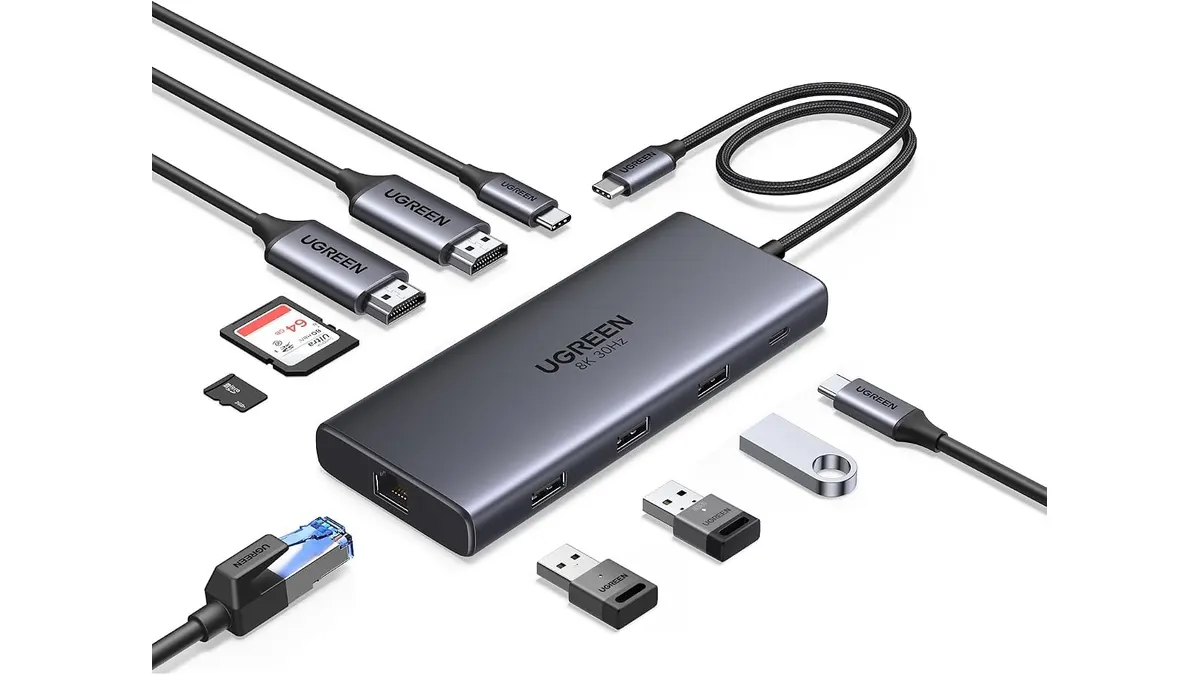
UGREEN 10-in-1 USB C Docking Station Review
Searching for the best usb-c hub for home office setups? Read our UGREEN 10-in-1 USB C Docking Station review for dual 4K video performance and specs.
 Mounts & Hubs
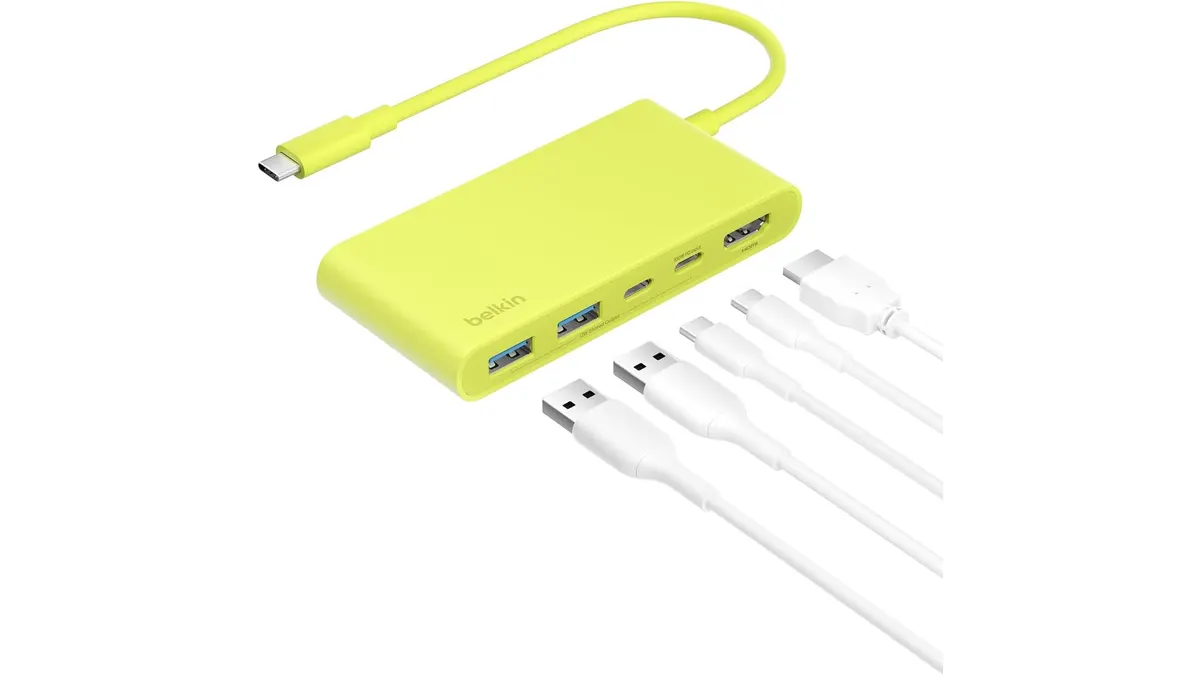
Belkin 100W USB C Hub Review: Compact Power
Looking for the best usb-c hub for home office setups? Our Belkin 100W USB C Hub review covers 4K 60Hz HDMI video, 100W PD, and transfer speeds.
 Mounts & Hubs
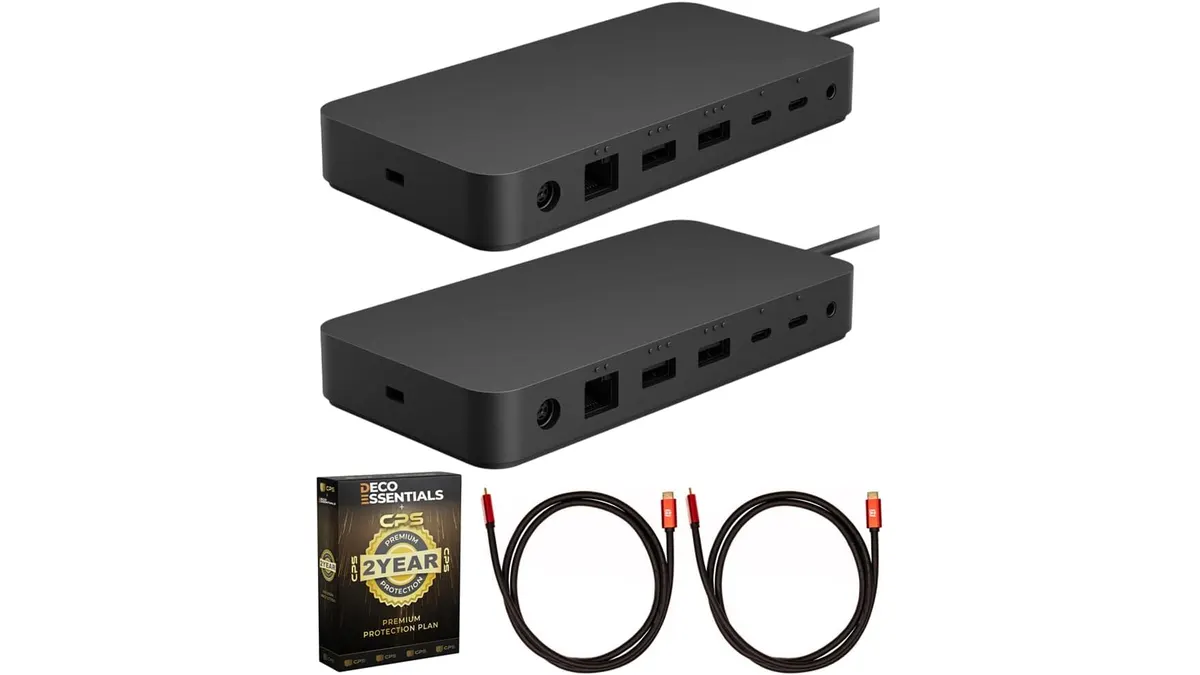
Microsoft Surface Thunderbolt 4 Dock Review
Our Microsoft Surface Thunderbolt 4 Dock review breaks down performance, dual 4K support, and why it is the best usb-c hub for home office workstations.