Belkin 100W USB C Hub Review: Compact Power
Looking for the best usb-c hub for home office setups? Our Belkin 100W USB C Hub review covers 4K 60Hz HDMI video, 100W PD, and transfer speeds.
Buying guide: best mounts & hubs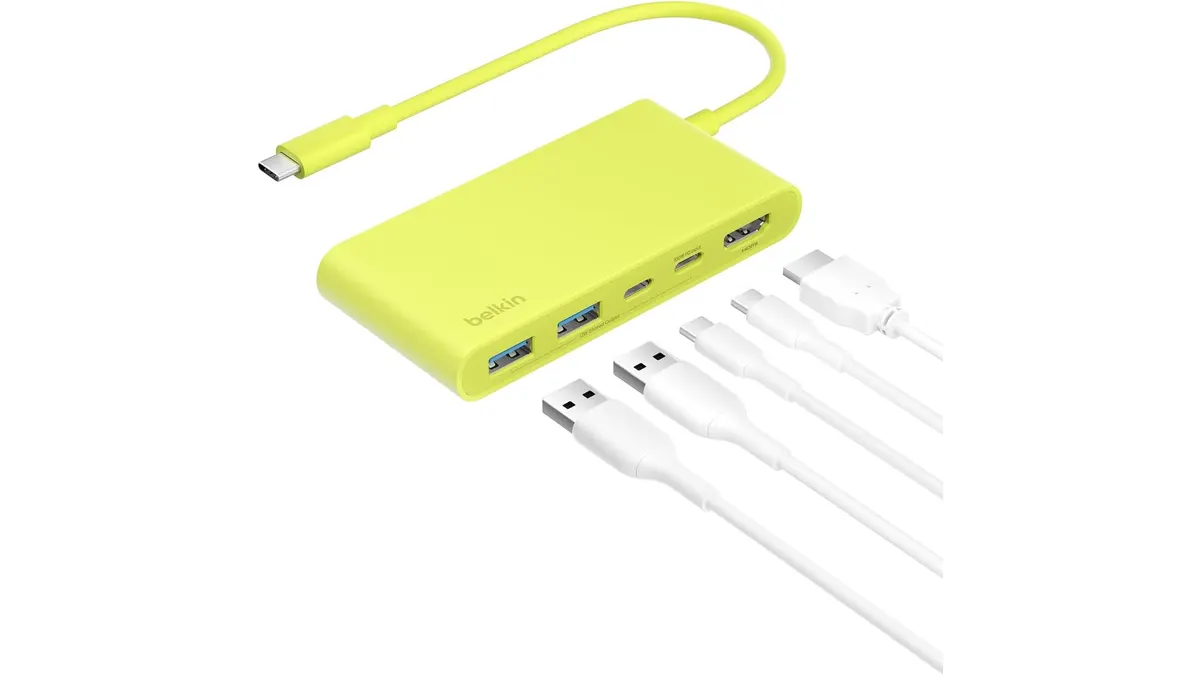 Mounts & Hubs
Single-cable setups are essential for maintaining a clean, efficient workspace. The Belkin 100W USB C Hub targets remote workers and creators who want reliable display output and fast charging without clogging their desk with bulky power bricks. If you need a straightforward adapter that handles daily video and power demands, this compact 5-port hub stands out in our Mounts & Hubs collection as a prime contender for the best usb-c hub for home office minimalists.
What it does well
Belkin focuses on stability and fluid display performance rather than padding the chassis with unnecessary ports.
- Fluid 4K at 60Hz Video: Budget hubs often cap external monitor refresh rates at 30Hz, causing visible cursor lag and choppy scrolling. Built with an HDMI 2.0 port, this hub drives a 4K display at 60Hz, keeping your visual workspace smooth and responsive.
- 100W Pass-Through Power Delivery: Modern laptops require significant juice under workload. Supporting up to 100W Power Delivery pass-through, the hub keeps demanding laptops charged while powering connected external hardware.
- 6-Point Safety System: Compact hubs frequently run warm under heavy electrical load. Belkin integrates a 6-point safety architecture designed to safeguard host hardware against overvoltage, electrical surges, and excessive heat.
- 5 Gbps Transfer Speeds: Transferring standard files, photo libraries, or project backups across USB ports happens quickly without hitting bandwidth bottlenecks.
Key specifications
| Feature | Specification |
|---|---|
| Total Ports | 5 ports |
| Power Delivery | Up to 100W Pass-Through |
| HDMI Standard | HDMI 2.0 |
| Maximum Resolution | 4K at 60Hz |
| Data Transfer Speed | Up to 5 Gbps |
| Integrated Protection | 6-point safety system |
Where it falls short
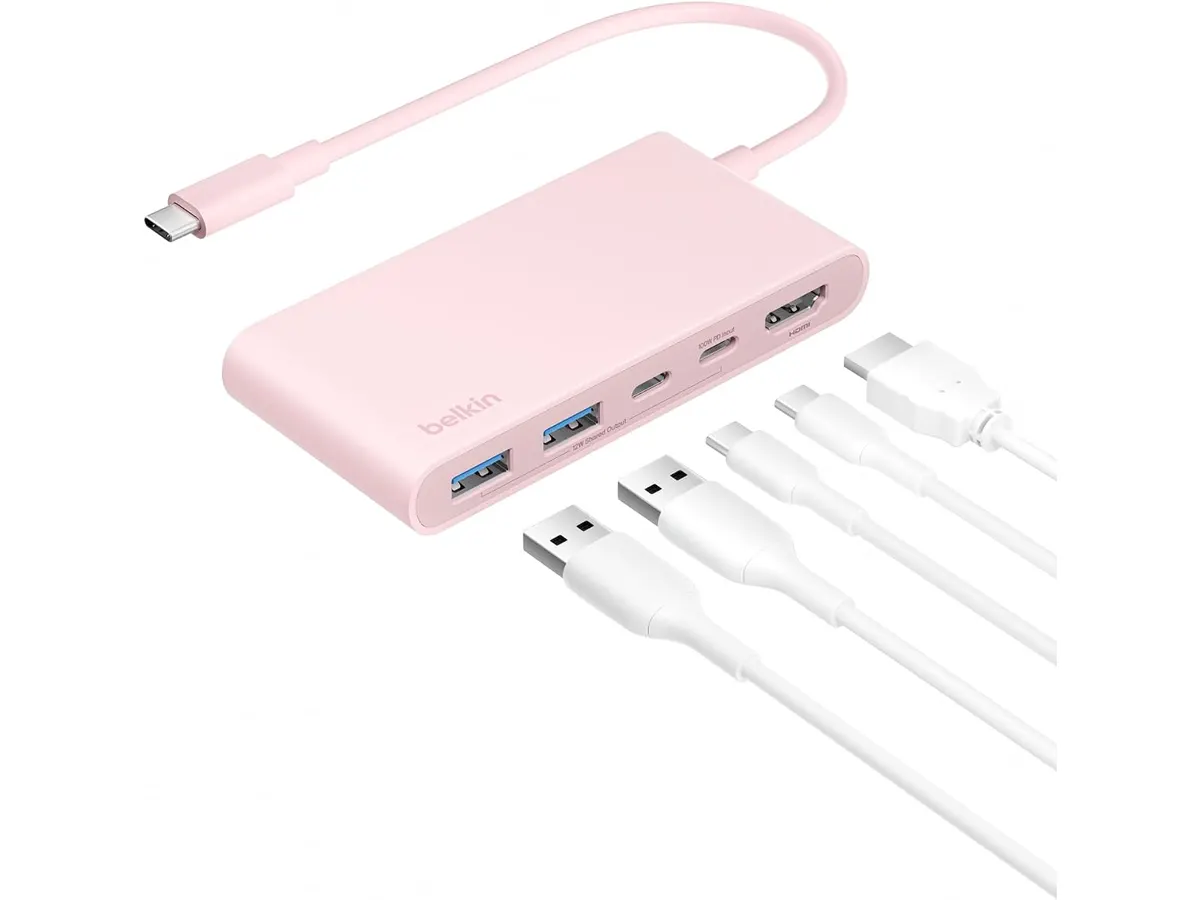
Five ports keep the overall footprint slim, but multi-display power users will hit clear physical limitations. With only a single HDMI 2.0 output, driving dual external screens from this single hub is impossible. Anyone seeking a true multi-monitor powerhouse should look toward a full desktop laptop docking station instead.
Data transfer rates peak at 5 Gbps. While perfectly fine for standard flash drives, external hard drives, and peripherals, high-speed NVMe solid-state drives will experience throttled read and write speeds compared to 10 Gbps or Thunderbolt connections. Additionally, the limited port selection means users who regularly attach media cards, legacy devices, and wired networking will run out of available sockets fast.
Who is it for?
The Mobile Professional or Hybrid Worker: Your work moves between a home desk and shared spaces. You want a single adapter that slips effortlessly into a backpack, charges your machine at full speed, and connects cleanly to a high-resolution 4K monitor.
The Peripheral-Heavy Power User: Your setup requires multiple wired accessories, dedicated card readers, dual monitors, and gigabit ethernet. If you use a MOUNTUP Single Monitor Desk Mount alongside secondary displays and external media storage, this minimalist hub will leave you looking for extra adapters.
Alternatives to consider
If you require card readers or direct ethernet connectivity, consider mid-tier expanded hubs like the Anker USB-C Hub 8-in-1. These mid-range options offer expanded media interfaces for creators who regularly transfer camera footage without stepping up to heavy desktop enclosures.
For permanent desktop environments that demand multi-monitor outputs and maximum data throughput, look at full-sized Thunderbolt desktop docks. While premium-tier docks require a higher investment and a dedicated power supply, they transform your laptop into a complete workstation over a single cable.
Verdict
The Belkin 100W USB C Hub delivers full-speed charging, stable video performance, and dependable data transfer in a portable form factor. It solves the annoying screen lag of cheaper dongles by offering true 4K output at 60Hz while keeping your computer powered under load. While power users with complex peripheral setups will need a larger dock, this compact adapter covers all the core fundamentals exceptionally well.
Frequently asked questions
Is this the best usb-c hub for home office display setups?
It is an exceptional choice if you rely on a single 4K monitor. Thanks to its HDMI 2.0 interface, it outputs 4K resolution at a fluid 60Hz, avoiding the lagging cursor issues typical of lower-spec adapters.
Does the hub supply the full 100W directly to my laptop?
The hub supports up to 100W Power Delivery pass-through. A small portion of wattage powers the internal circuitry and connected USB accessories, with the remaining power passed directly to your connected computer.
Do I need to install software or drivers to use it?
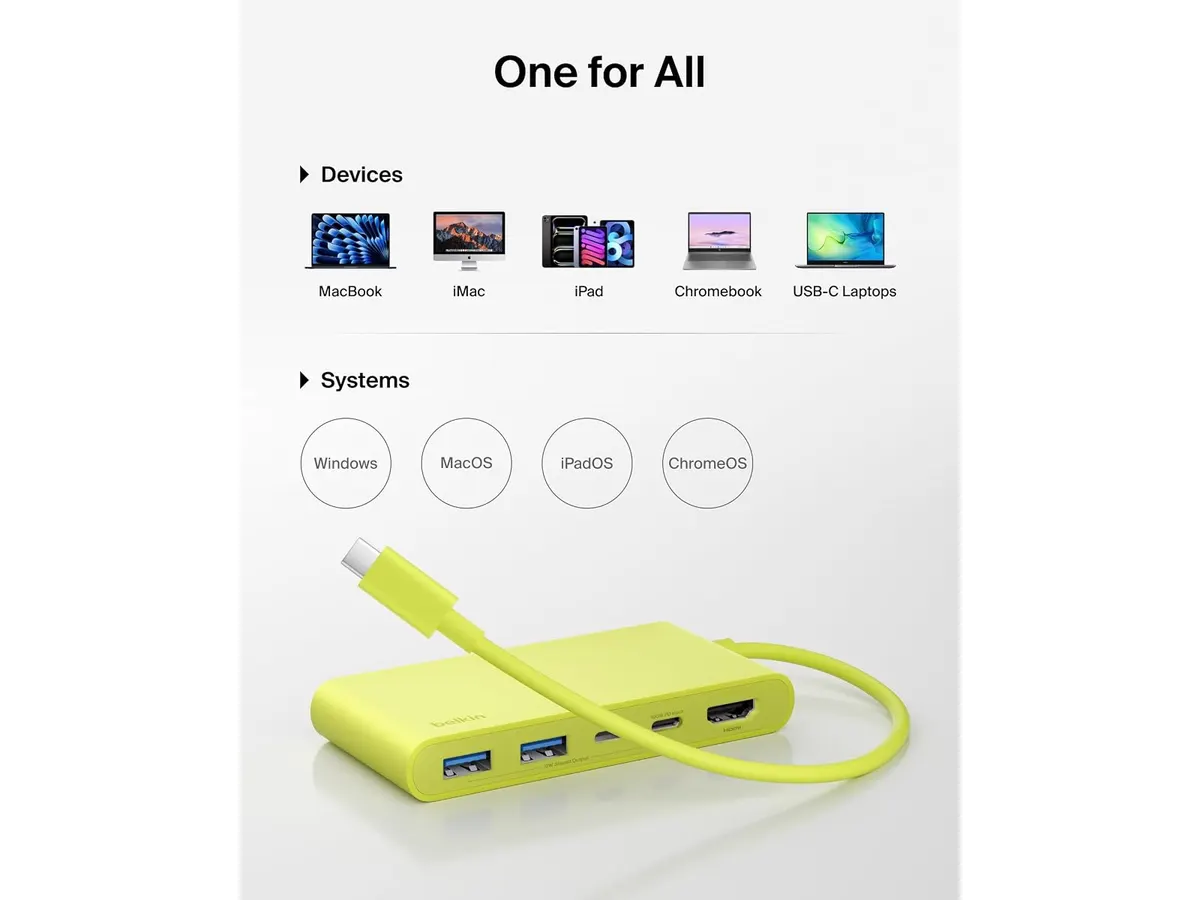
No external drivers are necessary. The hub works automatically across macOS, Windows, ChromeOS, and iPadOS devices as soon as you plug it into a compatible USB-C port.

Editor
Charly River · SetUpLatam
Charly River curates, reviews and edits SetUpLatam’s home office guides. He checks every product sheet against the manufacturer’s official specifications and cuts what does not help, so you buy right the first time.
You may also like
 Mounts & Hubs
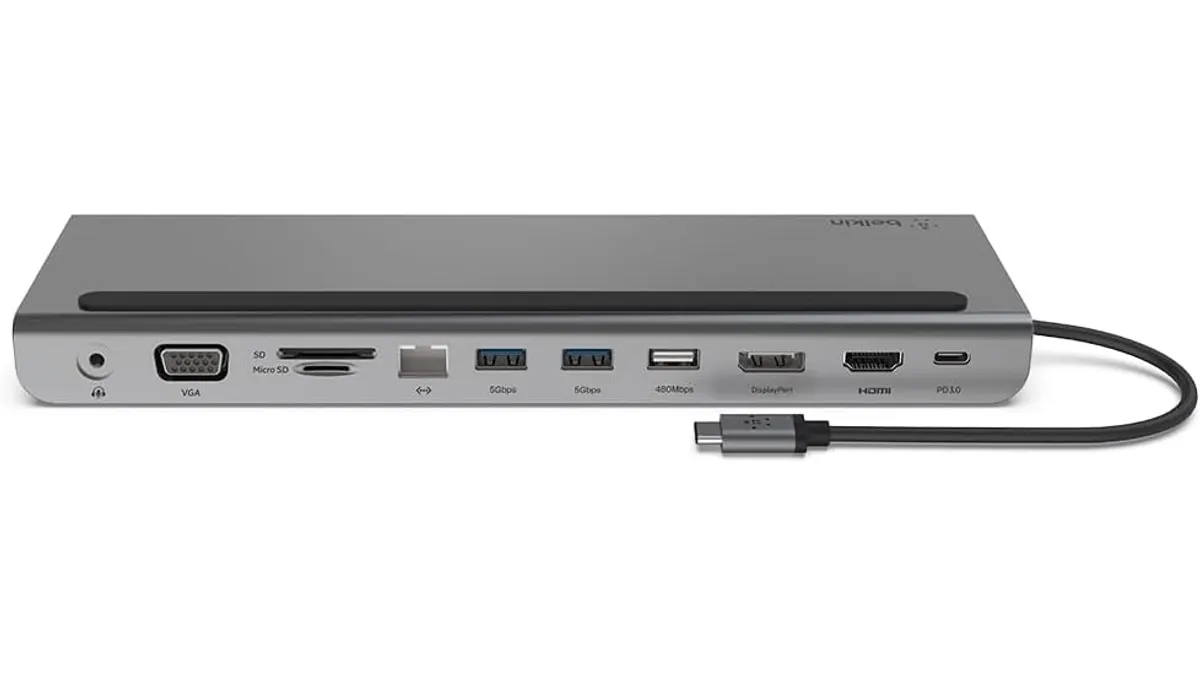
Belkin 11-in-1 USB-C Hub Review: Desktop Utility
Is the Belkin 11-in-1 USB-C Hub the best usb-c hub for home office setups? We test its pass-through charging, port variety, and design to help you decide.
 Mounts & Hubs
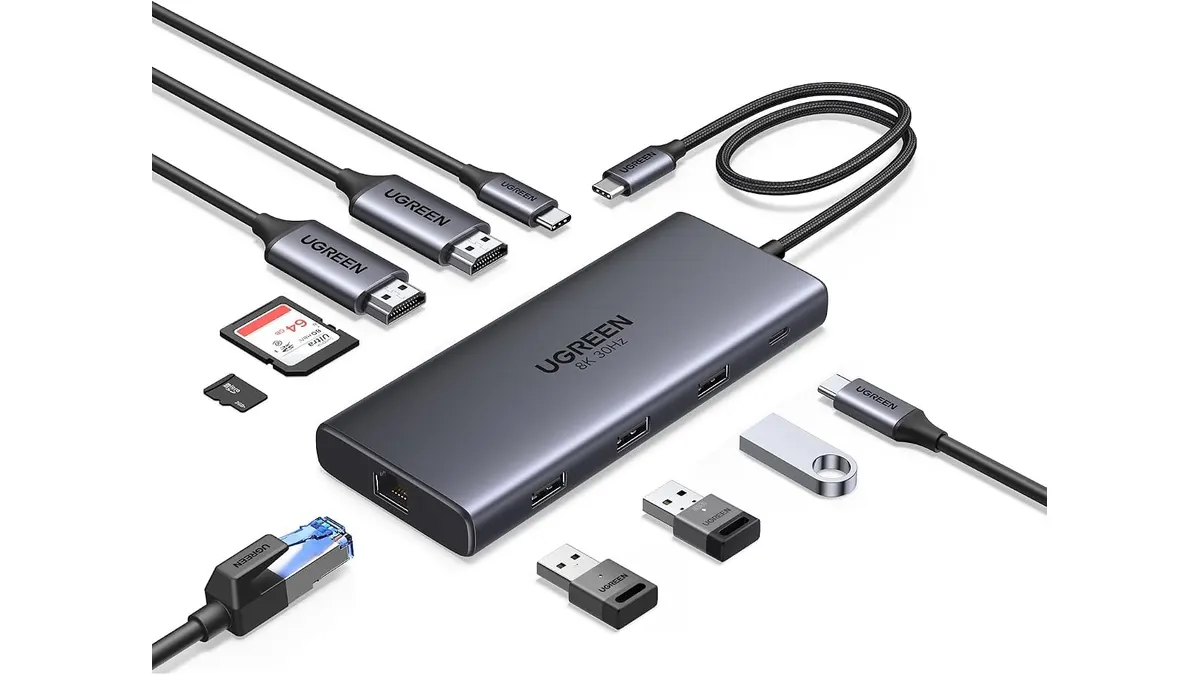
UGREEN 10-in-1 USB C Docking Station Review
Searching for the best usb-c hub for home office setups? Read our UGREEN 10-in-1 USB C Docking Station review for dual 4K video performance and specs.
 Mounts & Hubs
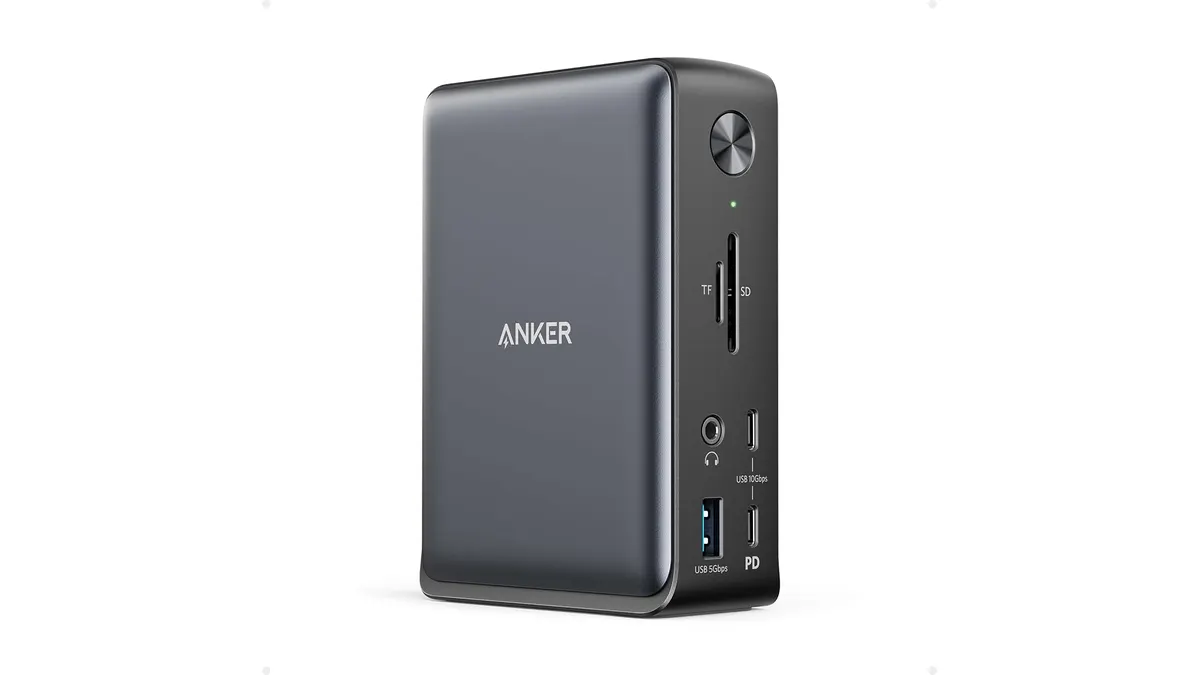
Anker 13-in-1 USB-C Docking Station Review
Looking for the best usb-c hub for home office setups? Read our detailed Anker 13-in-1 USB-C Docking Station review covering specs and performance.