UGREEN 10-in-1 USB C Docking Station Review
Searching for the best usb-c hub for home office setups? Read our UGREEN 10-in-1 USB C Docking Station review for dual 4K video performance and specs.
Buying guide: best mounts & hubs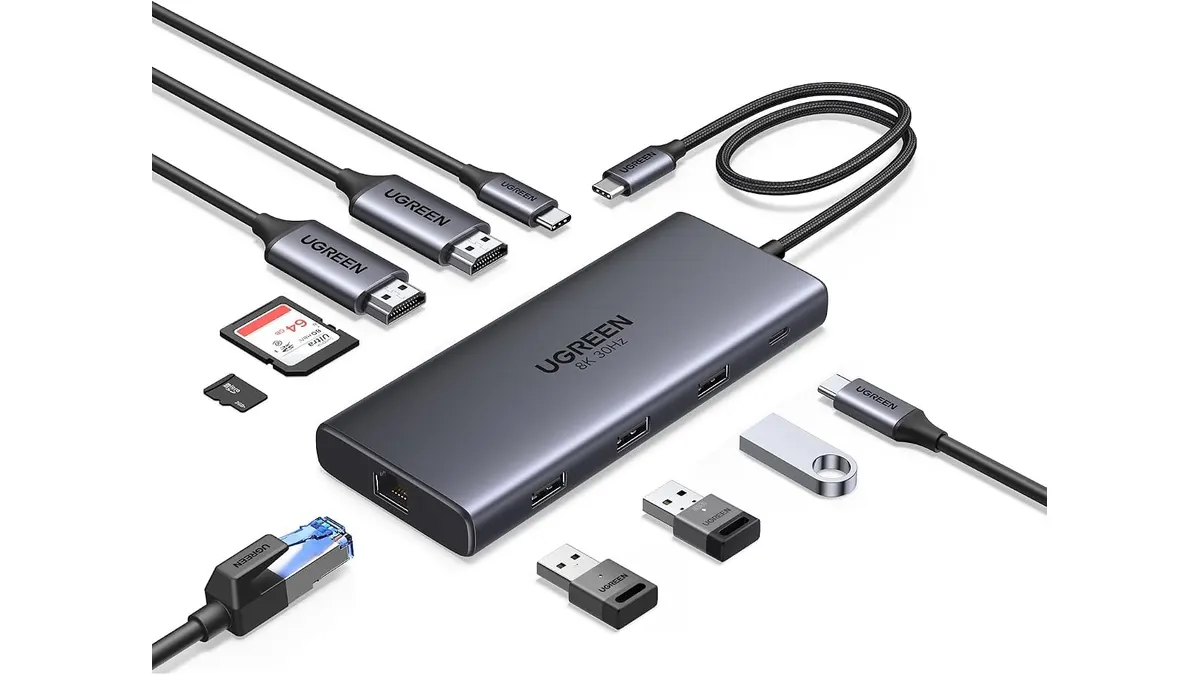 Mounts & Hubs
Single-cable clutter ruins focus. If you are searching for the best usb-c hub for home office productivity, the UGREEN 10-in-1 USB C Docking Station offers dual 4K video output and reliable power delivery in a streamlined package. It gives modern laptop users a straightforward path to transform a single port into a functional workstation without cluttering your desk.
What it does well
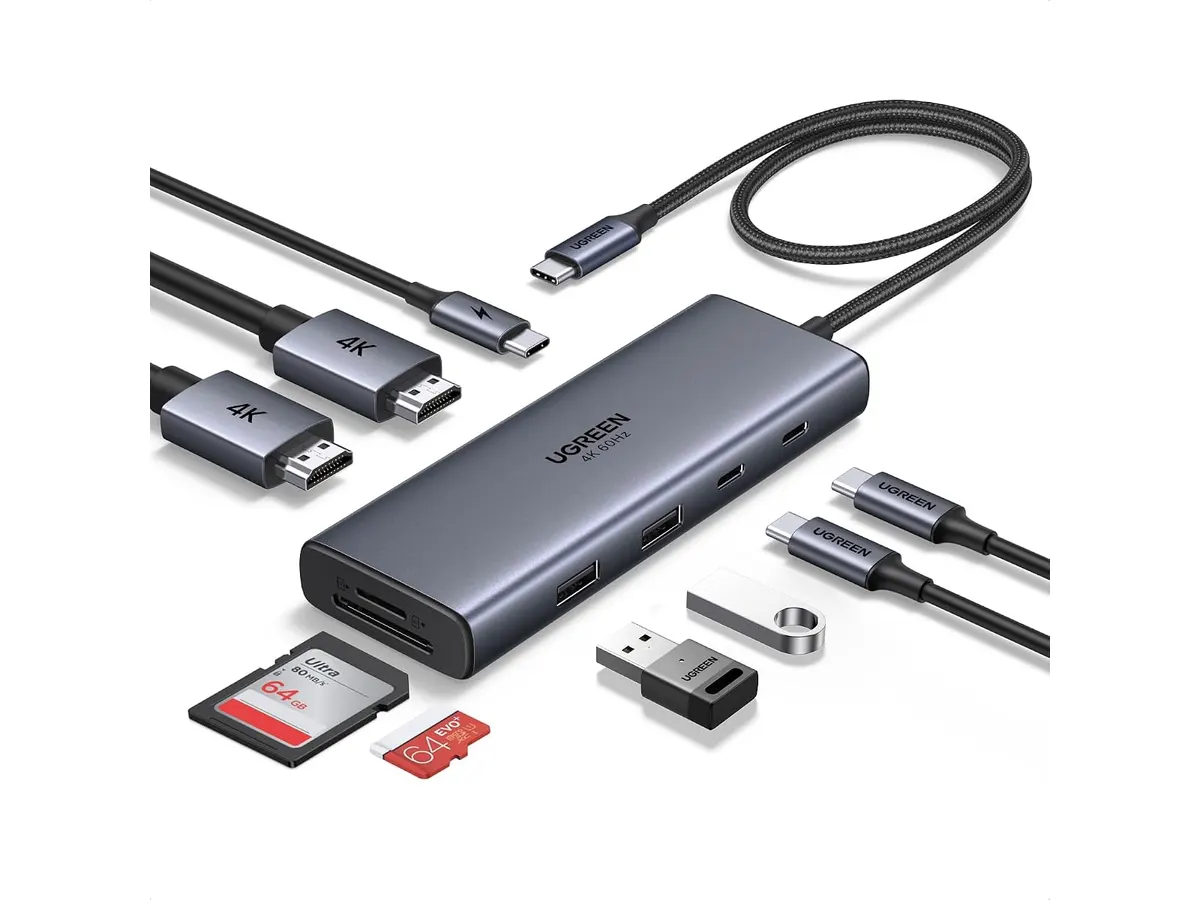
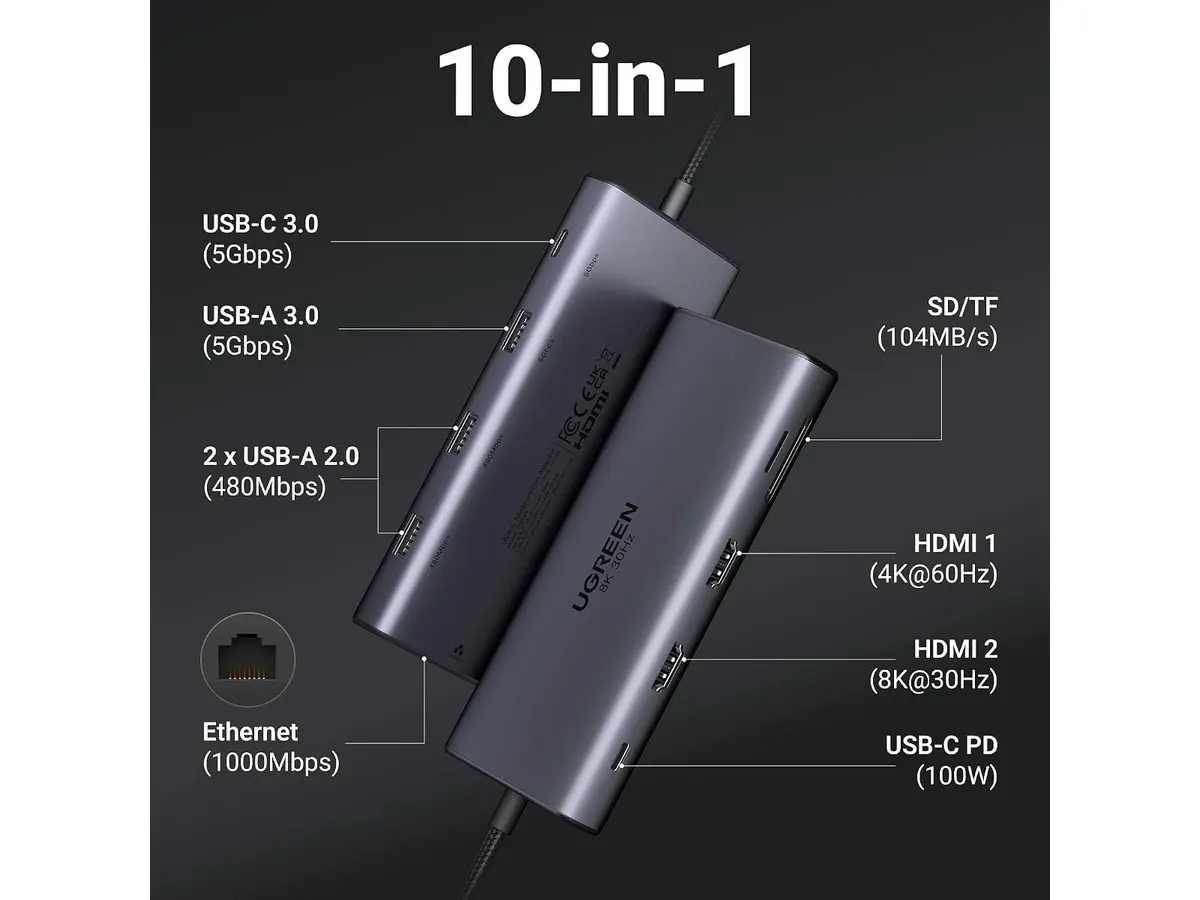
The video capabilities set this hub apart from basic adapters. Featuring two HDMI ports, it supports dual displays up to 4K resolution at 60Hz. If you connect a single display, it can push up to 8K resolution at 30Hz. This high refresh rate ensures smooth window scrolling and reduces eye strain during long working sessions.
Power delivery is equally capable. The unit accepts up to 100W PD input, directing up to 85W of pass-through power to your connected computer. That is plenty of headroom to keep standard ultrabooks and mid-range laptops charged while running external accessories.
Network stability matters for video calls and quick downloads. The integrated Gigabit Ethernet port delivers full 1000Mbps speeds, skipping the latency spikes common to Wi-Fi connections.
For media management, the built-in SD and Micro SD card readers handle daily photo transfers easily. Combined with standard 5Gbps USB data ports, you get steady speeds for backing up flash drives and peripherals without waiting around.
Key specifications
| Feature | Specification |
|---|---|
| Video Ports | 2x HDMI |
| Max Resolution | Dual 4K @ 60Hz / Single 8K @ 30Hz |
| Power Delivery | 100W PD input (85W pass-through output) |
| Data Transfer Rate | Up to 5Gbps |
| Ethernet Speed | 1000Mbps (Gigabit) |
| Card Readers | SD and Micro SD |
| Total Ports | 10 ports |
Where it falls short
While the 5Gbps data speed works fine for everyday peripheral connection, high-volume creators might find it limiting. Transferring massive video projects to external NVMe storage will take longer than on Thunderbolt or 10Gbps hubs.
The pass-through charging reserves 15W to power the internal board and ports. While 85W charges most 13-inch and 14-inch laptops quickly, large 16-inch workstation laptops running heavy CPU or GPU loads might draw power faster than the dock can supply it.
Having dual HDMI ports is great, but the lack of a DisplayPort connection means you are locked into HDMI cables. If your monitors only offer DisplayPort inputs for high refresh rates, you will need extra adapters.
Who is it for?
This UGREEN Mounts & Hubs device suits remote workers, analysts, and general creators who want a clean desktop layout with dual monitors. If you want to connect a single USB-C cable to charge your laptop, grab wired internet, and drive two 4K screens, this hub matches your daily needs well.
It is not meant for heavy data wranglers or users needing extreme multi-monitor setups across three or more screens. If your workflow depends on transferring hundreds of gigabytes per hour or high-wattage desktop charging, explore a heavy-duty option like our CalDigit TS4 review.
Alternatives to consider
If your desk layout is compact and you do not need dual 4K output, a lower price tier travel hub will save money while expanding basic ports. For a lighter portable solution, read our Anker USB-C Hub 8-in-1 review to see how smaller options compare.
On the other hand, if you manage intensive media production, jumping to a higher price tier stationary Thunderbolt dock makes more sense. Those top-tier hubs provide 10Gbps to 40Gbps speeds, high-wattage charging, and native DisplayPort or Thunderbolt video outputs.
If you are setting up dual monitors, pairing your laptop docking station with a sturdy MOUNTUP Single Monitor Desk Mount can help free up even more surface space on your desk.
Verdict
The UGREEN 10-in-1 USB C Docking Station hits a sweet spot between versatility and physical size. Dual 4K at 60Hz display support paired with 85W laptop charging covers the real needs of most remote professionals. While data speeds top out at 5Gbps, the overall feature set makes it a compelling choice for everyday productivity. Explore more hub reviews and desk organization options in our Mounts & Hubs section.
Frequently asked questions
Does the UGREEN 10-in-1 USB C Docking Station support dual 4K monitors?
Yes, the dock features two HDMI ports capable of running two displays at 4K resolution with a smooth 60Hz refresh rate simultaneously.
How much power does this laptop docking station supply to the host computer?
It supports 100W Power Delivery input, reserving 15W for internal operations while supplying up to 85W pass-through charging directly to your connected laptop.
Does this usb-c hub with hdmi need special drivers to work?
No additional drivers are required for standard operation. However, your host computer must support DisplayPort Alt Mode over USB-C to output video signals to external monitors.

Editor
Charly River · SetUpLatam
Charly River curates, reviews and edits SetUpLatam’s home office guides. He checks every product sheet against the manufacturer’s official specifications and cuts what does not help, so you buy right the first time.
You may also like
 Mounts & Hubs
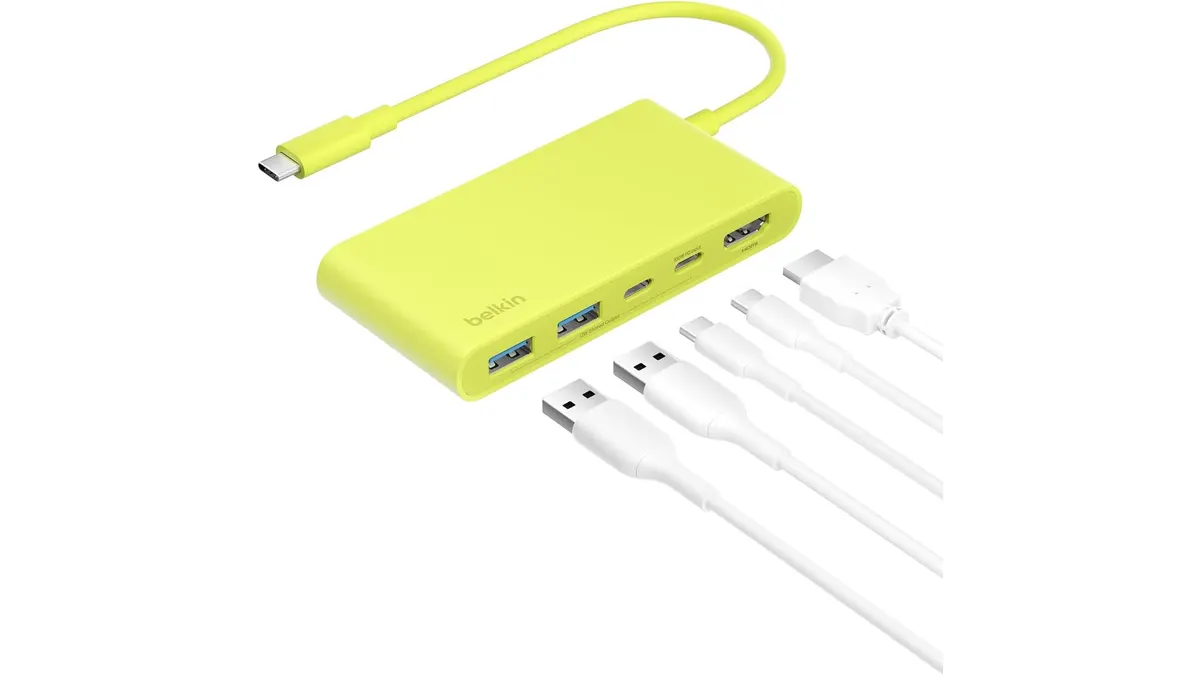
Belkin 100W USB C Hub Review: Compact Power
Looking for the best usb-c hub for home office setups? Our Belkin 100W USB C Hub review covers 4K 60Hz HDMI video, 100W PD, and transfer speeds.
 Mounts & Hubs
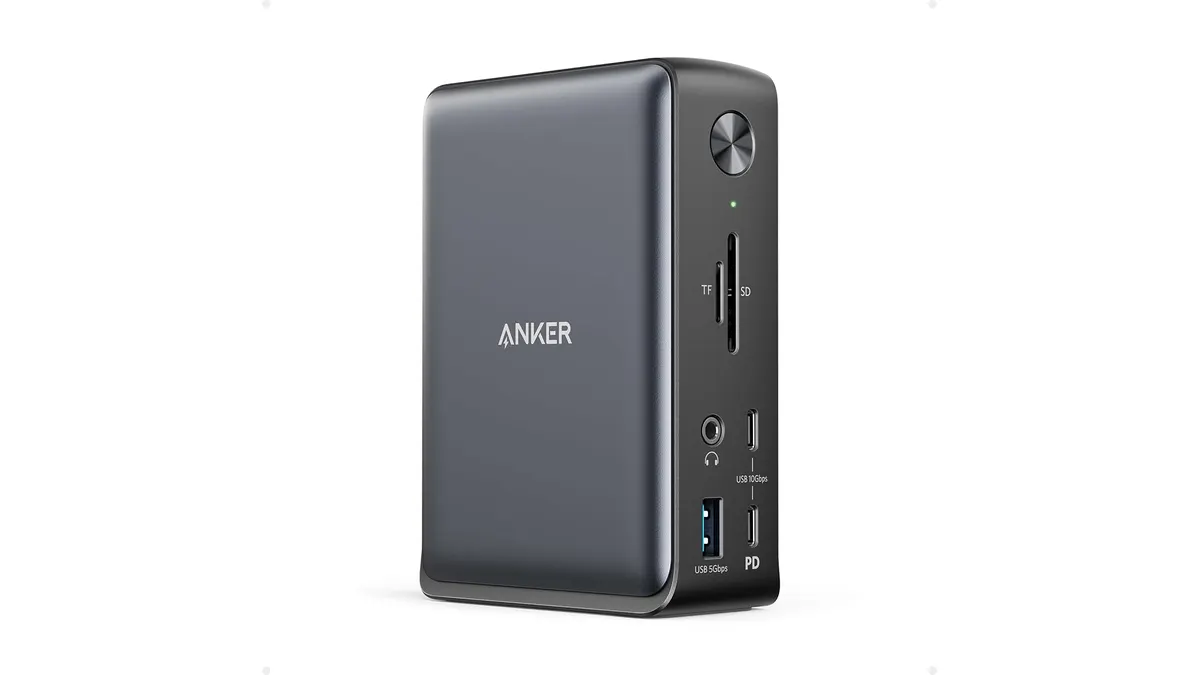
Anker 13-in-1 USB-C Docking Station Review
Looking for the best usb-c hub for home office setups? Read our detailed Anker 13-in-1 USB-C Docking Station review covering specs and performance.
 Mounts & Hubs
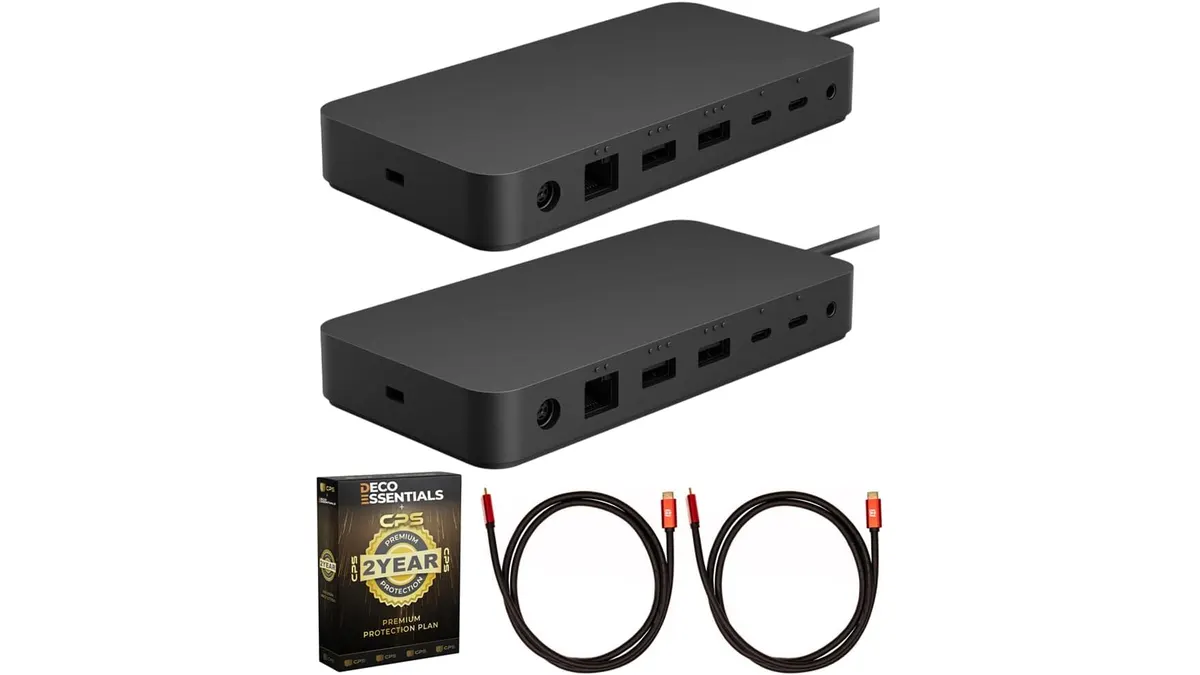
Microsoft Surface Thunderbolt 4 Dock Review
Our Microsoft Surface Thunderbolt 4 Dock review breaks down performance, dual 4K support, and why it is the best usb-c hub for home office workstations.