Samsung ViewFinity S7 Review: Best Home Office Monitor
Explore the Samsung ViewFinity S7 (S70H), the best home office monitor with 4K resolution and eye comfort technology, perfect for remote work.
Buying guide: best monitors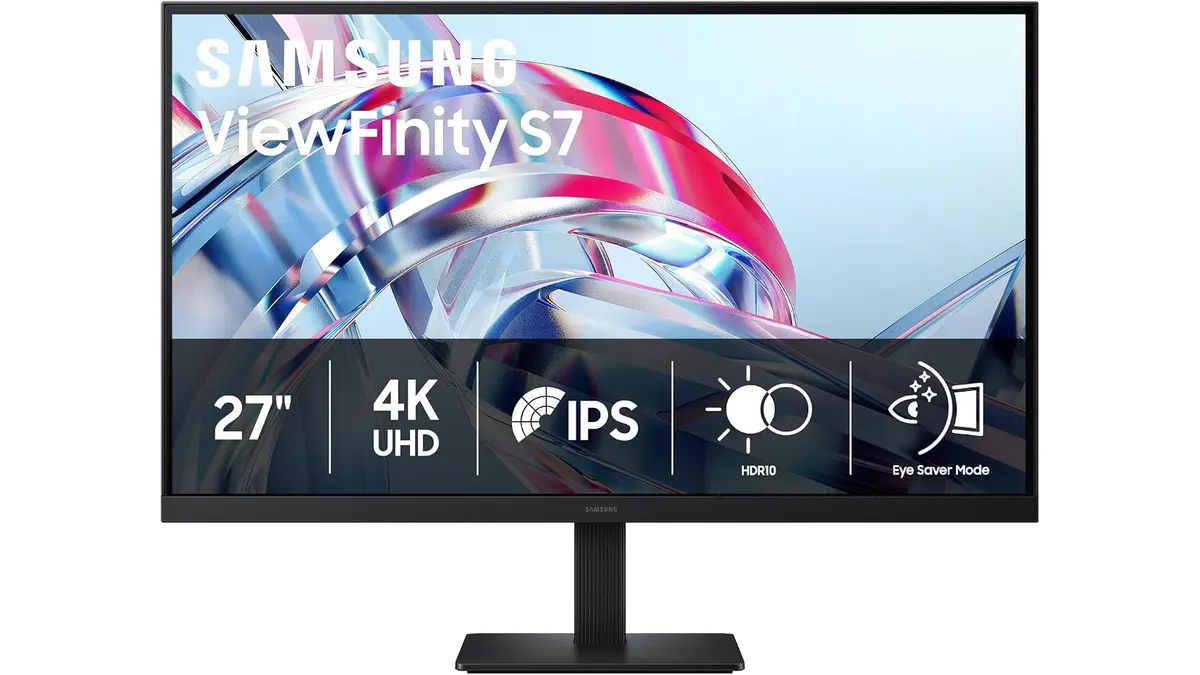 Monitors
Samsung ViewFinity S7 (S70H) Review
The Samsung ViewFinity S7 (S70H) is a 27-inch monitor designed for remote workers, freelancers, and anyone looking to boost productivity in their home office. With its vibrant 4K resolution and eye comfort features, it stands out as one of the best home office monitors available.
What it does well
- Exceptional Resolution: The 4K UHD resolution (3840x2160) delivers stunning clarity, making it ideal for design work or detailed document editing.
- Wide Viewing Angle: With a 178° viewing angle, this monitor ensures consistent color and clarity from various positions. No more awkward adjustments when sharing your screen.
- Eye Comfort Technology: Designed for extended use, the TÜV-certified eye comfort technology reduces fatigue, which is crucial for long hours of remote work.
- Versatile Connectivity: Multiple HDMI and DisplayPort connections make it easy to set up with various devices, whether you’re connecting a laptop, desktop, or game console.
Key specifications
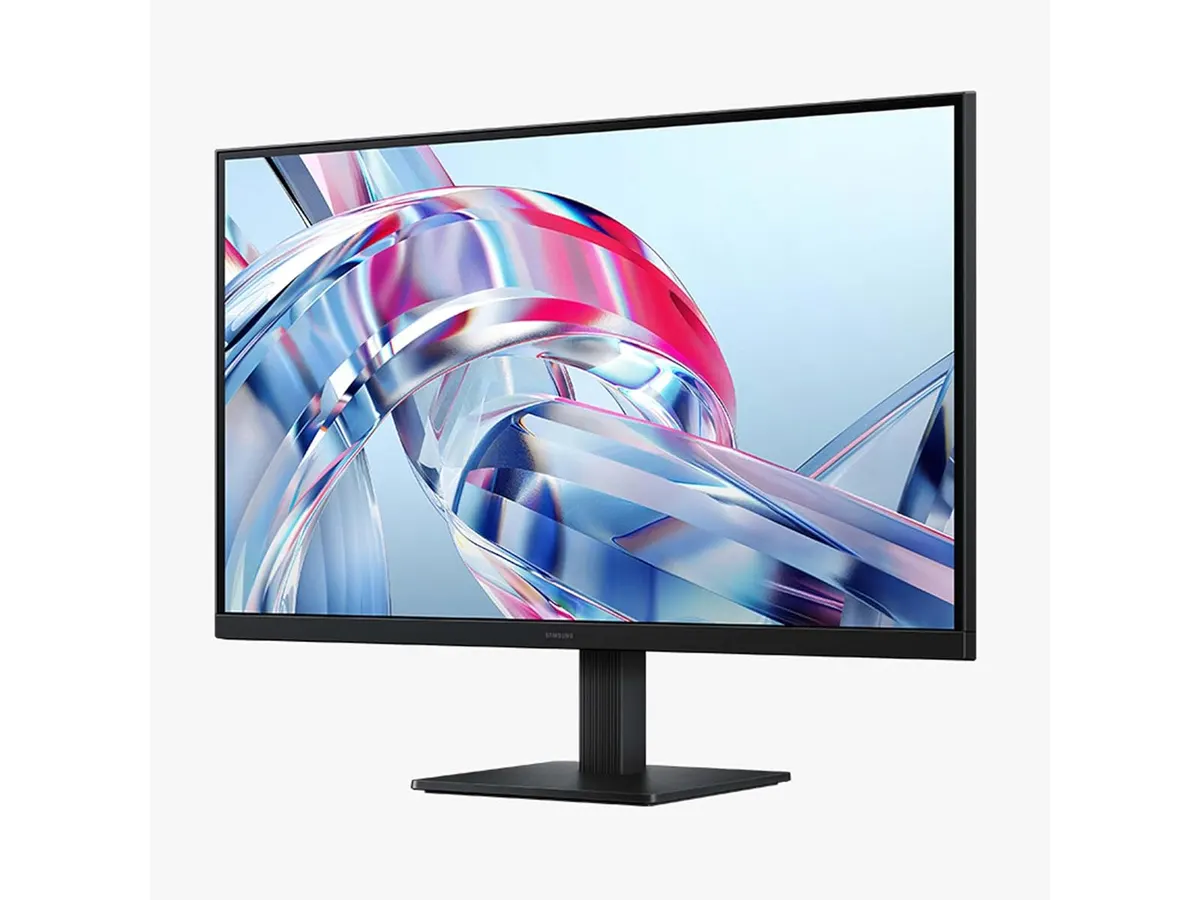
| Specification | Detail |
|---|---|
| Screen Size | 27 inches |
| Resolution | 4K UHD (3840x2160) |
| Viewing Angle | 178° |
| Connectivity | HDMI and DP |
| Certification | TÜV Eye Comfort Technology |
| Special Features | Eye Saver Mode, Samsung Display Manager |
Where it falls short
Not everything is perfect with the Samsung ViewFinity S7. For starters, while the 27-inch size is great for most, it may feel cramped for those who prefer a larger screen. Additionally, the monitor lacks built-in speakers, which might be a dealbreaker for users who want a complete multimedia experience without external devices. Lastly, it may not be the best choice for hardcore gamers due to its focus on comfort over rapid refresh rates.
Who is it for?
The Samsung ViewFinity S7 fits perfectly for remote workers and freelancers who spend long hours in front of their screens and need a monitor that prioritizes eye comfort and clarity. It’s great for tasks such as graphic design, video editing, and spreadsheet management.
However, it may not be suitable for gamers who require fast refresh rates and response times, as its features cater more to productivity than gaming performance.
Alternatives to consider
For those seeking options, consider a budget-friendly 27-inch monitor that lacks 4K resolution but offers decent specs for everyday tasks. Alternatively, for those who want a larger display, look for a mid-range monitor that provides higher refresh rates and is tailored specifically for gaming or media consumption.
Verdict
In summary, the Samsung ViewFinity S7 (S70H) is a strong contender for the best home office monitor, especially if you value eye comfort and high resolution. It’s well-suited for productivity tasks but might not cater to gamers. Overall, if you’re looking for a monitor that enhances long hours of use without straining your eyes, the ViewFinity S7 is a worthy investment. For more options, check out our list of Monitors.
Frequently asked questions
What is the best feature of the Samsung ViewFinity S7?
The standout feature is its 4K UHD resolution, which provides exceptional clarity for various tasks, enhancing productivity and detail accuracy.
Is the Samsung ViewFinity S7 good for gaming?
While it offers great visuals, it’s not optimized for gaming due to its lower refresh rates, making it better for productivity and creative work.
Can I adjust the monitor height?
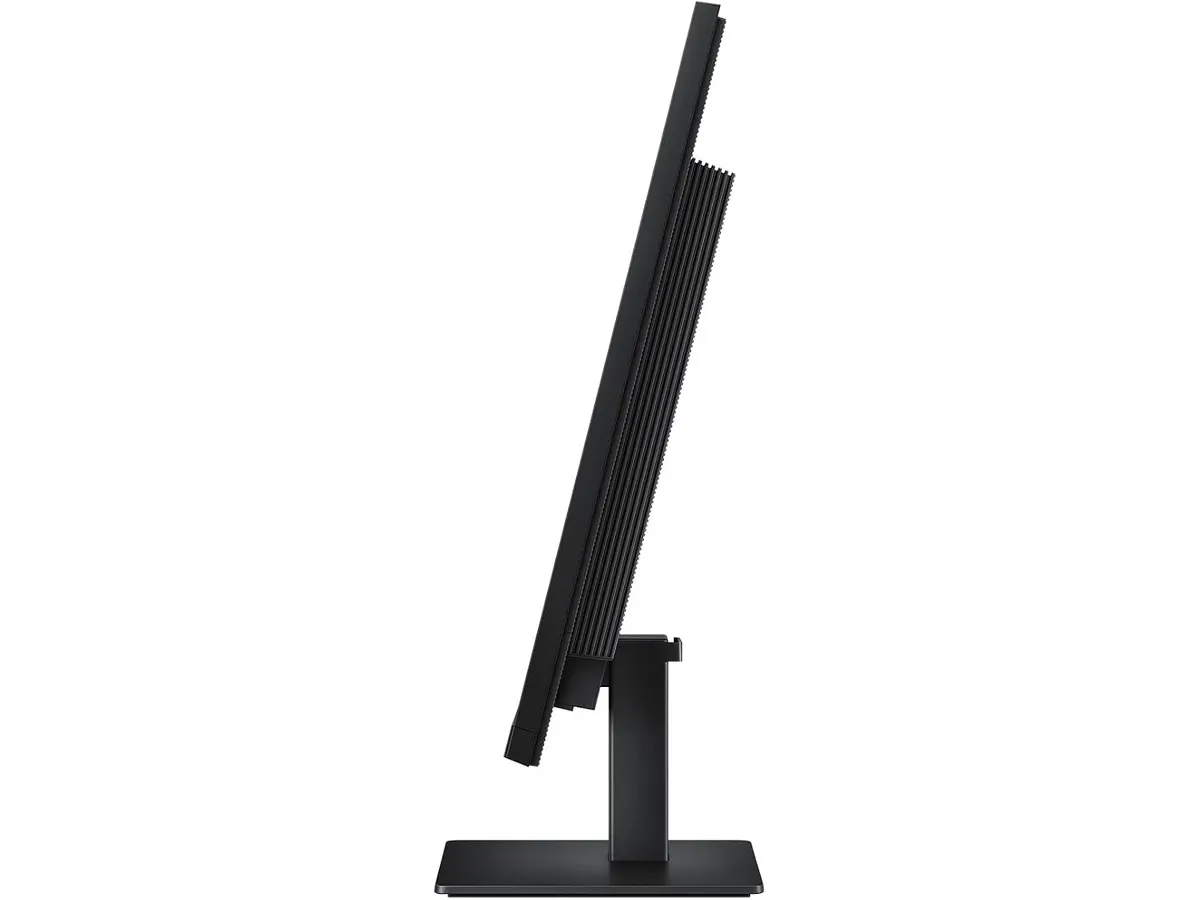
The Samsung ViewFinity S7 does not include height adjustment features, so consider using a monitor stand if you need a better ergonomic setup.

Editor
Charly River · SetUpLatam
Charly River curates, reviews and edits SetUpLatam’s home office guides. He checks every product sheet against the manufacturer’s official specifications and cuts what does not help, so you buy right the first time.
You may also like
 Monitors
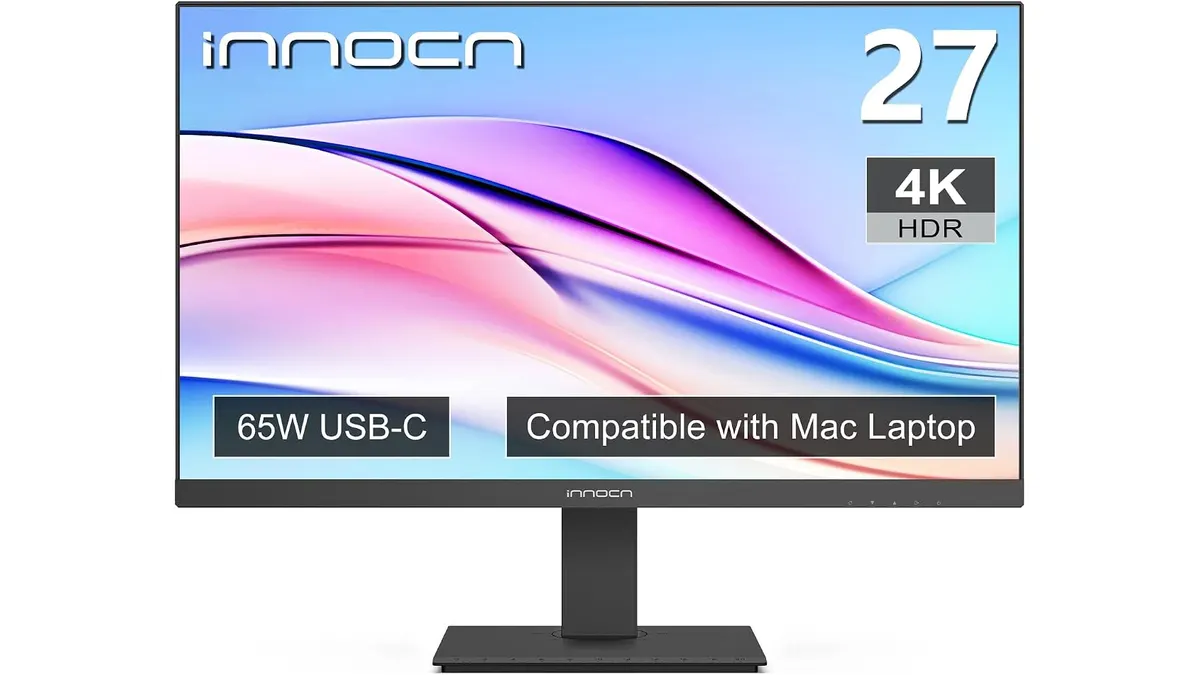
INNOCN 27C1U-D Review: Best Home Office Monitor
Discover the INNOCN 27C1U-D monitor, ideal for productivity and remote work. Delve into our review to find out if it's the best home office monitor for you.
 Monitors
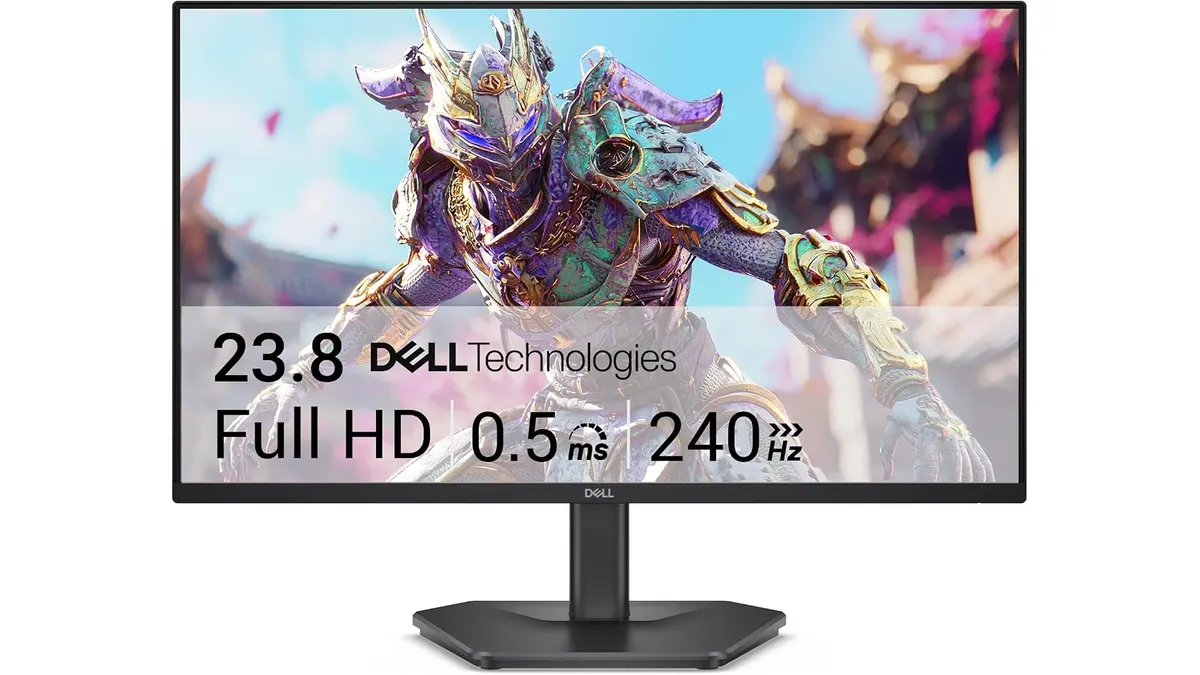
Dell SE2426HG Review: Best Home Office Monitor
Explore the Dell SE2426HG, a fast 240Hz monitor perfect for remote work, gaming, and productivity. Discover why it stands out.
 Monitors
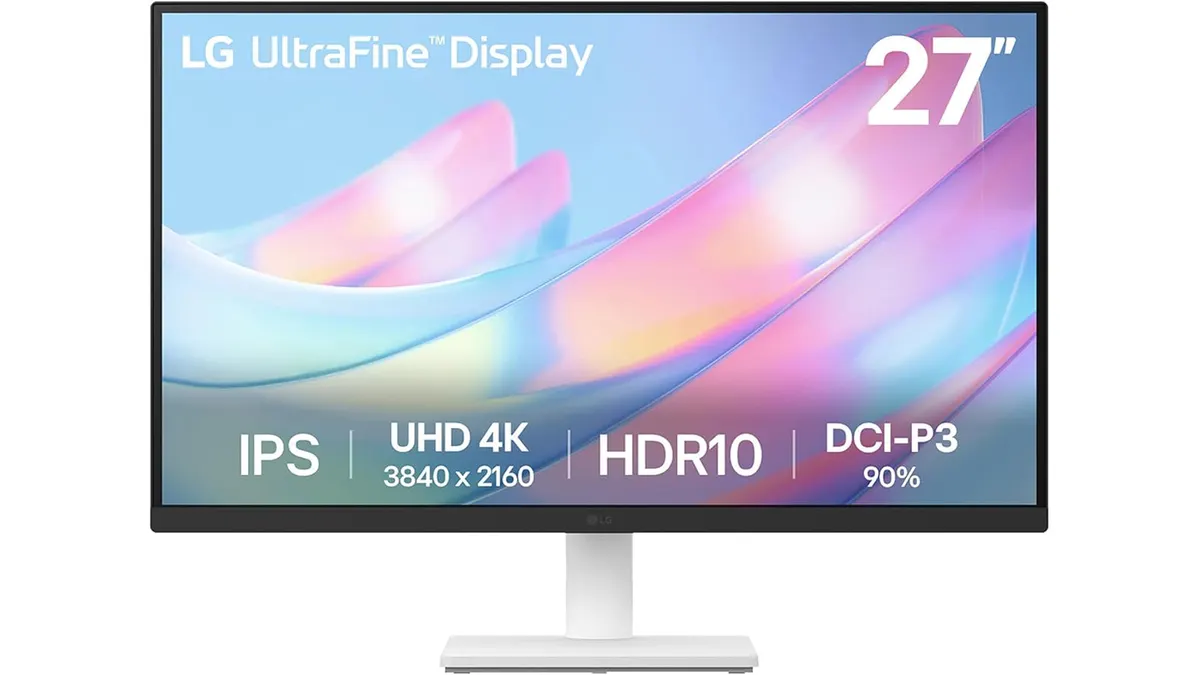
LG 27US500-W Review: A Solid 4K Home Office Choice
Is the LG 27US500-W the best home office monitor for your workspace? We break down its 4K performance, color accuracy, and ergonomics for remote workers.