Acer Nitro VG270K L1 Review: 4K Work & Play
Read our Acer Nitro VG270K L1 review to see if this 4K 144Hz panel is the best home office monitor for high-resolution work and smooth gaming.
Buying guide: best monitors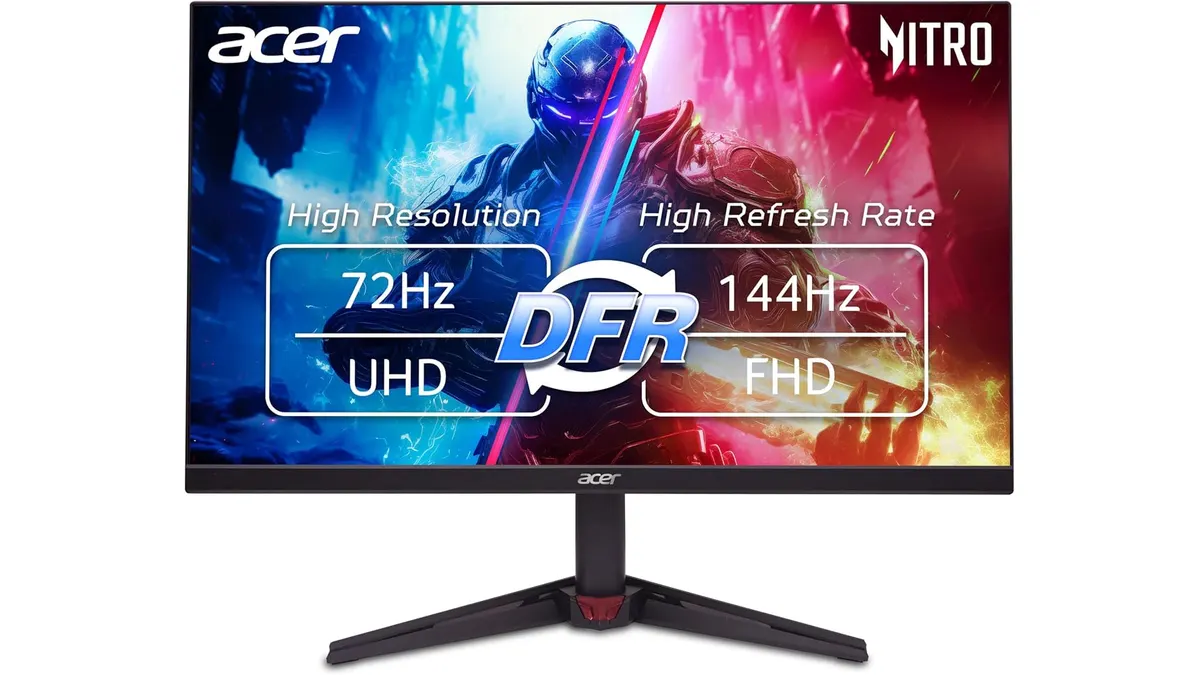 Monitors
The Acer Nitro VG270K L1 blends sharp 4K density with rapid gaming performance, making a compelling case as the best home office monitor for users who balance work and play. With its 27-inch IPS display and thin ZeroFrame border, this screen delivers crisp text for detailed spreadsheets and fluid motion for evening gaming sessions.
What it does well
High-density 3840 x 2160 resolution across a 27-inch panel creates exceptionally clear imagery. Text appears sharp without visible pixels, which helps reduce eye fatigue during long hours reading documents or writing code. For visual tasks, the 95% DCI-P3 color gamut provides rich rendering and accurate hues, backed by HDR 10 support for improved dynamic contrast.
Speed is where this screen separates itself from traditional productivity displays. Featuring a fast 0.5ms GTG response time and DFR technology that scales refresh rates between 72Hz and 144Hz, motion remains clean during fast-moving visuals. AMD FreeSync technology prevents screen tearing and stuttering, giving you fluid frame rates when switching over to entertainment.
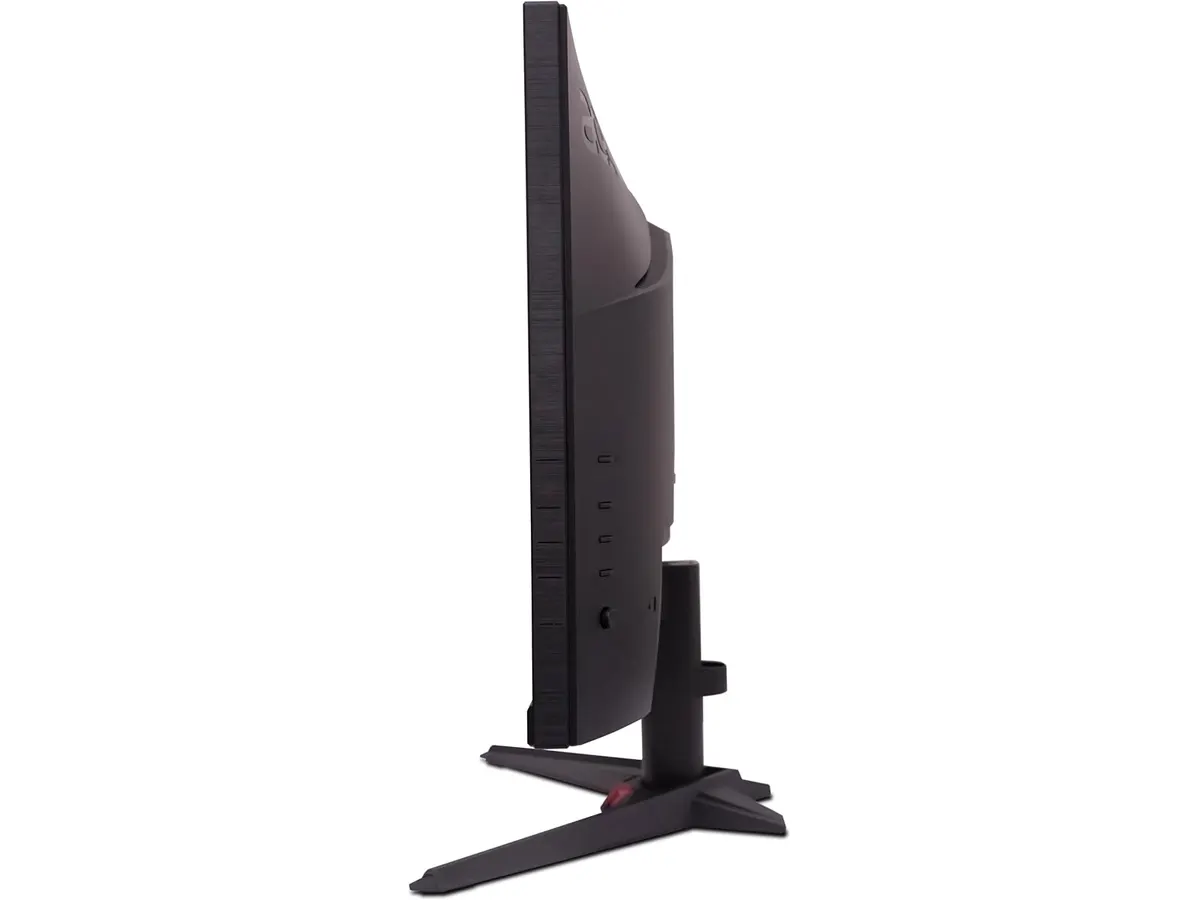
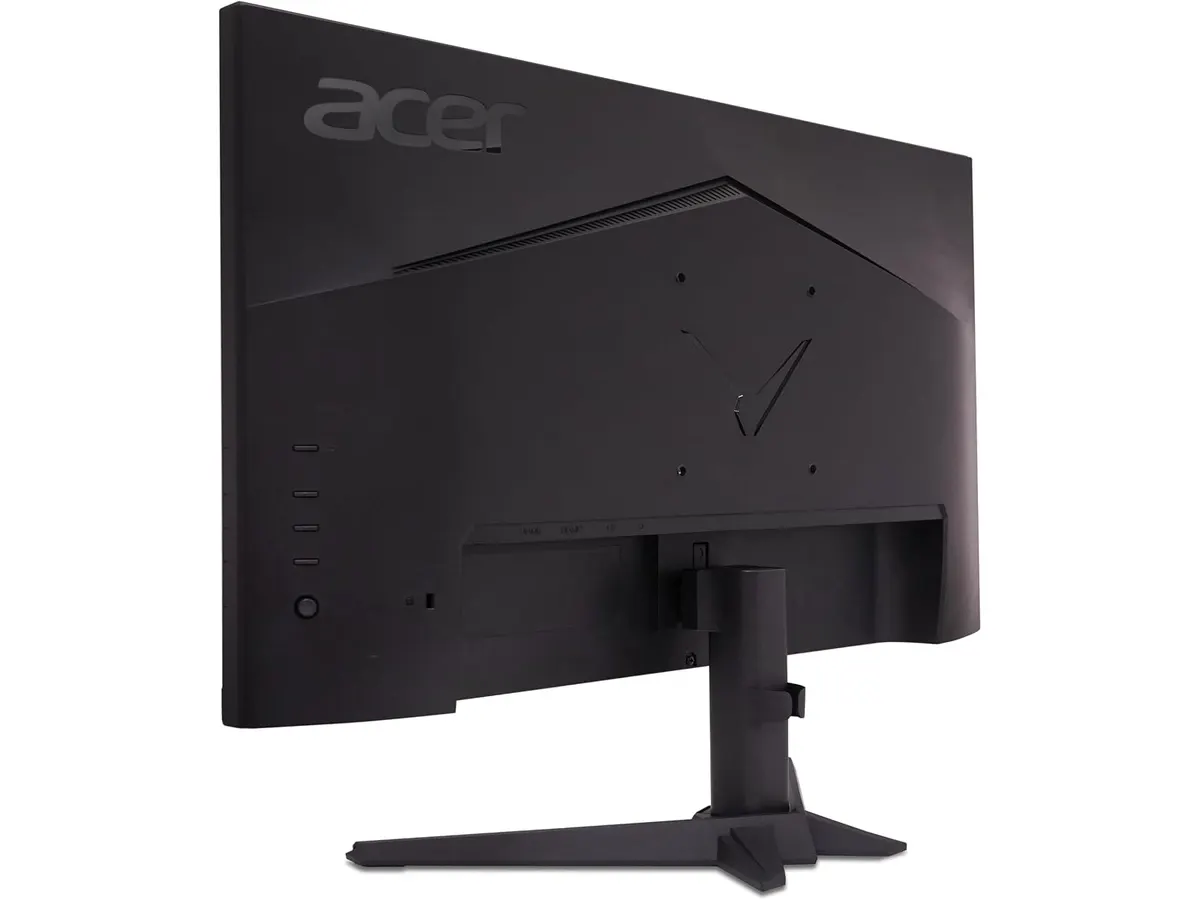
The ZeroFrame physical design keeps visual distractions to a minimum. By slimming down the outer bezel, Acer maximizes usable display space while keeping your desk footprint tidy. The streamlined border also makes multi-monitor arrangements look unified when placed side by side on a remote work desk.
Key specifications
| Specification | Detail |
|---|---|
| Screen Size | 27 inches |
| Resolution | 3840 x 2160 UHD |
| Refresh Rate | 72Hz / 144Hz DFR |
| Response Time | 0.5ms GTG |
| HDR Support | HDR 10 |
| Frame Design | ZeroFrame |
| Color Gamut | 95% DCI-P3 |
| Variable Refresh | AMD FreeSync |
Where it falls short
While HDR 10 handling is included, standard IPS contrast limits high dynamic range performance. Deep black levels can look slightly grayish in a dim room compared to displays featuring local dimming or OLED panels.
Running 3840 x 2160 resolution on a 27 inch work monitor means operating system scaling is almost mandatory. If you run your computer at native 100% scaling, desktop icons and interface text will appear too small for comfortable daily reading.
Reaching the maximum 144Hz refresh rate at 4K resolution requires a compatible graphics card and modern display cabling. Laptops equipped only with basic integrated graphics might max out at lower refresh rates, limiting high-speed playback during daily tasks.
Who is it for?
This display fits remote workers, creators, and hybrid gamers looking for a versatile monitor for remote work. If you write code, edit media, or manage complex spreadsheets by day and play fast action games by night, combining 4K clarity with 144Hz motion response delivers great daily utility.
It is not intended for strict office users who only need basic email and web browsing tools. If you never play games or edit visual media, paying extra for 0.5ms response times, FreeSync, and high refresh rates adds unnecessary expense over basic desktop screens.
Alternatives to consider
If your setup prioritizes pure productivity over high refresh rates and color coverage, consider a dedicated ergonomic business monitor. Workplace-focused displays often sacrifice 144Hz capability to offer built-in USB docks and superior stand adjustments. You can read our Dell UltraSharp U2724D review to see how a dedicated office display handles general tasks.
If fast gaming speed is your top priority over 4K pixel density, a 1080p high-refresh screen might suit your budget better. Lower resolution displays require far less graphics power to drive high frame rates in fast-paced competitive games. Take a look at our LG UltraGear 27G61ZB-B review for a high-speed gaming alternative.
Verdict
The Acer Nitro VG270K L1 effectively bridges the gap between high-density work displays and high-refresh gaming monitors. Its 4K IPS panel ensures crisp text and accurate colors, while the 144Hz DFR setting and 0.5ms response time keep rapid motion sharp. Though IPS contrast remains standard and desktop scaling is required, it stands out as a versatile screen for hybrid setups. To compare this model with other displays, check out our full selection of Monitors.
Frequently asked questions
Is the Acer Nitro VG270K L1 the best home office monitor for mixed use?
Yes, for users who want one screen for daily office tasks and evening gaming. The combination of 4K text sharpness, 95% DCI-P3 color reproduction, and 144Hz support makes it versatile enough to be a best monitor for productivity as well as action games.
How does the 72Hz / 144Hz DFR feature work?
Dynamic Frame Rate (DFR) allows the screen to switch operating modes based on your connection and GPU settings. You can run at standard desktop refresh rates during work hours or step up to 144Hz when connected over high-bandwidth video ports on supported hardware.
Is 4K resolution readable on a 27-inch screen?
Yes, but you will likely want to set your operating system scaling to 125% or 150%. This maintains the sharpness of 4K text while keeping desktop icons and app menus at a comfortable size for daily reading.

Editor
Charly River · SetUpLatam
Charly River curates, reviews and edits SetUpLatam’s home office guides. He checks every product sheet against the manufacturer’s official specifications and cuts what does not help, so you buy right the first time.
You may also like
 Monitors
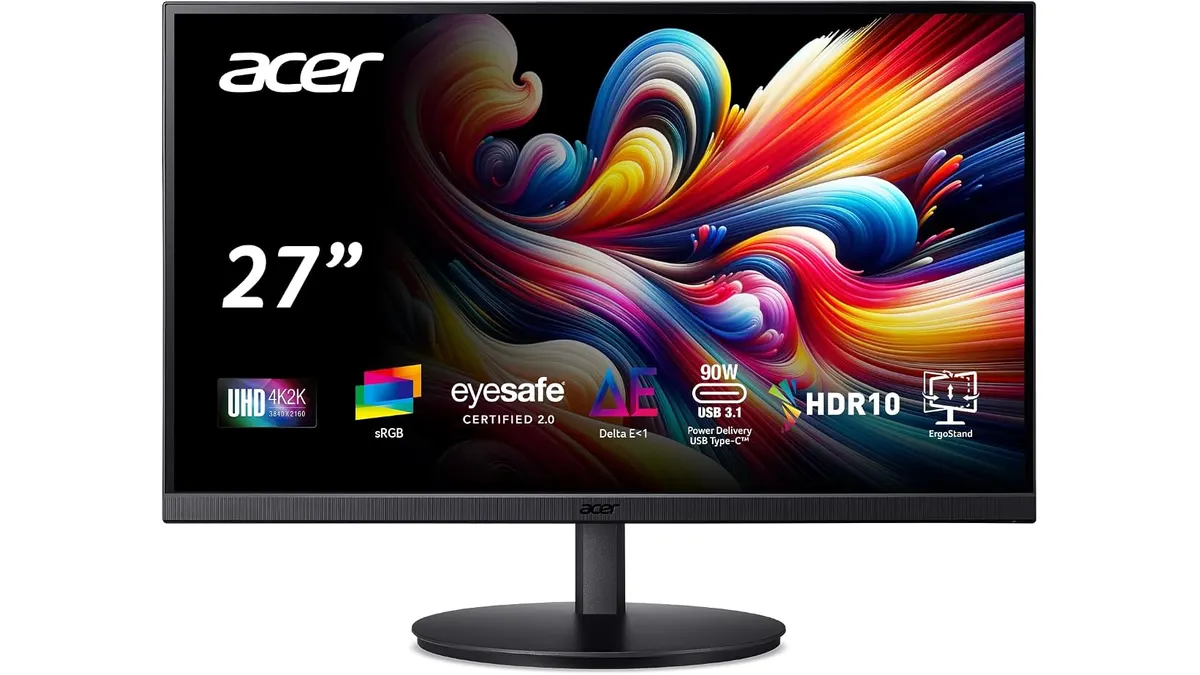
Acer CB272K bmiprux Review: Premium 4K Clarity
Looking for the best home office monitor? Our Acer CB272K bmiprux review breaks down its 4K resolution, USB-C connectivity, and color performance.
 Monitors
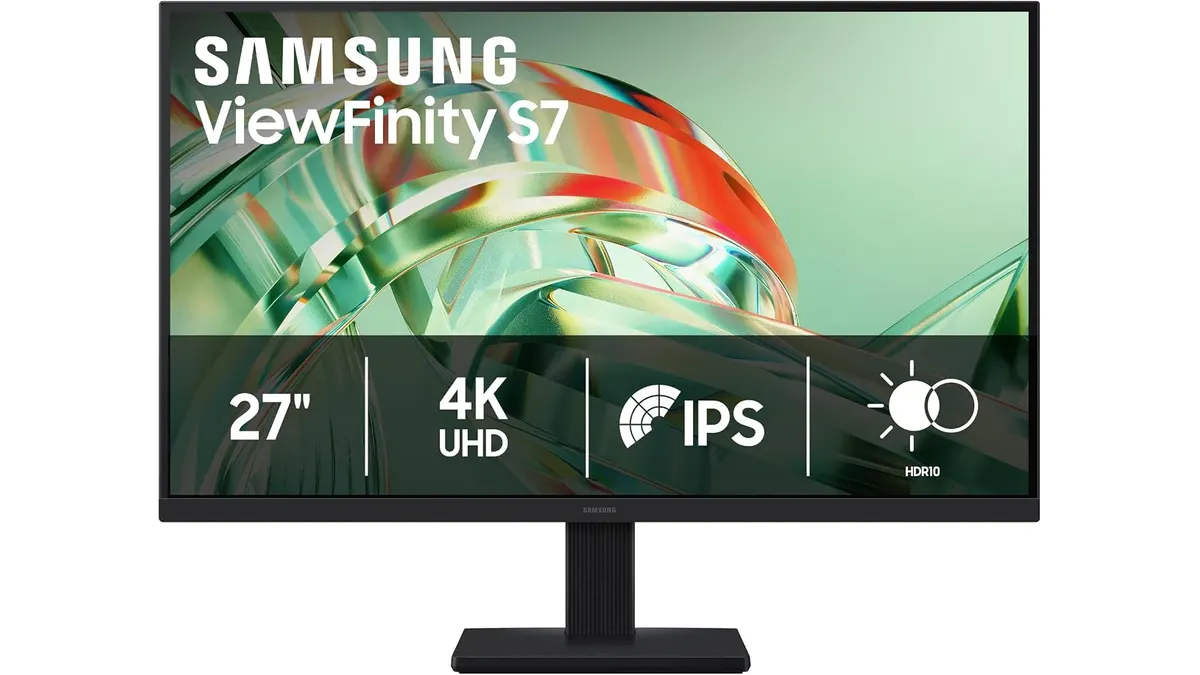
Samsung ViewFinity S7 (S71H) Review
Is the Samsung ViewFinity S7 (S71H) the best home office monitor? We test its 4K IPS clarity, color accuracy, and productivity features for remote workers.
 Monitors
Philips 27E1N1800A Review: Sharp 4K Productivity
Looking for the best home office monitor? Our Philips 27E1N1800A review breaks down why this 4K IPS display is a reliable choice for remote work setups.