Logitech ERGO K860 Review: Comfort at Your Desk
Our Logitech ERGO K860 review analyzes this split ergonomic keyboard to see if it belongs among the best home office peripherals for your remote setup.
Buying guide: best peripherals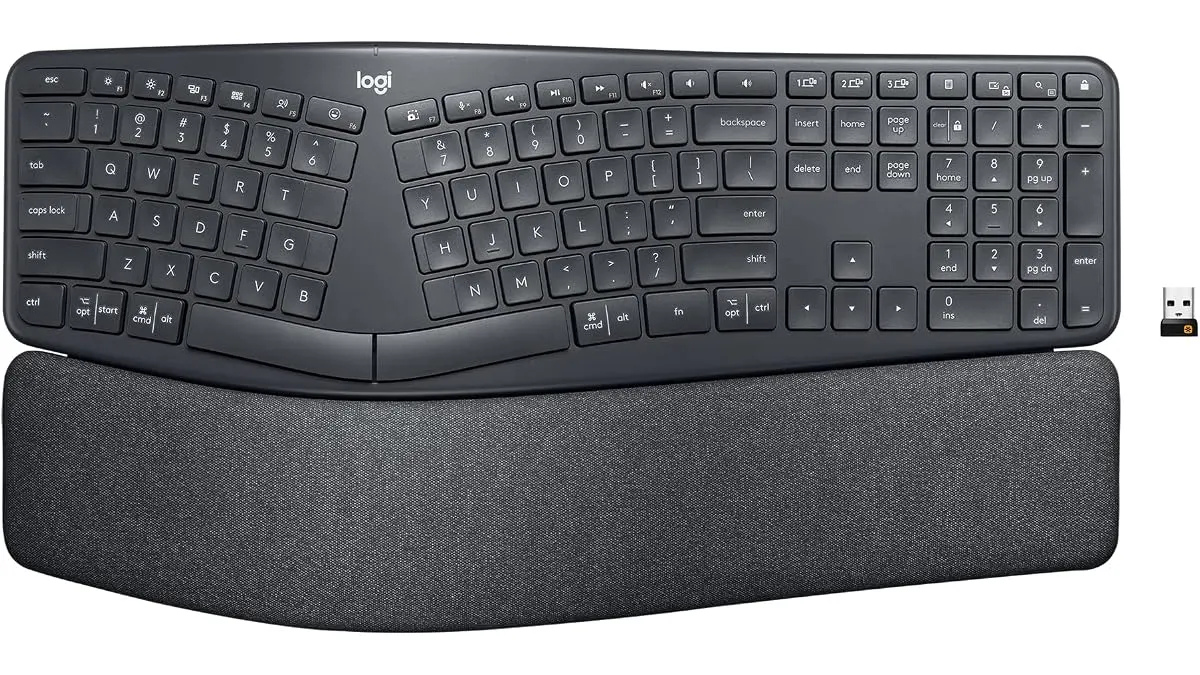 Peripherals
If you spend eight hours a day typing, your standard flat keyboard is likely doing more harm than good. The Logitech ERGO K860 is designed for professionals who prioritize long-term wrist health and comfort over aesthetic flair. As one of the best home office peripherals for those dealing with repetitive strain, this board forces your hands into a more natural posture. It is a specialized tool for heavy typists, writers, and coders looking to build a sustainable workspace in our Peripherals section.
What it does well
The primary strength of the Logitech ERGO K860 is its intentional geometry. The split, curved keyframe naturally aligns your wrists and forearms, significantly reducing the tension that builds up during long sessions. Unlike flat boards that force your wrists to pronate, this design keeps your hands in a neutral position.
Then there is the wrist support. The integrated pad uses a thick layer of memory foam that offers a genuine sense of relief. It provides 54% more wrist support than a standard keyboard without a palm rest, and it stays comfortable even after hours of use.
I also appreciate the adjustable palm lift. Being able to tilt the keyboard at 0, -4, or -7 degrees is not just a gimmick; it allows you to adapt the angle based on whether you are sitting at a standard desk or using a standing desk setup. Finally, the Perfect Stroke keys are impressively quiet and provide a tactile, responsive feel that does not sacrifice speed for ergonomics.
Key specifications
| Feature | Specification |
|---|---|
| Layout | Full-size, split and curved design |
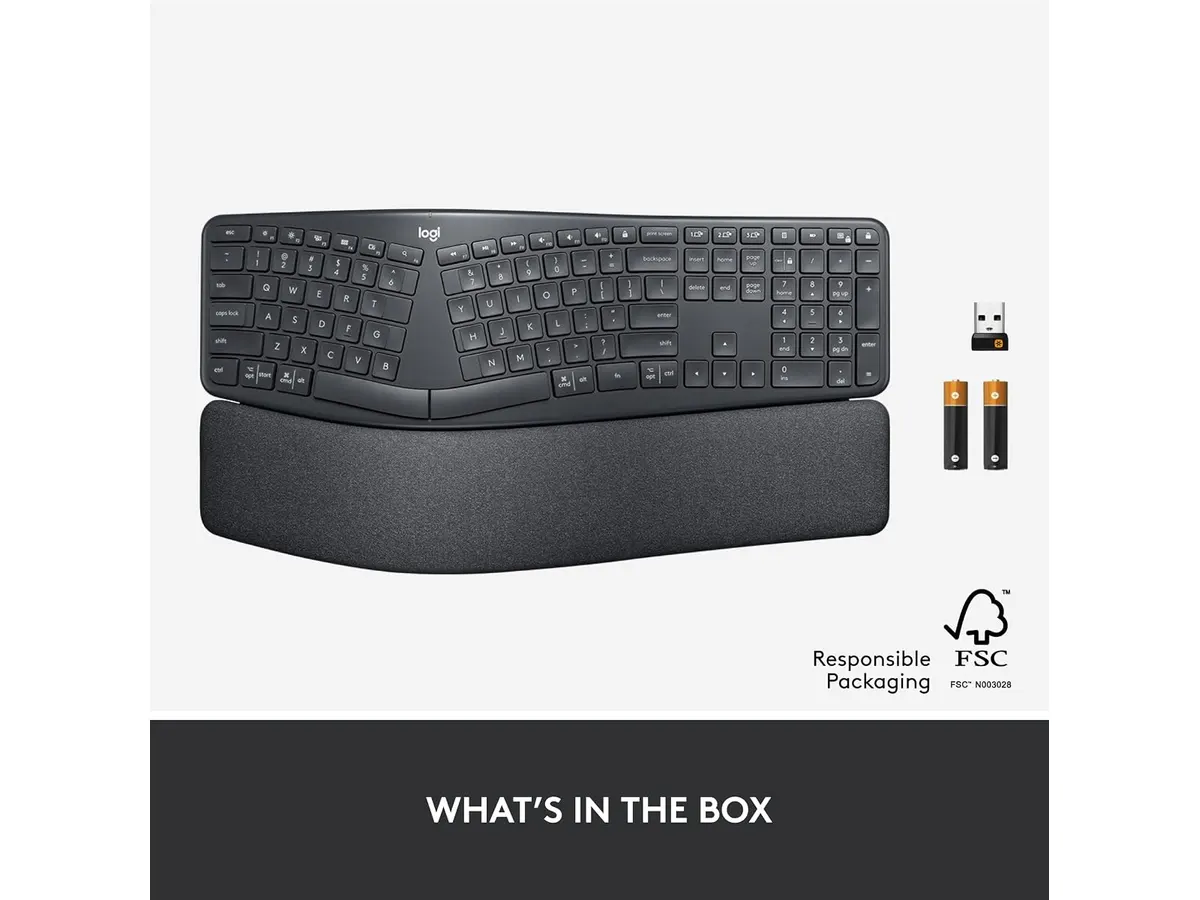
| Connectivity | Bluetooth and USB Receiver |
| Wrist Support | Padded with memory foam |
| Tilt Adjustment | 0°, -4°, and -7° palm lift legs |
| Sustainability | 71% post-consumer recycled plastic (Graphite) |
Where it falls short
The most glaring issue is the size. This is a massive piece of hardware that will dominate your desk real estate. If you use a compact workspace or need to swap your mouse position frequently, the width of the K860 can be cumbersome.
Second, the learning curve is steep. If you have spent decades typing on a traditional rectangular keyboard, switching to a split layout will result in significantly slower typing speeds for at least the first week. You will inevitably hit the wrong keys as you adjust to the new spacing. Finally, the keyboard lacks per-key backlighting. In a dim office, this makes working late hours unnecessarily difficult compared to other premium options.
Who is it for?
This keyboard is perfect for the chronic remote worker who experiences wrist or forearm fatigue by the end of the day. If your desk setup is dedicated to productivity and you have the room to accommodate a full-size board, the health benefits justify the footprint.
It is not for the minimalist or the competitive gamer. If you are a student moving between classrooms or a creator who needs a portable setup, the fixed, bulky nature of the K860 will be an annoyance. It is strictly a stationary, desk-bound tool.
Alternatives to consider
If the K860 feels too bulky, you might look toward a compact, mechanical alternative. There are several entry-level mechanical options that offer a more condensed footprint while maintaining tactile feedback, which you can explore in our RedThunder K95 Wireless Mechanical Keyboard Review for a more budget-conscious, gaming-adjacent choice.
For those who prefer a more portable, non-split experience, a standard high-end membrane keyboard in the mid-price tier might be a better fit. When finalizing your setup, ensure you pair your chosen keyboard with a quality mouse, such as the one detailed in our Logitech MX Master 3S Review: Ergonomic Wireless Mouse for Professionals or a budget-friendly option like the iClever Wireless Mouse Review: A Versatile Choice for Remote Work.
Verdict
The Logitech ERGO K860 is a calculated investment in your physical well-being. While it lacks backlighting and demands a desk with ample space, the ergonomic payoff for power users is substantial. For anyone spending their career at a keyboard, this model is an easy recommendation to help you avoid burnout and strain. If you are ready to prioritize comfort, this is a top-tier choice.
Frequently asked questions
Can I use the Logitech ERGO K860 with a Mac and Windows?
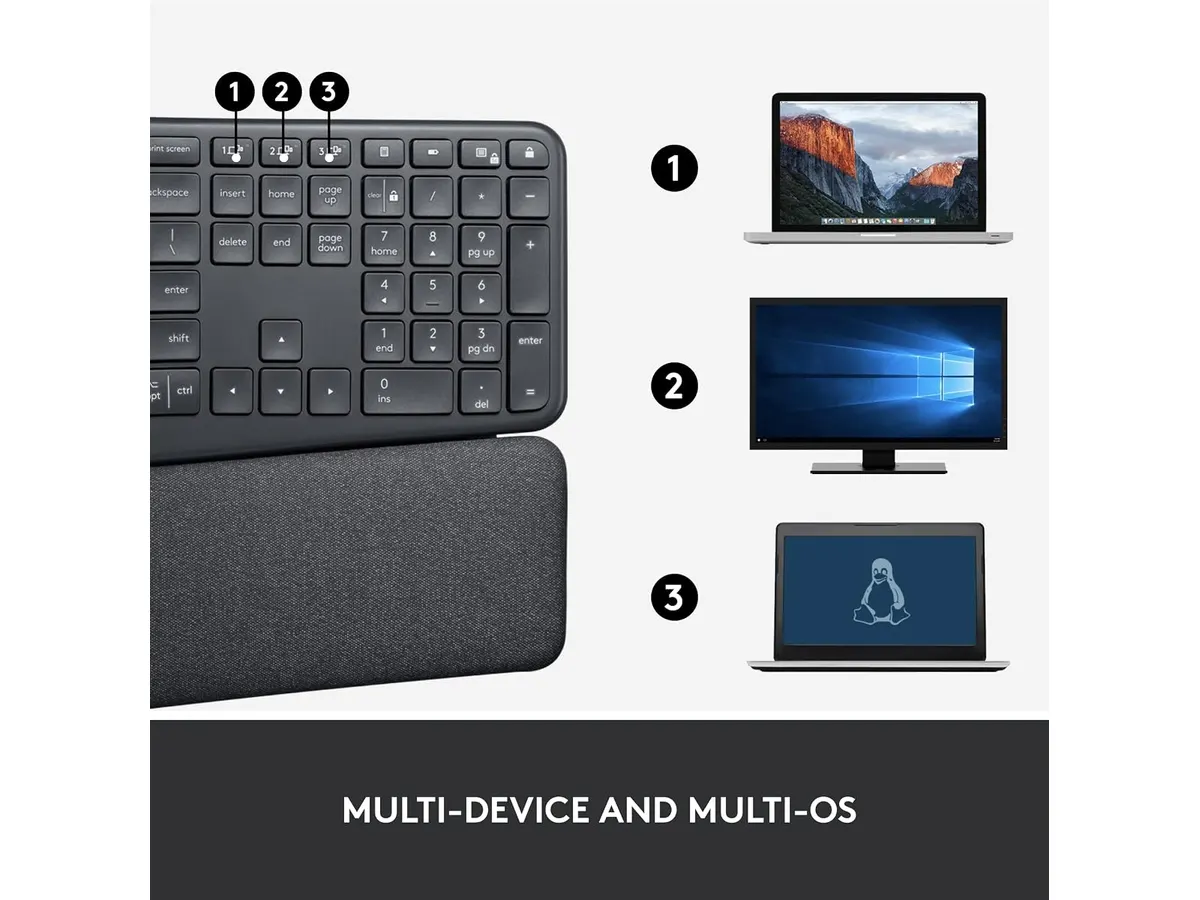
Yes, the key layout is optimized for both operating systems, and it connects seamlessly via Bluetooth to either platform.
Is it hard to clean the fabric wrist rest?
It is durable, but because it is fabric-covered memory foam, you should avoid spilling liquids on it; a dry microfiber cloth is best for maintenance.
Does the keyboard require specific software to function?
It works as a plug-and-play device, but downloading the companion software allows you to customize function keys and manage multi-device connectivity.

Editor
Charly River · SetUpLatam
Charly River curates, reviews and edits SetUpLatam’s home office guides. He checks every product sheet against the manufacturer’s official specifications and cuts what does not help, so you buy right the first time.
You may also like
 Peripherals
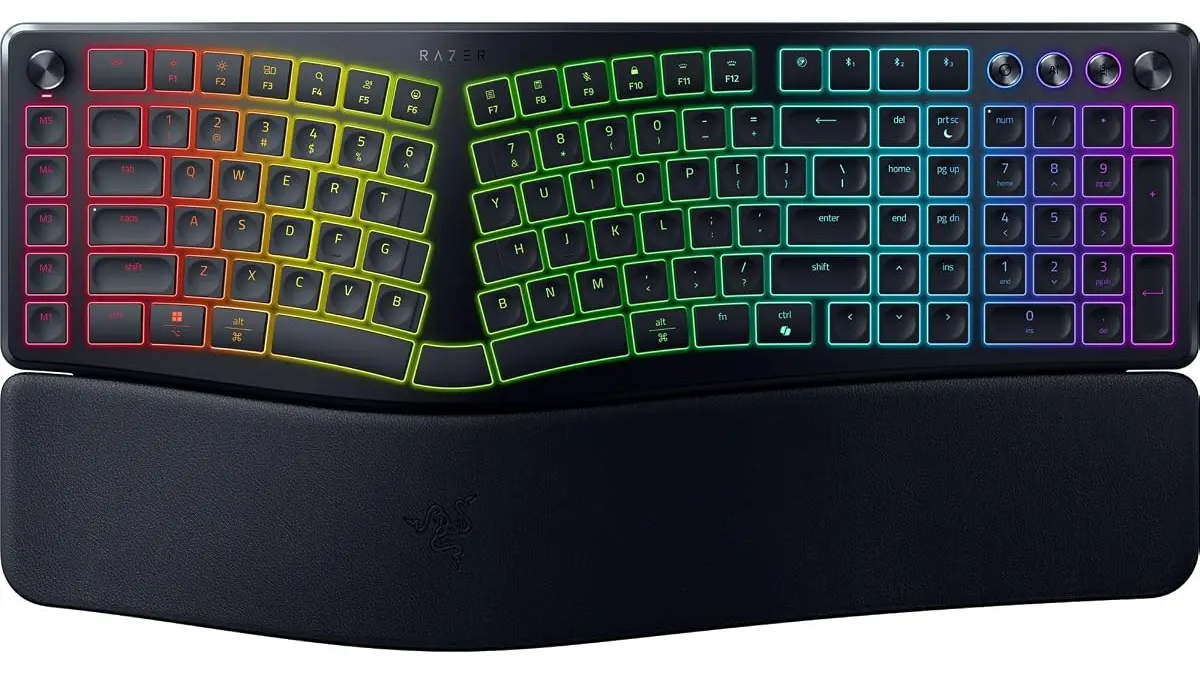
Razer Pro Type Ergo Review: Low-Profile Ergonomics
Looking for the best home office peripherals? Our Razer Pro Type Ergo review breaks down its split low-profile design, AI tools, and daily ergonomics.
 Peripherals
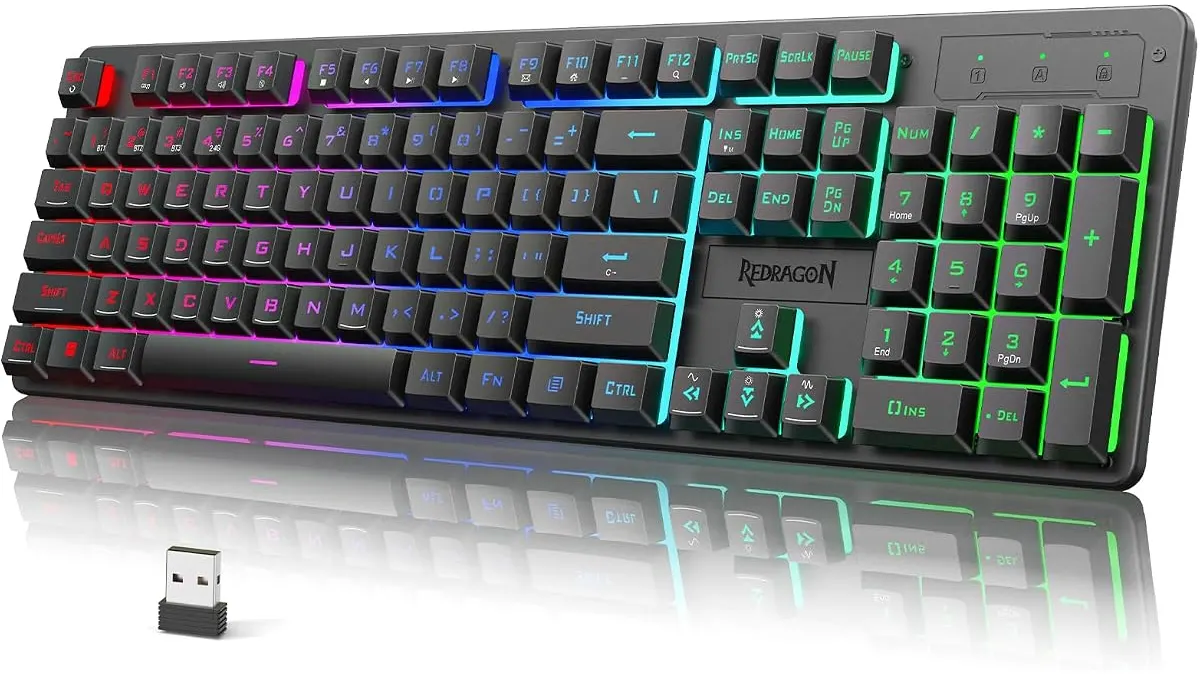
Redragon K521KS Review: Reliable Wireless Utility
The Redragon K521KS is a budget-friendly wireless keyboard for your desk. Read our review to see if it belongs among the best home office peripherals today.
 Peripherals
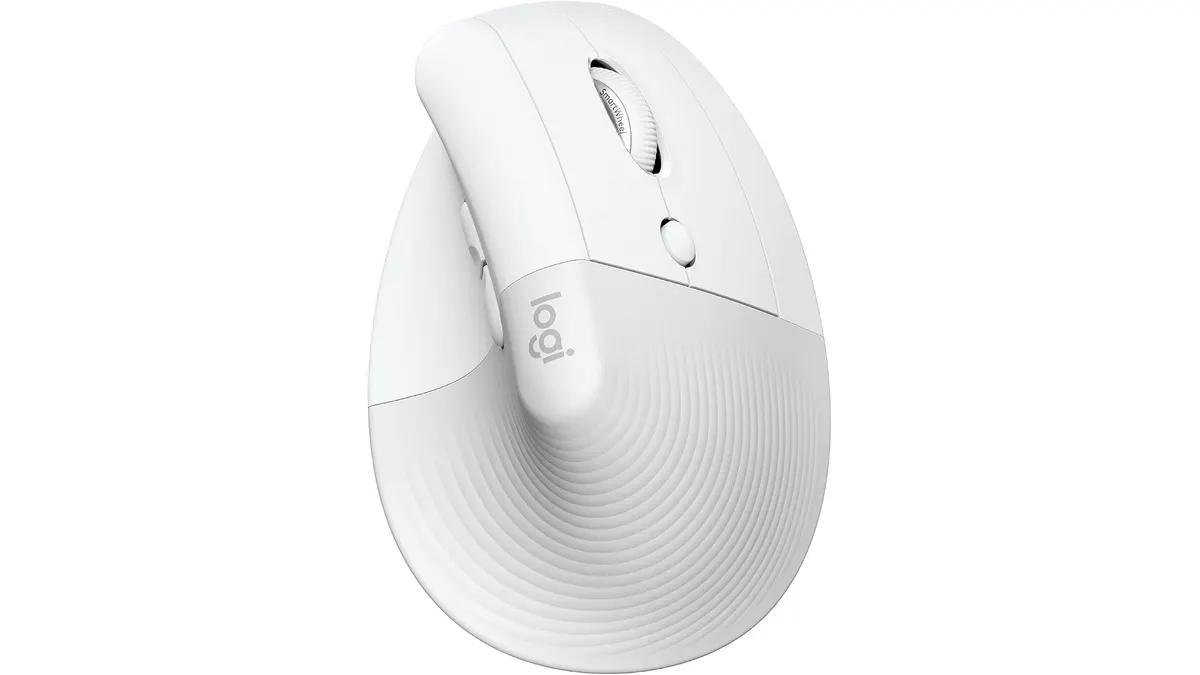
Logitech Lift Vertical Ergonomic Mouse Review
Our Logitech Lift Vertical Ergonomic Mouse review explores if this is one of the best home office peripherals for small to medium hands. Is it worth it?