Logitech Lift Vertical Ergonomic Mouse Review
Our Logitech Lift Vertical Ergonomic Mouse review explores if this is one of the best home office peripherals for small to medium hands. Is it worth it?
Buying guide: best peripherals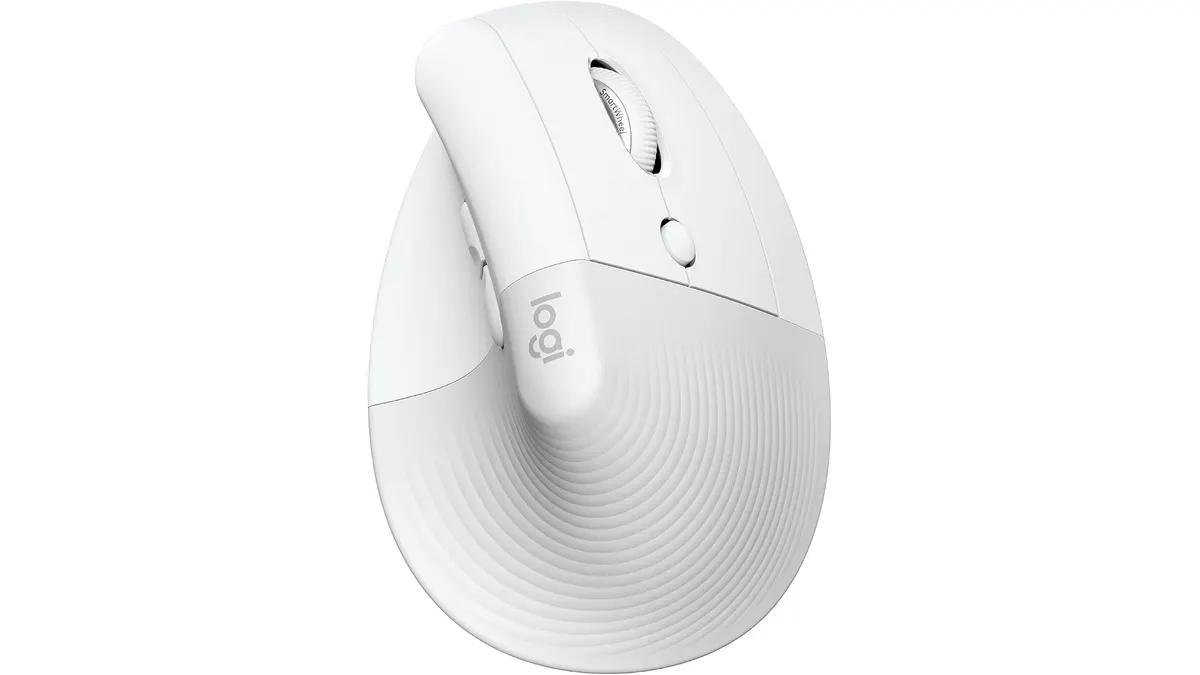 Peripherals
If you spend eight hours a day clicking away at a desk, your wrist is likely screaming for a change. The Logitech Lift Vertical Ergonomic Mouse is designed specifically to address that fatigue by shifting your hand into a more neutral posture. It is a standout addition to our list of the best home office peripherals for users who find full-sized vertical mice too bulky for their desk. For those looking to upgrade their workstation, you can find more options in our Peripherals section.
What it does well
- The 57-degree angle is the star of the show here. It places your forearm in a handshake position, which immediately relieves the pressure on your carpal tunnel that standard mice aggravate.
- It is built for human scale. Many vertical mice are massive, making them uncomfortable for anyone without large hands. The Lift feels natural and secure, aided by a soft, rubberized texture and a dedicated thumb rest.
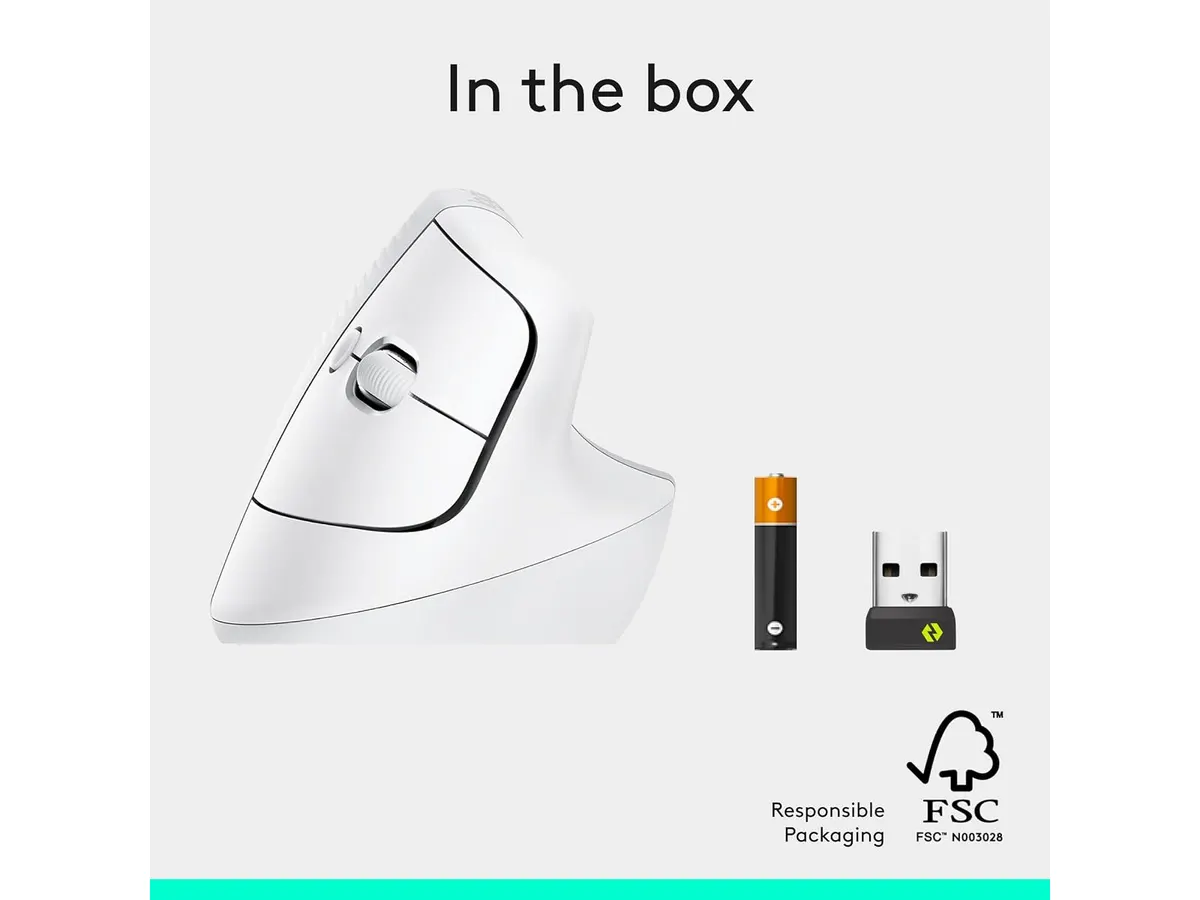
- Battery life is exceptional. You can go up to two years on a single AA battery. You will rarely have to worry about the mouse dying in the middle of a project, which is a major win for productivity.
- The SmartWheel is a hidden gem. It switches between precise, line-by-line scrolling and rapid, free-spinning movement, making it versatile for both dense spreadsheets and long web documents.
Key specifications
| Feature | Specification |
|---|---|
| Hand Orientation | Right |
| Vertical Angle | 57 degrees |
| Connectivity | Bluetooth Low Energy or Logi Bolt USB |
| System Compatibility | Windows, macOS, iPadOS, Chrome OS, Linux |
| Battery Life | Up to two years |

Where it falls short
- The size is a double-edged sword. If you have large hands, this mouse will feel like a toy. You will end up with your pinky dragging on the mousepad, which creates its own set of friction issues.
- It is exclusively for right-handed users. There is no left-handed variant available, which is a significant oversight for a product focused on ergonomics and accessibility.
- The reliance on a single AA battery is a bit dated compared to modern rechargeable units. While two years is a long time, having to hunt for a battery when it finally dies is less convenient than plugging in a USB-C cable for an hour.
Who is it for?
This mouse is for the remote worker or student with small-to-medium hands who is currently experiencing wrist discomfort with a flat mouse. If you are tired of tension at the end of the day, the 57-degree angle provides immediate relief.
Conversely, it is not for the power user who needs a massive array of programmable buttons or has very large palms. If you require advanced gesture controls or a heavy-duty frame, you might prefer the Logitech MX Master 3S Review: Ergonomic Wireless Mouse for Professionals.
Alternatives to consider
If you want a more budget-friendly option that maintains a standard horizontal form factor but still offers wireless freedom, consider a high-value entry-level mouse like the one detailed in our iClever Wireless Mouse Review: A Versatile Choice for Remote Work. It is a solid choice for those who aren’t ready to commit to a vertical orientation.
For those who prioritize mechanical feedback and a tactile typing experience to pair with their mouse, look into a customizable mechanical board such as the one featured in our RedThunder K95 Wireless Mechanical Keyboard Review. This fills the gap for users who want to complete their setup with a responsive input device.
Verdict
The Logitech Lift is a refined tool that nails the ergonomics for the specific demographic it targets. It is quiet, reliable, and genuinely comfortable for long workdays. If you fit the hand-size profile, it is an easy recommendation to help you avoid future strain while you browse our Peripherals page for other setup upgrades.
Frequently asked questions
Can I use the Lift mouse with a Mac?
Yes, it is fully compatible with macOS and iPadOS via Bluetooth or the included Logi Bolt receiver.
Is the Logitech Lift mouse rechargeable?
No, it uses a single AA battery that lasts up to two years depending on your usage habits.
Does the Lift mouse work for left-handed users?
No, the current model is designed exclusively for right-handed use.

Editor
Charly River · SetUpLatam
Charly River curates, reviews and edits SetUpLatam’s home office guides. He checks every product sheet against the manufacturer’s official specifications and cuts what does not help, so you buy right the first time.
You may also like
 Peripherals
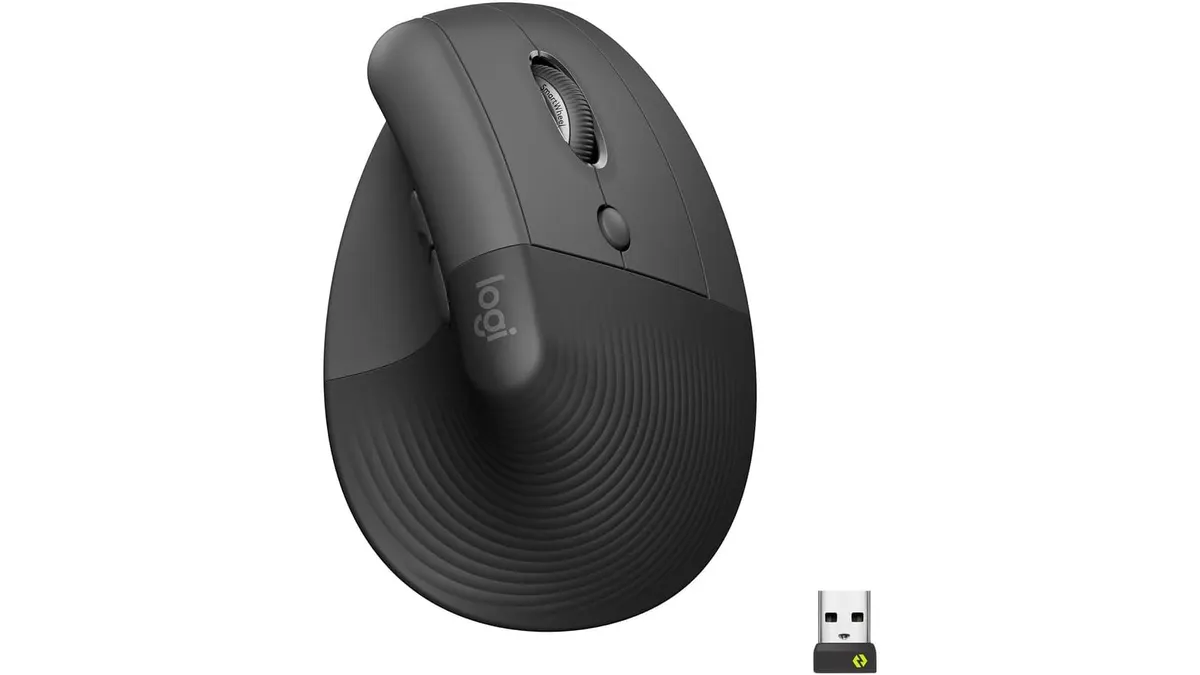
Logitech Lift Vertical Ergonomic Mouse Review
Our Logitech Lift Vertical Ergonomic Mouse review explores if this is one of the best home office peripherals for users with small to medium-sized hands.
 Peripherals
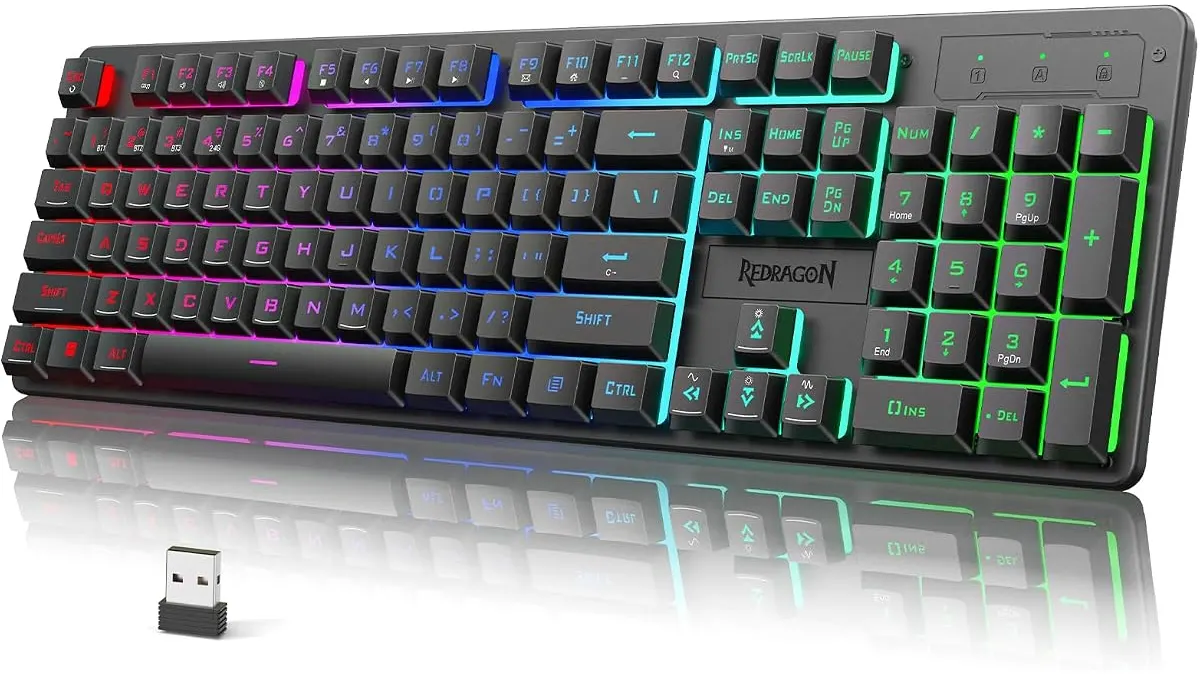
Redragon K521KS Review: Reliable Wireless Utility
The Redragon K521KS is a budget-friendly wireless keyboard for your desk. Read our review to see if it belongs among the best home office peripherals today.
 Peripherals
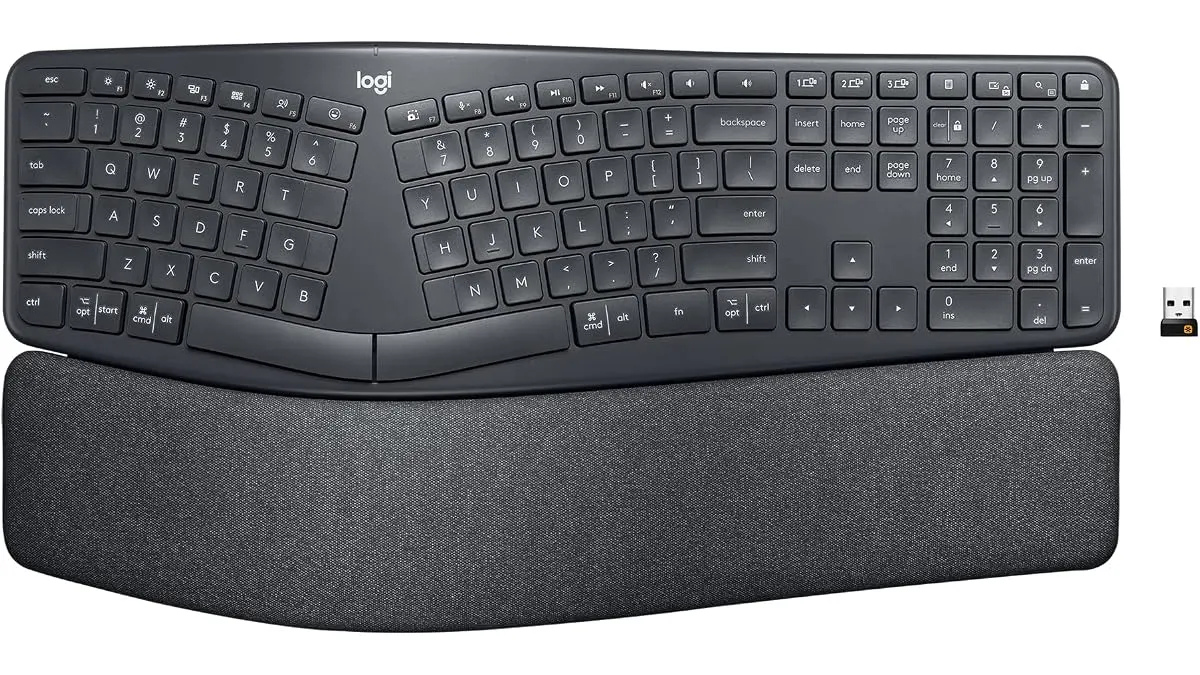
Logitech ERGO K860 Review: Comfort at Your Desk
Our Logitech ERGO K860 review analyzes this split ergonomic keyboard to see if it belongs among the best home office peripherals for your remote setup.