Redragon GS560 RGB Review: Compact Desktop Audio
Our Redragon GS560 RGB review evaluates clear sound quality and dynamic RGB modes to sit right alongside the best webcam for home office desk setups.
Buying guide: best audio & webcams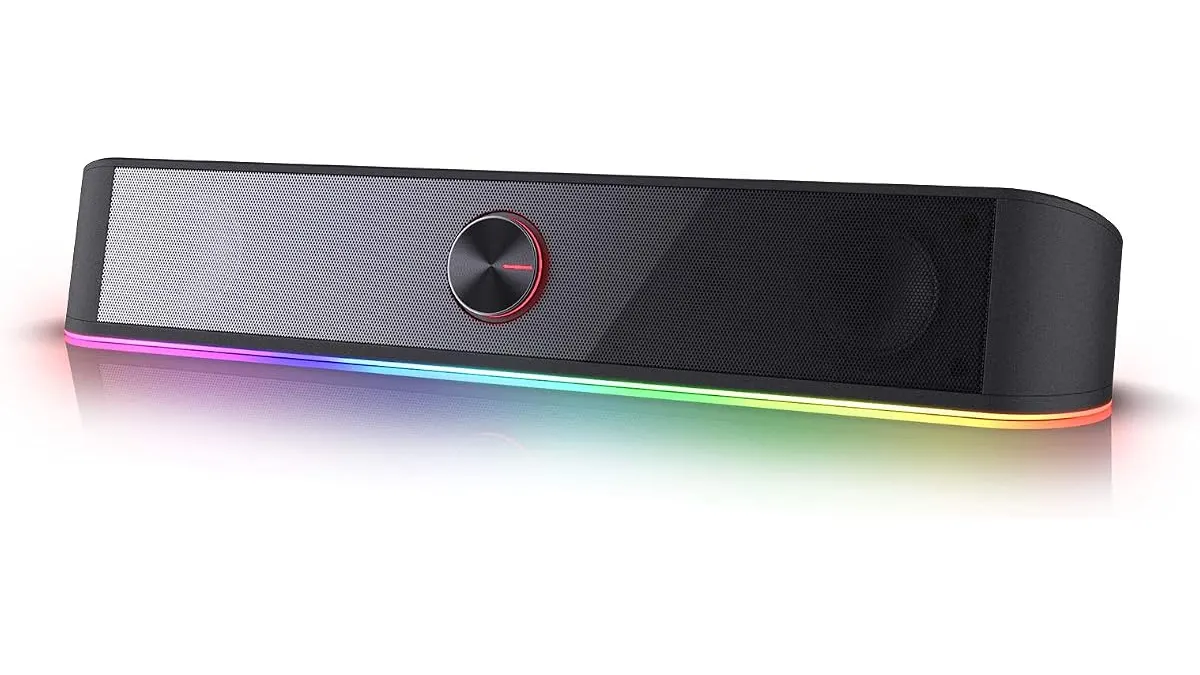 Audio & Webcams
While searching for the best webcam for home office video calls often takes priority, desktop audio deserves equal attention. The Redragon GS560 RGB soundbar targets remote workers, students, and casual gamers who want clear sound and a space-saving design without cluttering their desk. Designed for PCs, laptops, TVs, and smartphones, this 16-inch unit packs stereo sound and dynamic lighting into a practical footprint.
What it does well
Desk real estate is precious, especially when balancing a monitor, keyboard, and external camera. The 16-inch compact form factor sits neatly under most desktop monitors or laptop stands. It reclaims space that standard two-piece bookshelf speakers usually steal from your sides.
Audio delivery relies on a 2.0 channel setup engineered for clarity and enriched bass. Voice calls stay distinct, making dialogue in meetings, podcasts, and videos easy to follow. For casual media consumption and everyday tasks, the output delivers balanced mid-range tones without sounding hollow.
Physical controls make a huge difference during busy workdays. A dedicated tactile volume knob sits right on the unit, allowing instantaneous volume adjustments without minimizing windows or hunting through software menus. If you alternate between calls using a headset for meetings and open audio, quick hardware control is essential.
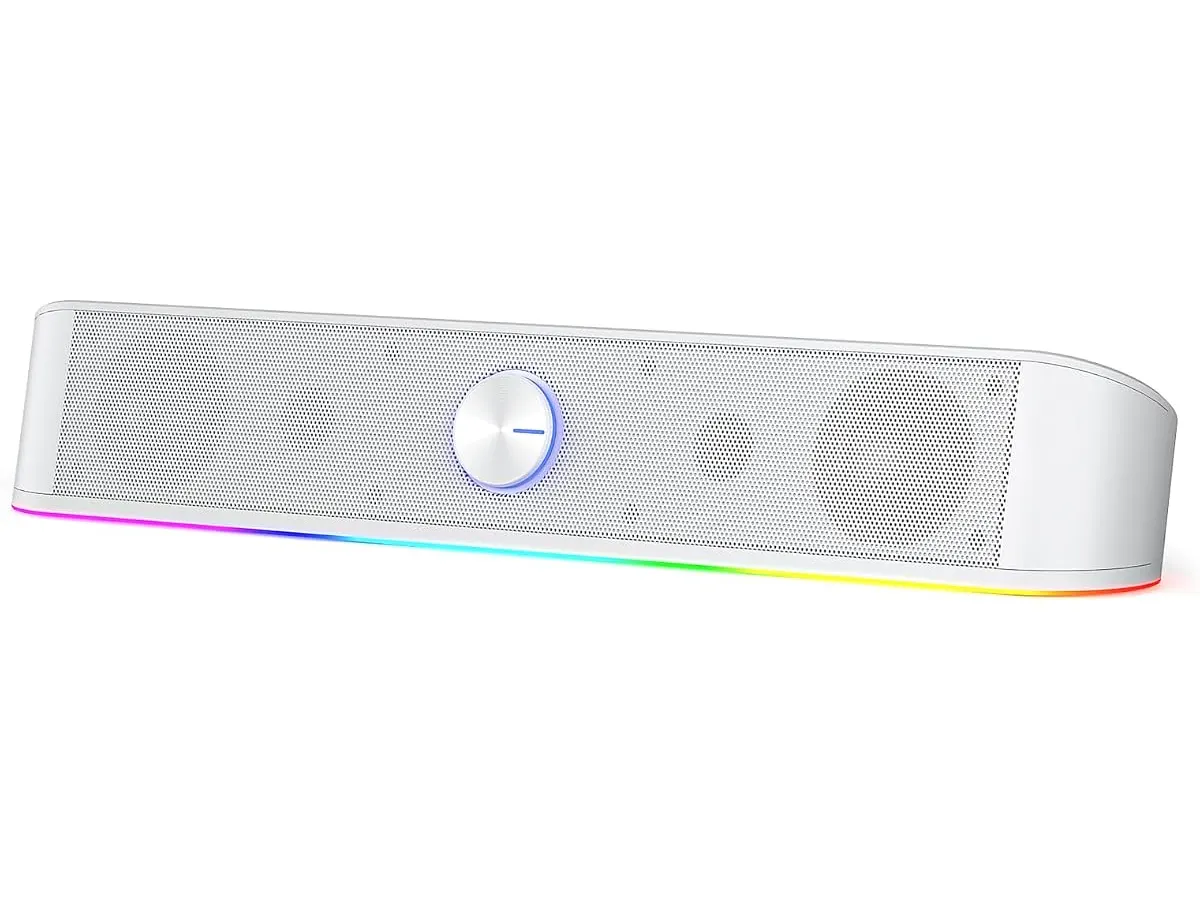
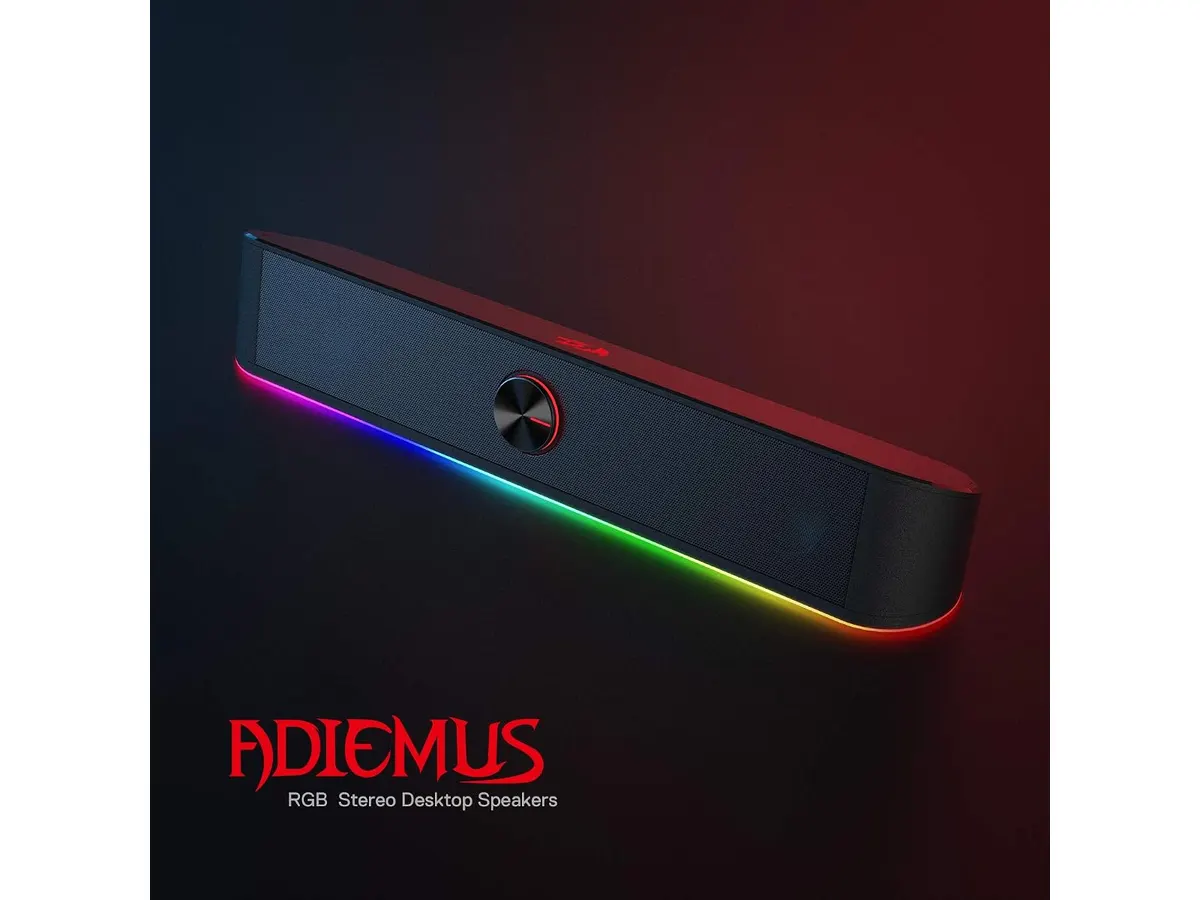
Visual customization comes built-in with four dynamic RGB lighting modes. The ambient illumination adds light to your workspace without requiring extra software suites. Power comes via USB cable while audio signals run through a traditional 3.5mm jack, granting instant broad compatibility across desktop rigs, laptops, monitors, and mobile devices.
For those interested in compact desktop audio comparisons, our Bluedee Computer Speakers Review offers additional insight into low-profile desktop soundbars.
Key specifications
| Feature | Specification |
|---|---|
| Speaker Type | 2.0 Channel Soundbar |
| Connectivity | USB (power) & 3.5mm Audio Jack |
| Lighting | RGB with 4 Dynamic Modes |
| Controls | Tactile Volume Knob |
| Size | 16 inches |
| Compatibility | PC, TV, Laptop, Smartphone |
Where it falls short
Dual-cable connectivity creates extra cord management on pristine desks. Because the soundbar requires a USB port for power alongside a standard 3.5mm jack for audio transmission, you must run two separate lines to your computer or hub. Users looking for a single USB-C cable solution or wireless Bluetooth pairing will find this tethered arrangement restrictive.
The 2.0 channel configuration lacks dedicated subwoofer hardware. While the internal tuning enhances low-end response, it cannot replicate the deep, room-shaking rumble of multi-piece speaker systems with separate bass units. Bass-heavy music genres and cinematic sound effects lack deep sub-bass extension.
Because left and right drivers reside inside a single 16-inch chassis, physical stereo separation remains limited. You cannot spread the speakers apart to create a wider soundstage across large desk surfaces.
Who is it for? Pairing with the best webcam for home office setups
This soundbar suits remote workers, creators, and students who want clean sound, simple physical controls, and subtle RGB accents beneath their display. It pairs well with a streamlined desktop layout, especially when building a video conference station alongside a dedicated webcam for remote work or a standalone USB microphone for video calls. If you are upgrading your visual stream, pair your audio gear with top-tier camera reviews like our Logitech MX Brio Review.
It is not intended for audio professionals, sound engineers, or audiophiles who demand precise spatial audio, flat frequency curves, or wireless connectivity options. Minimalist builders who want zero visible cables or true multi-channel surround setups should look elsewhere.
Alternatives to consider
If you need cable-free flexibility, look toward entry-level wireless Bluetooth speakers. These models eliminate the 3.5mm physical connection entirely, allowing easy switching between laptops and smartphones without plugging in wires.
For users requiring heavy low-end impact for movies or gaming, consider mid-tier 2.1 speaker systems. These alternatives include a dedicated external subwoofer that sits under the desk, delivering far deeper bass response than any compact soundbar can produce on its own.
Verdict
The Redragon GS560 RGB offers an effective balance of clear audio, tactile hardware control, and space-saving utility for home office environments. Its 16-inch frame fits under almost any screen, making it a natural addition to our broader Audio & Webcams recommendations. While dual cabling and moderate low-end extension are real trade-offs, its easy plug-and-play operation and reliable volume controls make it a solid addition to Redragon Audio & Webcams setups.
Frequently asked questions
How does the Redragon GS560 RGB connect to devices?
It connects using a dual-plug design featuring a USB connector for power and a standard 3.5mm audio cable for sound transmission to PCs, laptops, screens, or smartphones.
Can I adjust the RGB lighting on the soundbar?
Yes, the speaker includes four built-in dynamic RGB lighting modes that can be cycled directly on the device without needing external control software.
Does the soundbar require software installation?
No software is required. The speaker functions immediately upon plugging the USB connector into a power source and the 3.5mm jack into your audio output.

Editor
Charly River · SetUpLatam
Charly River curates, reviews and edits SetUpLatam’s home office guides. He checks every product sheet against the manufacturer’s official specifications and cuts what does not help, so you buy right the first time.
You may also like
 Audio & Webcams
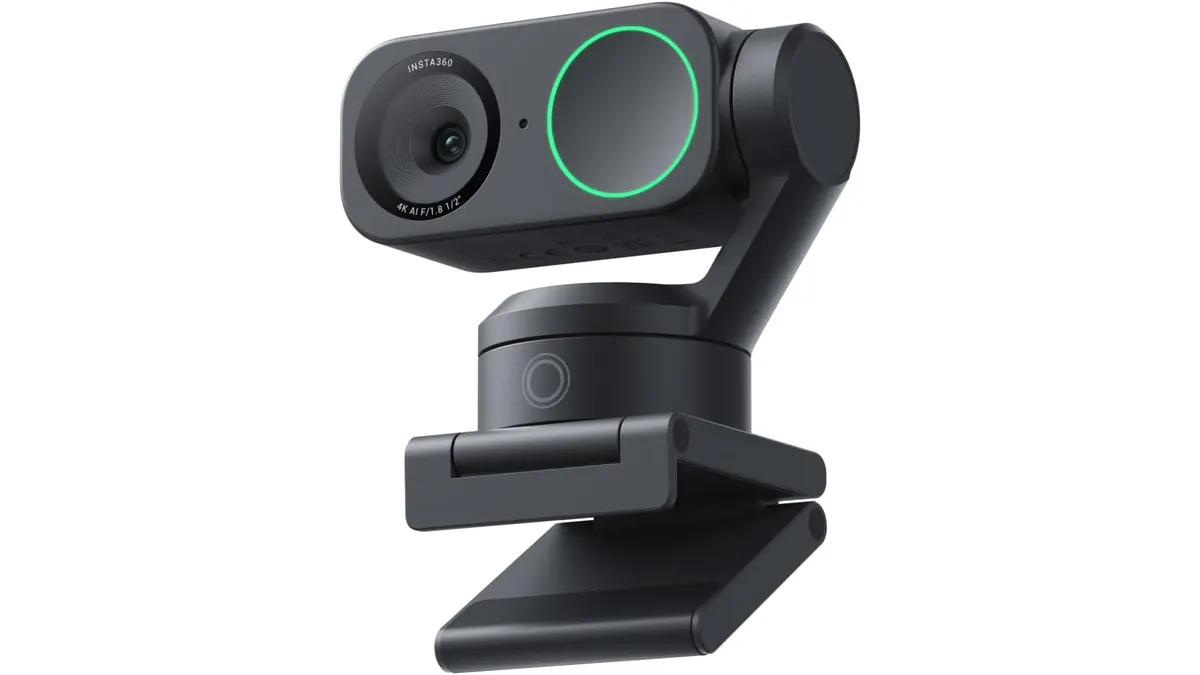
Insta360 Link 2 Review: The Best 4K PTZ Webcam
Read our Insta360 Link 2 review to learn why this 4K PTZ model is the best webcam for home office setups requiring AI tracking and noise cancellation.
 Peripherals
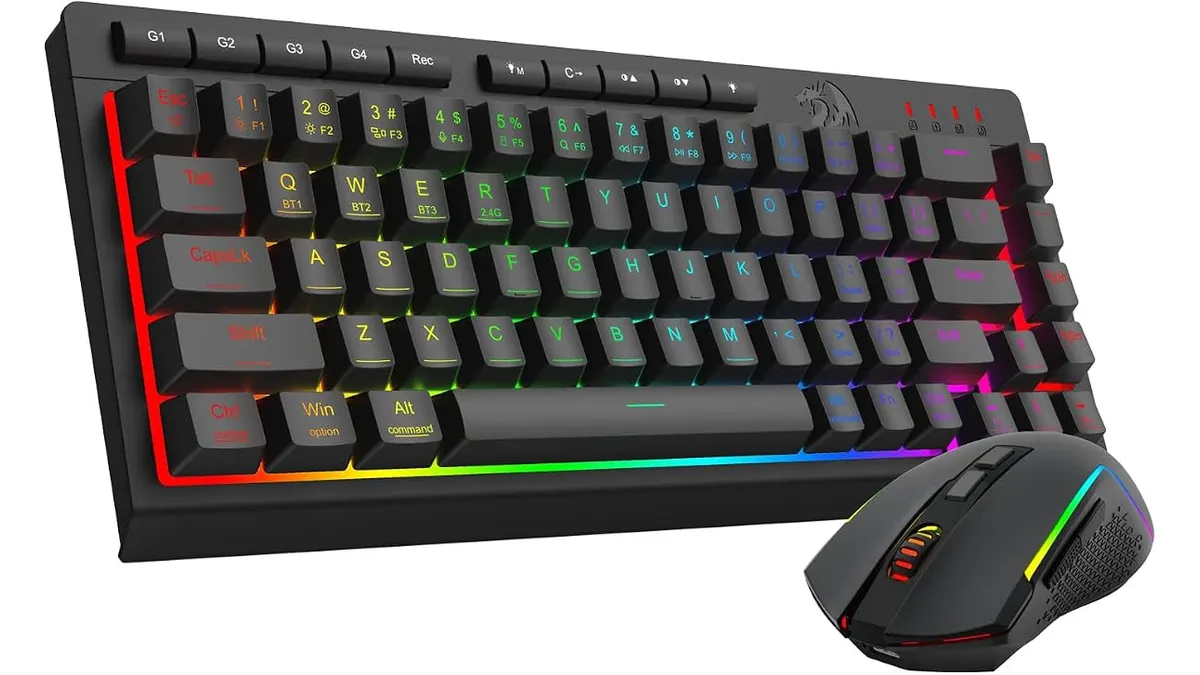
Redragon S157-PRO Keyboard and Mouse Combo Review
Looking for the best home office peripherals? Our Redragon Combo Teclado 60% y Mouse S157-PRO review covers battery life, tri-mode connection, and layout.
 Audio & Webcams
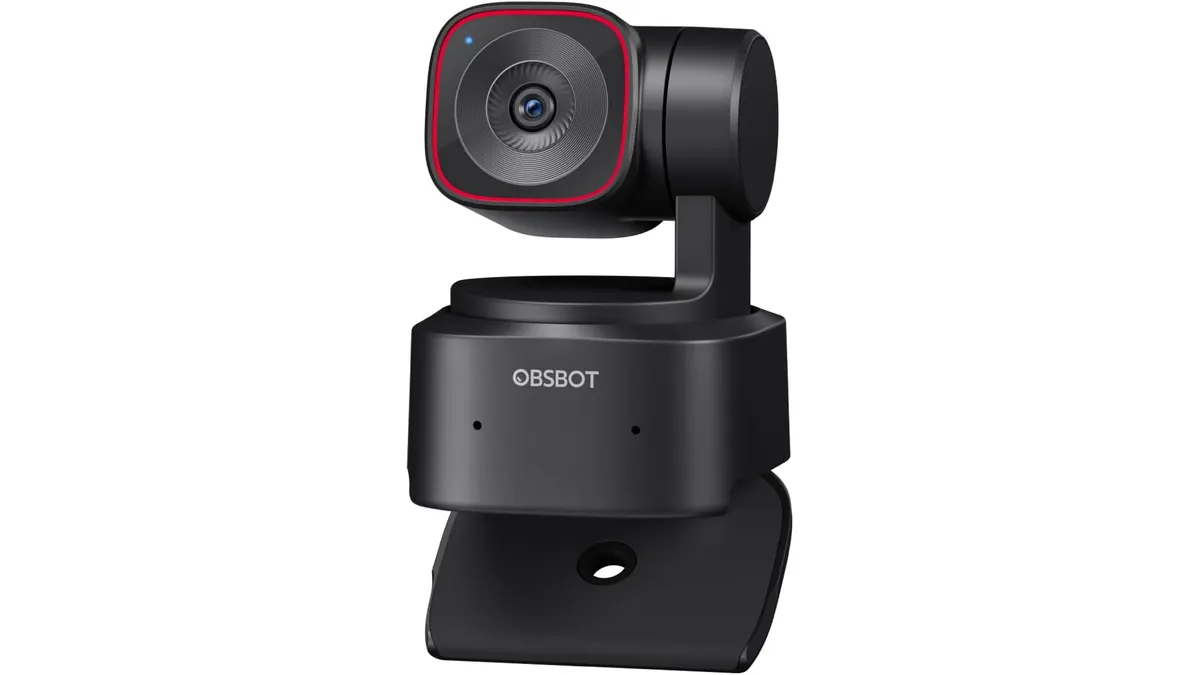
OBSBOT Tiny 2 Lite Review: Smart AI Tracking
Looking for the best webcam for home office use? Our OBSBOT Tiny 2 Lite review breaks down why this AI-powered 4K camera is a smart choice for remote pros.