Acer USB-C Hub 5-in-1 Review: A Compact Essential
Is the Acer USB-C Hub 5-in-1 the best usb-c hub for home office setups? We test its 4K 60Hz performance, build quality, and power delivery to find out.
Buying guide: best mounts & hubs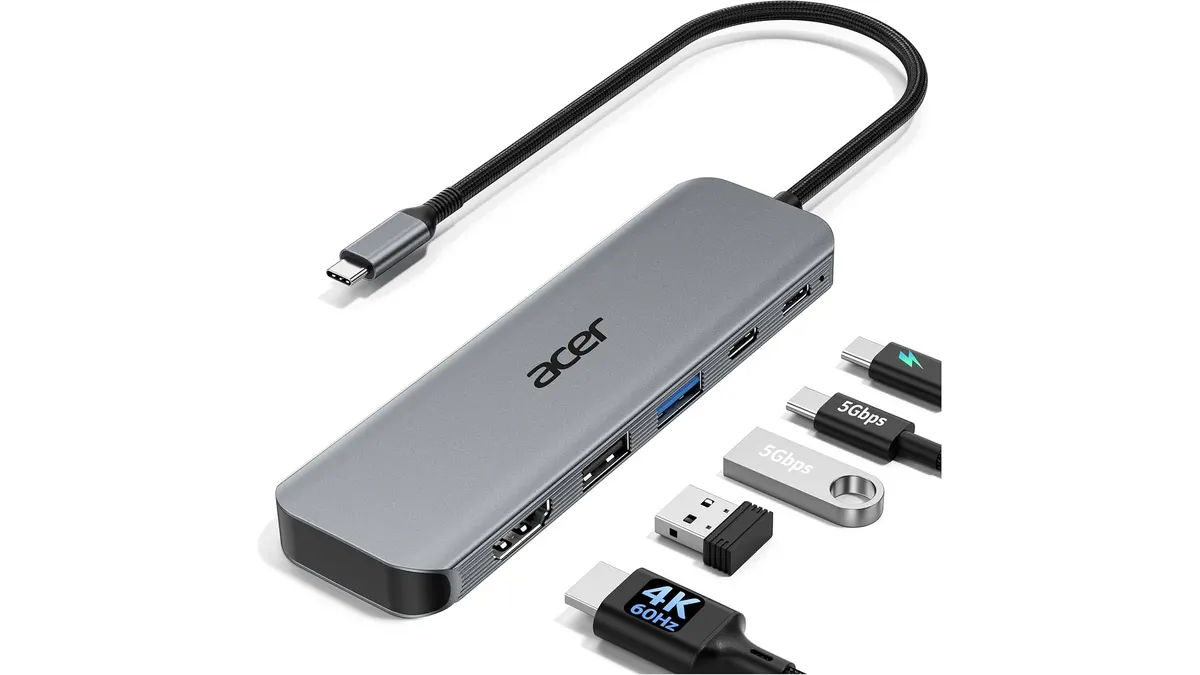 Mounts & Hubs
Your laptop port situation usually goes from bad to worse the moment you sit down to work. The Acer USB-C Hub 5-in-1 attempts to solve this clutter by consolidating your essential connections into one aluminum-housed device. Whether you are a student or a remote professional needing a reliable monitor connection, this hub aims to be the best usb-c hub for home office users who value portability over an excess of ports. You can find more tools like this in our collection of Mounts & Hubs.
What it does well
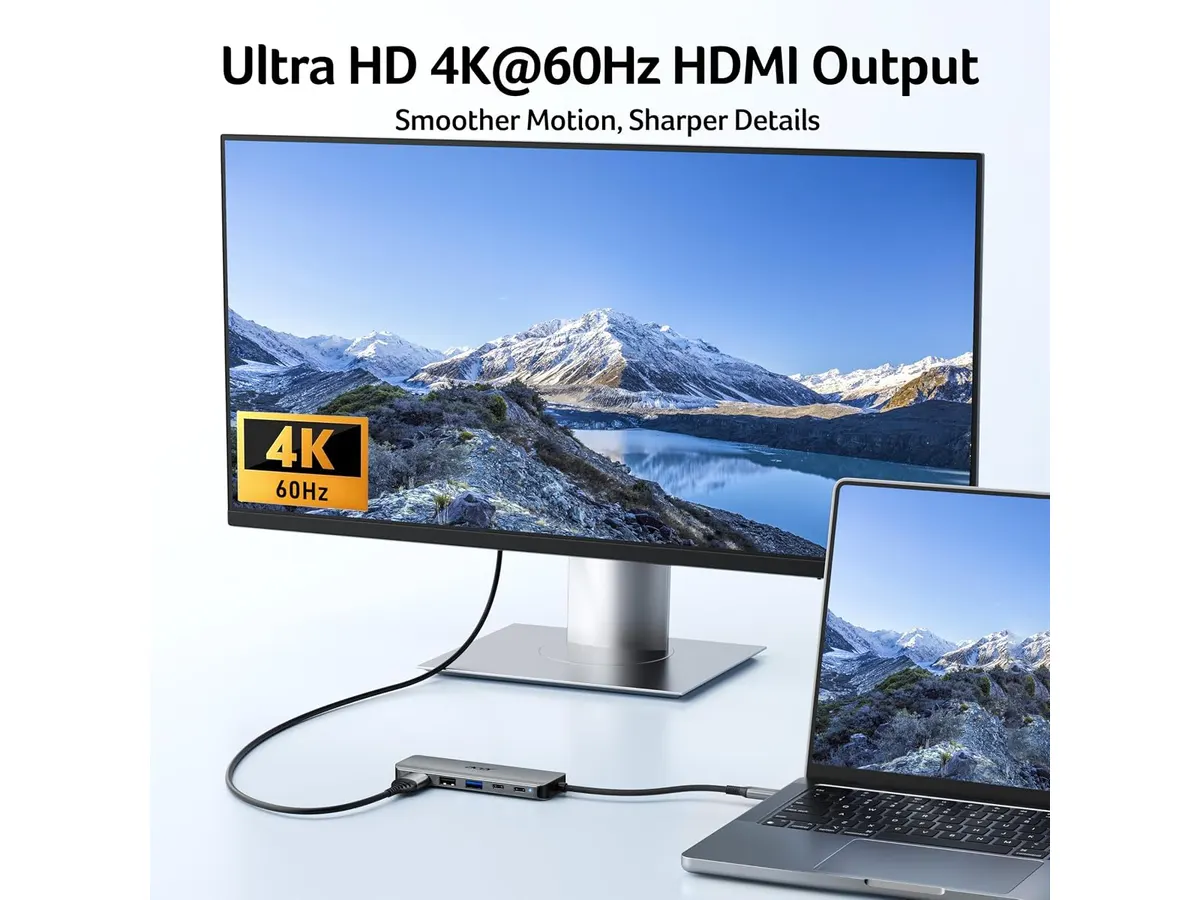
The primary draw here is the 4K output at 60Hz. Many entry-level hubs cap video output at 30Hz, which makes cursor movement look stuttery and ruins the experience on higher-end monitors. Having a smooth 60Hz refresh rate ensures that your visual tasks feel fluid and responsive.
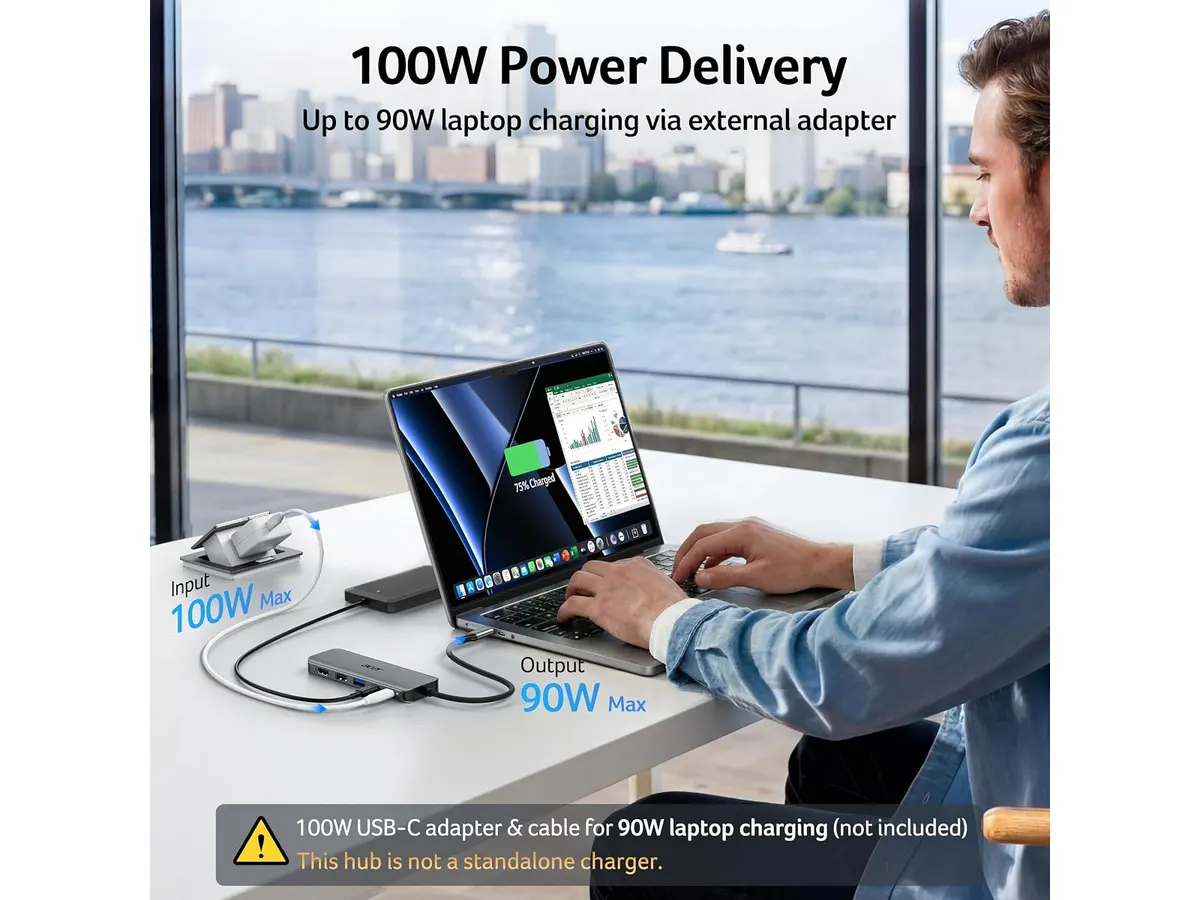
The inclusion of 100W Power Delivery is another standout feature. This allows you to keep your laptop charged at full speed while running your peripheral devices, provided you have a compatible wall charger. Because the chassis is made of aluminum, the hub stays cooler than plastic counterparts during extended use. This metal shell serves a practical purpose in managing the heat generated during high-speed data transfers or video streaming.
Key specifications
| Feature | Specification |
|---|---|
| Ports | HDMI, USB-C 3.0, USB-A 3.0, USB-A 2.0, PD 100W |
| HDMI Resolution | 4K at 60Hz |
| Power Delivery | Up to 100W input |
| Data Speed | Up to 5Gbps |
| Material | Aluminum |
| Compatibility | Windows, macOS, ChromeOS |
Where it falls short
The most glaring limitation is the port count. While five ports cover the basics, they leave little room for growth. If you use a wired keyboard, a mouse, and an external drive, you have already used up all your slots. There is no Ethernet port, which is a major oversight for home office workers who prefer a hardwired internet connection for stability during video calls.
Furthermore, the speed of the USB-A 2.0 port is dated. While it is fine for a mouse or a low-power peripheral, you should avoid plugging external SSDs into that specific port, as you will notice significant performance bottlenecks. You are effectively limited to one high-speed data port.
Who is it for?
This hub is designed for the minimalist remote worker. If you work from a coffee shop or move between different meeting rooms, the lightweight design and durable aluminum build make it an ideal companion to toss in a bag. It fits perfectly for someone who uses a single external monitor and a few basic accessories.
It is not for the power user or the creative professional. If you regularly edit 4K video from external drives or require a multi-monitor setup, this 5-in-1 configuration will frustrate you quickly. You should look at more comprehensive solutions like the CalDigit TS4 Review: The Ultimate Desktop Hub if you need a true workstation dock.
Alternatives to consider
If you need more connectivity, consider a mid-range hub that offers additional ports like an SD card reader or an Ethernet port. A more feature-heavy option is the Anker USB-C Hub 8-in-1 Review: Versatile Connectivity Solution, which bridges the gap for users who need a more permanent desktop footprint.
For those on a tighter budget who only need to connect a mouse and a single monitor, entry-level dongles are available that strip away the aluminum housing and high-wattage charging support. These are strictly for light, occasional use rather than a daily-driver home office setup.
Verdict
The Acer USB-C Hub 5-in-1 is a focused, reliable tool for those who keep their digital workspace clean. It avoids the bloat of unnecessary ports while delivering the critical 60Hz video performance that many cheaper hubs lack. If your goal is to simplify your cable management in our Mounts & Hubs category, this is a solid, no-nonsense choice.
Frequently asked questions
Does this hub support laptop charging?
Yes, it supports up to 100W of Power Delivery pass-through, meaning you can connect your laptop’s wall charger to the hub to power your machine.
Will this work with my MacBook?
Yes, the hub is fully compatible with macOS, Windows, and ChromeOS devices that feature a USB-C port.
Can I use this to connect two monitors?
No, this hub only provides one HDMI port. If you need a multi-monitor setup, you will need a docking station with multiple display outputs.

Editor
Charly River · SetUpLatam
Charly River curates, reviews and edits SetUpLatam’s home office guides. He checks every product sheet against the manufacturer’s official specifications and cuts what does not help, so you buy right the first time.
You may also like
 Mounts & Hubs
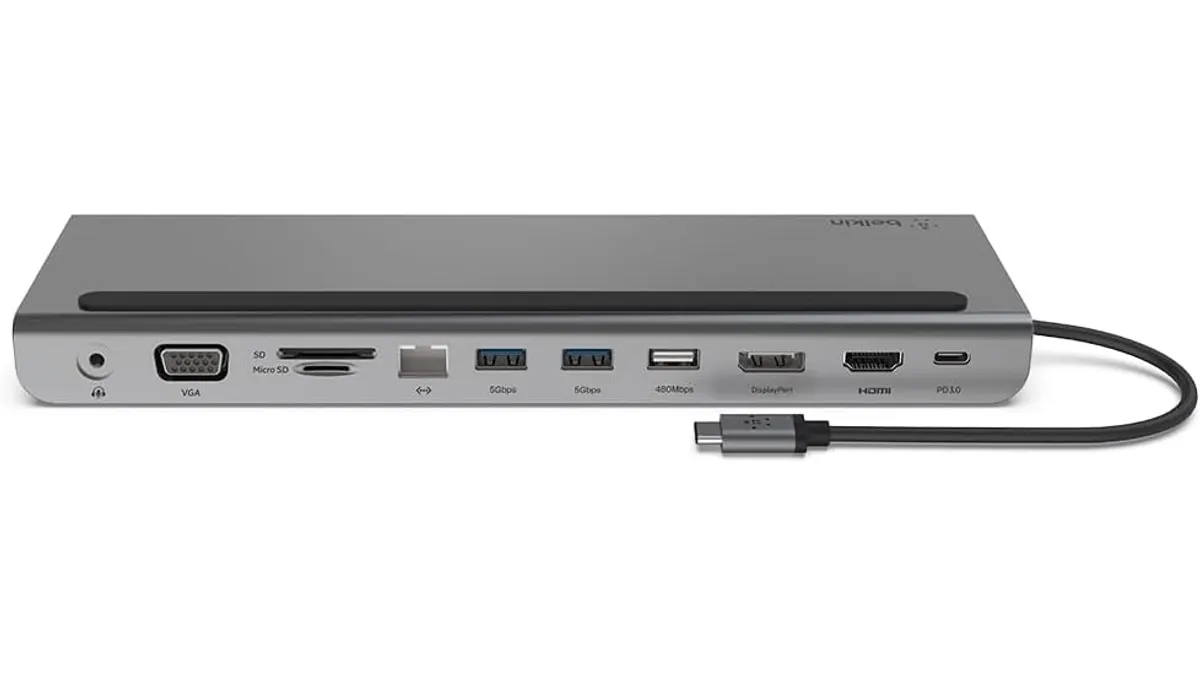
Belkin 11-in-1 USB-C Hub Review: Desktop Utility
Is the Belkin 11-in-1 USB-C Hub the best usb-c hub for home office setups? We test its pass-through charging, port variety, and design to help you decide.
 Mounts & Hubs
Belkin 100W USB C Hub Review: Compact Power
Looking for the best usb-c hub for home office setups? Our Belkin 100W USB C Hub review covers 4K 60Hz HDMI video, 100W PD, and transfer speeds.
 Mounts & Hubs
Microsoft Surface Thunderbolt 4 Dock Review
Our Microsoft Surface Thunderbolt 4 Dock review breaks down performance, dual 4K support, and why it is the best usb-c hub for home office workstations.